

Fastly CDN
Configure Fastly CDN to route crawler traffic through Edge Gateway for server-side rendering of JavaScript-heavy pages.
Prerequisites
- Running Edge Gateway instance (see Quick start)
- Configured host with
render_keyanddomain - Fastly account with an active service
- Access to VCL snippets (or custom VCL upload)
How it works
Fastly sits at the edge and intercepts incoming requests. When a crawler requests a page, Fastly routes the request to Edge Gateway for pre-rendered HTML. Regular users go directly to your origin server, preserving cookies, sessions, and authentication.
Edge Gateway endpoint: GET /render?url=<target-url>
Required header: X-Render-Key (from your host configuration)
VCL configuration
Add the following VCL snippets to your Fastly service. Each snippet targets a specific VCL subroutine.
Backend definition (init)
Define Edge Gateway as a backend. Fastly connects to it over HTTPS when a crawler is detected.
backend edge_comet {
    .host = "render.example.com";
    .port = "443";
    .ssl = true;
    .ssl_sni_hostname = "render.example.com";
    .ssl_cert_hostname = "render.example.com";
    .connect_timeout = 10s;
    .first_byte_timeout = 60s;
    .between_bytes_timeout = 15s;
    .probe = {
        .request = "GET /health HTTP/1.1" "Host: render.example.com" "Connection: close";
        .interval = 30s;
        .timeout = 5s;
        .window = 5;
        .threshold = 3;
        .initial = 3;
    }
}
The .probe block configures health checks against Edge Gateway's /health endpoint. Fastly marks the backend as unhealthy if fewer than 3 of the last 5 checks succeed, automatically routing requests to origin.
Set .first_byte_timeout higher than your Edge Gateway render.timeout configuration to allow renders to complete.
Request routing (recv)
Detect crawlers, skip static assets, prevent loops, and route matching requests to Edge Gateway.
# Loop prevention: if request is from EdgeComet (render or bypass fetch), pass to origin
if (req.http.X-Edge-Render) {
    return(pass);
}

# Skip static assets
if (req.url.ext ~ "(?i)^(avif|css|eot|gif|gz|ico|jpeg|jpg|js|json|map|mp3|mp4|ogg|otf|pdf|png|svg|ttf|txt|wasm|wav|webm|webp|woff|woff2|xml|zip)$") {
    return(pass);
}

# Crawler detection (broad approach)
declare local var.is_crawler BOOL;
set var.is_crawler = false;

# Generic crawler keywords
if (req.http.User-Agent ~ "(?i)(bot|crawl|spider|slurp)") {
    set var.is_crawler = true;
}

# Crawlers without generic keywords in name
if (req.http.User-Agent ~ "(?i)(WhatsApp|Snapchat|facebookexternalhit|AMZN-User|Claude-User|Perplexity-User|ChatGPT-User)") {
    set var.is_crawler = true;
}

if (var.is_crawler) {
    # Set Edge Gateway backend
    set req.backend = edge_comet;

    # Build the render URL
    set req.http.X-Render-Key = "your_render_key_here";
    set req.http.X-Forwarded-Proto = if(req.is_ssl, "https", "http");
    set req.http.X-Forwarded-For = client.ip;

    # Rewrite URL to Edge Gateway render endpoint
    set req.url = "/render?url=" + urlencode(if(req.is_ssl, "https", "http") + "://" + req.http.Host + req.url);

    return(pass);
}
For alternative crawler detection approaches, see the Fastly reference.
Error handling (error)
Fail open: if Edge Gateway returns a server error, restart the request to serve from origin instead.
if (req.restarts == 1 && beresp.status >= 500 && req.backend == edge_comet) {
    restart;
}
When a restart occurs, the request enters vcl_recv again. On the second pass, req.restarts equals 1, so the request proceeds to origin without re-entering the Edge Gateway routing logic. Add the restart guard to the recv snippet:
# On restart after EG failure, go to origin
if (req.restarts > 0) {
    return(pass);
}
Replace:
render.example.comwith your Edge Gateway hostnameyour_render_key_herewith your host'srender_key
Installation
Option A: Fastly UI (VCL snippets)
Log in to the Fastly management console and select your service
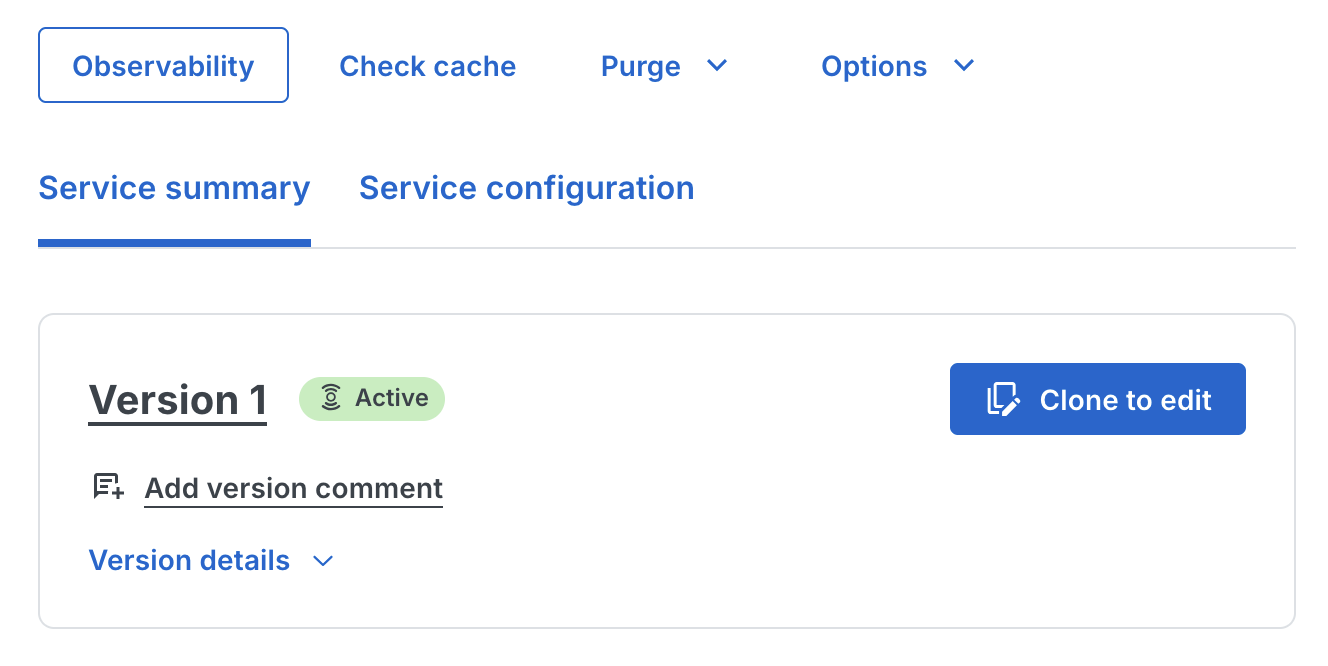
Click Clone to edit to create a new draft version
- Navigate to VCL > Snippets in the left sidebar
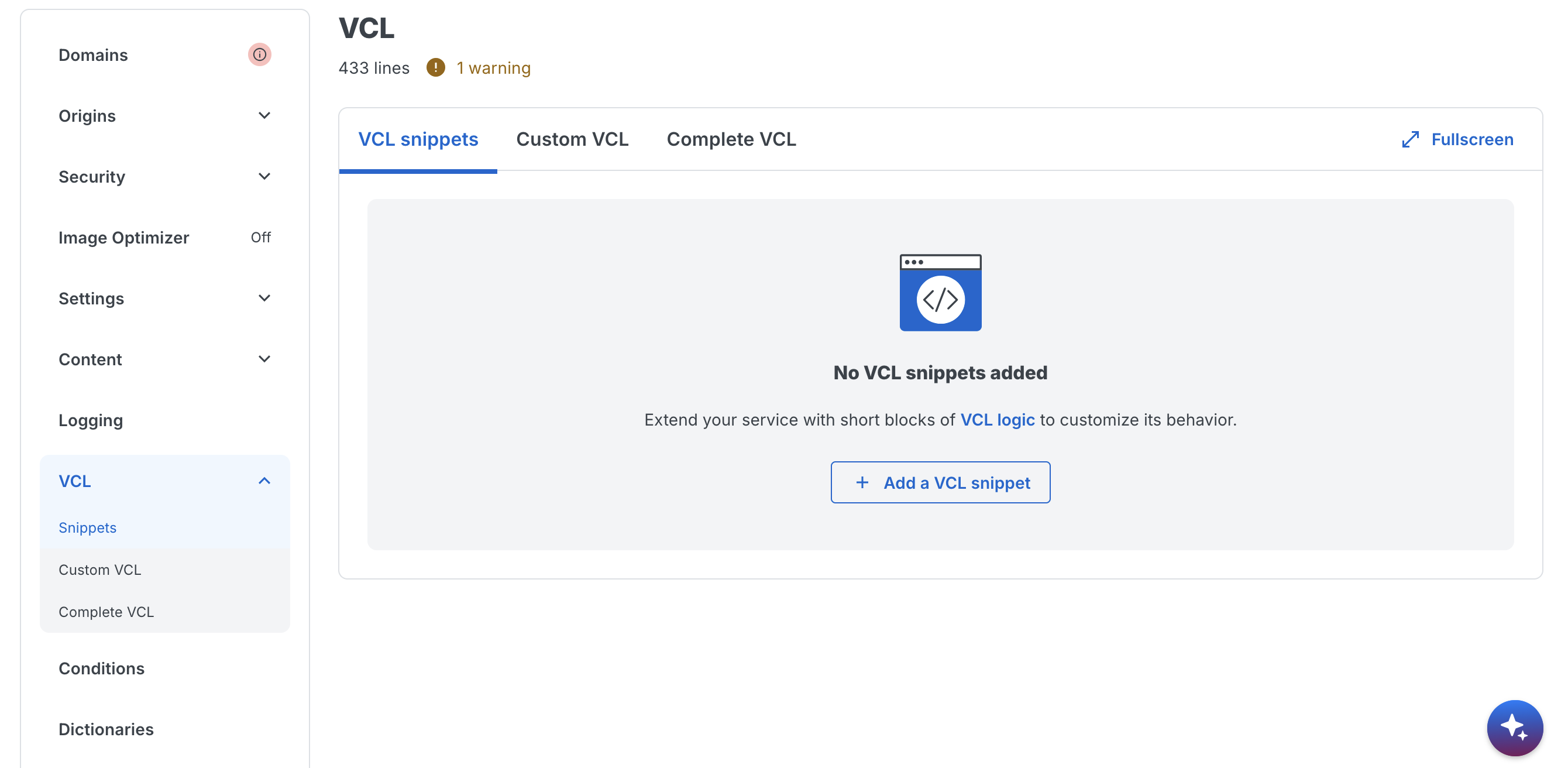
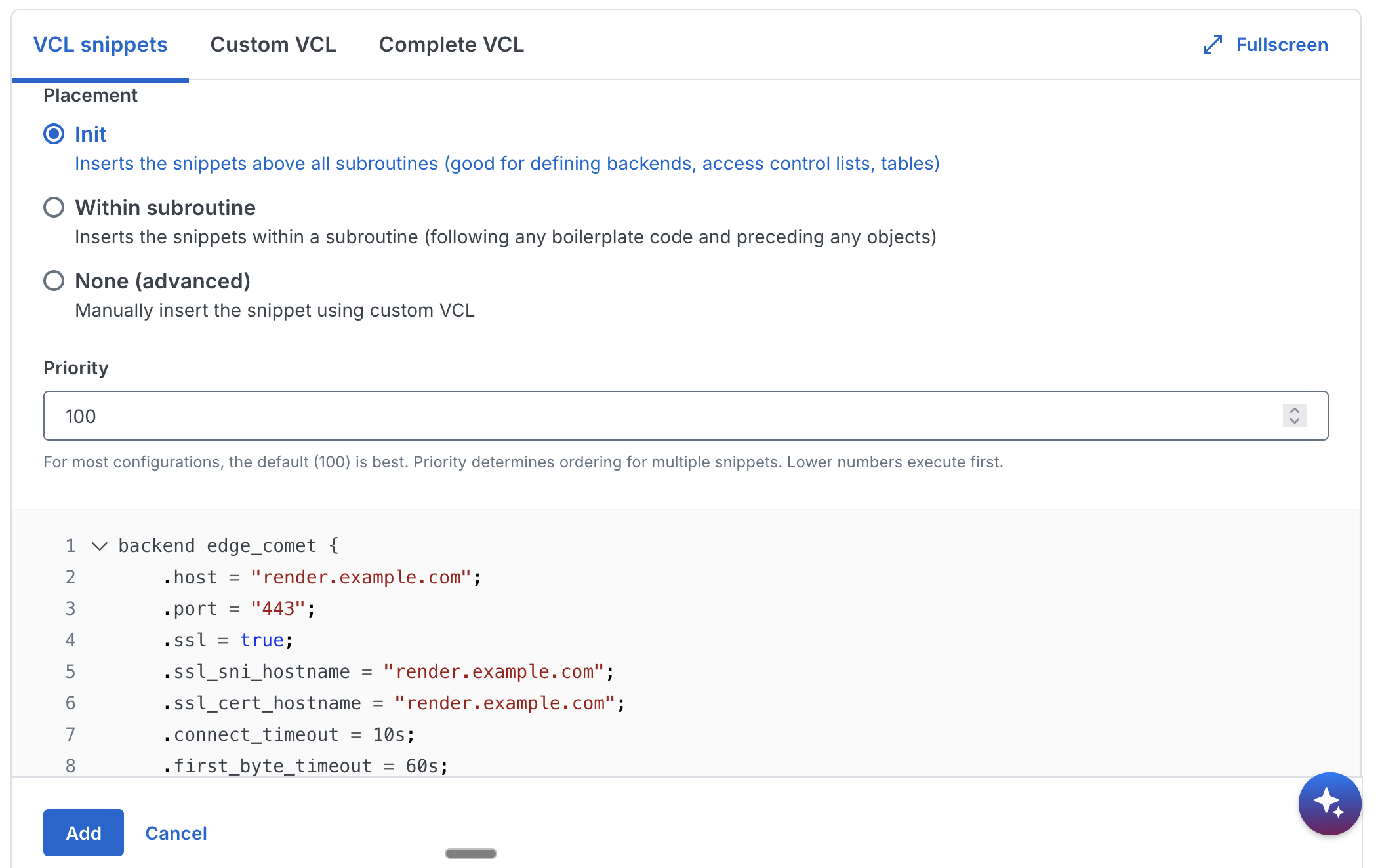
- Click Create snippet and add the backend definition:
- Name:
eg_backend_init - Type:
init - VCL: Paste the backend definition snippet
- Name:
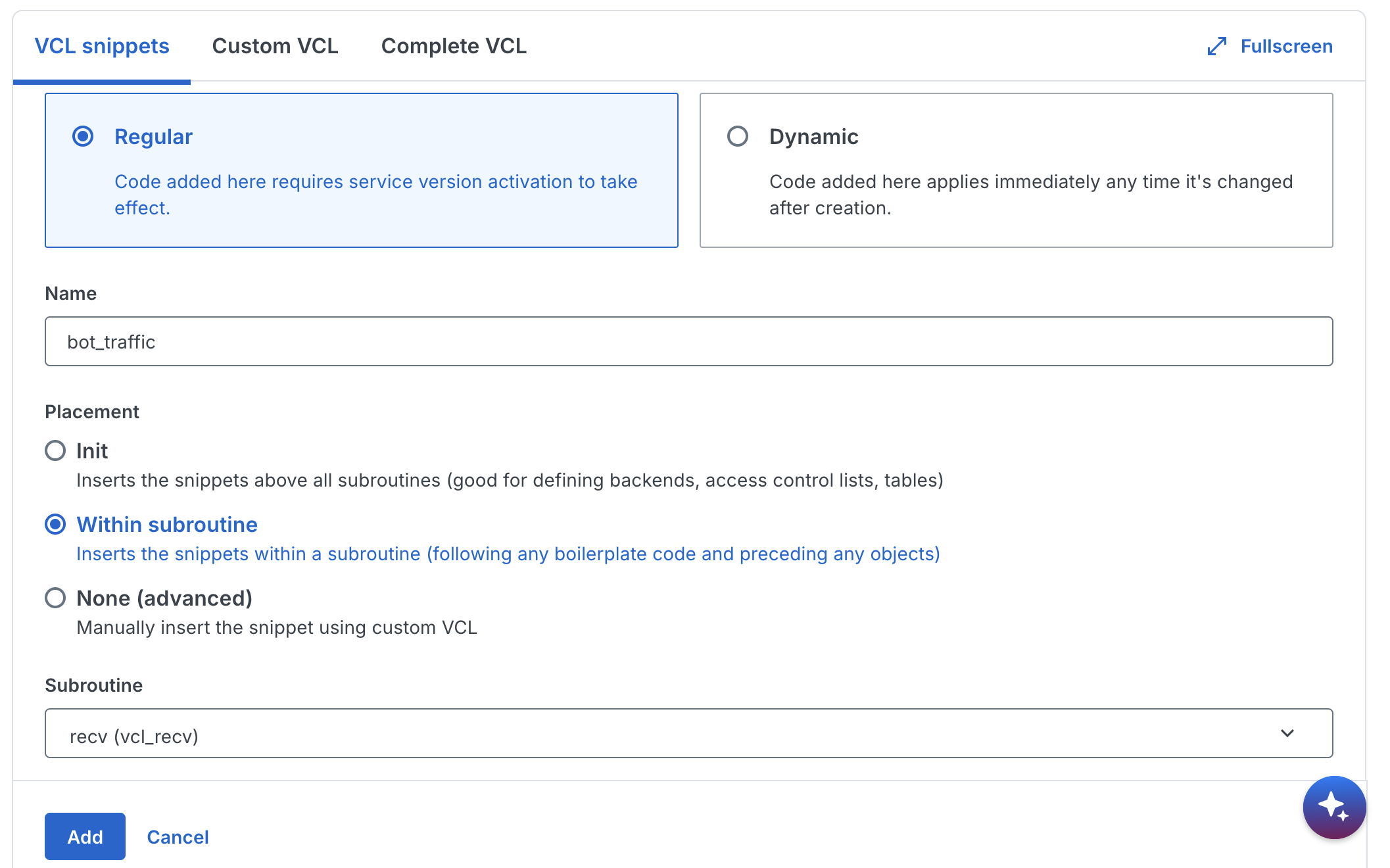
- Create a second snippet for request routing:
- Name:
eg_router_recv - Type:
within subroutine>recv - VCL: Paste the request routing snippet (including the restart guard at the top)
- Name:
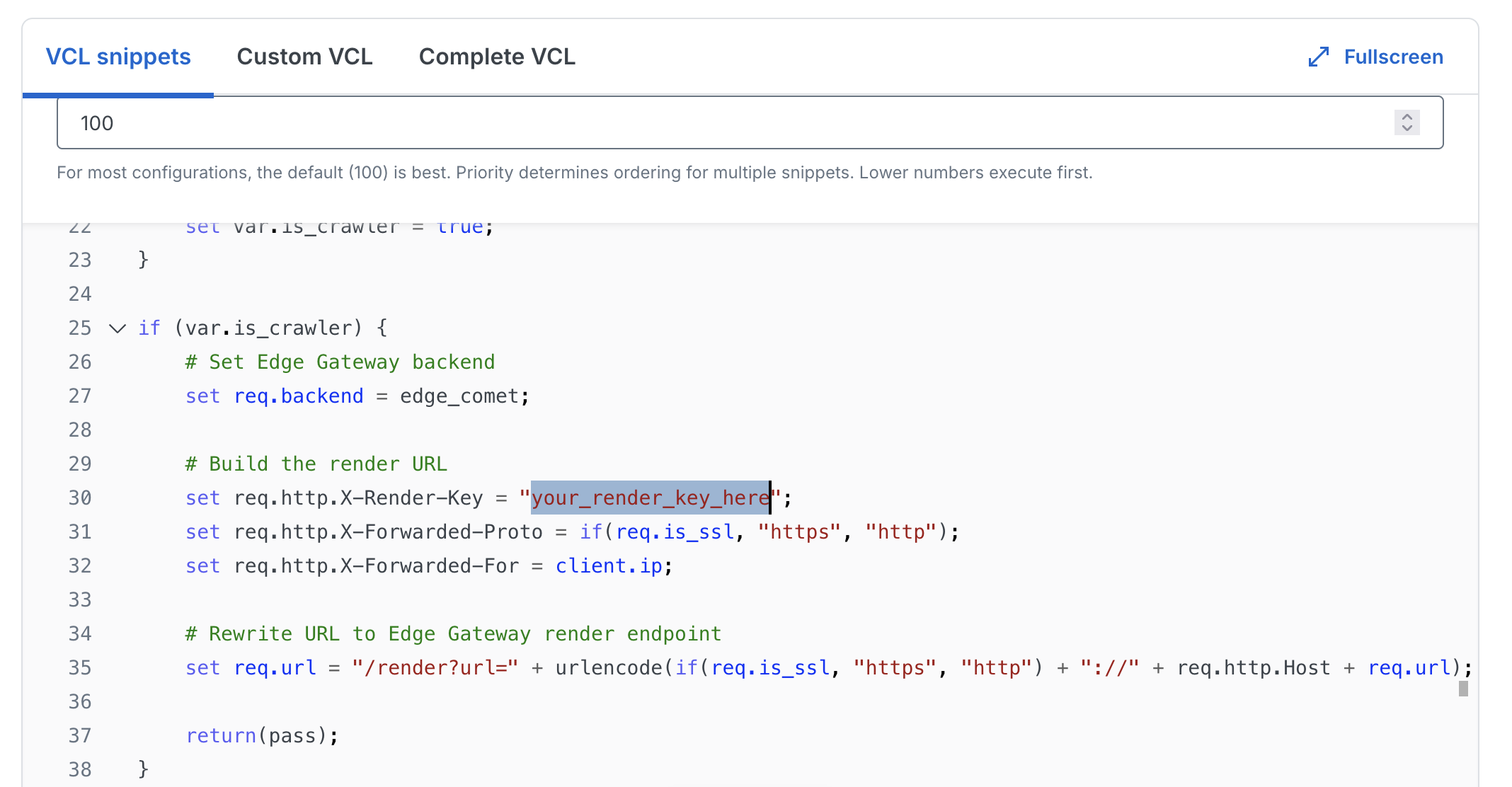
Create a third snippet for error handling:
- Name:
eg_failopen_error - Type:
within subroutine>error - VCL: Paste the error handling snippet
- Name:
Click Activate to deploy the new version
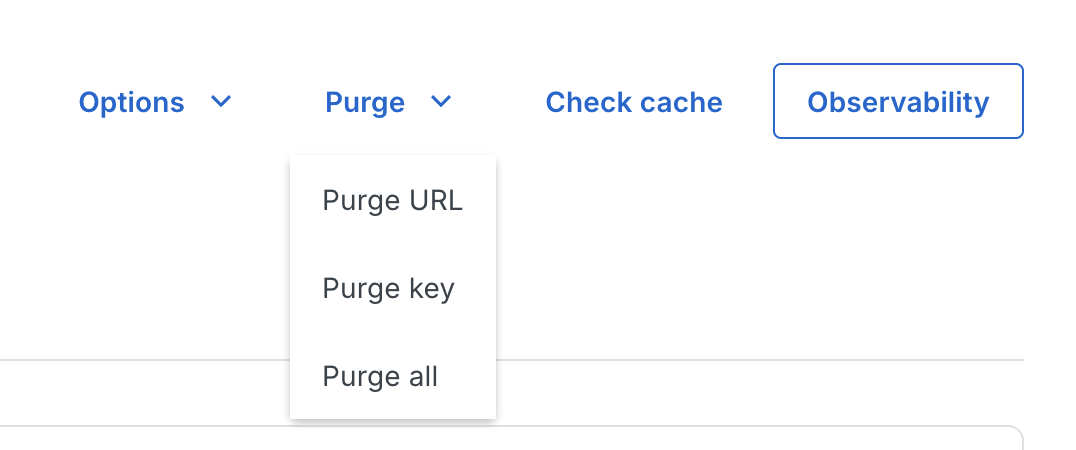
- After activation, purge Fastly's cache to ensure the new VCL takes effect for all requests. Click Purge > Purge all
Option B: Custom VCL
If you manage a complete custom VCL file, place each block in its corresponding subroutine:
- Backend definition at the top level (outside any subroutine)
- Request routing logic inside
sub vcl_recv { ... } - Error handling inside
sub vcl_backend_error { ... }
Upload the updated VCL through VCL Snippets > Upload custom VCL or use the Fastly CLI.
Verifying the setup
Test with jsbug
Use jsbug.org to verify that crawlers receive rendered content:
- Enter your page URL
- Click the settings icon and select Googlebot as the User-Agent
- Click Analyze
The JS Rendered panel shows what Edge Gateway returns to crawlers. Compare it with the Non JS panel to confirm JavaScript content is being rendered.
Test with curl
Send a request with a crawler User-Agent:
curl -v \
  -H "User-Agent: Mozilla/5.0 (compatible; Googlebot/2.1; +http://www.google.com/bot.html)" \
  "https://example.com/"
Check response headers:
EC-Source: renderorEC-Source: render_cacheconfirms Edge Gateway processed the request
Test regular user traffic goes directly to origin:
curl -v \
  -H "User-Agent: Mozilla/5.0 (Macintosh; Intel Mac OS X 10_15_7) AppleWebKit/537.36" \
  "https://example.com/"
The request should have no EC-* headers in response.
Troubleshooting
403 Forbidden from Edge Gateway
- Verify
X-Render-Keymatches your host configuration - Check the domain in the URL matches your configured
domain - Confirm the host is
enabled: true
Timeout errors
- Increase
.first_byte_timeoutin the backend definition to exceed your Edge Gateway render timeout - Check Edge Gateway logs for render failures
- Verify Render Service is running and registered
Crawlers not being detected
- Use Fastly's real-time logging or
Fastly-Debugheader to inspectvar.is_crawlerevaluation - Add missing patterns to the crawler detection block
- Verify User-Agent header is being passed correctly
Infinite loops
- Verify the
X-Edge-Renderheader check is present at the top ofvcl_recv - Check that no other VCL logic strips this header before the check
- Confirm the restart guard (
req.restarts > 0) is in place
Cache not working
- Verify
EC-Sourceheader showsrender_cacheon repeat crawler requests - Check
EC-Cache-Ageheader for cache duration - Review Edge Gateway cache configuration and storage permissions
- Ensure Fastly's own caching does not interfere -- the
return(pass)in the recv snippet bypasses Fastly's cache for crawler requests
Related documentation
- Fastly reference - Detailed VCL explanations
- Diagnostic headers - Response header reference
- Dimensions - Crawler detection via User-Agent matching
- Caching - Cache configuration
- Bypass mode - Direct origin fetching