EdgeComet

JavaScript rendering for SEO and AI visibility

Render JavaScript sites the way search engines and AI crawlers actually see them – with dedicated infrastructure that runs separately from your application, delivers cached responses in 15ms, and never adds load to your origin servers.

Get 14-day free trial Contact sales No credit card required ✦ Cancel anytime
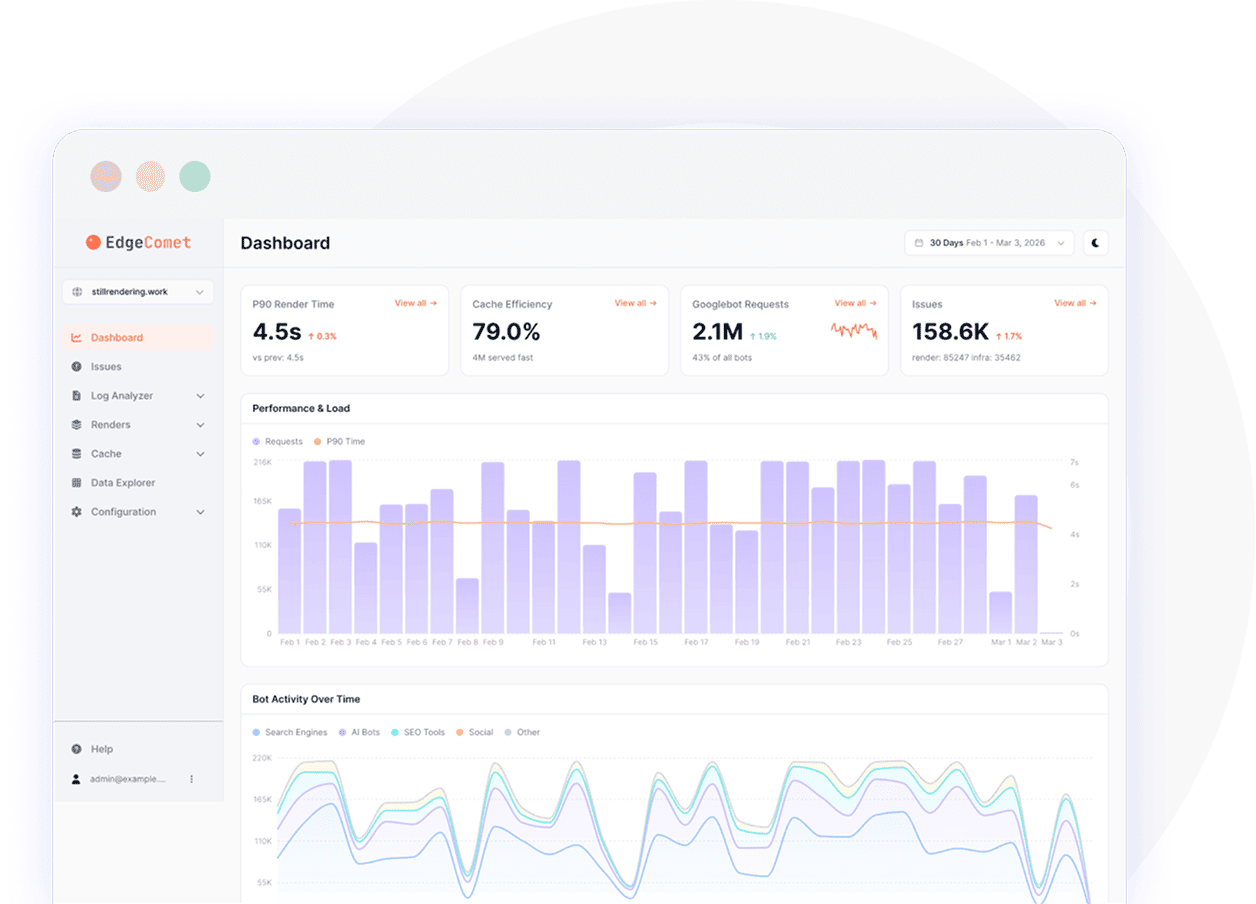
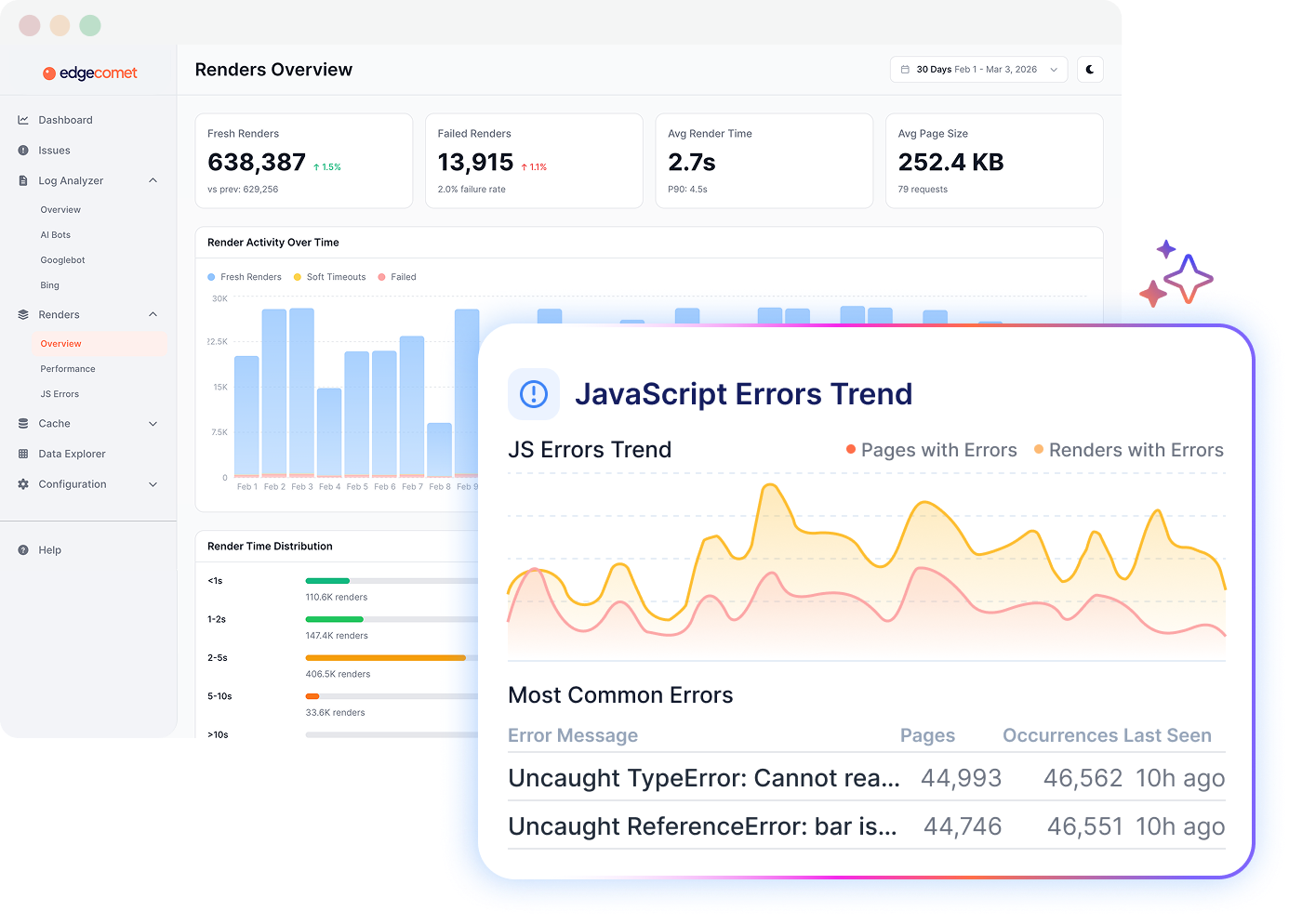
EdgeComet Renders Overview dashboard with a JavaScript Errors Trend panel

Why JavaScript rendering matters
for SEO and AI crawlers?

Without appropriate JavaScript rendering, AI bots and search engines miss critical pages
and you won’t understand that until rankings already decrease.

JavaScript content goes unindexed

Google renders JS after the initial crawl. Rendering errors, blocked resources, or slow-loading scripts can keep content from being processed correctly, so key pages miss the index.

Rendering issues are undetected

Common monitoring solutions check HTTP status codes, not what bots actually get. Rendering issues can stay undetected for days until organic traffic signals the decrease.

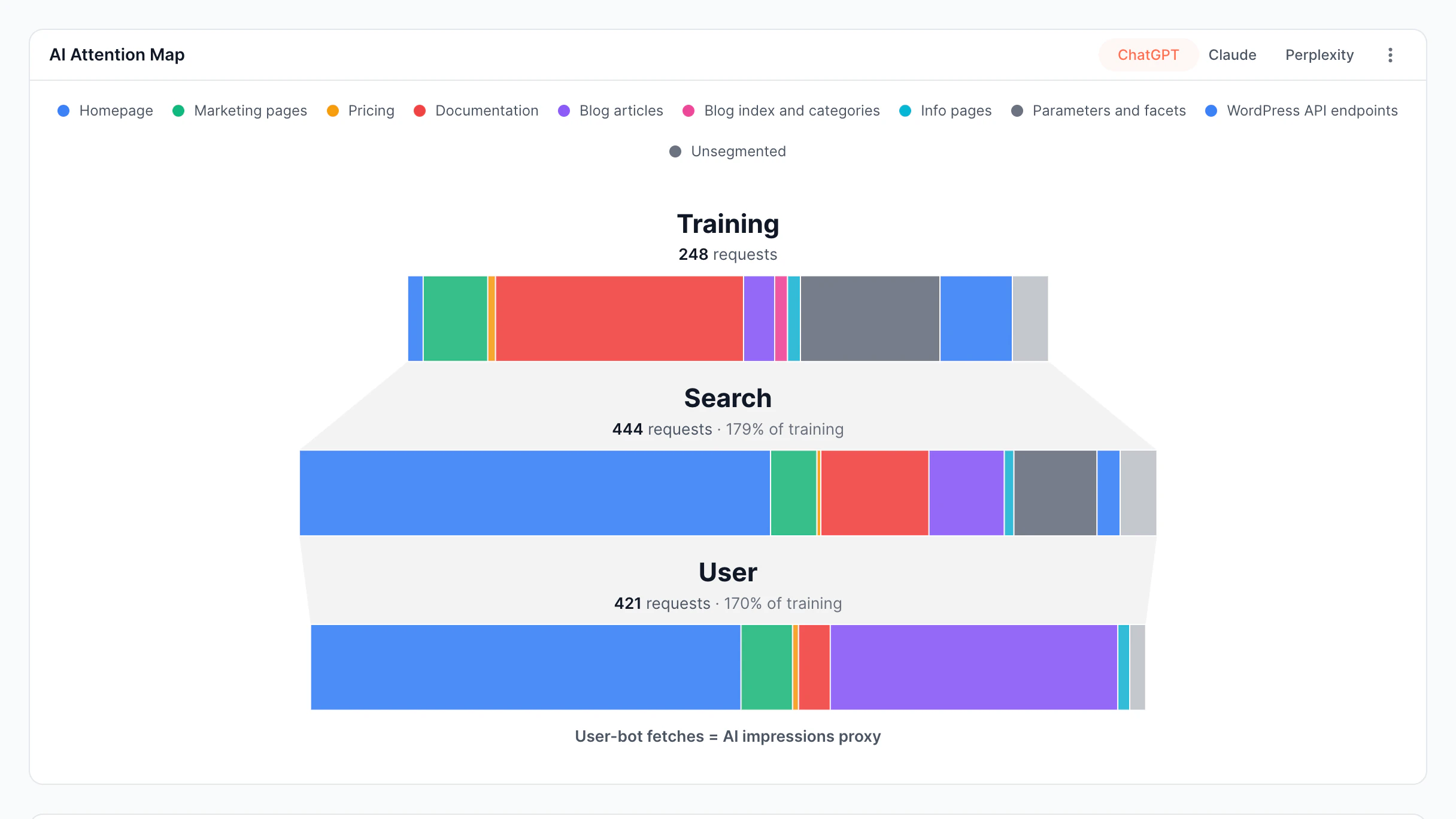
AI bots get incomplete content

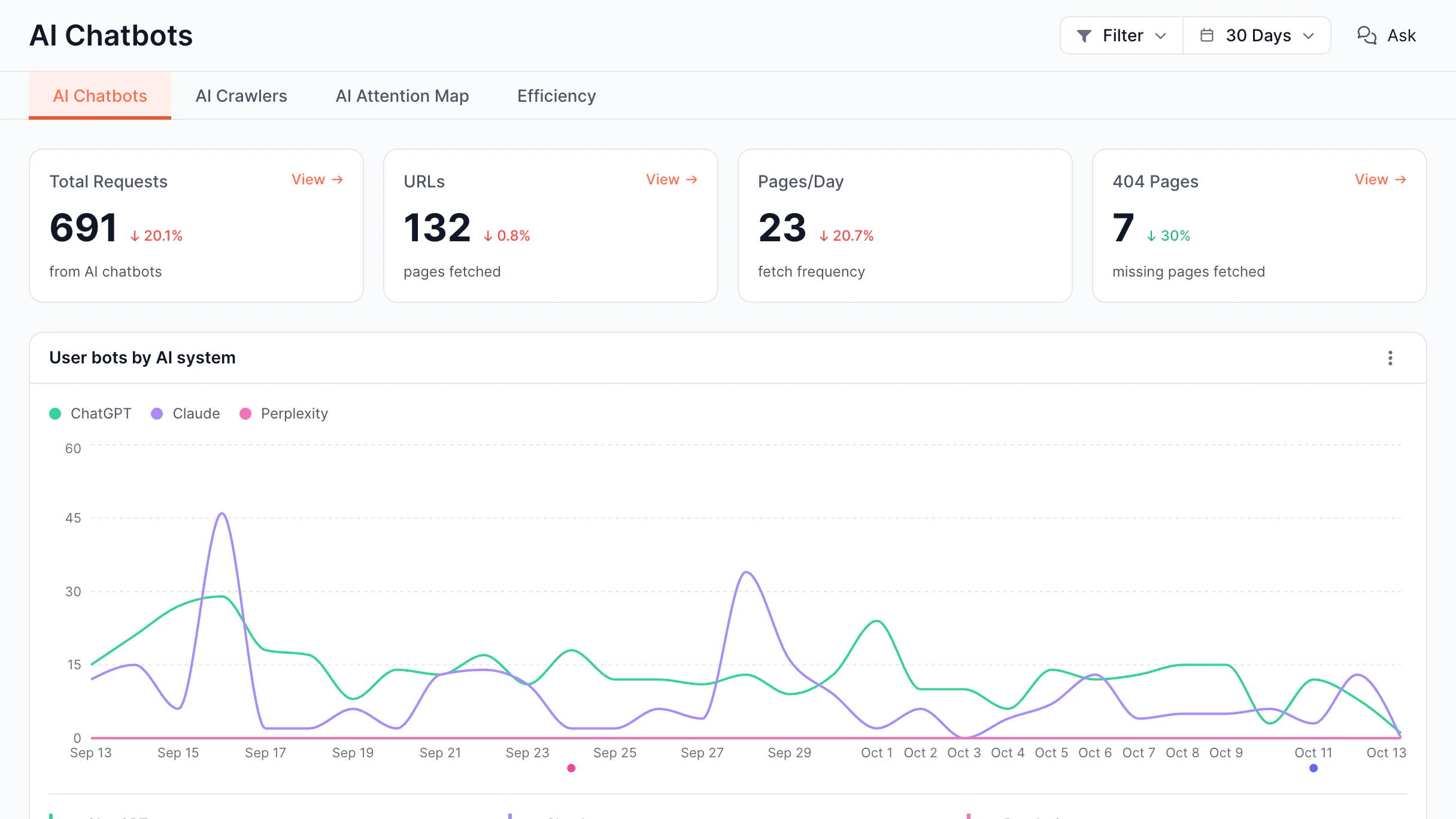
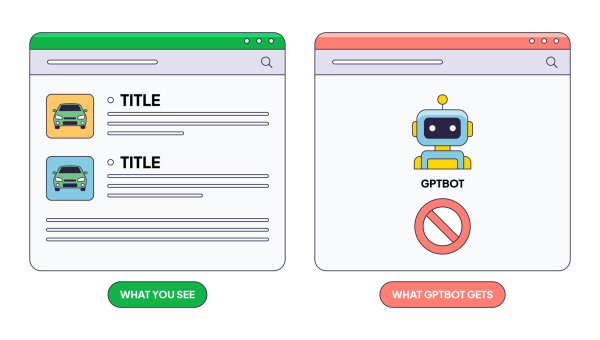
ClaudeBot, GPTBot, and PerplexityBot can't run JavaScript at all. Without dynamic rendering, AI indexes blank pages, making content invisible in AI-generated answers.

Servers absorb all crawl rendering load

In-house server-side rendering couples rendering with backend, so each bot request adds compute load to production. It slows response times for real users and reduces crawl frequency.

JavaScript rendering features
for search engines and AI crawlers

Every page gets its own rendering recipe: which signal to wait for, how long, whether to scroll, what
to block, which viewport. Renders that return incomplete are kept out of the cache.

Configure

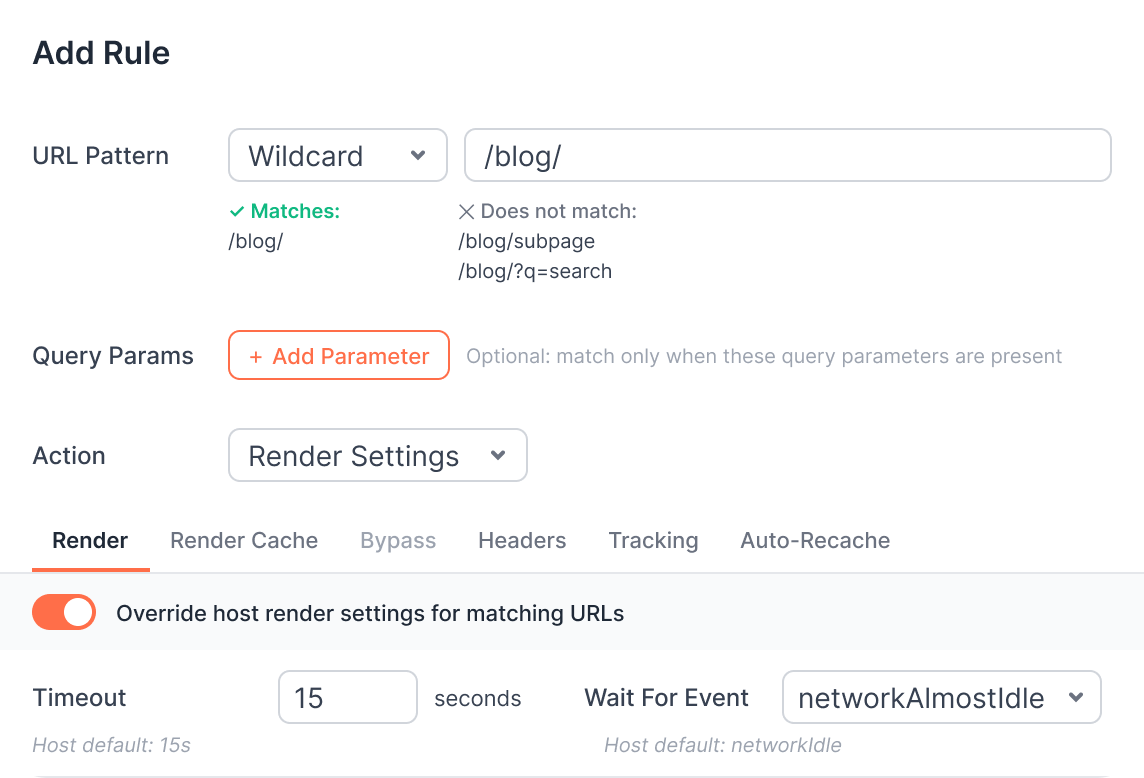
Rendering control per URL pattern

Define the wait strategy, the timeout, the scroll pass, and the blocked resources for each website's section without affecting other pages.

  • Select from 6 wait strategies From DOMContentLoaded to a readiness property your app sets itself
  • Scroll the page before capture Mount sections a renderer standing still never gets to see
  • Adjust any setting per URL rule Timeout, wait event, blocked patterns, and viewport, resolved per pattern
  • Render mobile and desktop separately Each bot family gets its own viewport, User-Agent, and cache key
Add Rule form for a URL pattern with render timeout and wait-for-event overrides
Verify

Incomplete render detection

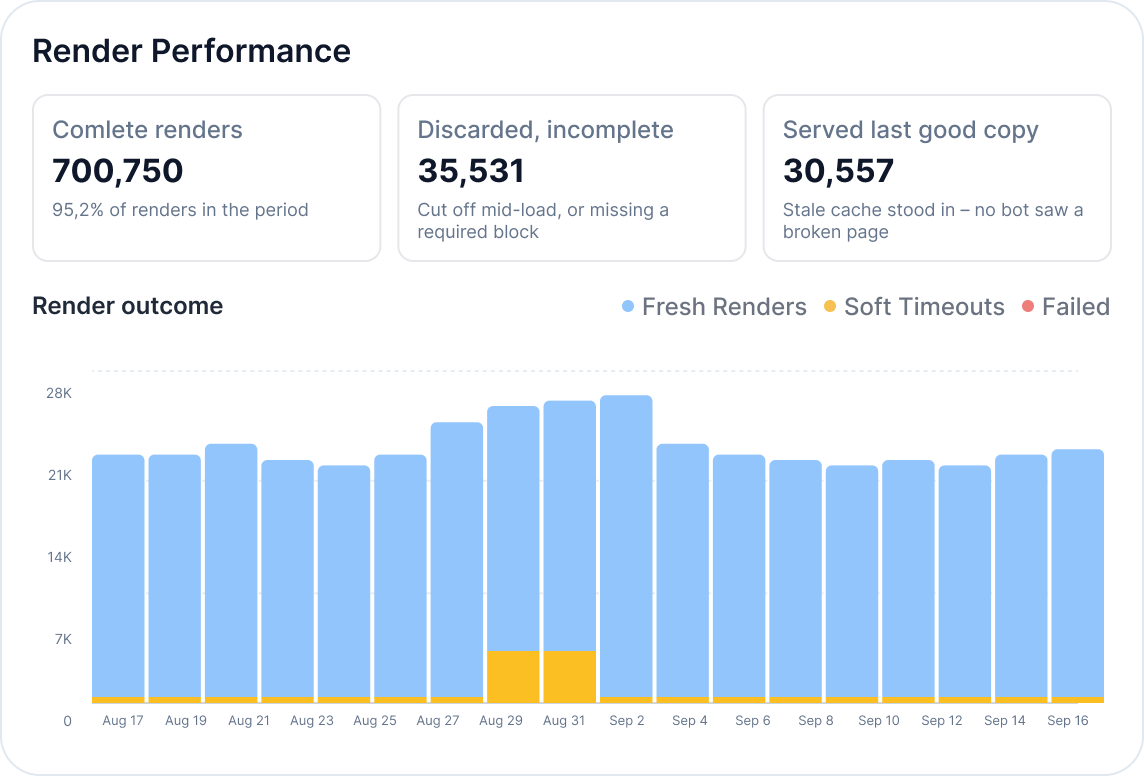
See how many renders finish clean or get captured mid-load, and trace stalled renders to the resource causing the delay.

  • Separate fresh renders, soft timeouts, and failures Every render lands in one of three buckets, per day and per bot
  • Discard renders that came back incomplete Define the sections a page must contain, and remove without it it's dropped
  • Serve the last good copy on failure Bots get stale cache or a direct fetch, never a broken page
  • Trace a stalled render to its cause Lifecycle timings and third-party request weight, recorded per render
Render Performance panel showing complete renders, discarded incomplete renders, and render outcome over time
Debug

JavaScript error tracking

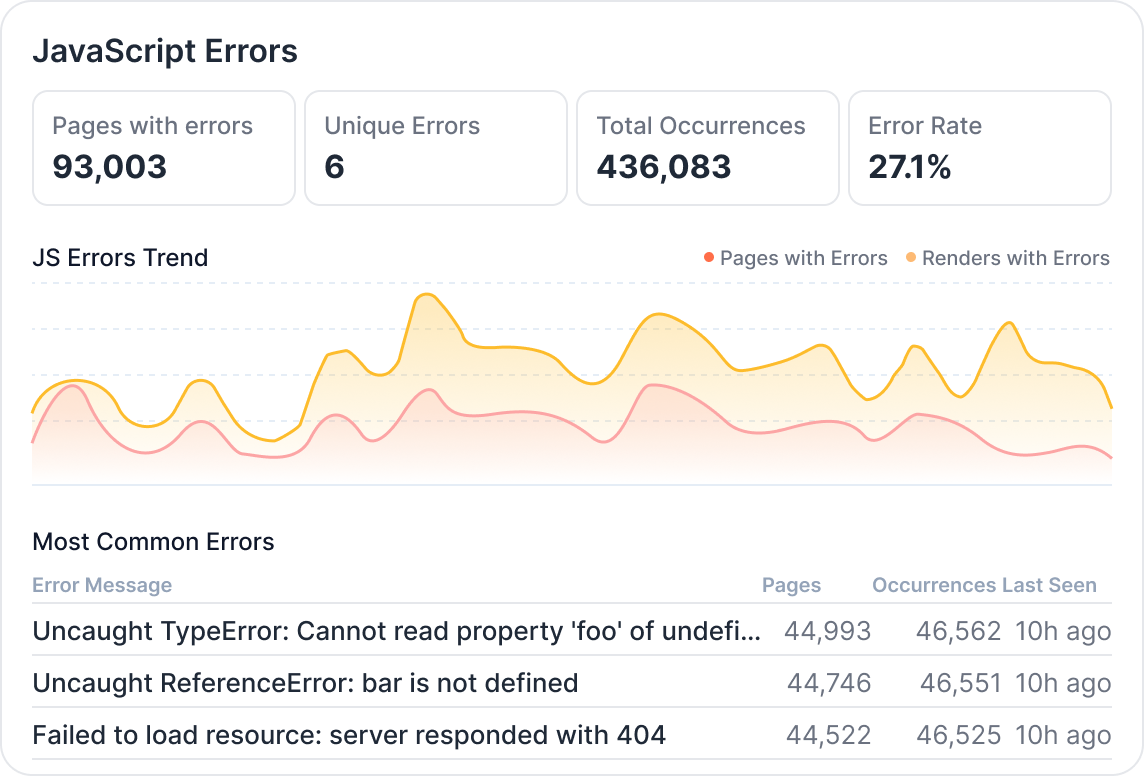
Find script errors that leave a page empty before capture, and compare what bots receive with what users see - without a manual audit.

  • Detect JS errors during bot rendering Broken scripts and failed resources, recorded on the render that hit them
  • Rank errors by the pages they impact Pages with errors, unique errors, and error rate across the website
  • Compare bot and user content Find a discrepancy before it gets indexed
  • Give a regression a start time Errors are timestamped per render, so a bad deployment has a visible edge
JavaScript Errors panel showing pages with errors, unique errors, total occurrences, error rate, and the most common error messages

Flexible render configuration

Six wait strategies

Four native Chrome lifecycle events - from DOMContentLoaded to networkidle. Two more wait on a readiness property your app exposes.

Per-pattern configuration

Timeout, wait strategy, scroll, and blocking - all resolve per URL rule. A slow catalog section can take 60 seconds while everything else remains at 15.

Required content checks

Tell which blocks a page must include. A render that returns without them is marked incomplete and never touches the cache.

Viewport and User-Agent per bot

Mobile and desktop crawlers get their own viewport, User-Agent, and cache key, so one never overwrites the other.

Explore other features
of our platform

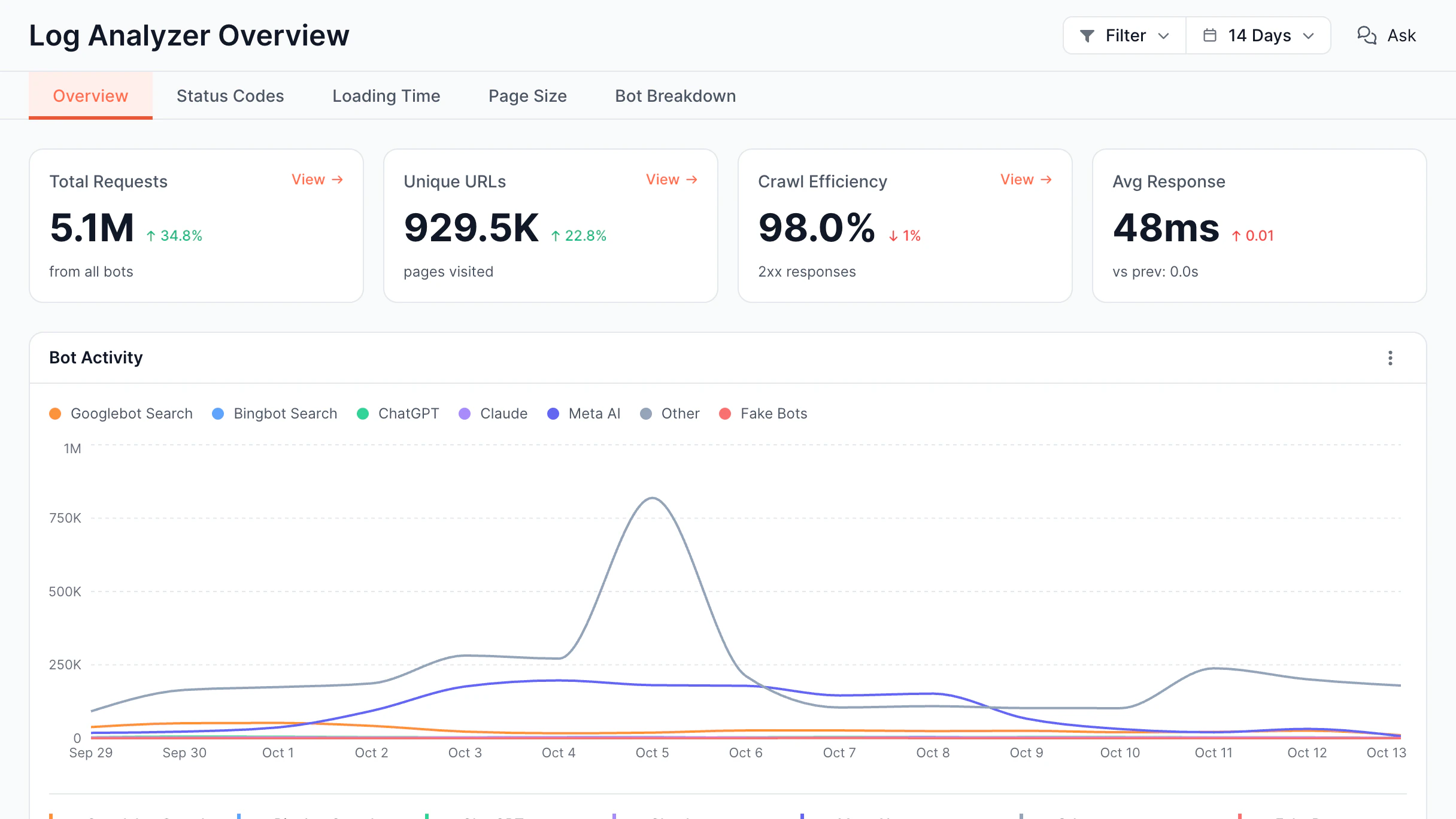
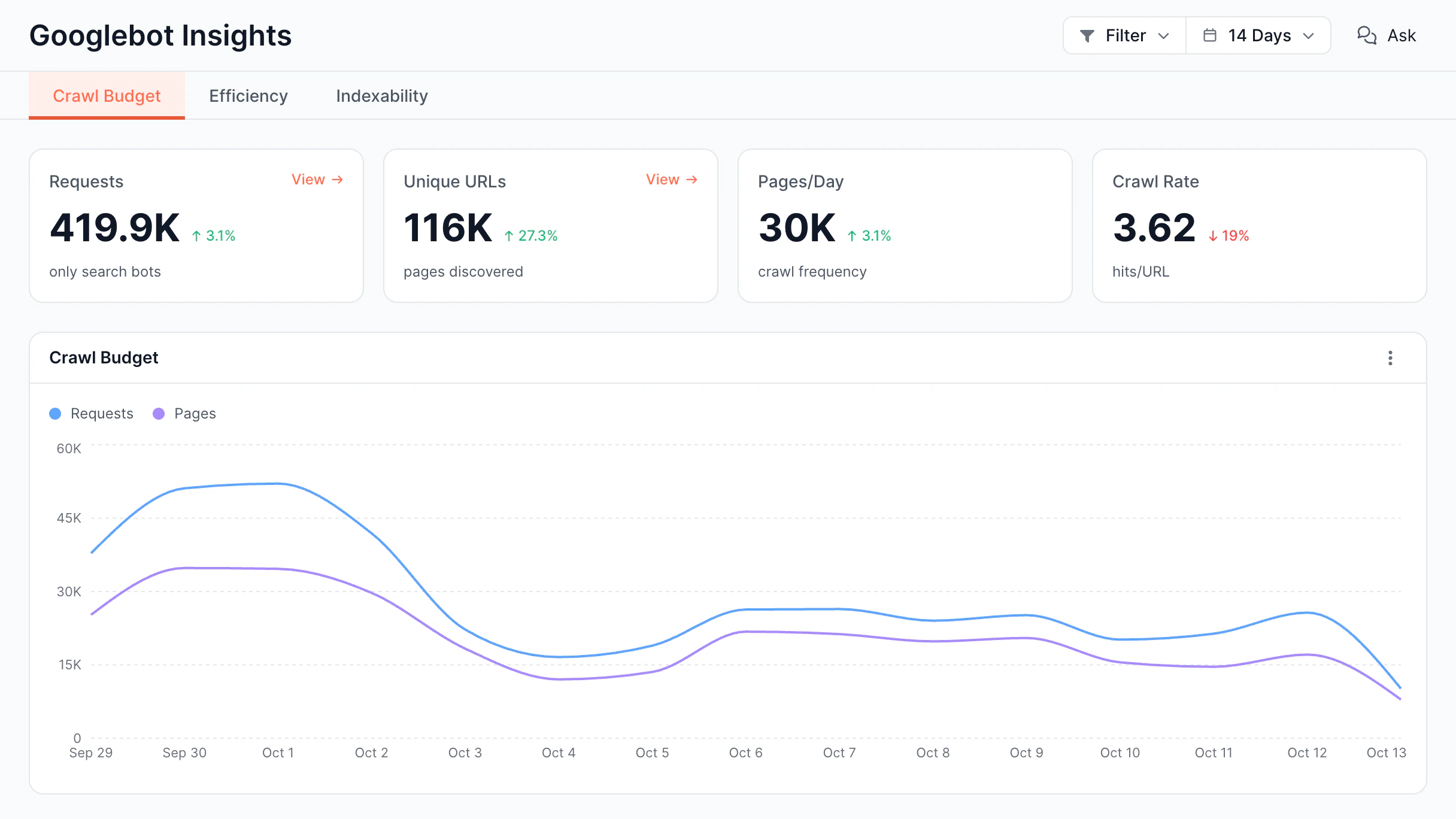
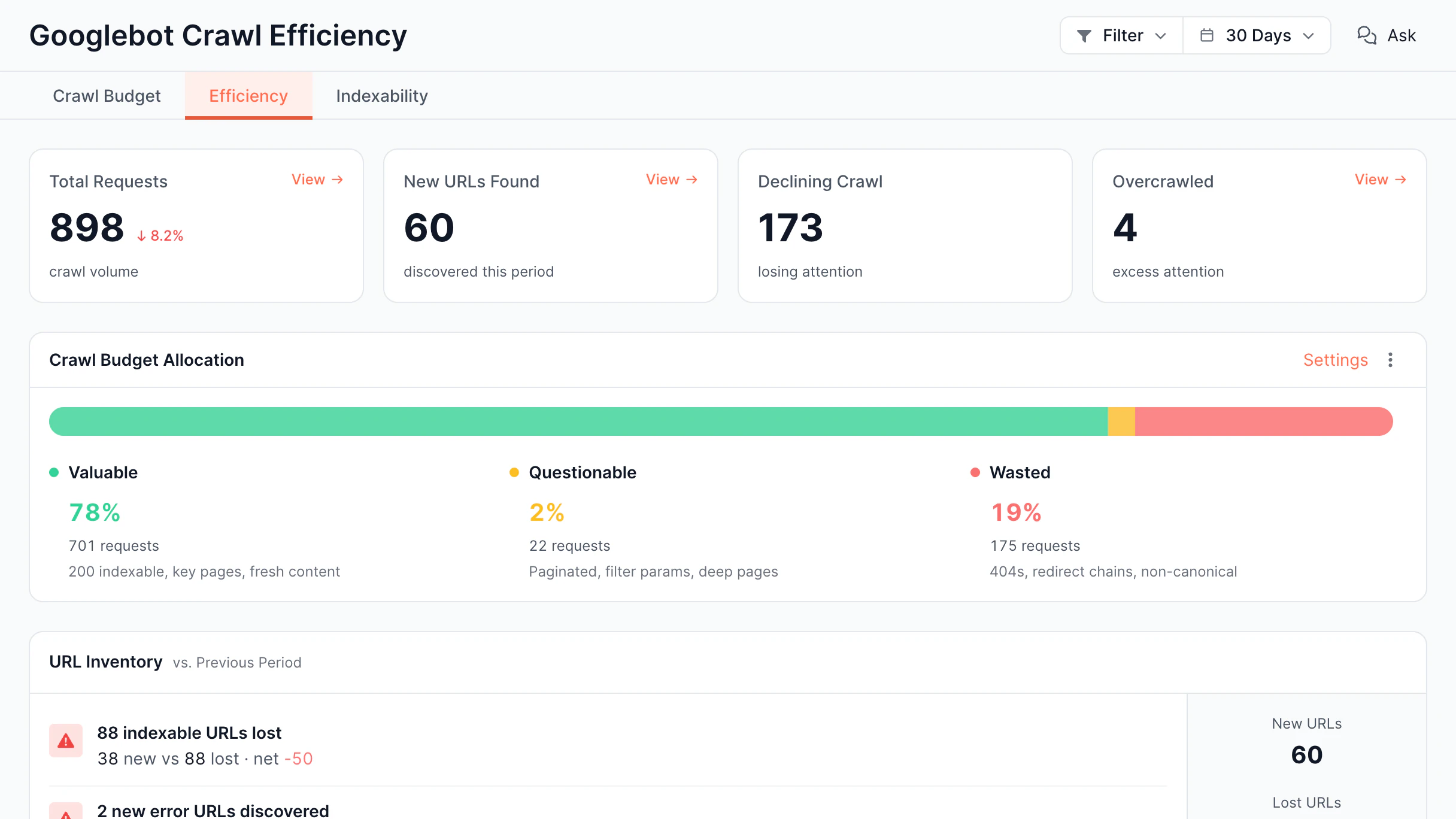
Along with the web rendering service, EdgeComet offers other valuable features, including
SEO alerts, log analyzer, edge SEO, and more.

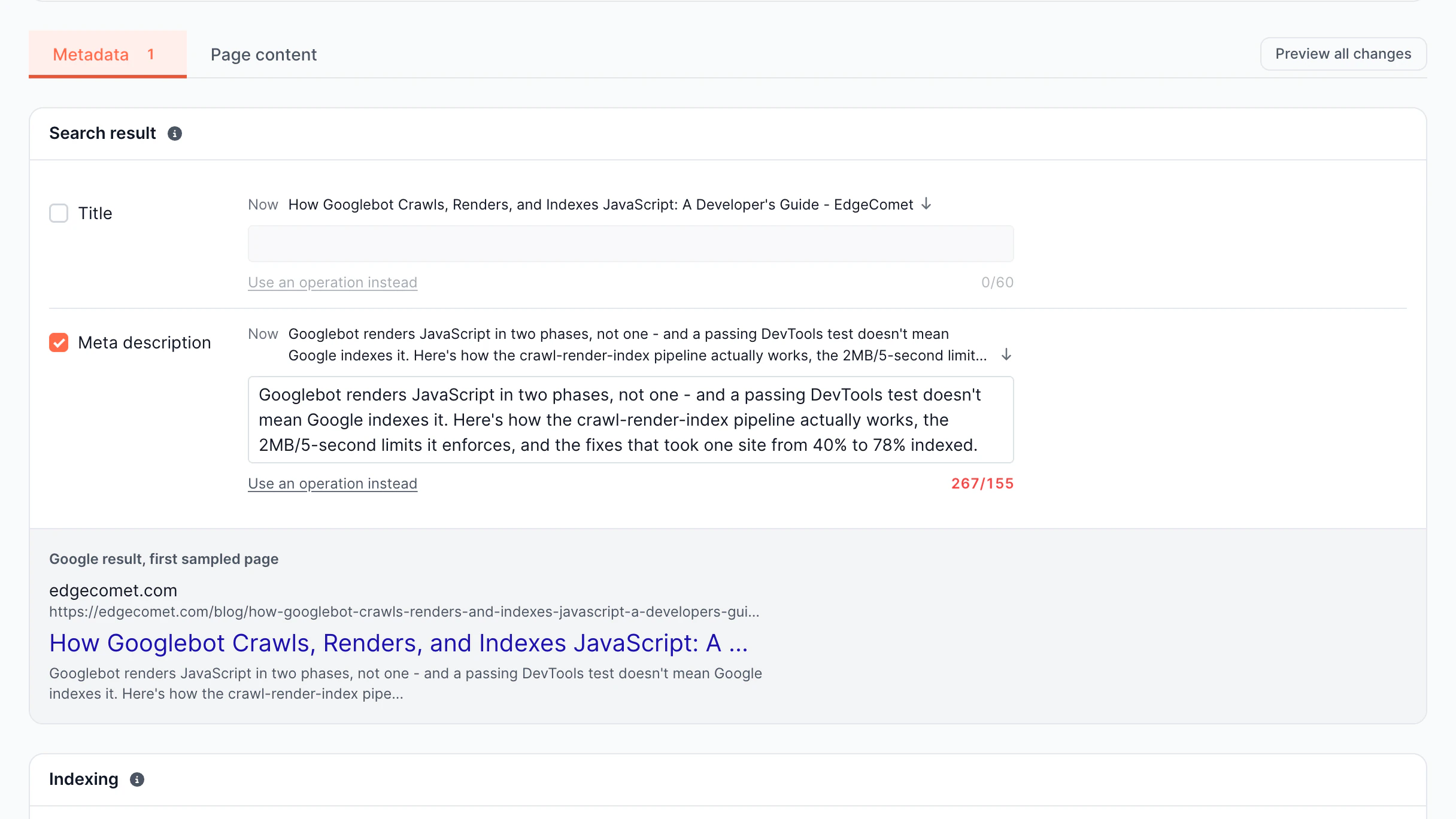
Edge SEO

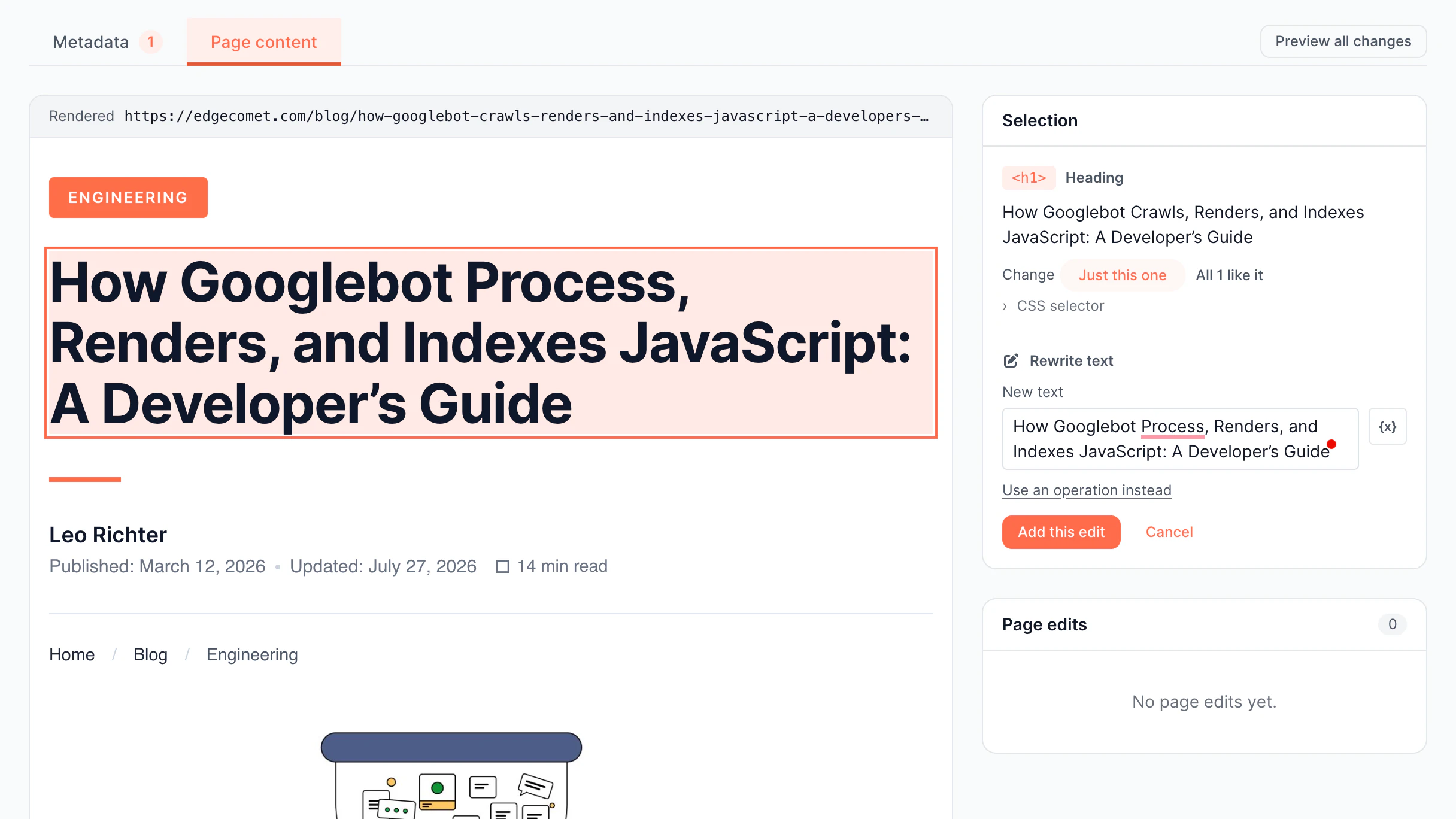
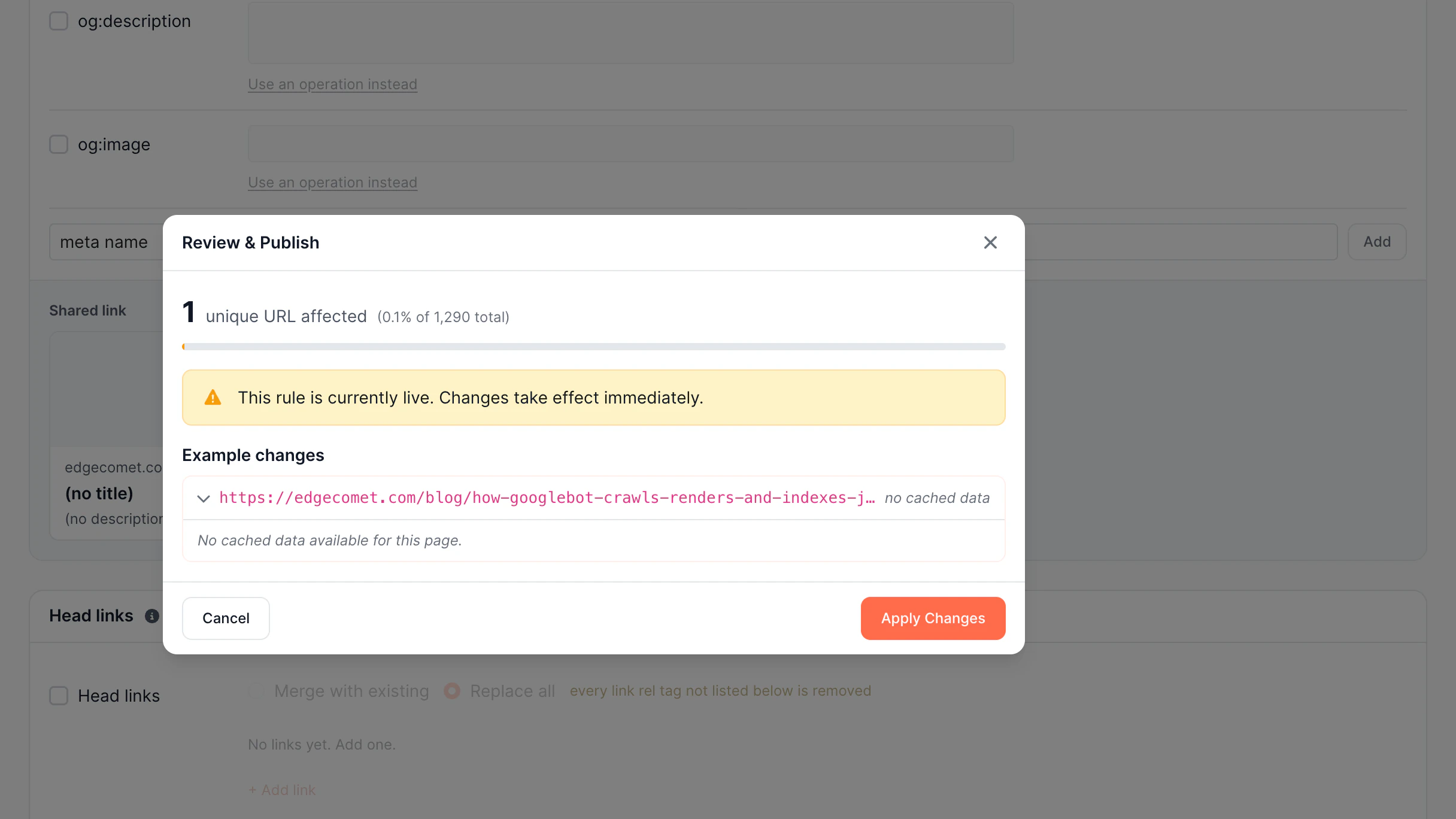
Ship SEO changes faster

None of the minor SEO issues should require developers and a long wait. EdgeComet lets your SEO team make changes instantly.

  • Scale SEO Updates

    Deploy changes across thousands of pages.

  • Protect Search Performance

    Preview changes before search engines see them.

  • Automate With AI

    Generate complex SEO rules in seconds.

  • Deploy With Confidence

    Every change is versioned and reversible

Discover Edge SEO
Edge SEO

Smart Rendering Cache

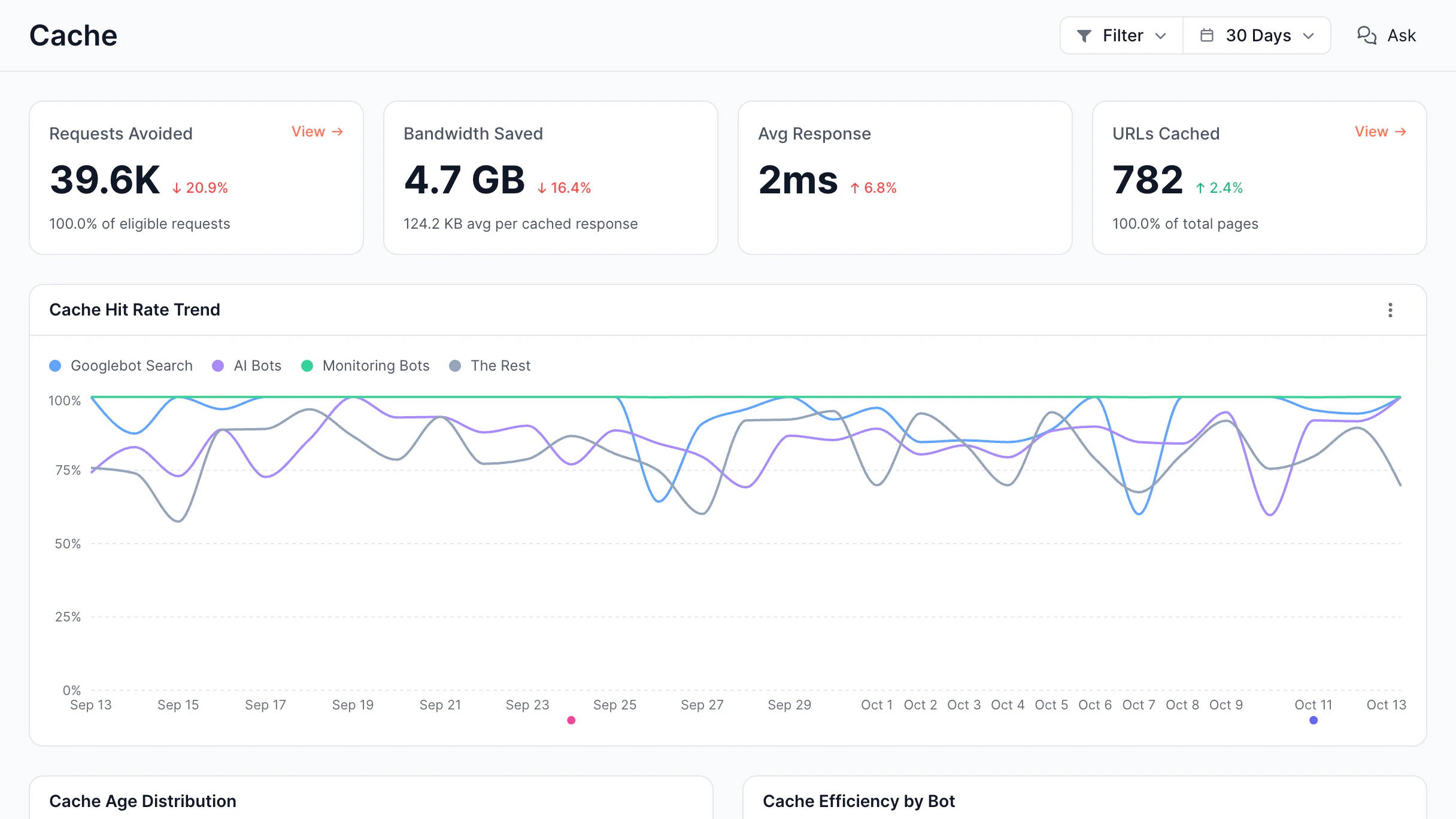
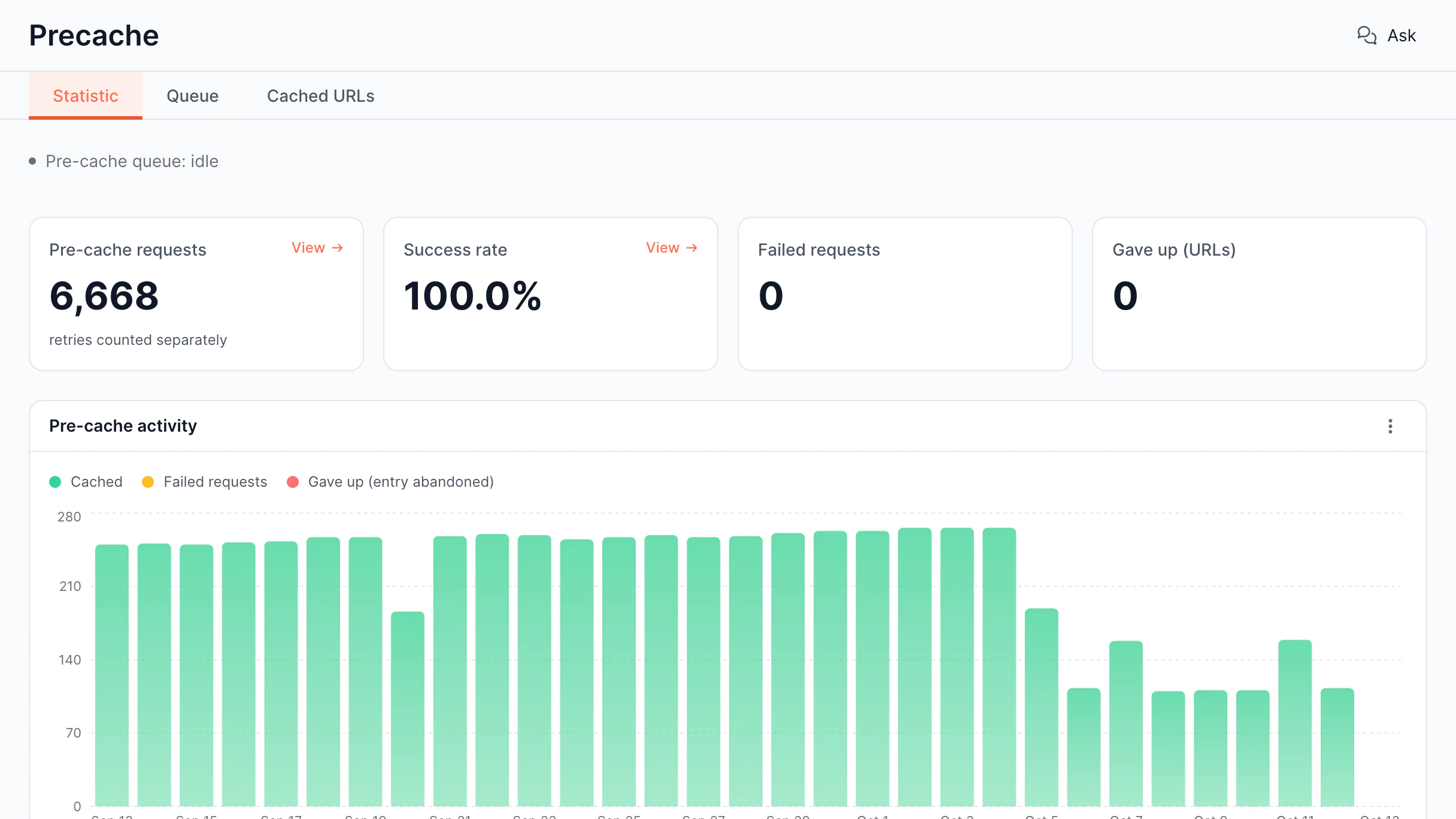
Serve bots faster with smart caching

Rendering JavaScript pages on every request is slow and expensive. EdgeComet's caching system ensures bots receive pre-rendered pages instantly.

  • Cache Dashboard

    Manage and monitor cached renders

  • Proactive Caching

    Pre-render critical pages before bots arrive

Discover Smart Cache
Smart Rendering Cache

Rendering Performance & Reliability

Deliver fast, correctly rendered pages

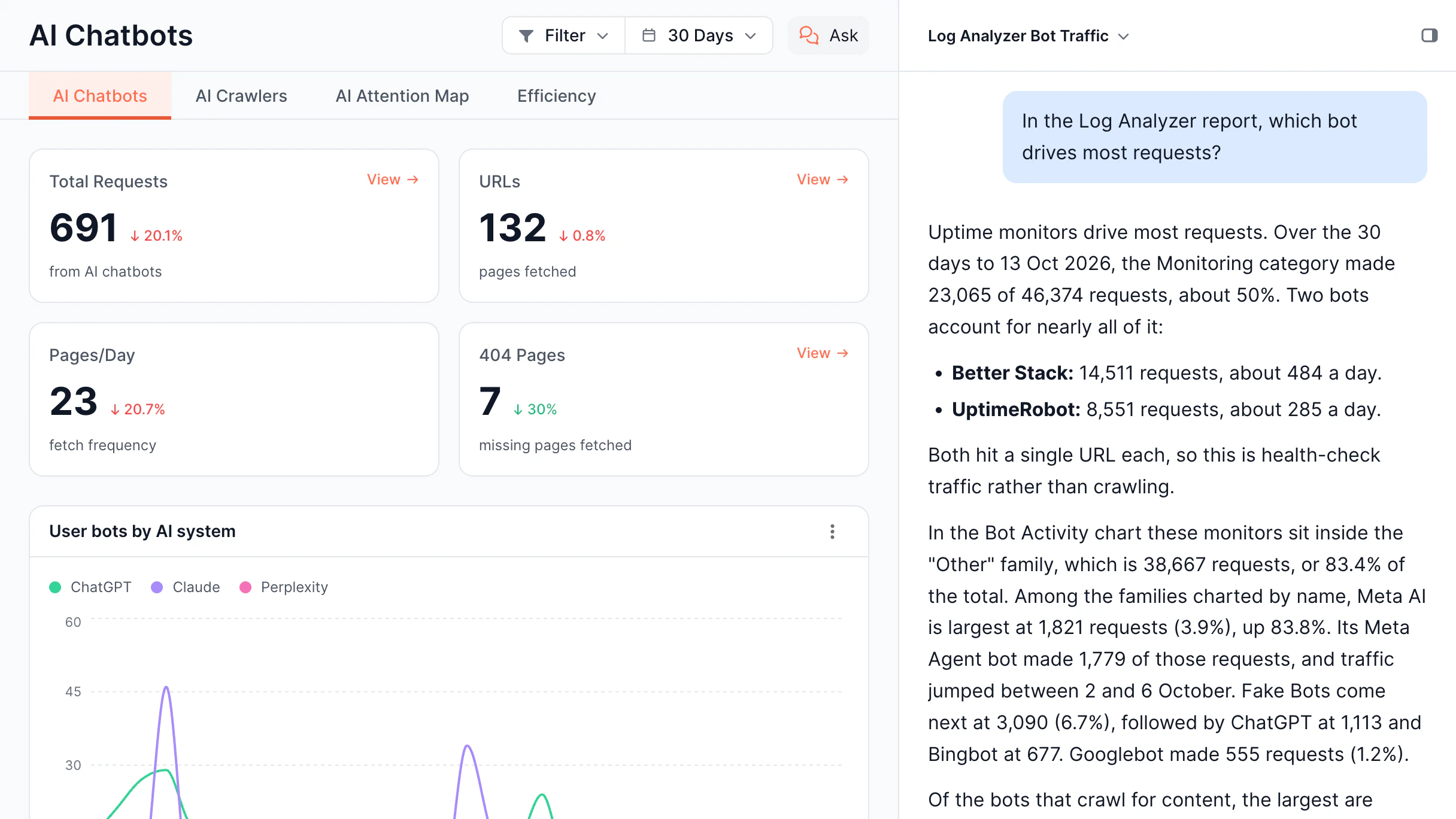
JavaScript rendering failures can silently break SEO and AI visibility. EdgeComet continuously monitors rendering performance.

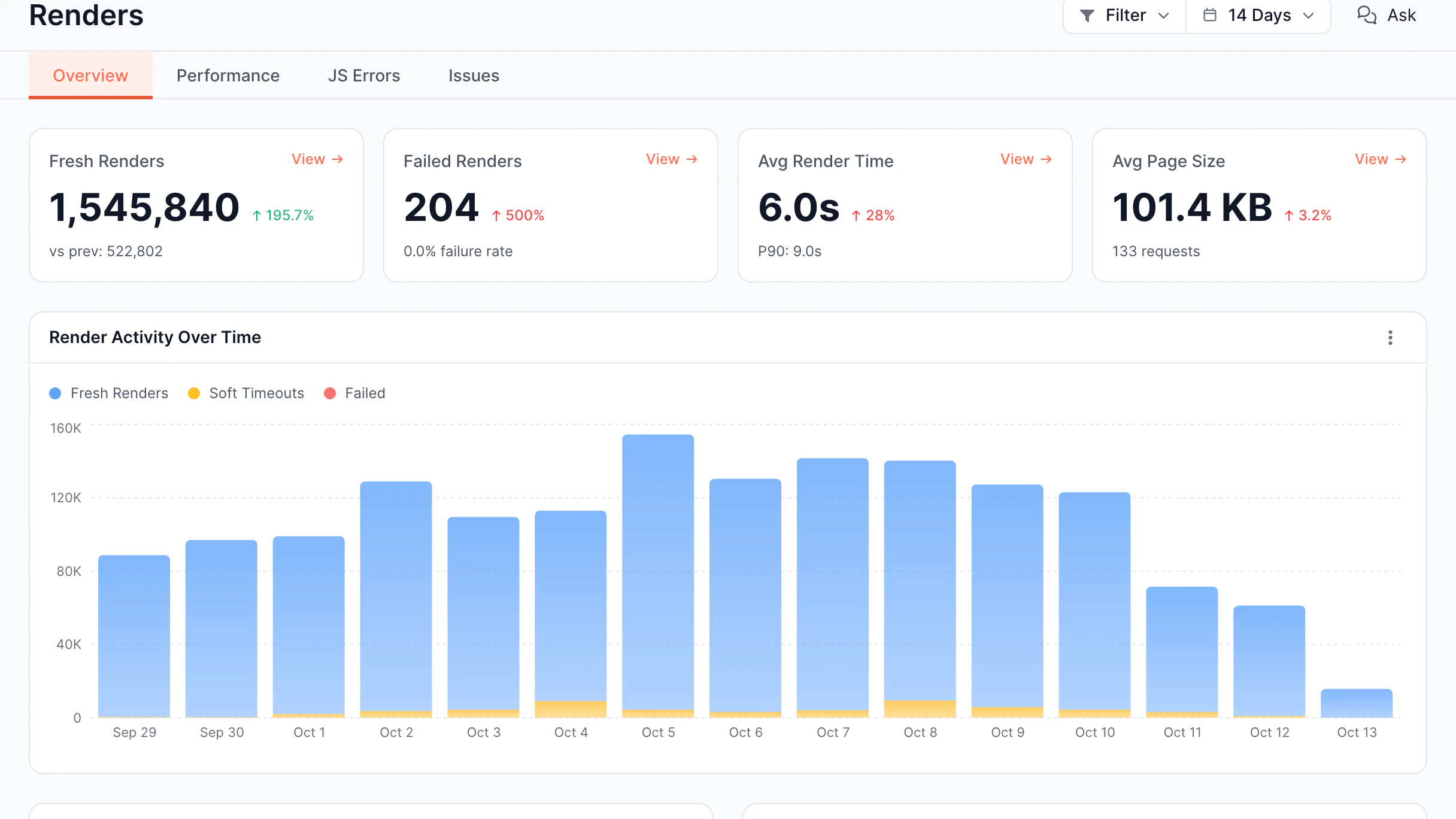
  • Renders Overview

    Monitor rendering activity and performance

  • JavaScript Errors

    Detect JS errors during bot rendering

  • Performance Dashboard

    Analyze render time and page size

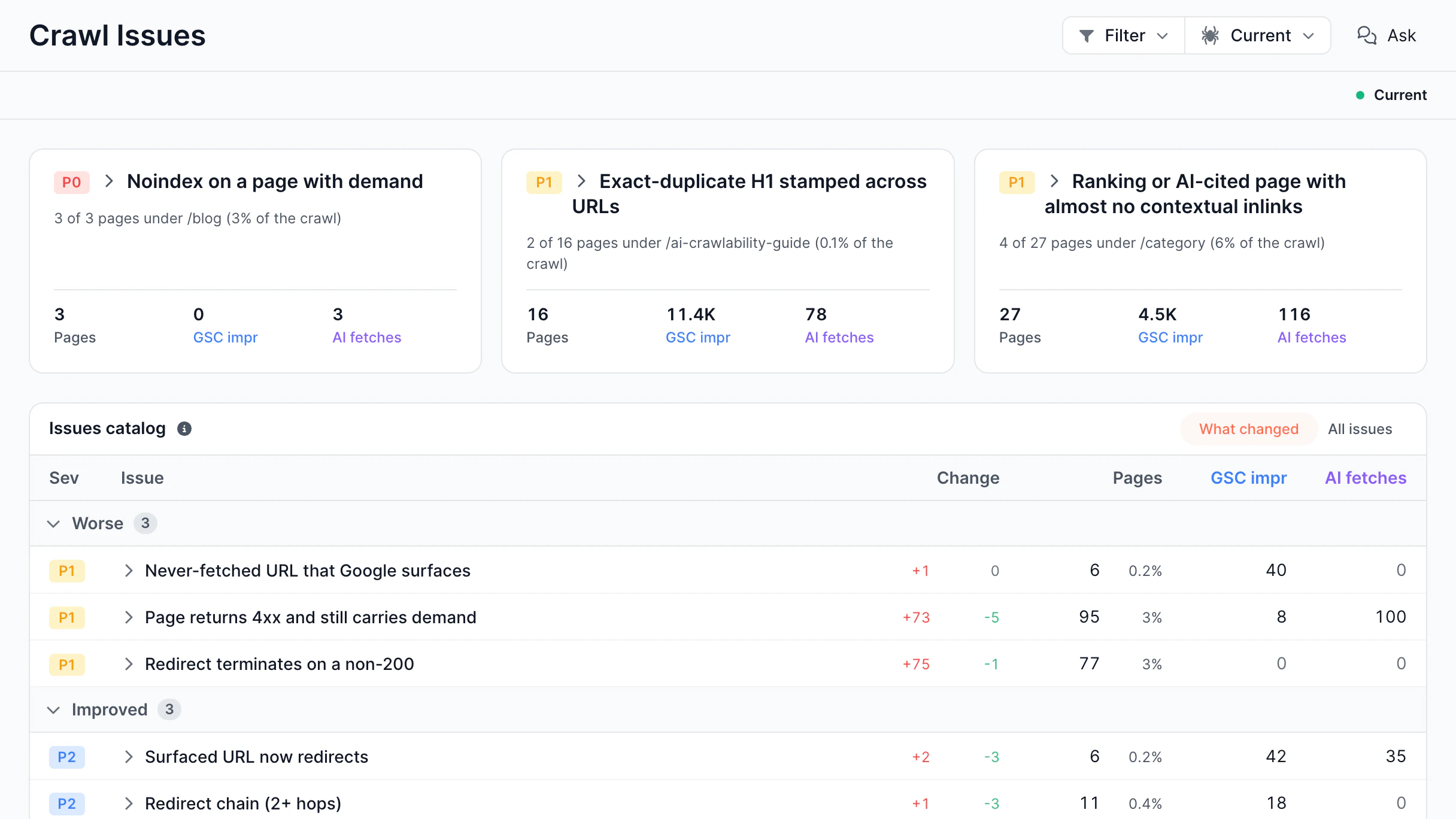
  • Issues Report

    Track render failures, timeouts, and origin errors

Discover Rendering Performance
Rendering Performance & Reliability

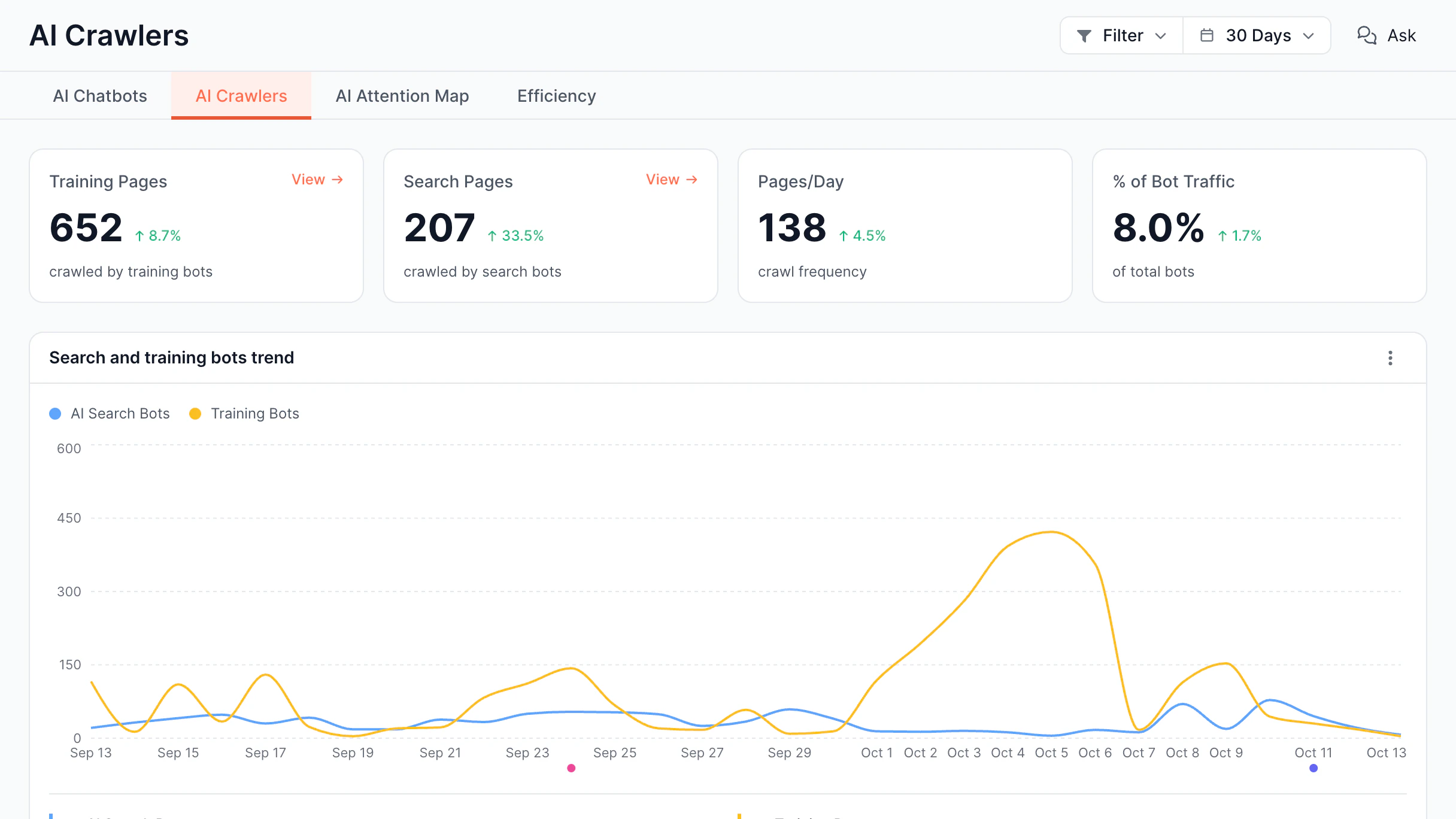
Evergreen Crawl

Keep your SEO data always up to date

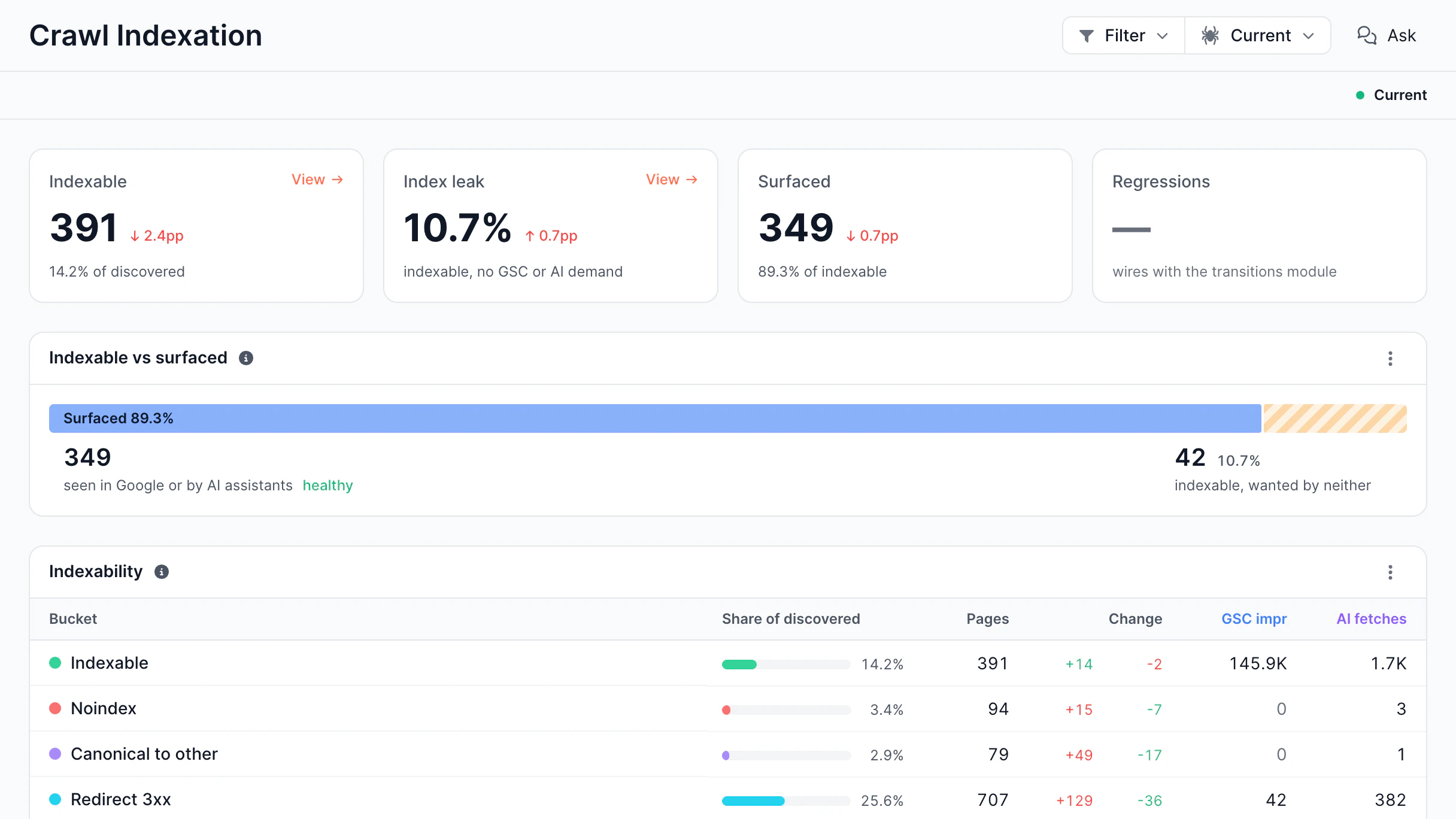
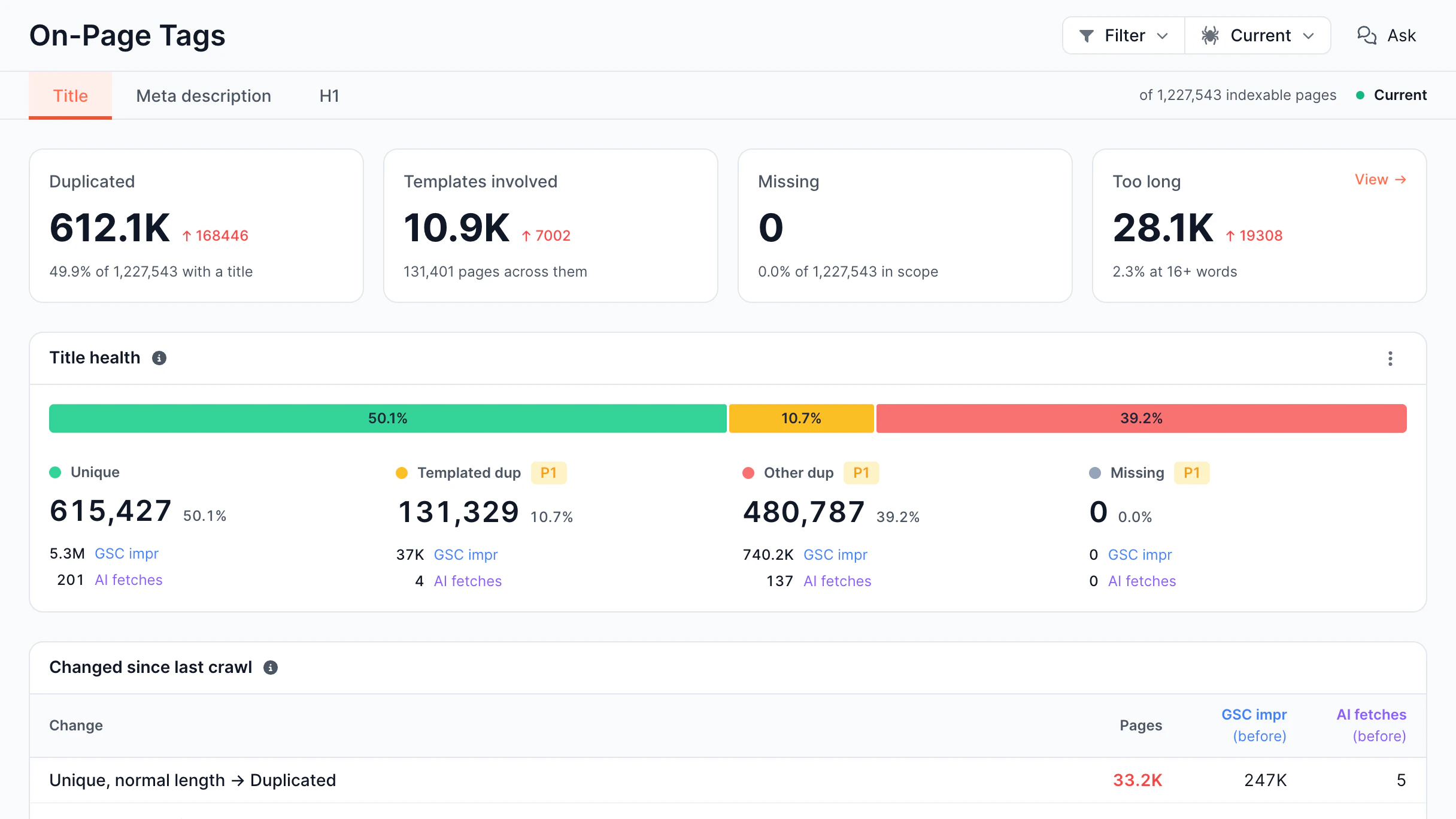
Traditional crawlers capture your site at one moment. Evergreen Crawl continuously refreshes SEO data whenever real search or AI bots visit your pages, without extra crawls or added server load.

  • Indexation Analysis

    Find pages that may not get indexed

  • Content Analysis

    Spot missing, duplicate, or weak content

  • Structured Data

    Find missing or incorrect schema markup

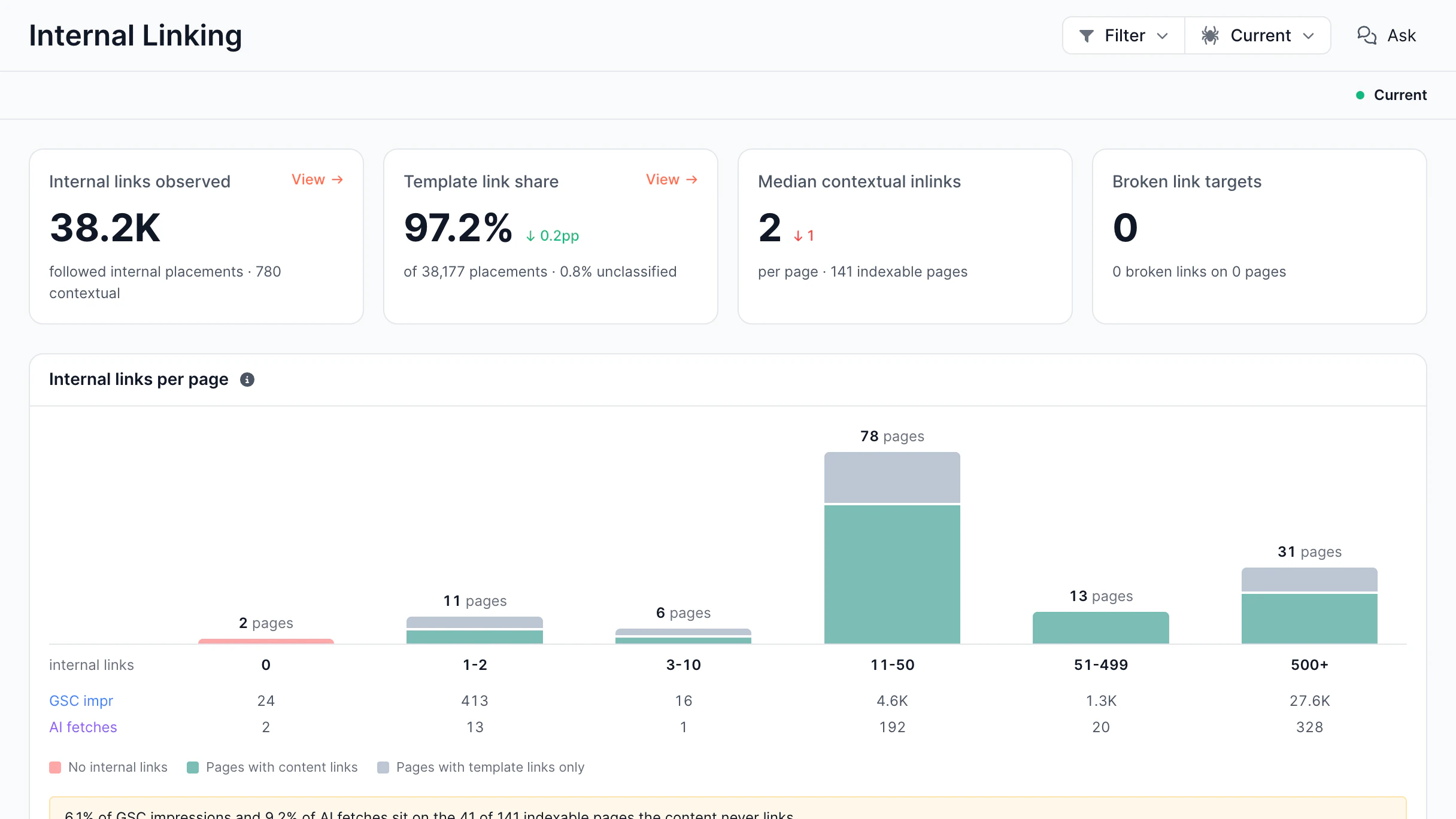
  • Internal Links

    Detect internal linking and nofollow issues

Discover Evergreen Crawl
Evergreen Crawl

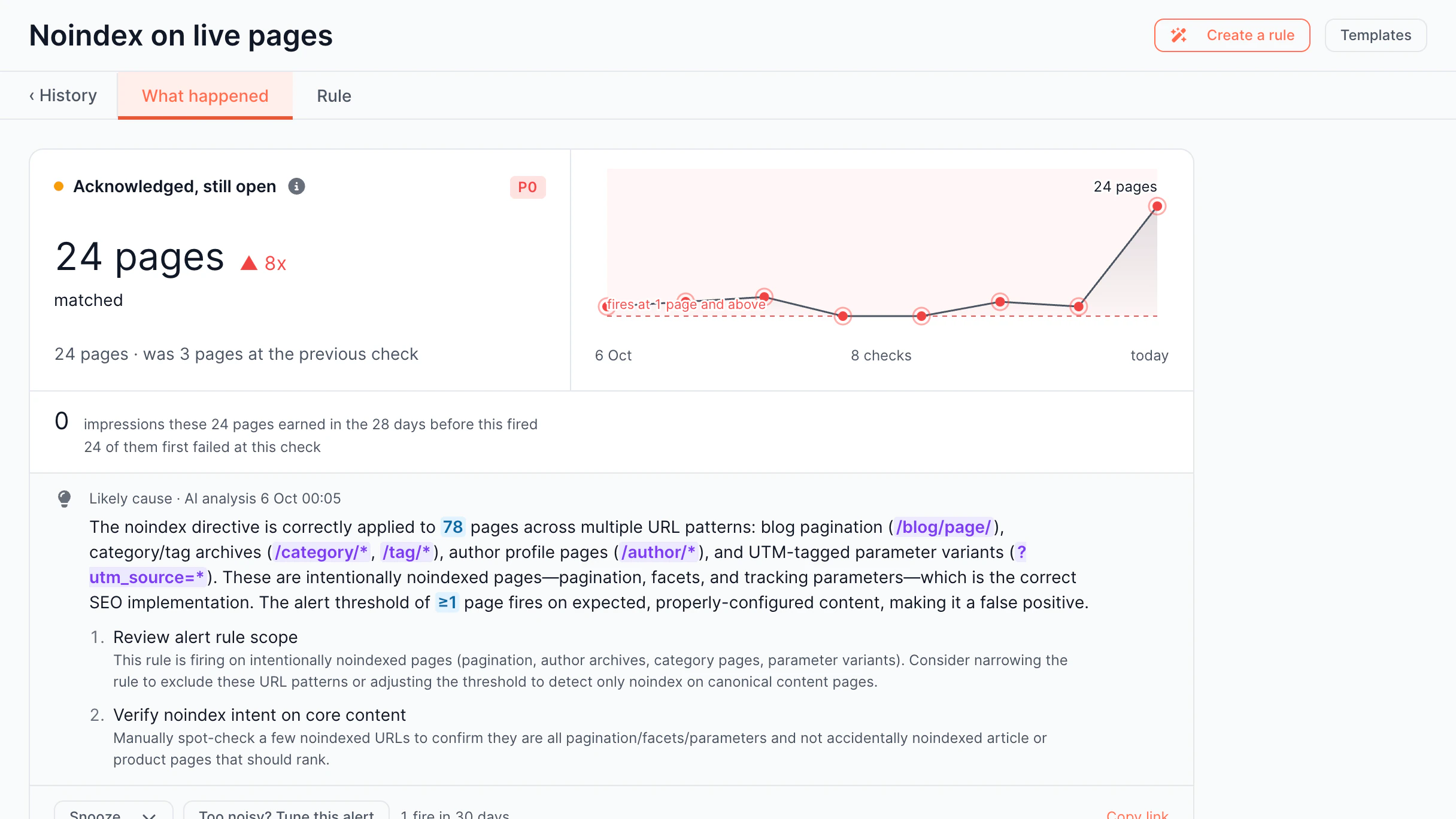
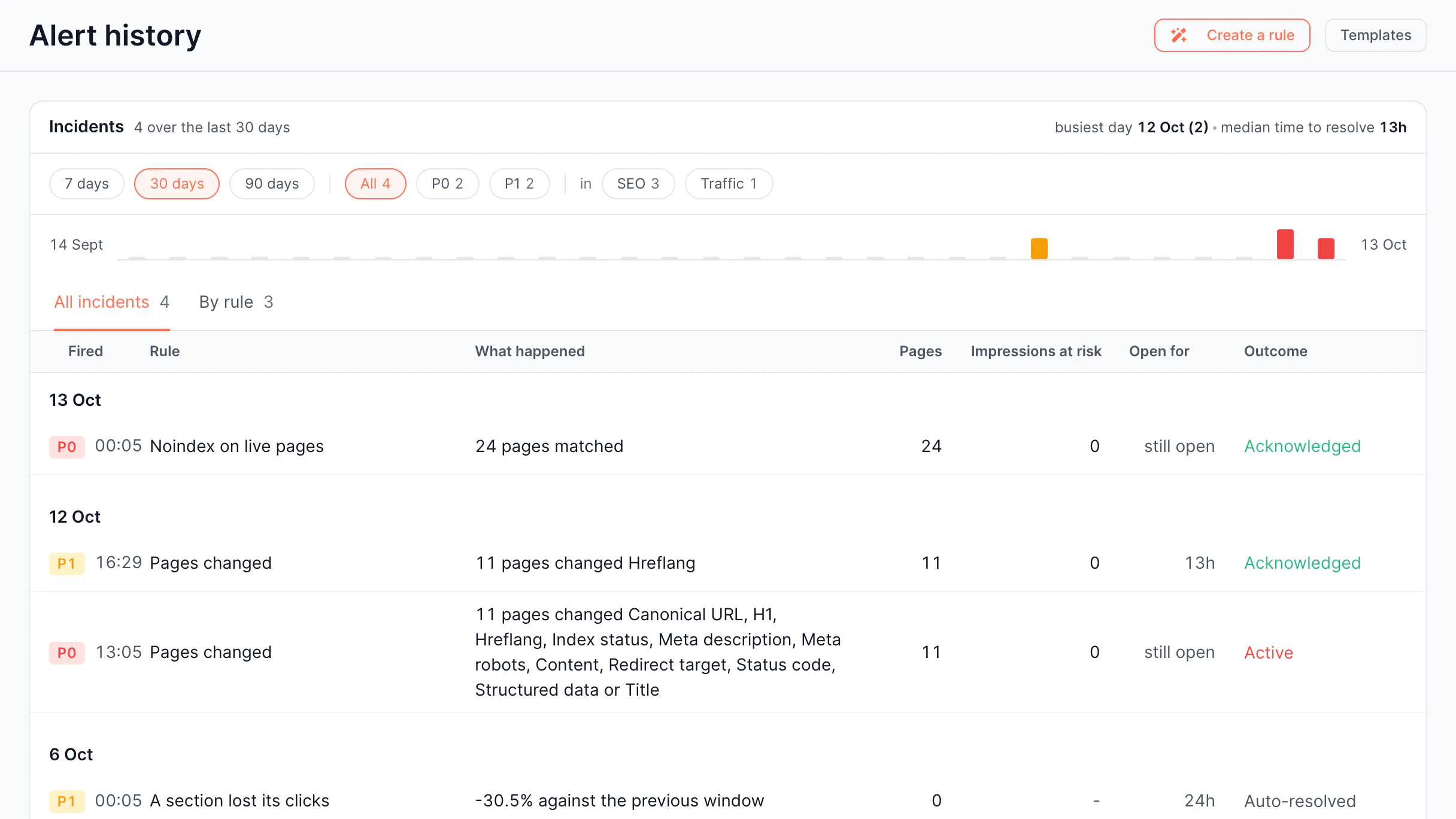
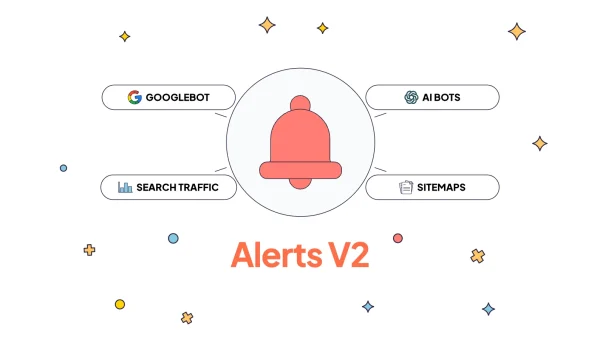
Alerts

Prevent and detect issues in real time

SEO issues happen often. EdgeComet monitors every real bot request and notifies if something seems wrong.

  • Real-Time Alerting

    Alerts are triggered by actual bot traffic

  • AI Root Cause Analysis

    AI explains what happened and why

  • Pre-built Alert Templates

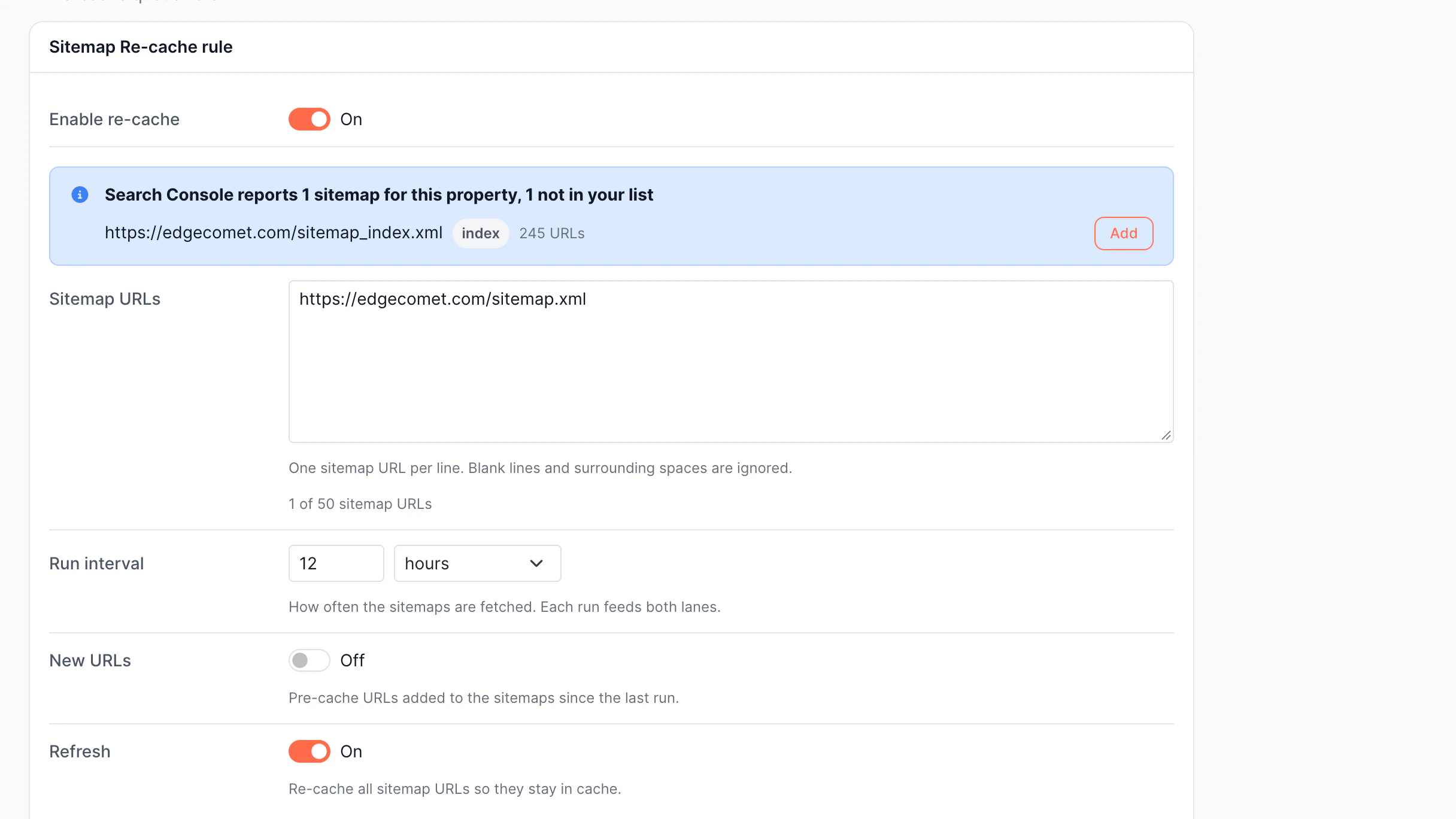
    Ready-to-use alert rules, active in one click

  • Multi-Channel Notifications

    Get alerts where your team actually works

Discover Alerts
Alerts

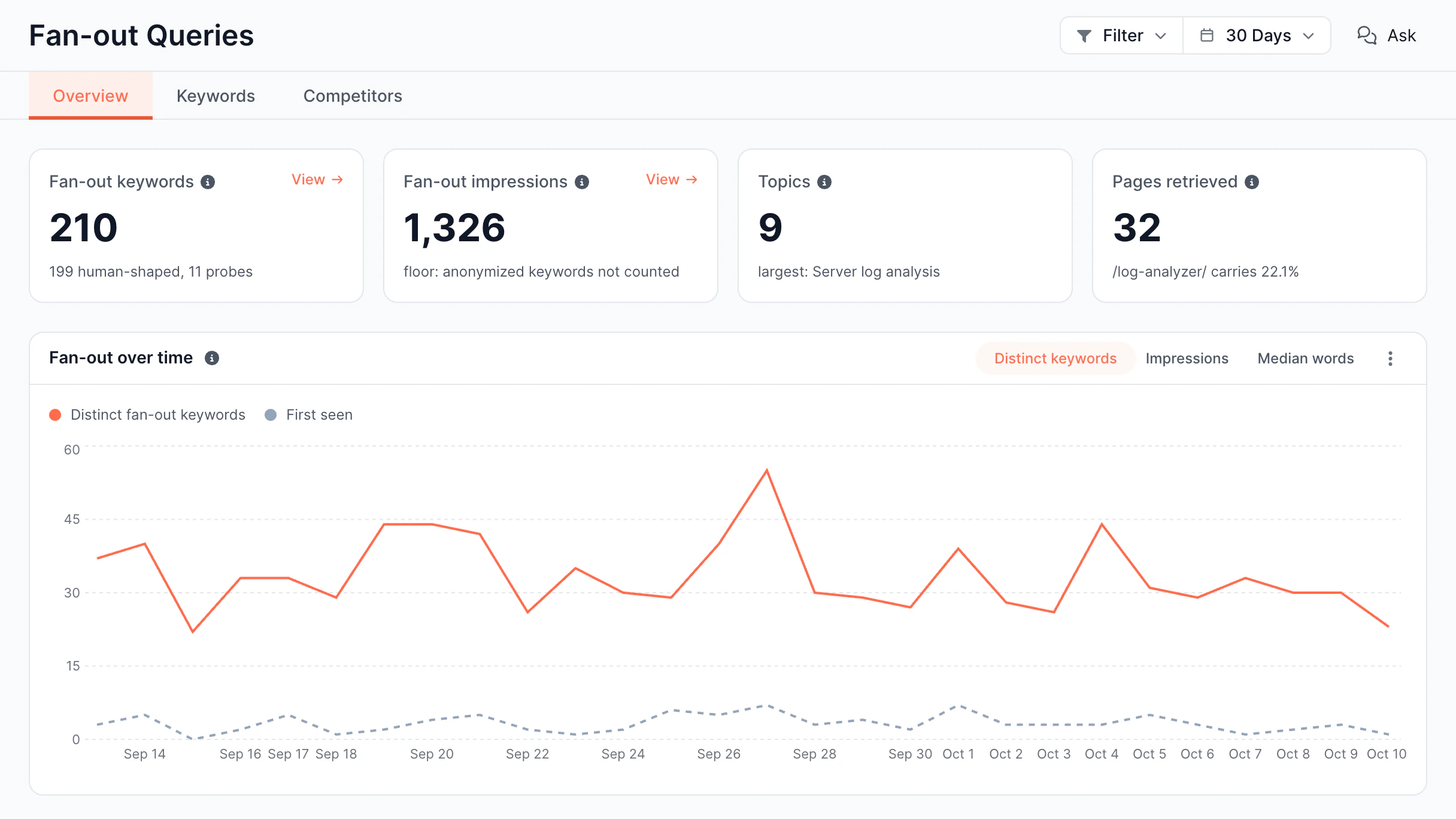
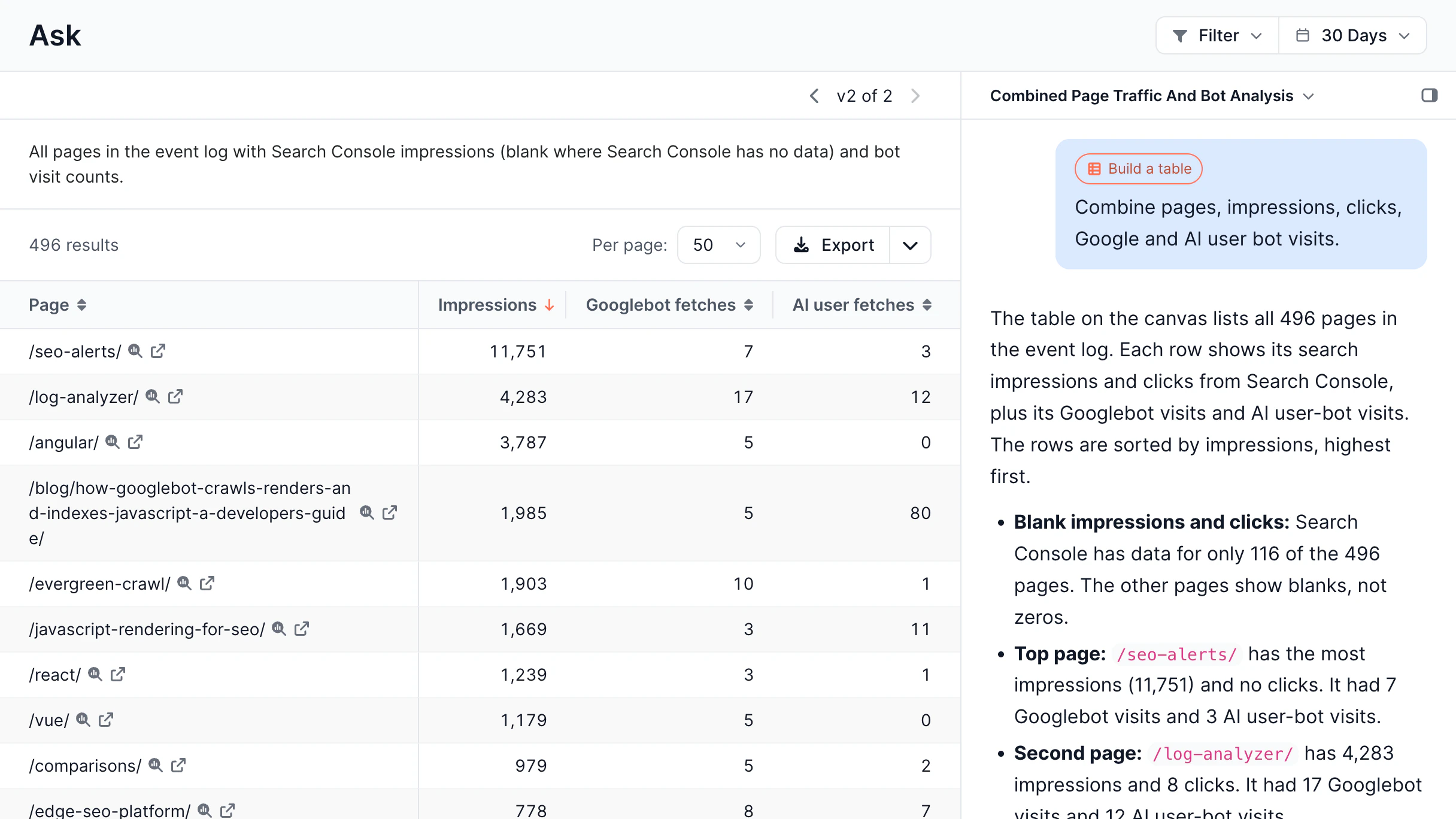
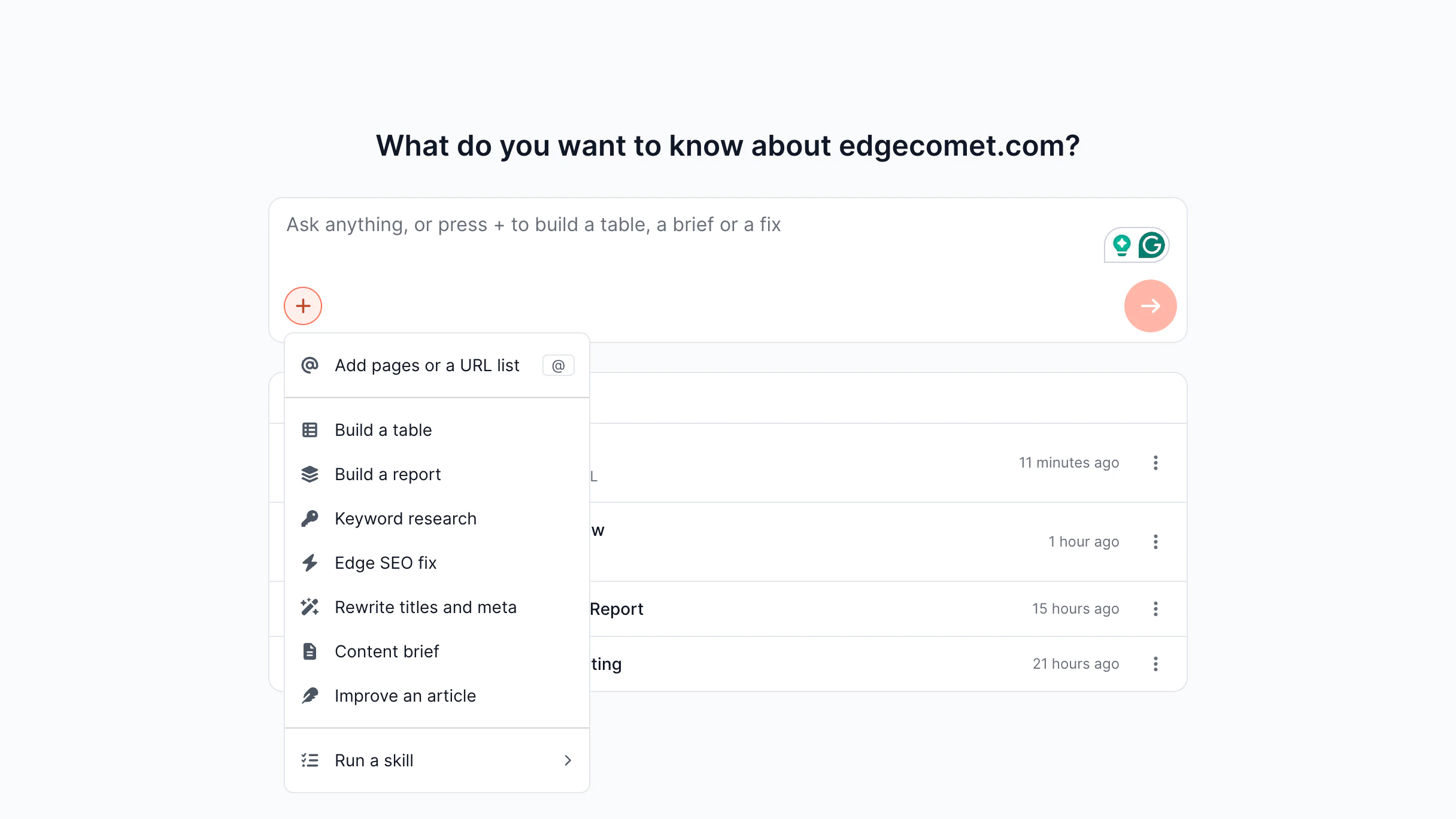
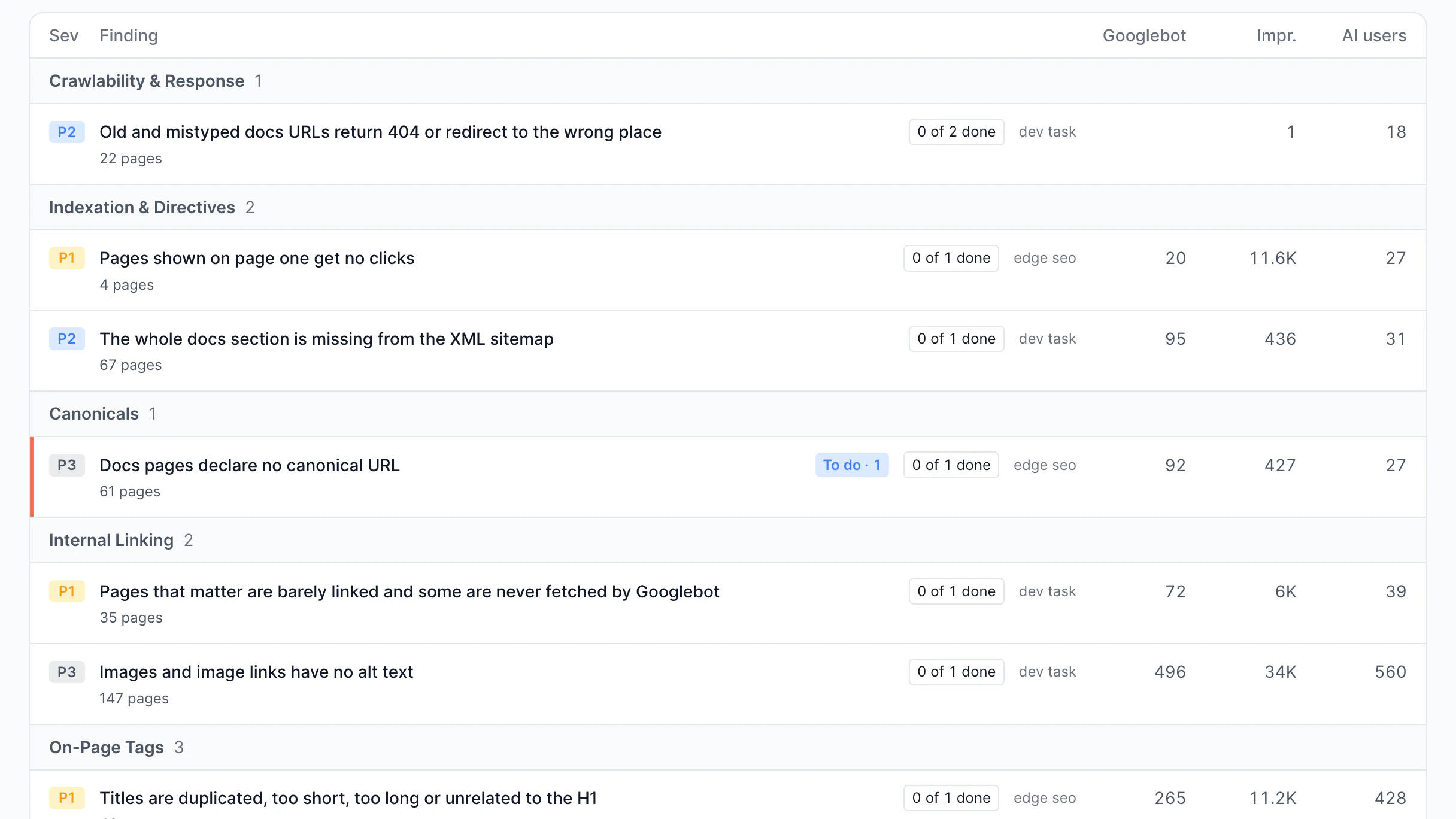
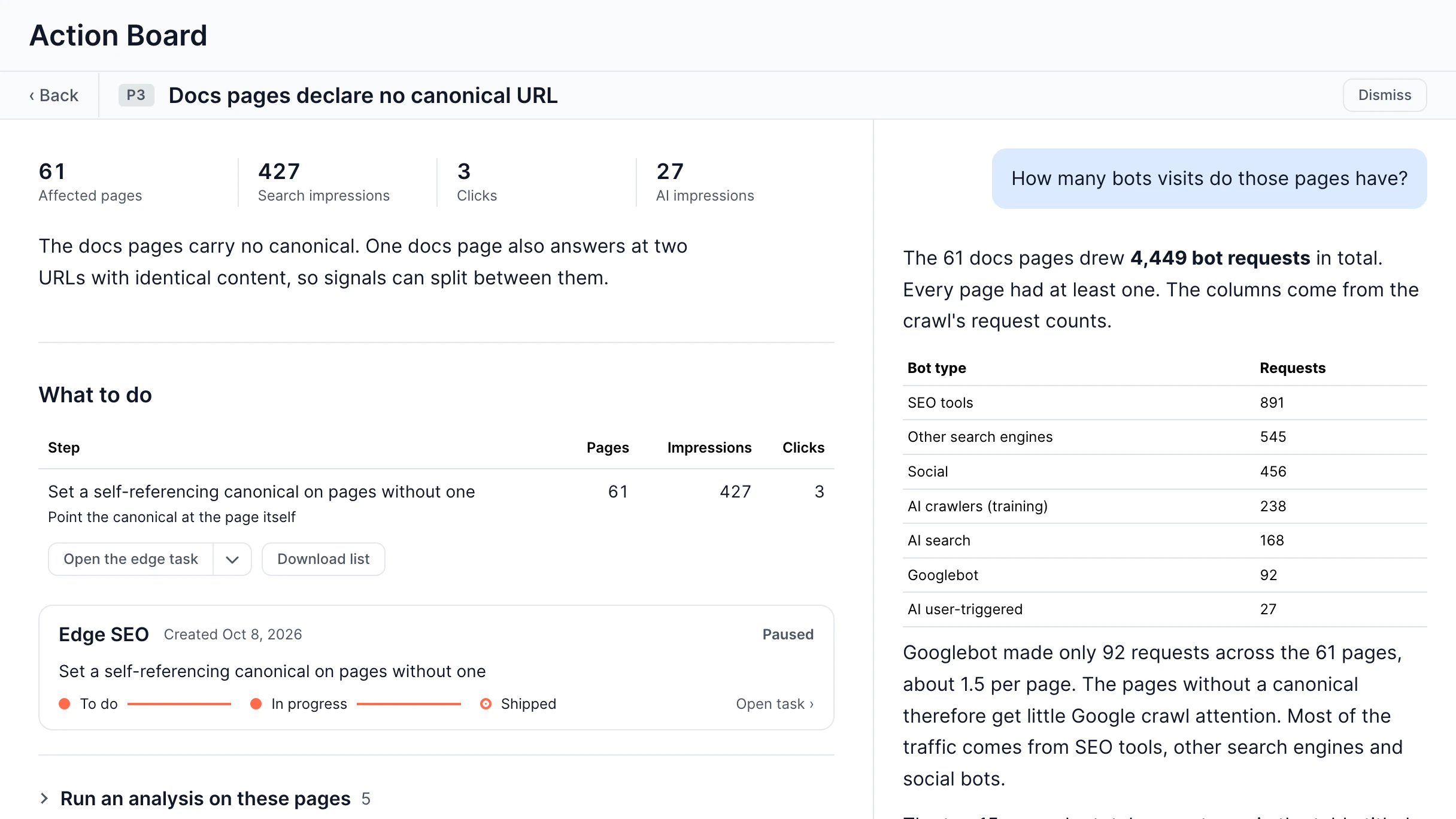
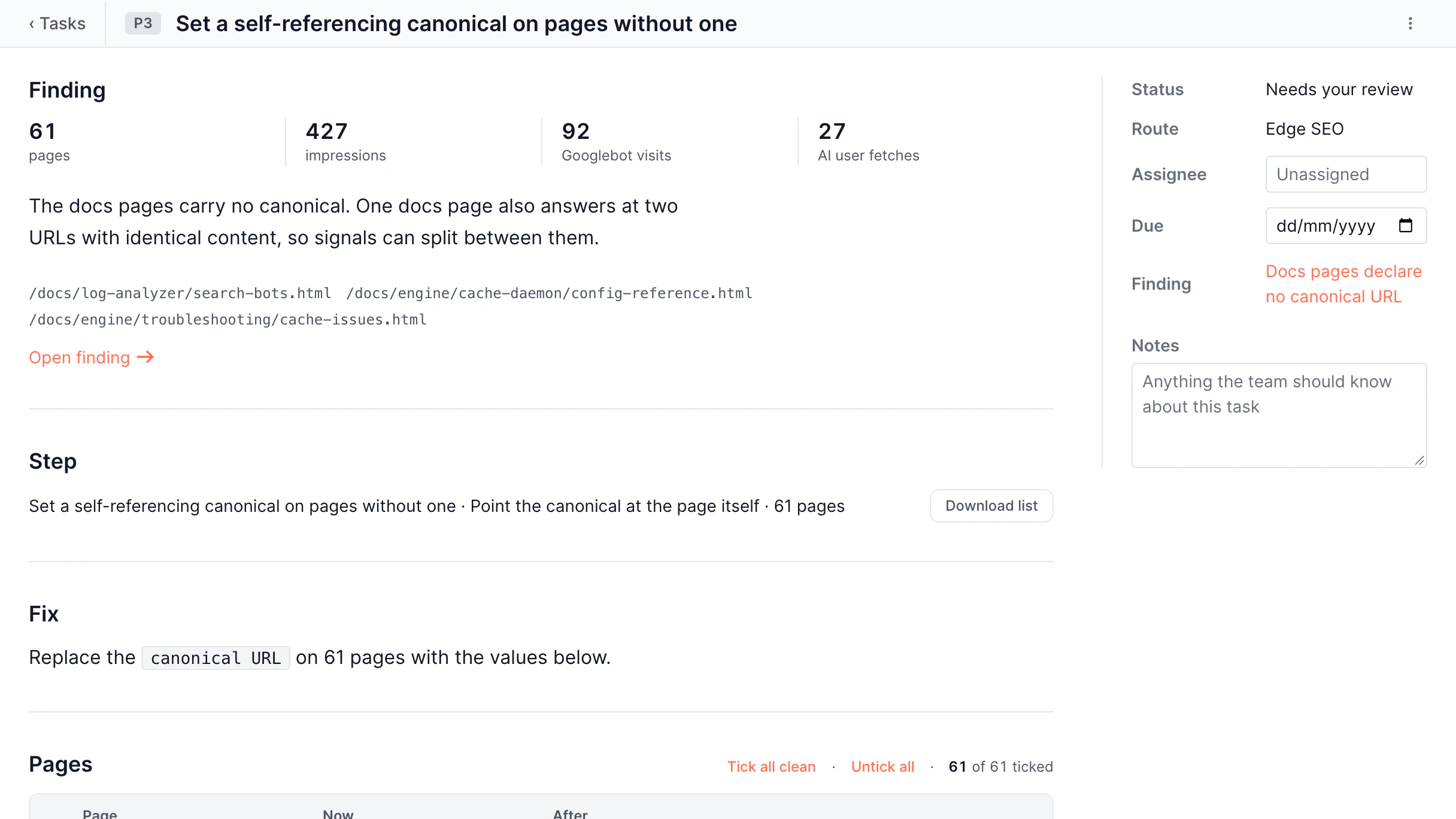
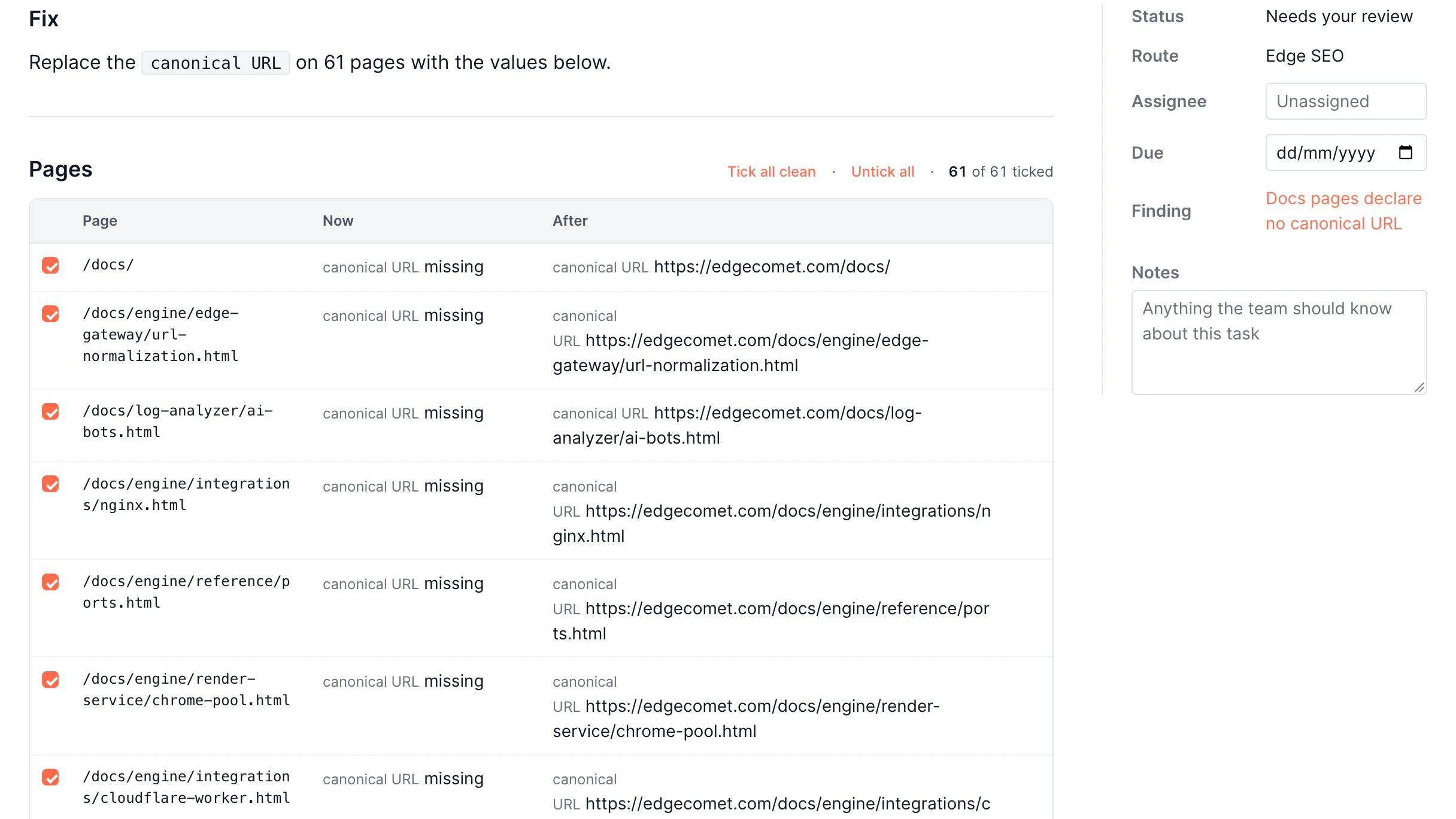
AI-Powered Action Board

SEO data into actions, not just insights

SEO data is only useful if you know what to do with it. EdgeComet's AI watches your website and tells you exactly what to fix and how.

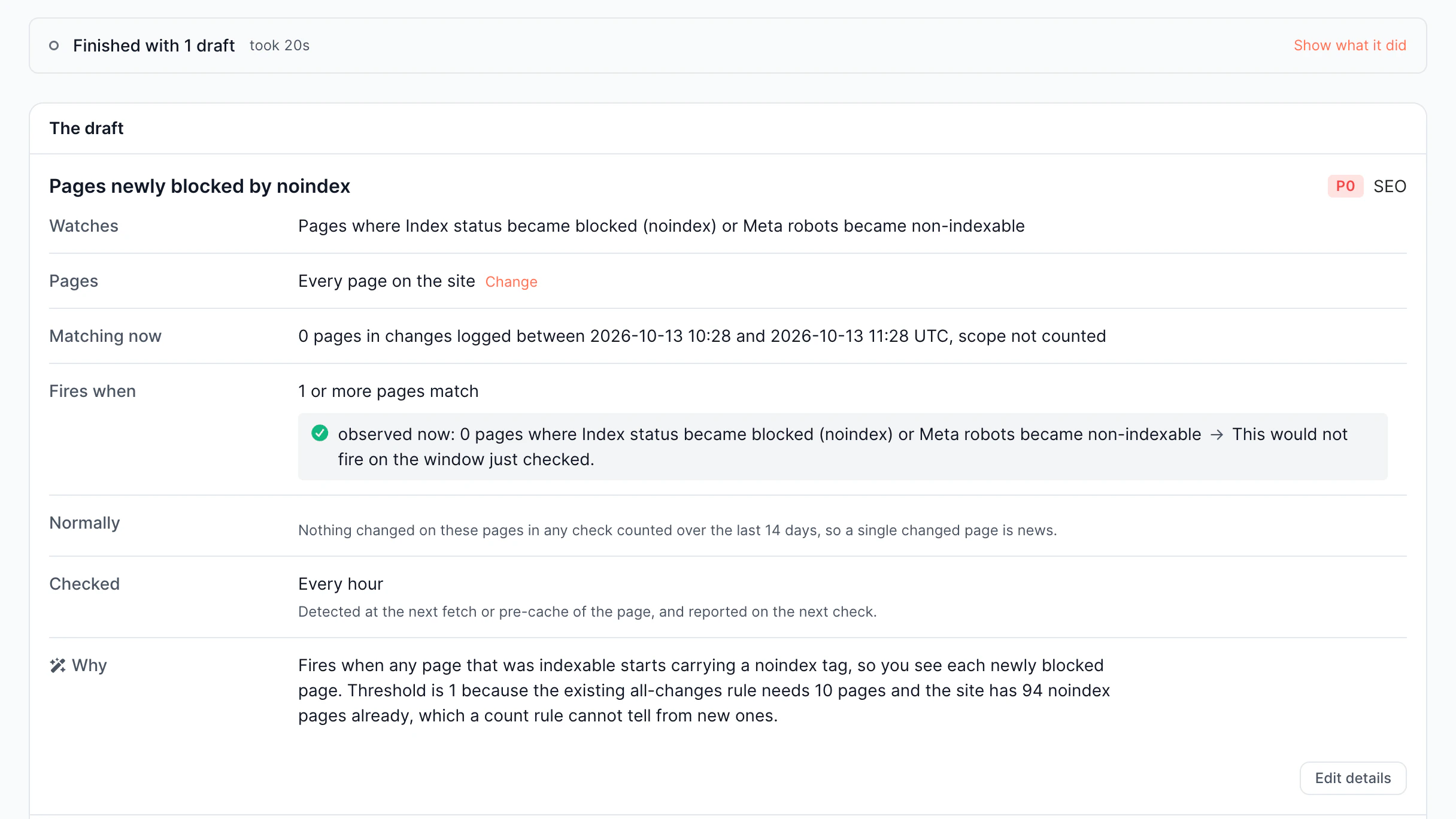
  • Issue Detection

    AI surfaces problems

  • Actionable Recommendation

    Get specific fixes, not vague observations

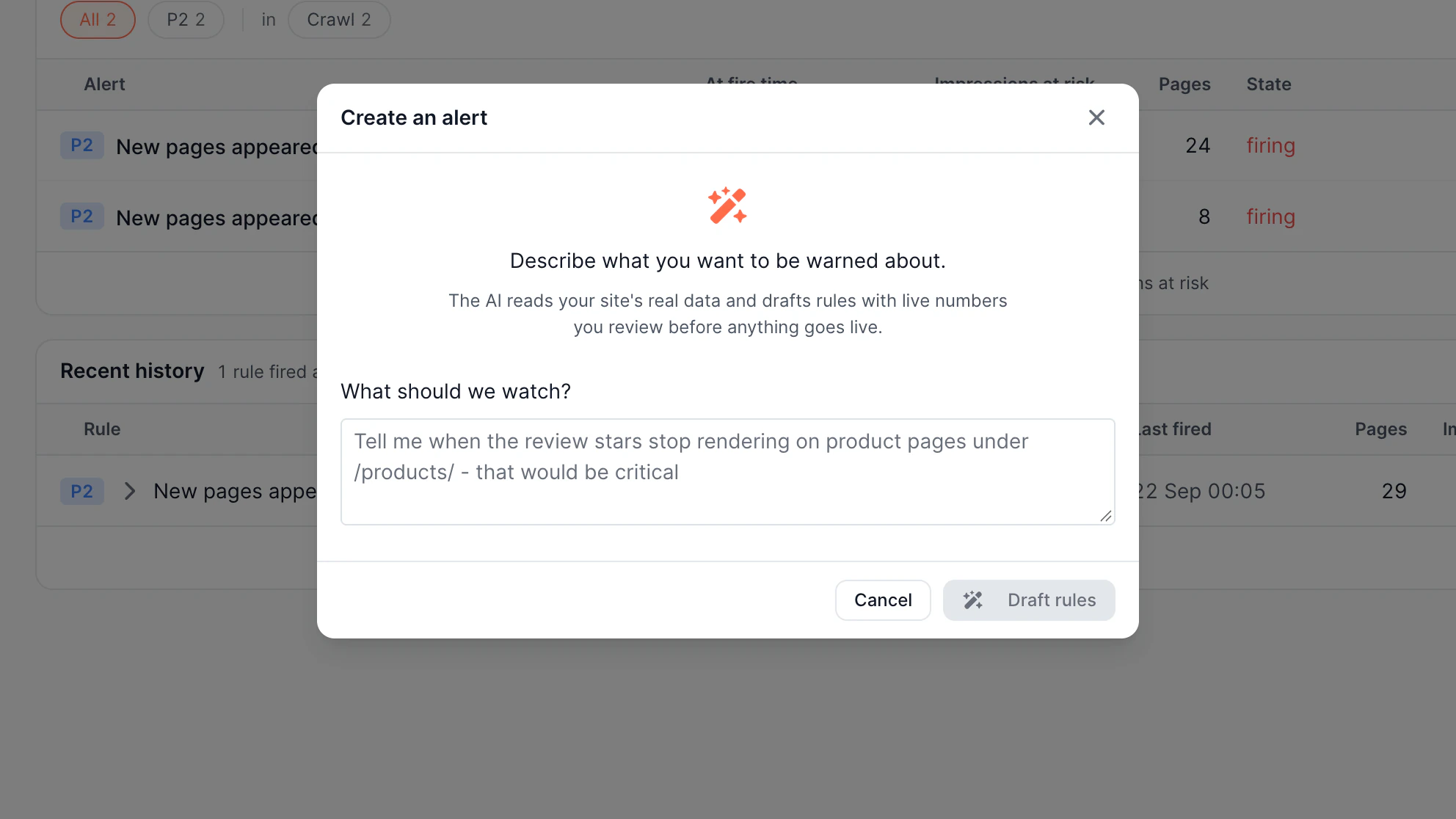
  • Natural Language Rule Creation

    AI builds rules for you

AI-Powered Action Board

Comparison with classic solutions

EdgeComet Cloud

In-House SSR

SaaS Prerendering

Rendering Architecture
Dedicated headless browser infrastructure, runs separately from your application
Rendering runs on your application servers, tightly coupled with your backend
Dedicated infrastructure managed by a third-party provider
Response Time
<15ms from cache
100-200ms depending on app complexity and cache layer
100–500ms typical
Origin Load
Zero – bots never reach your servers
High – every bot request adds production load
Medium – rendering offloaded but CDN layer limited
AI Bot Support
20+ bot patterns: GPTBot, ClaudeBot, PerplexityBot, Google AI
Manual configuration per bot is required; most setups target Googlebot only
Limited; AI bots added slowly
Wait Strategies
Network idle, DOM selector, custom JS – configurable per URL
Must implement custom wait logic per page type
Basic timeout only; no per-URL customization
Lazy-Loaded Content
Scroll pass mounts sections gated on scroll events, per URL pattern
Depends on the framework; usually missing from the output
Not offered; anything behind a scroll stays invisible
Incomplete Renders
Checked against required content and dropped before caching
Cached and served like any other 200
Graceful Degradation
Six-step fallback chain; no 5xx errors served to bots
Render failure returns 500 to bots; no built-in fallback
Timeout returns errors or an empty page
Stale Cache Fallback
Serves stale content when rendering fails
Depends on custom implementation
Expired cache is discarded
Resource Blocking
Block ads, trackers, and analytics by configuration
Requires custom implementation
Limited control; most providers render everything
Deployment Model
Managed Cloud, self-hosted, or BYOC
Self-hosted only
Cloud-only
Cost
From $99/mo; no per-render pricing
$100K+ upfront; ongoing engineering cost
Per-render pricing grows unpredictably

Rendering Architecture
Rendering runs on your application servers, tightly coupled with your backend
Response Time
100-200ms depending on app complexity and cache layer
Origin Load
High – every bot request adds production load
AI Bot Support
Manual configuration per bot is required; most setups target Googlebot only
Wait Strategies
Must implement custom wait logic per page type
Lazy-Loaded Content
Depends on the framework; usually missing from the output
Incomplete Renders
Cached and served like any other 200
Graceful Degradation
Render failure returns 500 to bots; no built-in fallback
Stale Cache Fallback
Depends on custom implementation
Resource Blocking
Requires custom implementation
Deployment Model
Self-hosted only
Cost
$100K+ upfront; ongoing engineering cost
Rendering Architecture
Dedicated infrastructure managed by a third-party provider
Response Time
100–500ms typical
Origin Load
Medium – rendering offloaded but CDN layer limited
AI Bot Support
Limited; AI bots added slowly
Wait Strategies
Basic timeout only; no per-URL customization
Lazy-Loaded Content
Not offered; anything behind a scroll stays invisible
Incomplete Renders
Cached and served like any other 200
Graceful Degradation
Timeout returns errors or an empty page
Stale Cache Fallback
Expired cache is discarded
Resource Blocking
Limited control; most providers render everything
Deployment Model
Cloud-only
Cost
Per-render pricing grows unpredictably
Why teams switch to EdgeComet

EdgeComet runs dedicated rendering infrastructure outside your site. Bots
receive fast responses, and your servers stay unaffected.

In-house server-side rendering couples with your site.

Each bot request spends server resources and slows response time.

EdgeComet renders pages outside a server, so bot traffic never overloads it.

Prerendering SaaS charge for each render.

You don’t know how bots are detected or how long content waits to load.

EdgeComet prerenders pages with predictable pricing.

Most tools use your server or vendor resources.

You should choose between infrastructure overhead and dependency on vendors.

EdgeComet helps you keep full ownership of rendering.

Try EdgeComet free for 14 days

Run EdgeComet on your real traffic with full access to the platform, including rendering, monitoring, and Edge SEO.

No credit card required
Cancel anytime

Benefits from JavaScript rendering for SEO

Provide AI bots and search engines with completely rendered pages, with no rendering
issues and no delays between a page change and what crawlers actually see.
Remove indexing gaps across your website

EdgeComet executes JavaScript in a headless browser and serves the fully rendered content.

Pages that were previously invisible become indexable without any code changes.

Outcome
100% index coverage for JS pages

Keep AI crawlers fully informed

EdgeComet intercepts bot requests and delivers pre-rendered pages automatically.

This helps your content appear in AI-generated replies and quotes alongside traditional search results.

Outcome
Content visibility in AI search results

Protect your site from bot-driven load spikes

Rendering runs on separate infrastructure.

Bot traffic is absorbed entirely by EdgeComet's headless cluster, so crawl spikes never compete with your users for server capacity.

Outcome
Zero impact from heavy bot traffic

Deploy with confidence, not caution

Rendering issues caused by a bad deployment trigger real-time alerts before rankings decrease.

Shadow mode allows you to test rendering behavior on live traffic.

Outcome
Protection from SEO-breaking updates

How JavaScript rendering works for SEO and crawling

JavaScript dynamic rendering works by receiving bot requests before they gain your site and
providing a completely rendered HTML. Here's how EdgeComet manages this in practice:

Bot Detection

EdgeComet detects the incoming bot and automatically routes its request to the rendering layer.

Headless Browser Execution

A headless browser loads content, executes JavaScript, waits for the configured condition, and gets the rendered HTML.

Cache Delivery

The rendered output is stored in Redis and filesystem. On the next bot request for the same link, the cached response is provided in under 15ms.

Use Cases

EdgeComet's rendering feature solves JavaScript indexing issues for any website architecture, from single page applications to large enterprise platforms.

E-Commerce

E-commerce sites on React or Vue render product data client-side. Without rendering, product-related results disappear. EdgeComet delivers rendered pages to every bot on every session.

Read more

Classifieds

Listings with dynamic pages can't rely on Googlebot's inconsistent JS execution. EdgeComet renders each page on first bot visit, caches it, and recaches automatically when content updates.

Read more

Real Estate

Property detail pages depend on API and map SDKs to populate content. EdgeComet ensures the page is loaded before capture, so address data, schema markup, and image carousels are all visible to bots.

Read more

Publishers

Content websites using JS frameworks risk partial indexation. EdgeComet serves bots the complete article with full body text, structured data, and canonicals, preserving rankings and AI content visibility.

Read more

Ready to get more from your site?

Improve indexing, visibility, and traffic from day one.

14-days free trial
Ready to get more from your site?

All your questions answered

JavaScript SEO rendering solutions help execute JavaScript in a headless browser and deliver HTML to search engines and AI bots, so they index the rendered content rather than an empty page.

Rendering infrastructure intercepts crawler requests, executes the JavaScript in a real browser, and delivers the fully rendered output so that dynamic content and metadata are visible and indexable.

Google treats dynamic rendering as an accepted workaround. Bots and users see the same content delivered through different paths. But Google no longer recommends it as a long-term solution and points to server-side rendering, static rendering, or hydration instead. EdgeComet follows this standard: bots get the same fully rendered HTML that real visitors see.

No, EdgeComet's rendering infrastructure runs entirely separately from your site. User requests are never sent via the rendering layer, only bot requests are intercepted.

Most teams see results within days. EdgeComet SEO solution for JavaScript intercepts and renders bot traffic without serving the output, allowing you to verify rendering quality on live traffic before switching over.

Yes, EdgeComet's rendering feature scales. Cache architecture absorbs repeated bot visits at 15ms response times, and rendering capacity can be configured as crawling volume grows.

Dynamic rendering serves bots a separately generated version of a page, while users still get the client-side JavaScript version where content matches and delivery differs. Prerendering goes further: pages are rendered and cached in advance, so bots get ready-made HTML immediately, without waiting on live JavaScript execution or headless browser rendering per request.

Latest insights

Stay ahead with expert insights on search visibility, AI optimization, and technical SEO