Real-time SEO alerts
for rankings, and performance tracking

Catch SEO issues the moment they occur – not days later when the damage is done. SEO alerts evaluate bot requests every 5 minutes across two detection engines (metric + SEO change), so you always know exactly what broke and when.

No credit card required
14-day free trial
Cancel anytime

What issues can you detect with SEO alerts

With EdgeComet's SEO alerts, detect critical SEO issues as soon as they happen – before they cost you rankings, traffic, and revenue.

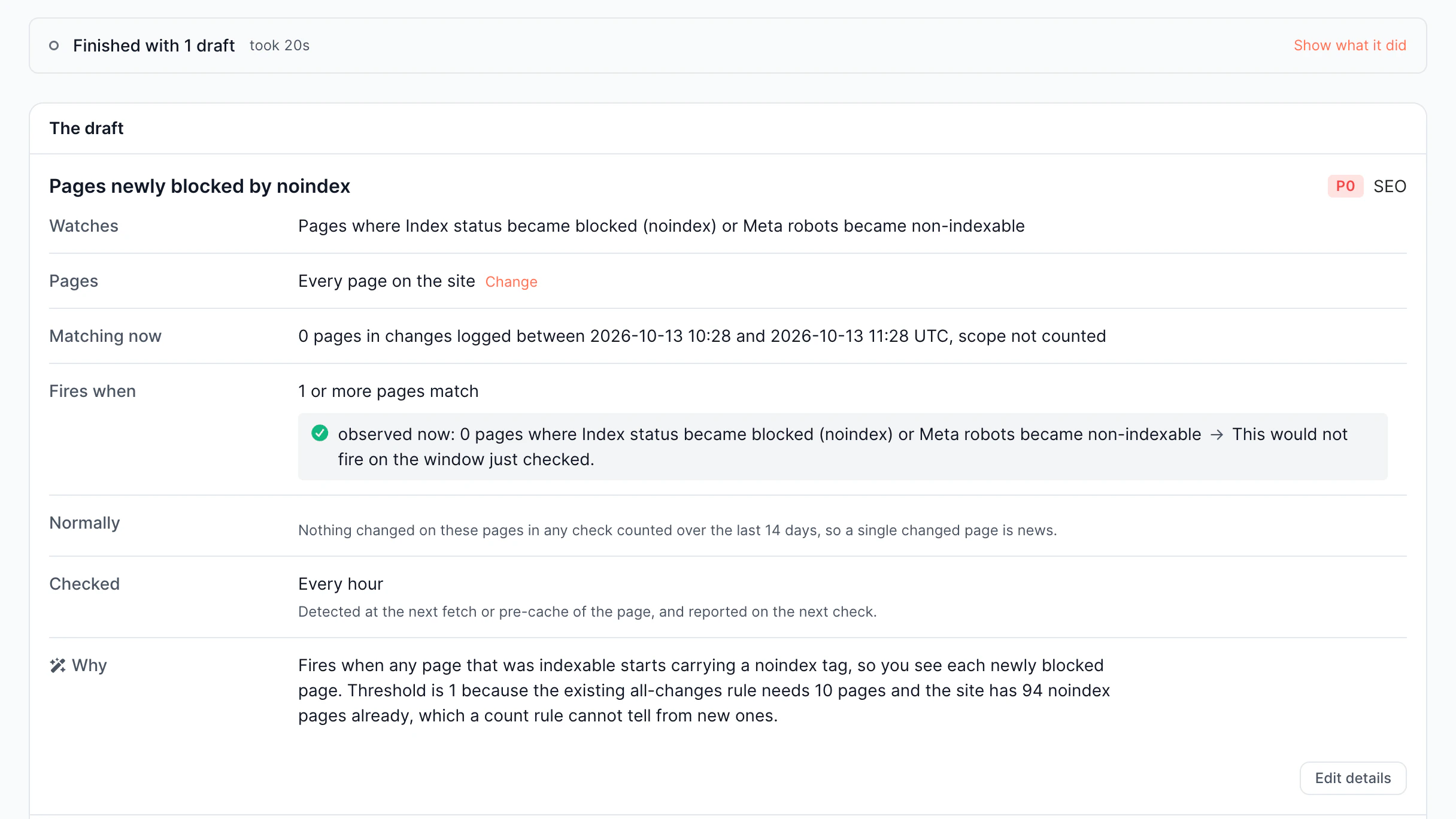
Accidental noindex changes

A single unsuccessful deployment can accidentally noindex hundreds of pages. Without real-time alerting, you only understand it when organic traffic has already dropped.

SEO metadata regressions

Missing canonicals, title overwrites, and broken structured data pass undetected after every release. Existing monitoring tools uncover issues hours after they happen.

Bot rendering failures

Traditional solutions mimic crawls or report HTTP status codes, but not what bots actually got. You can't catch render failures or SEO regressions that are invisible in real time.

Crawl anomalies

Search engines might suddenly lower their crawl activity, stop visiting important pages, or get unexpected HTTP responses. Identify unusual crawling patterns before they impact indexation and organic visibility.

Key features of SEO alerts

Check SEO issues once they occur. EdgeComet assesses bot requests every 5 minutes across 25 alert templates and 4 monitoring categories, so you know what broke, where, and why.

Real-time alerting

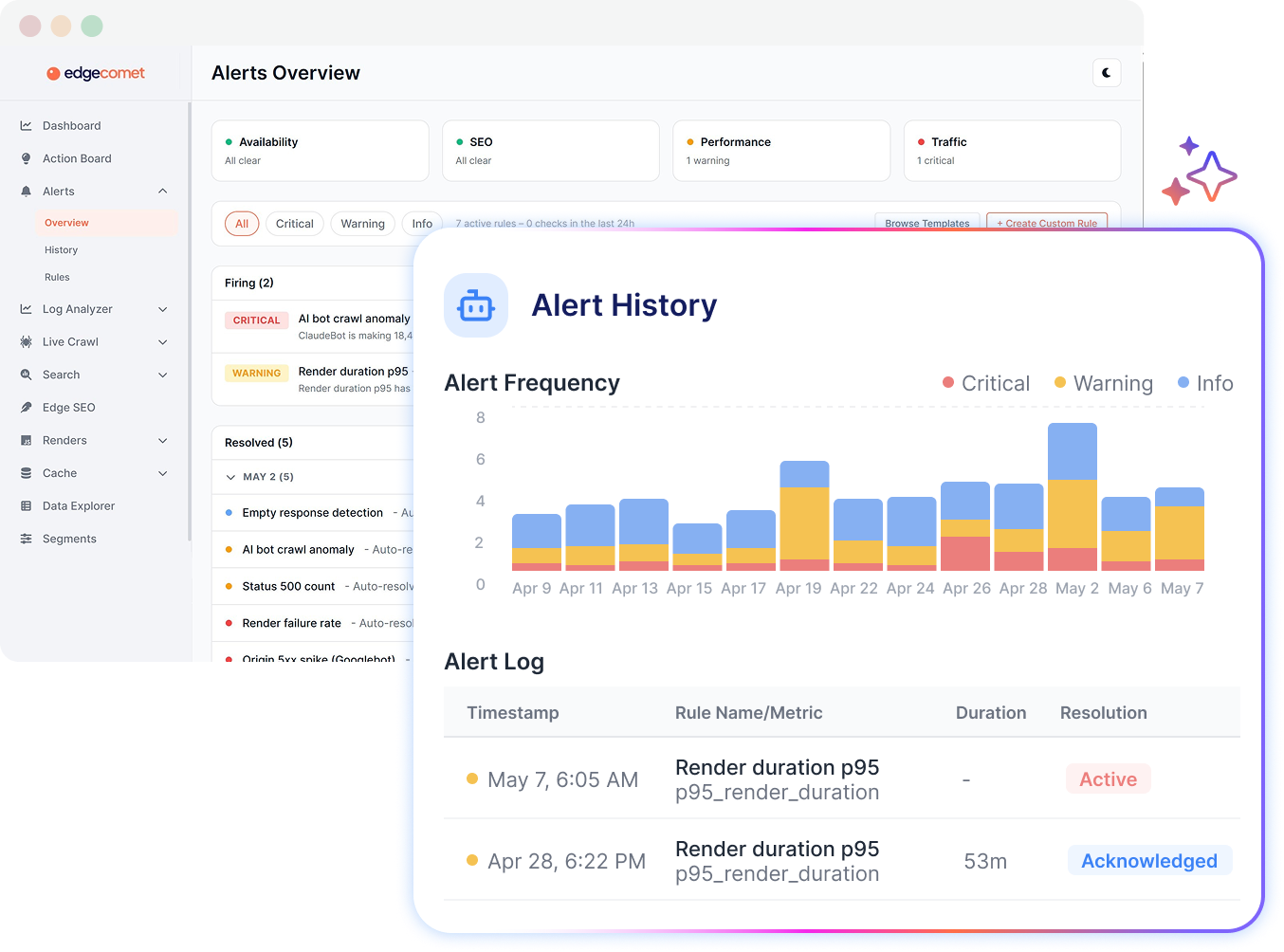
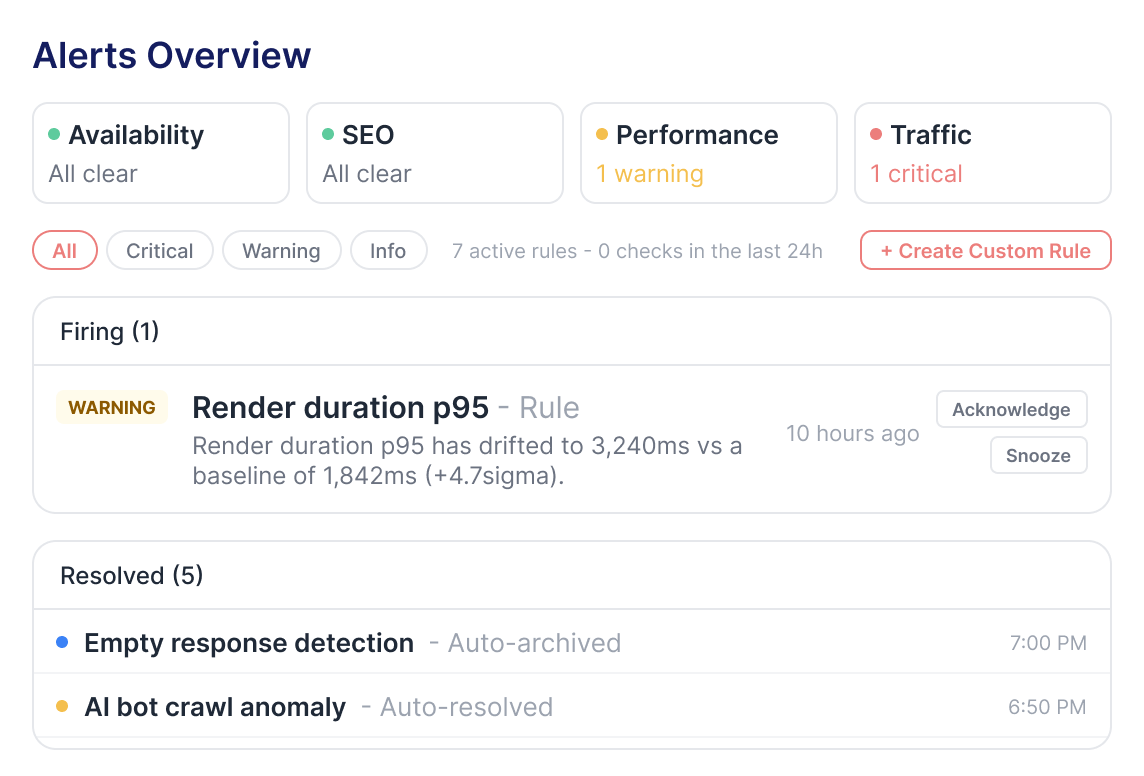
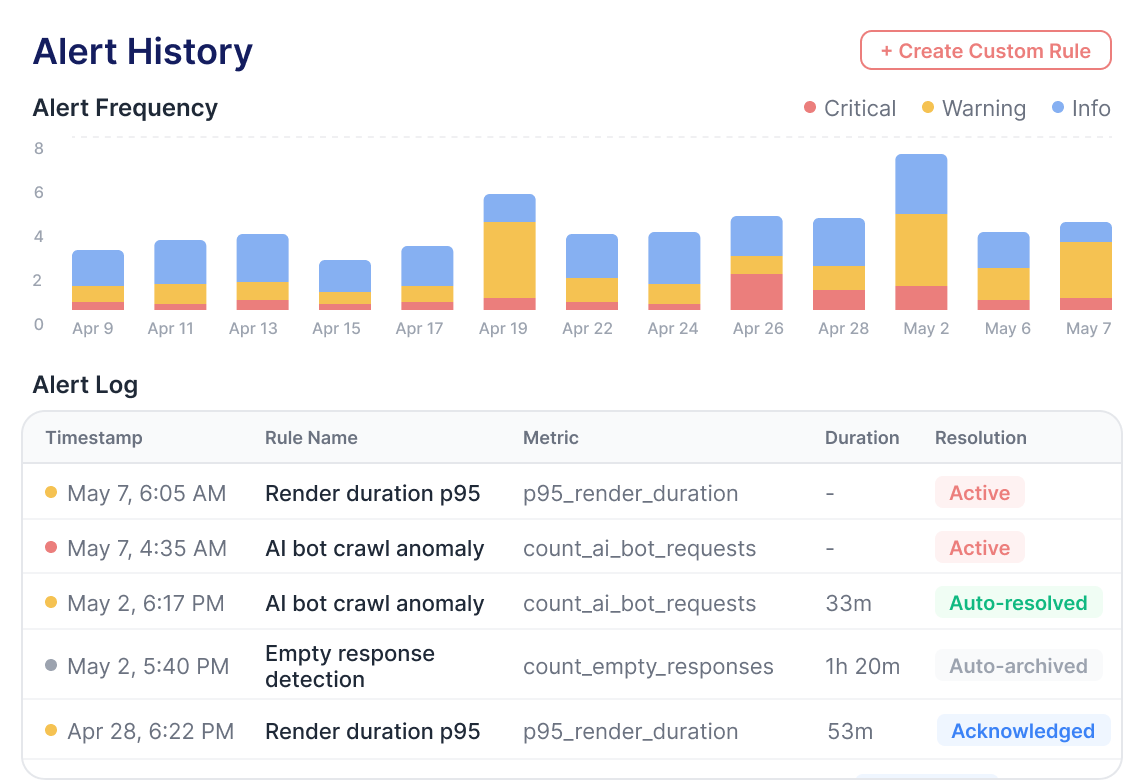
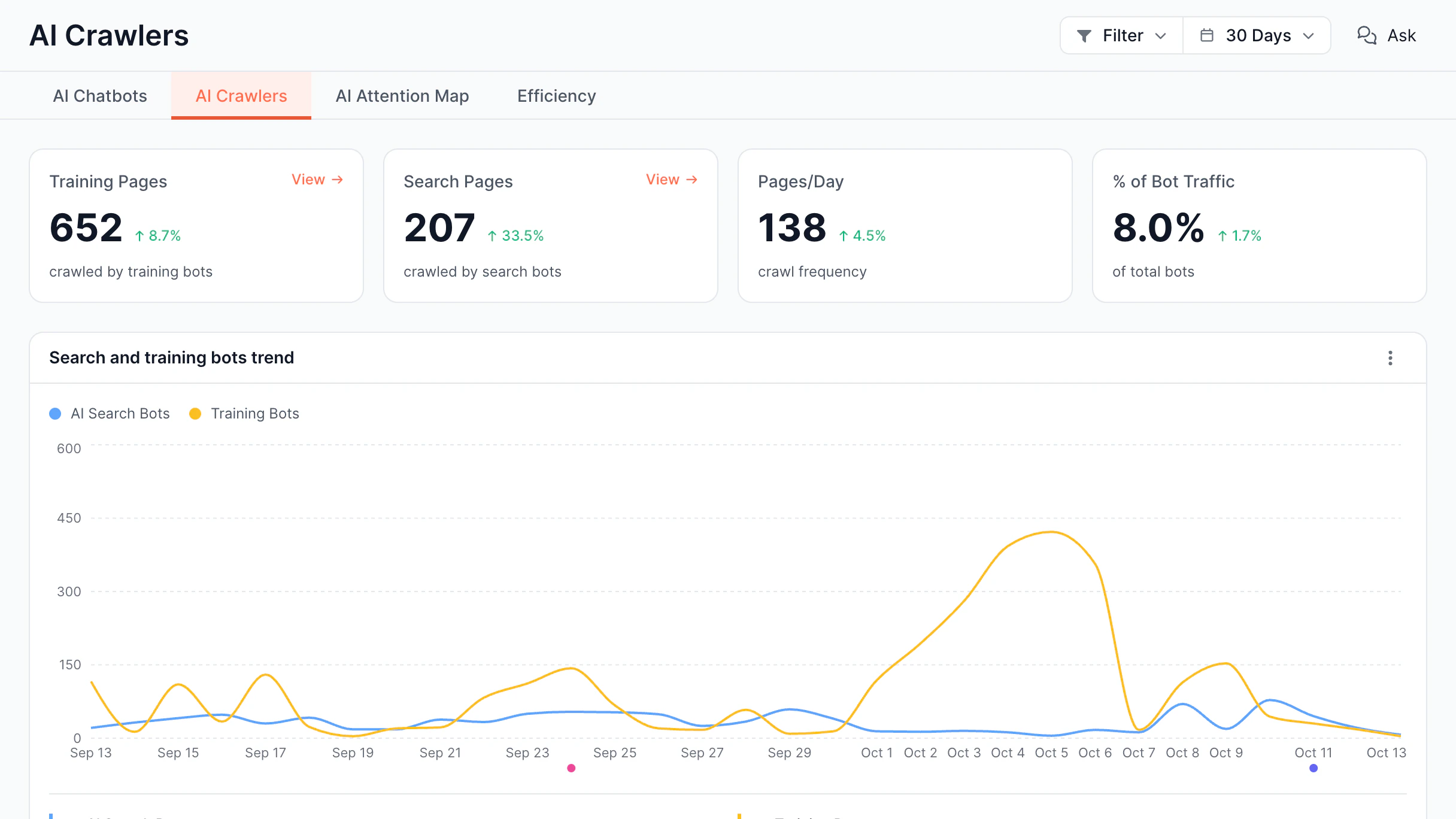
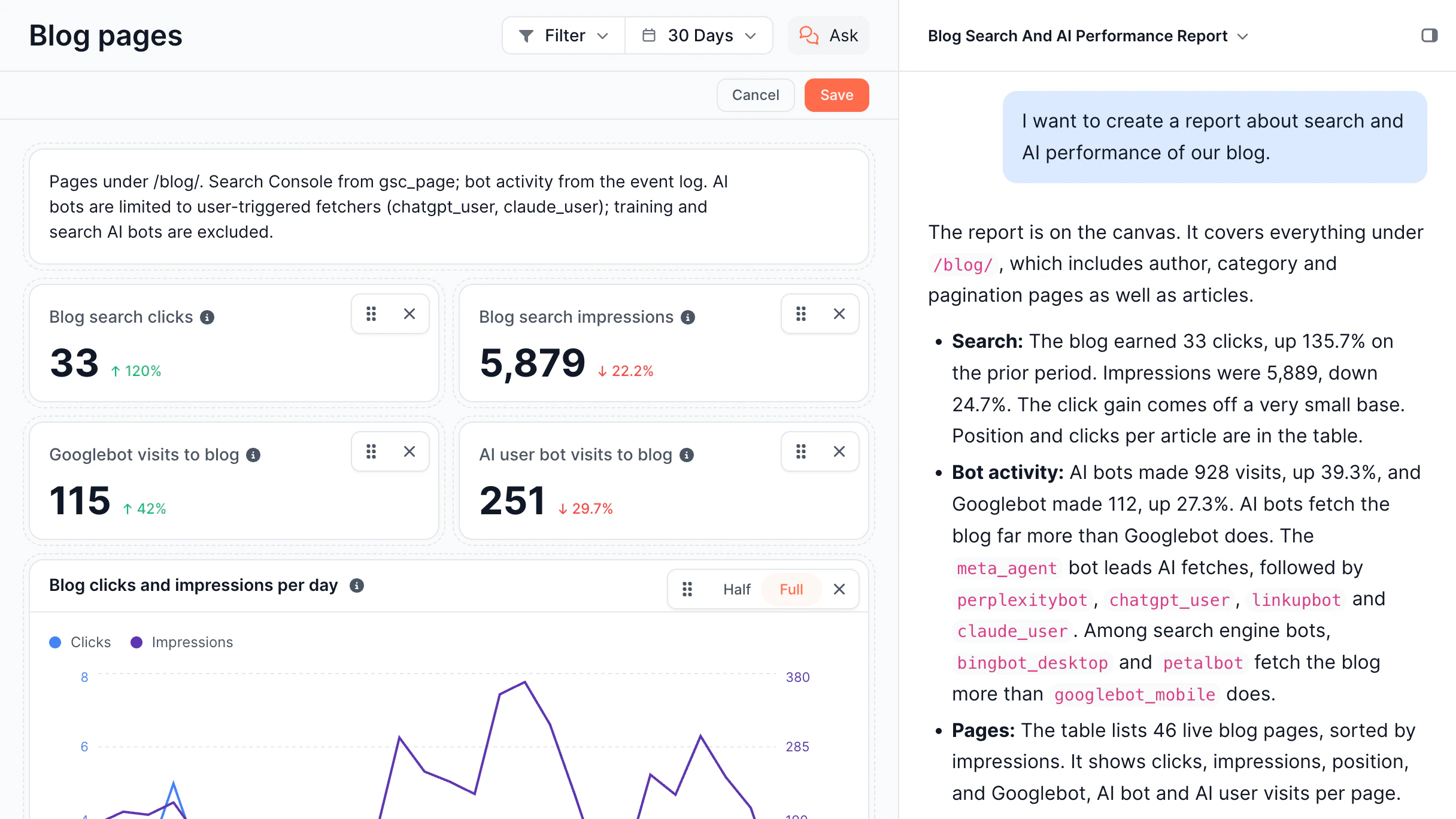
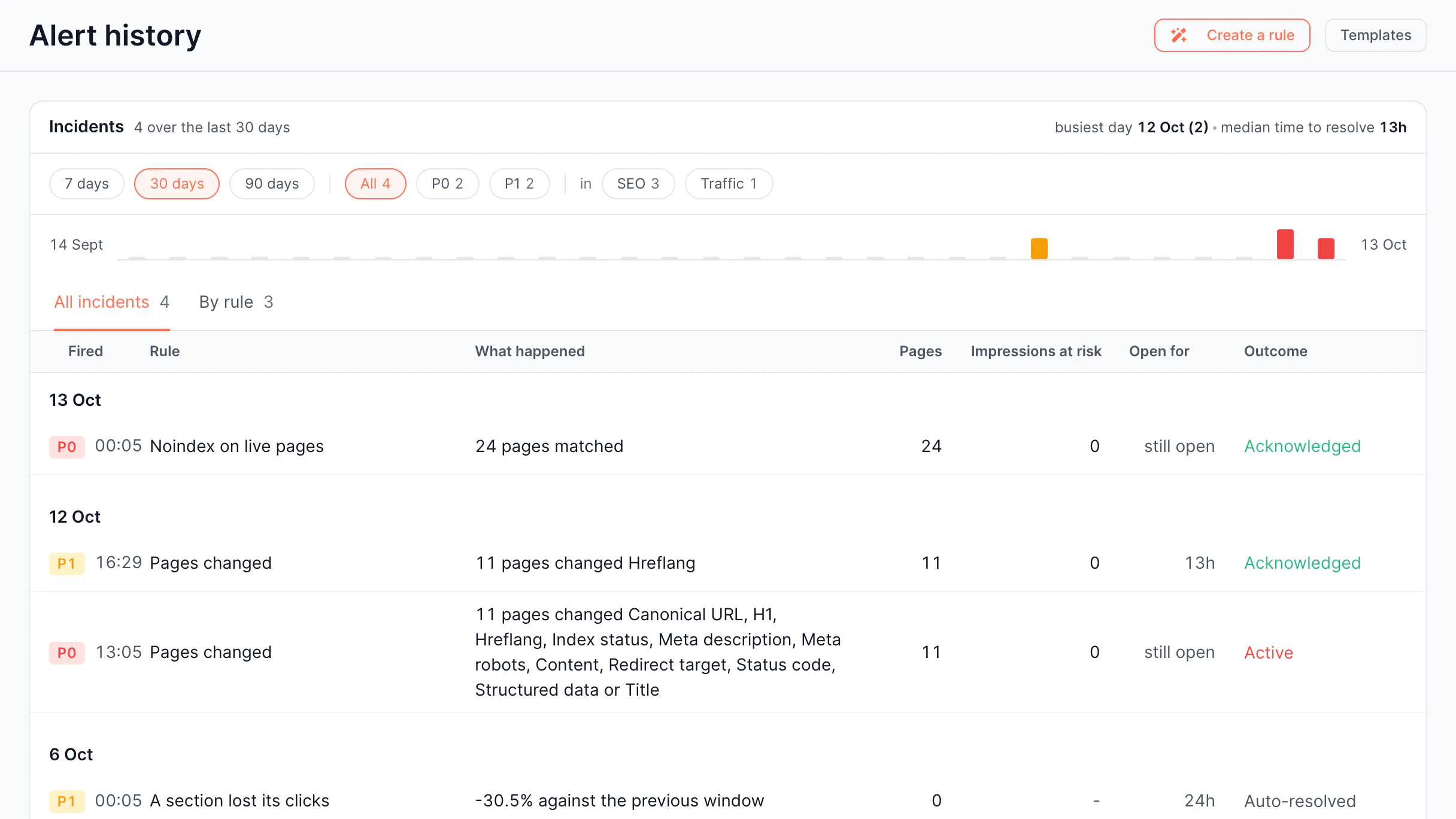
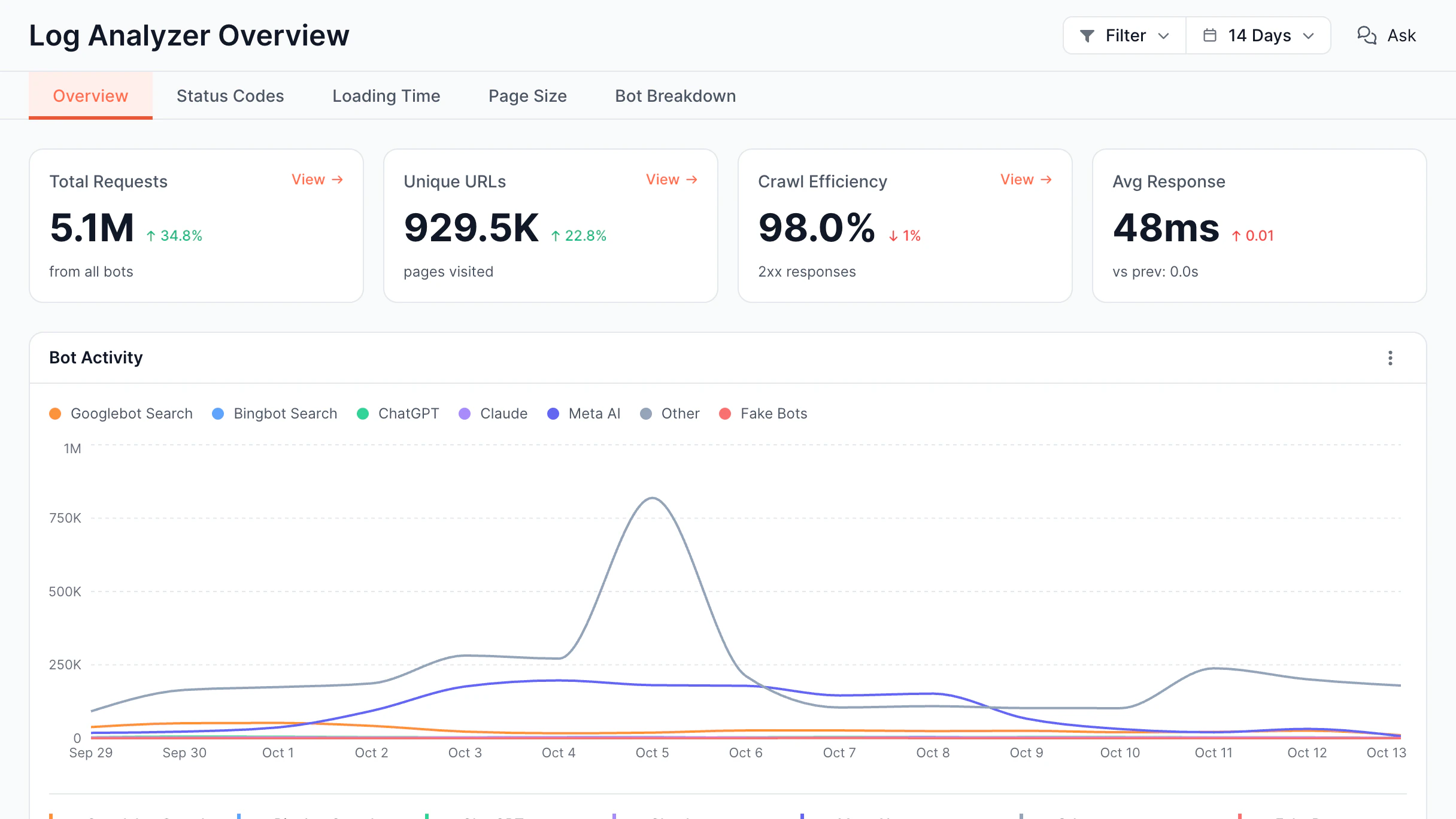
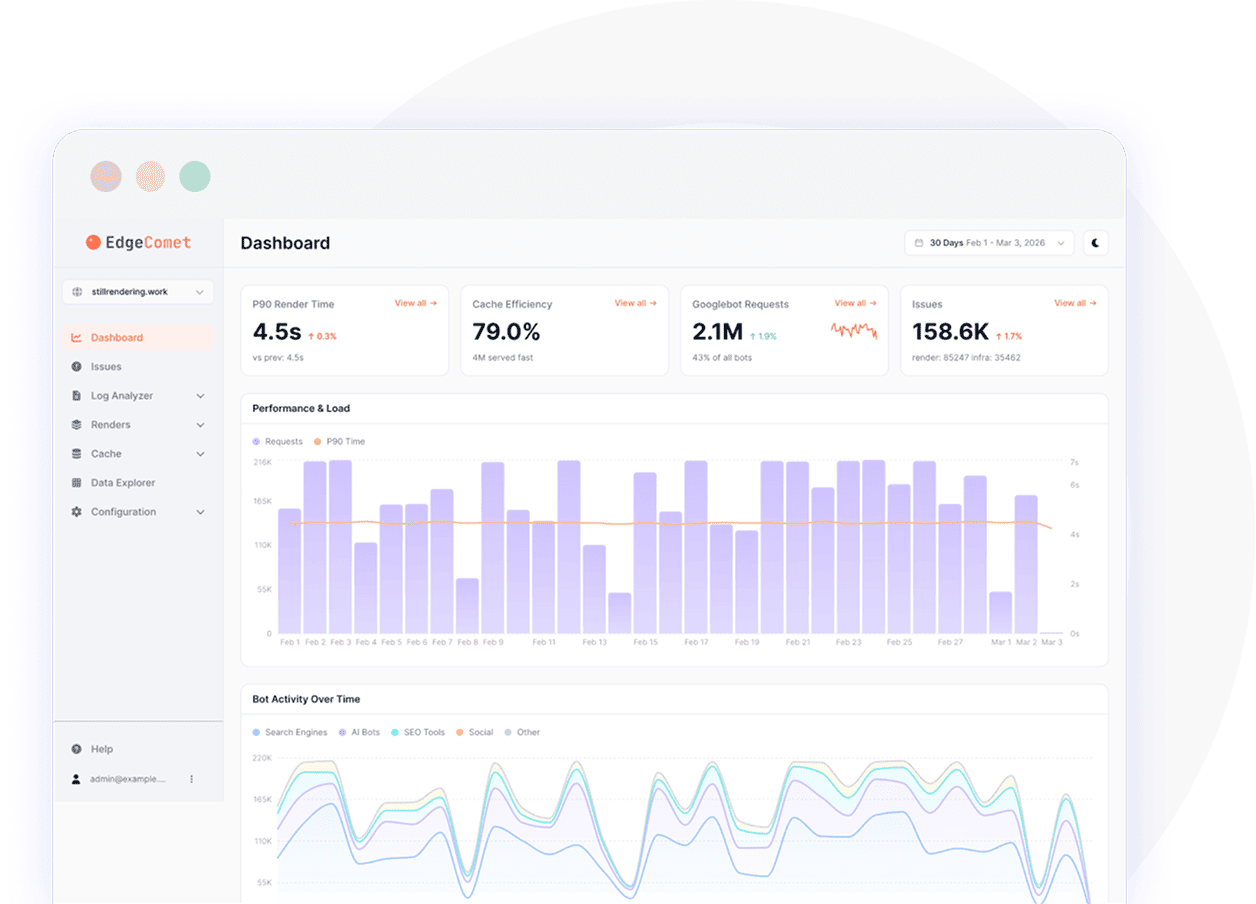
Monitor traffic, availability, SEO, performance, and keyword visibility from a single dashboard. Receive real-time SEO notifications whenever ranking or technical issues are detected.

  • Monitor alert status in real time

    Analyze which alerts are hot, acknowledged, or resolved

  • See all active alerts on one dashboard

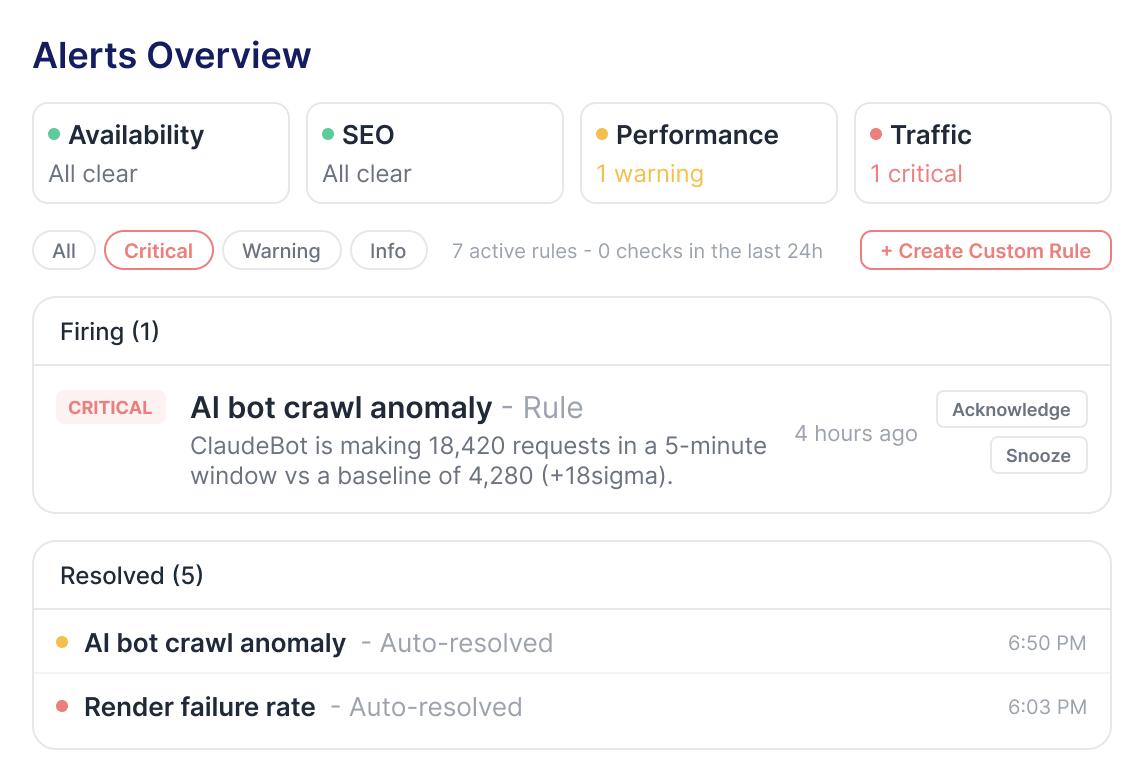
    Check every alert filtered by severity

  • Filter by priority immediately

    Filter Critical, Warning, and Info alerts

  • Act directly from the dashboard

    Accept or snooze any alert on the dashboard

Real-Time Alerting

SEO monitoring and anomaly detection

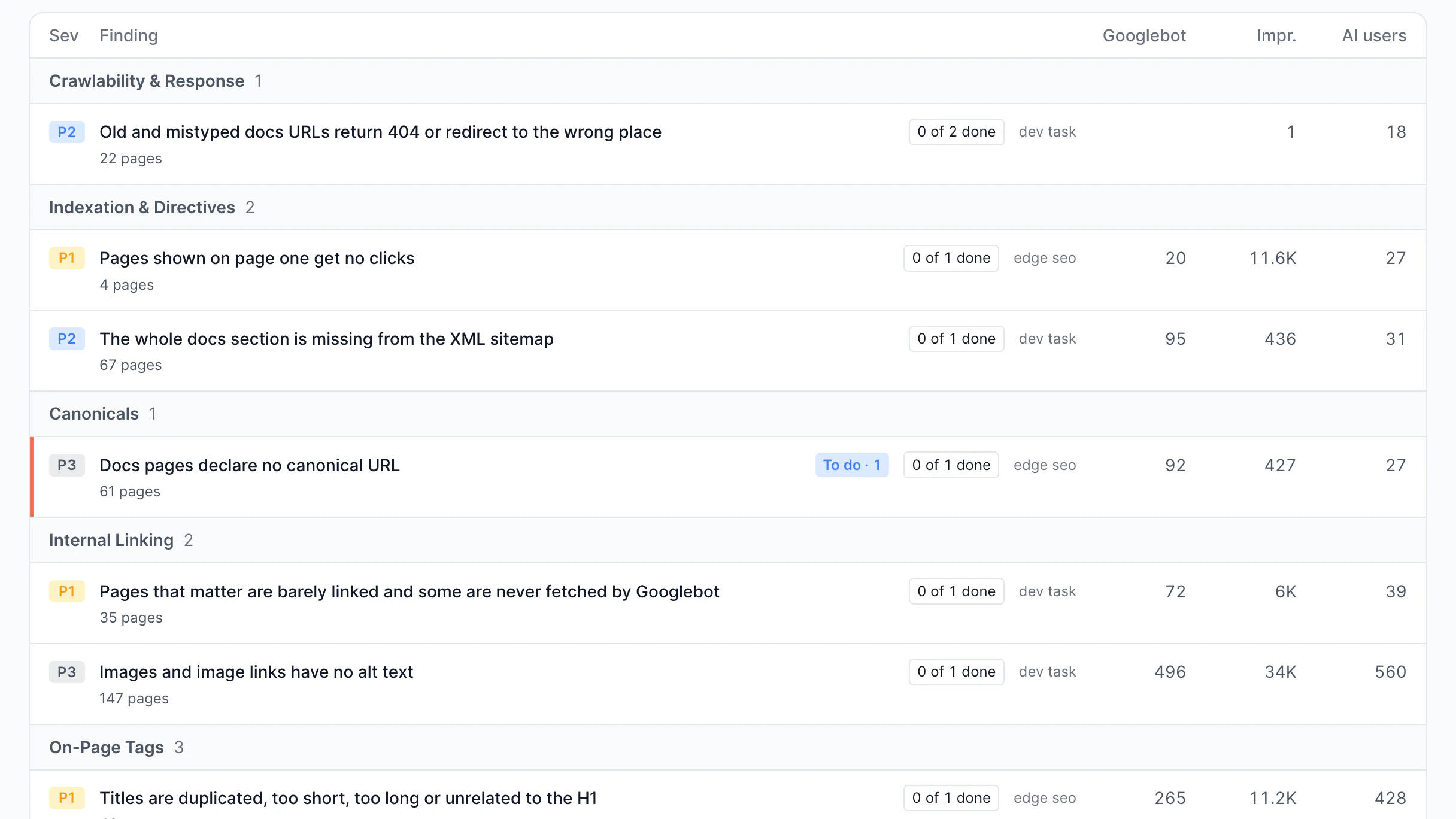
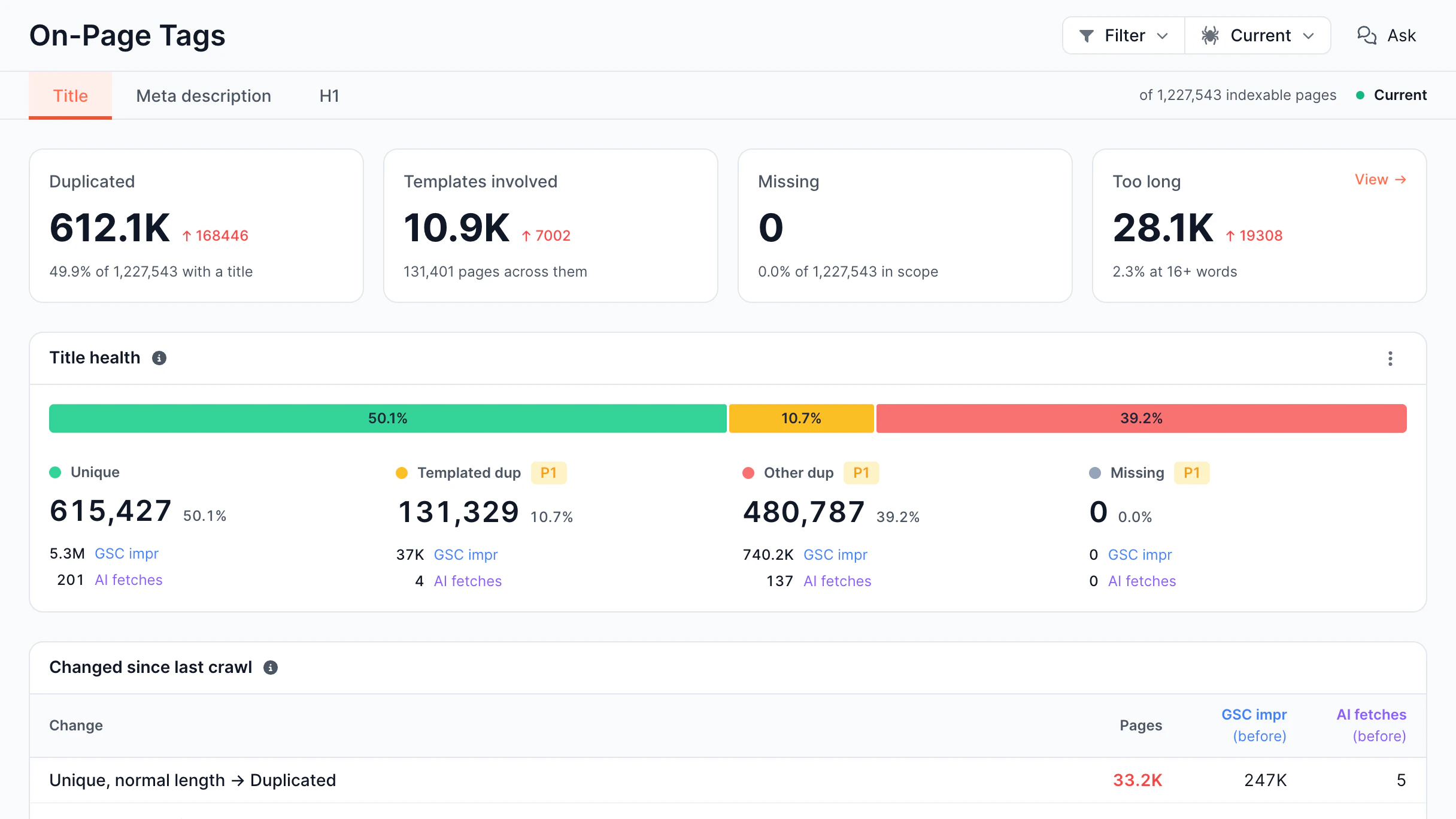
Capture title overwrites, canonical shifts, no-index issues, and structured data removal the moment they affect real bot renders. Get notified of meaningful deviations.

  • Identify mass SEO changes

    Know when title tags change across dozens of pages

  • Track canonicals, robots, and structured data

    Get notified when any critical SEO element is modified

  • Check which URLs are affected

    Identify the specific pages and segments with changes

  • Catch no-index accidents before rankings drop

    Learn when pages are blocked from indexing

SEO Monitoring and Anomaly Detection

Custom alert rules

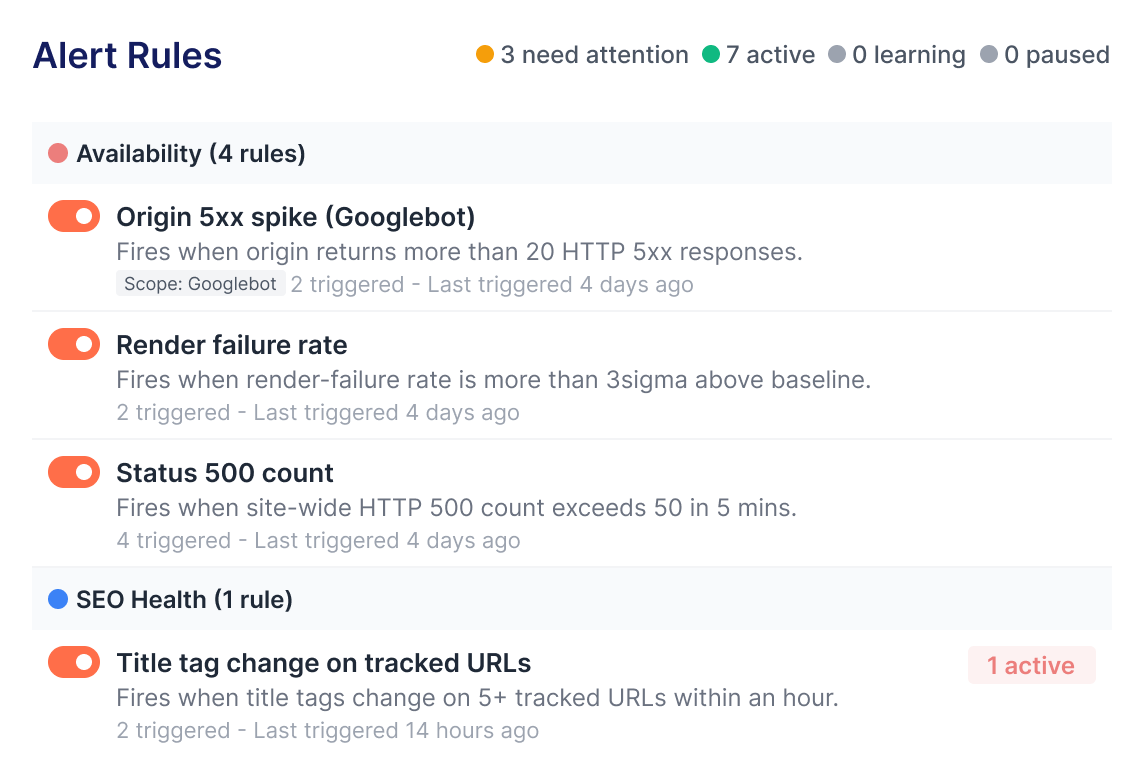
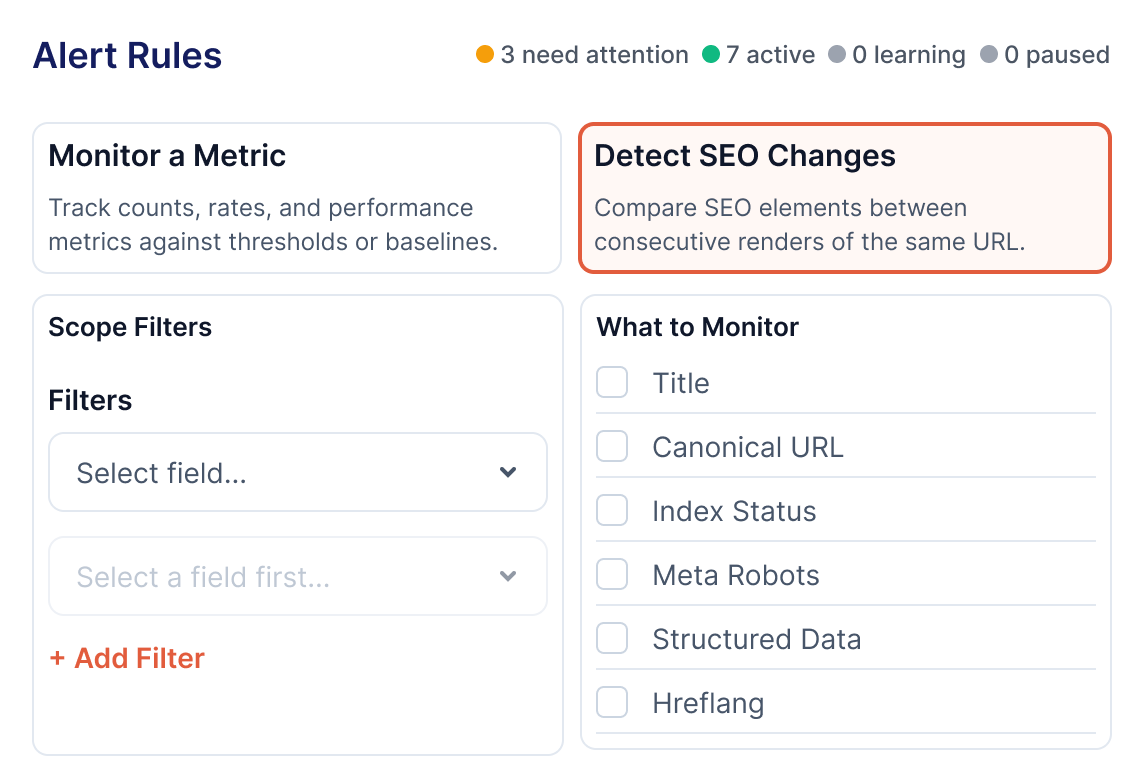
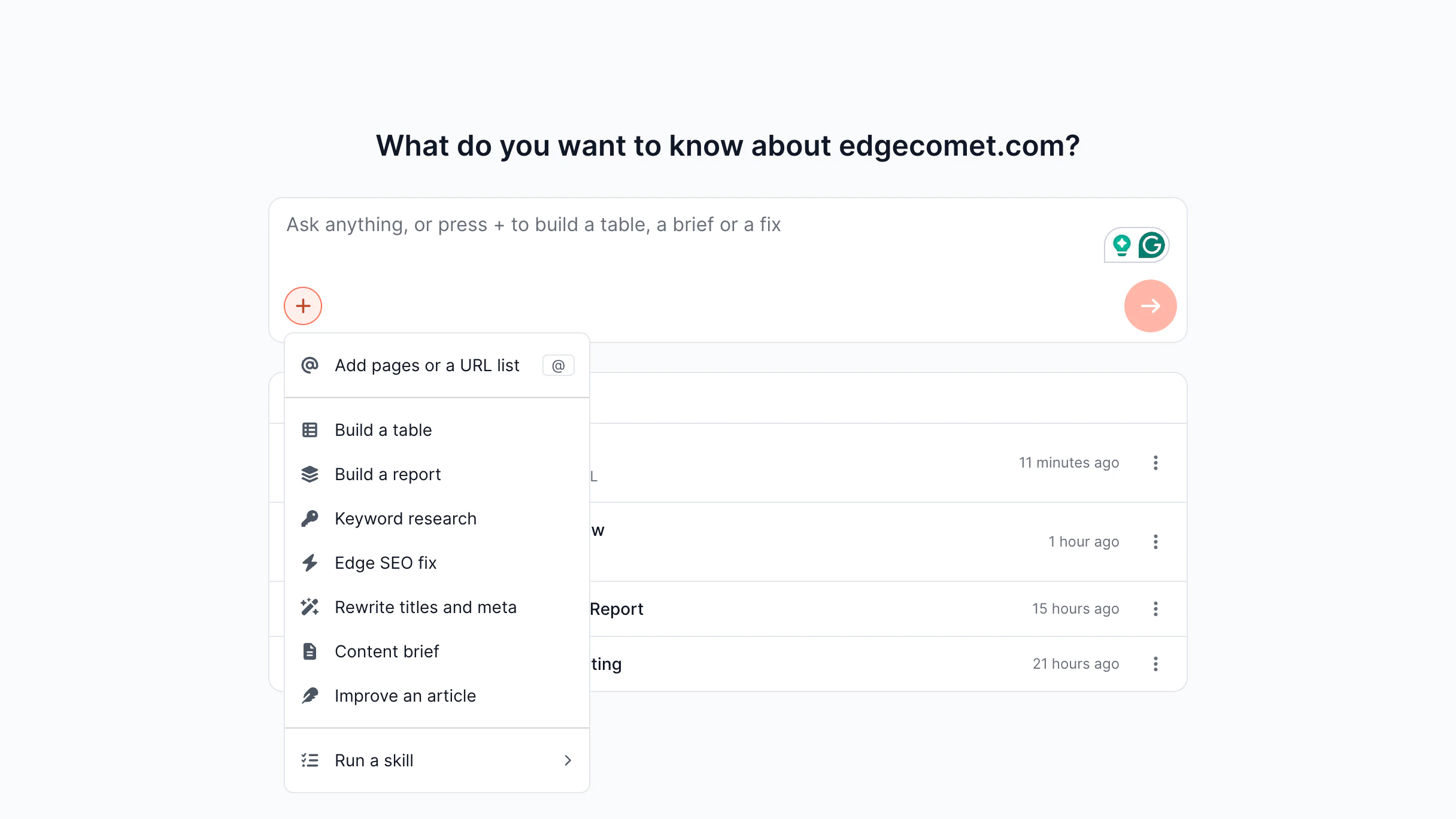
Create custom alert rules and monitor any elements on any page. Go beyond pre-built templates and define what matters most for your site's specific setup.

  • Create rules for any page element

    Customize alerts on any SEO field or metadata

  • Pick up among 25 pre-built templates

    Launch common failure scenarios

  • Customize thresholds and conditions per rule

    Adjust sensitivity for each rule independently

  • Recognize and snooze notifications

    Mark alerts as accepted or postpone them

Custom Alerts

Multi-channel notifications

Get alerts wherever it is convenient for your team. Send notifications to the right specialists through the right channels without switching tools.

  • Deliver to dashboard, email, Slack, or webhooks

    Meet your team where they already are

  • Create different rules for different channels

    Send critical alerts to Slack, summaries to email

  • Mute alerts during deployments

    Avoid alerts by scheduling maintenance windows

  • Check handled alerts separately

    Distinguish between hot and resolved alerts

Multi-Channel Notifications

Bulk alert management

Manage SEO Alerts for all projects from a single dashboard. Enable, disable, or update alert settings for many websites in minutes.

  • Update multiple projects at once

    Turn alerts on or off for all websites with a single action

  • Manage alert channels centrally

    Set up Slack, email, or other notification settings from one location

  • Reduce manual work

    Get rid of repetitive configuration changes for each project

  • Scale monitoring across teams

    Maintain consistent alert settings across clients, brands, or business units

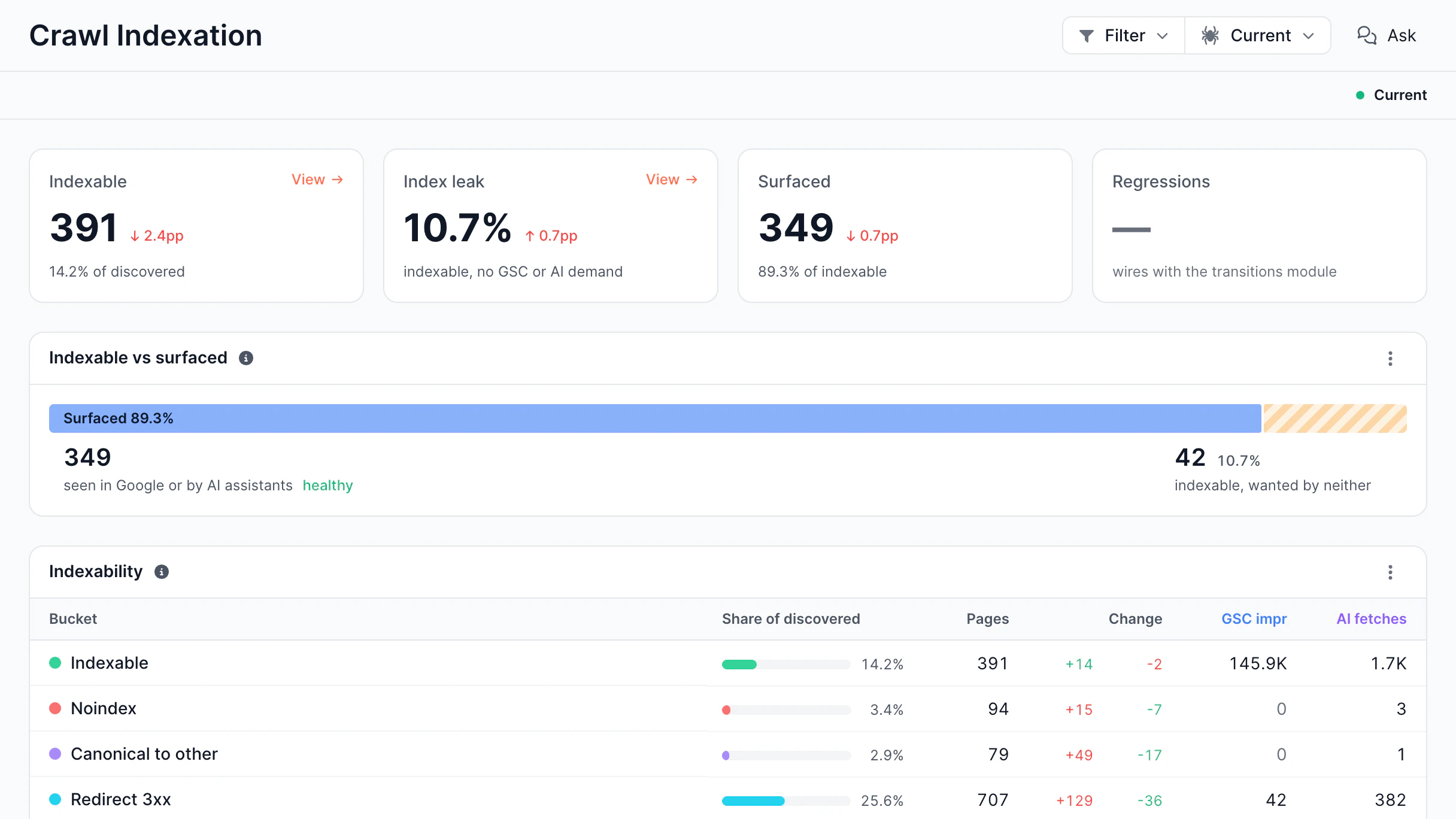
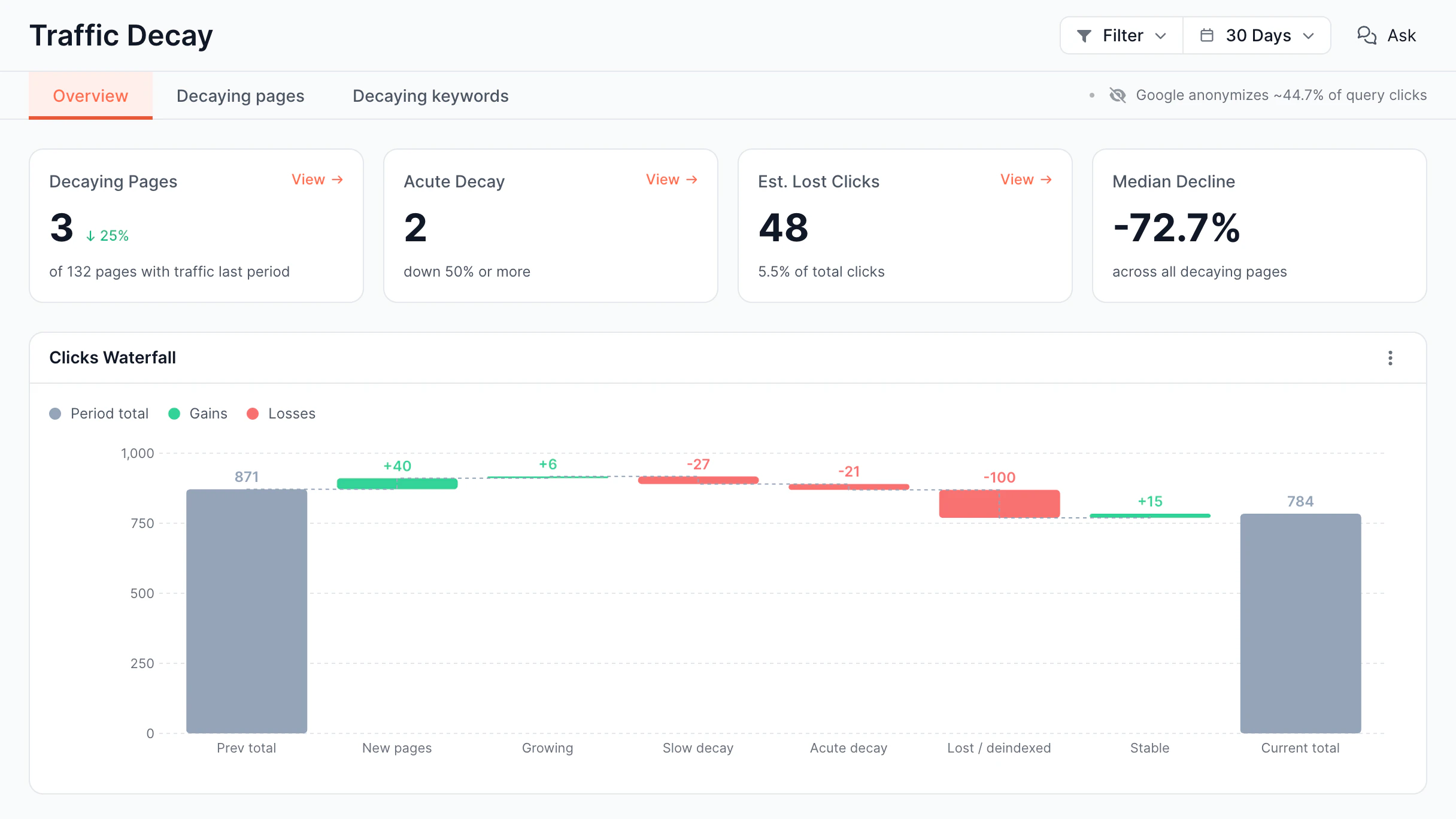
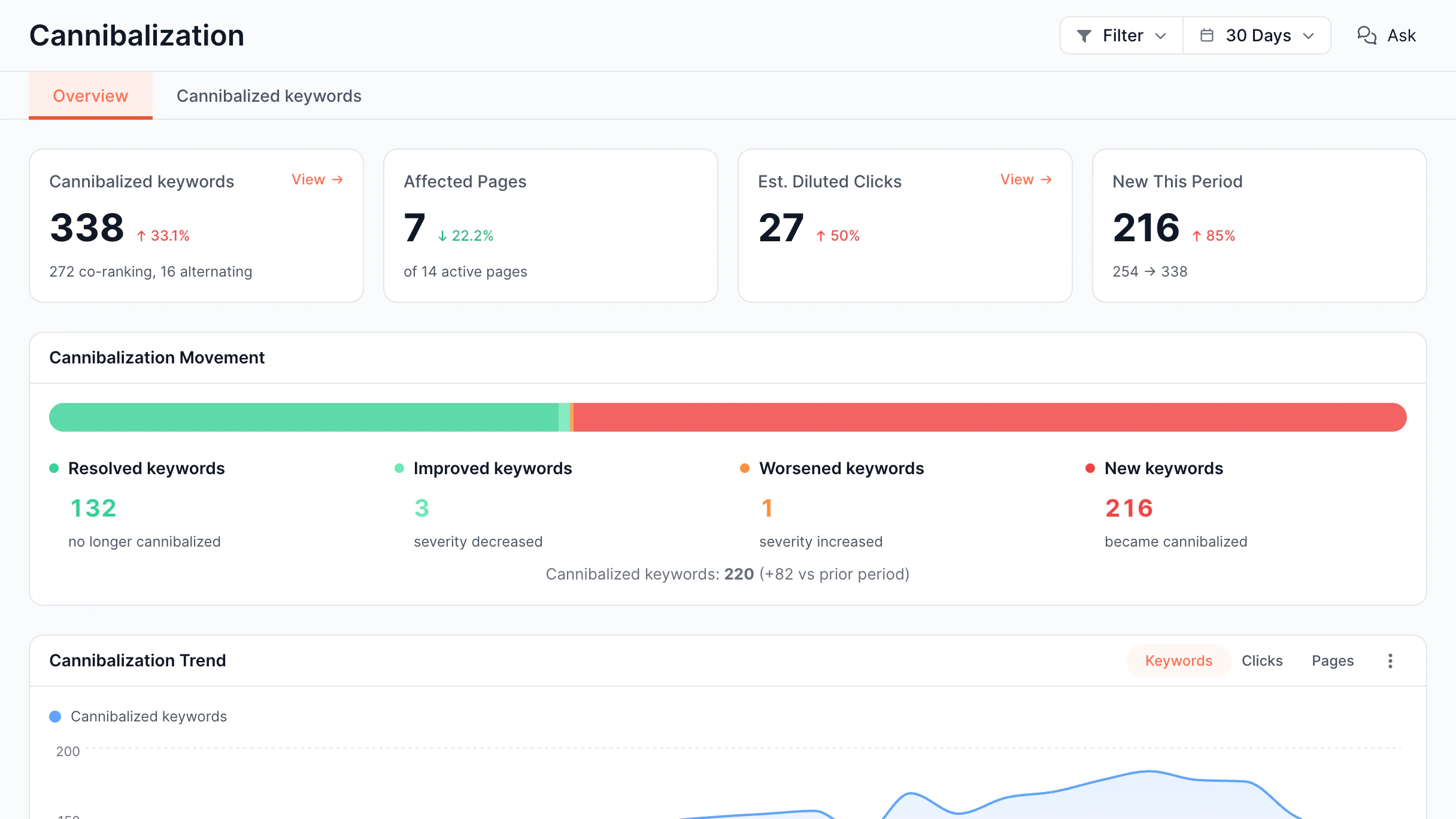
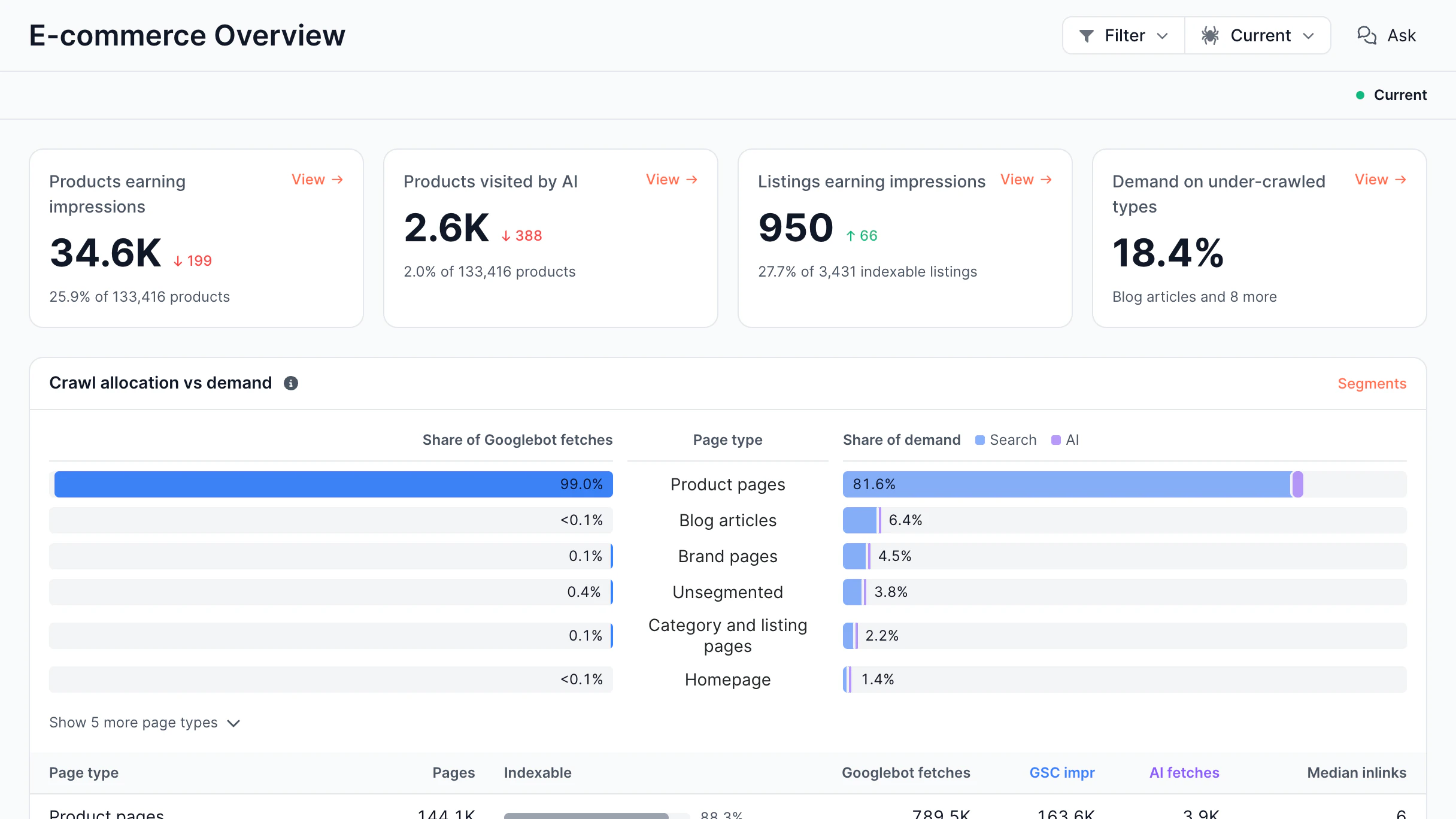
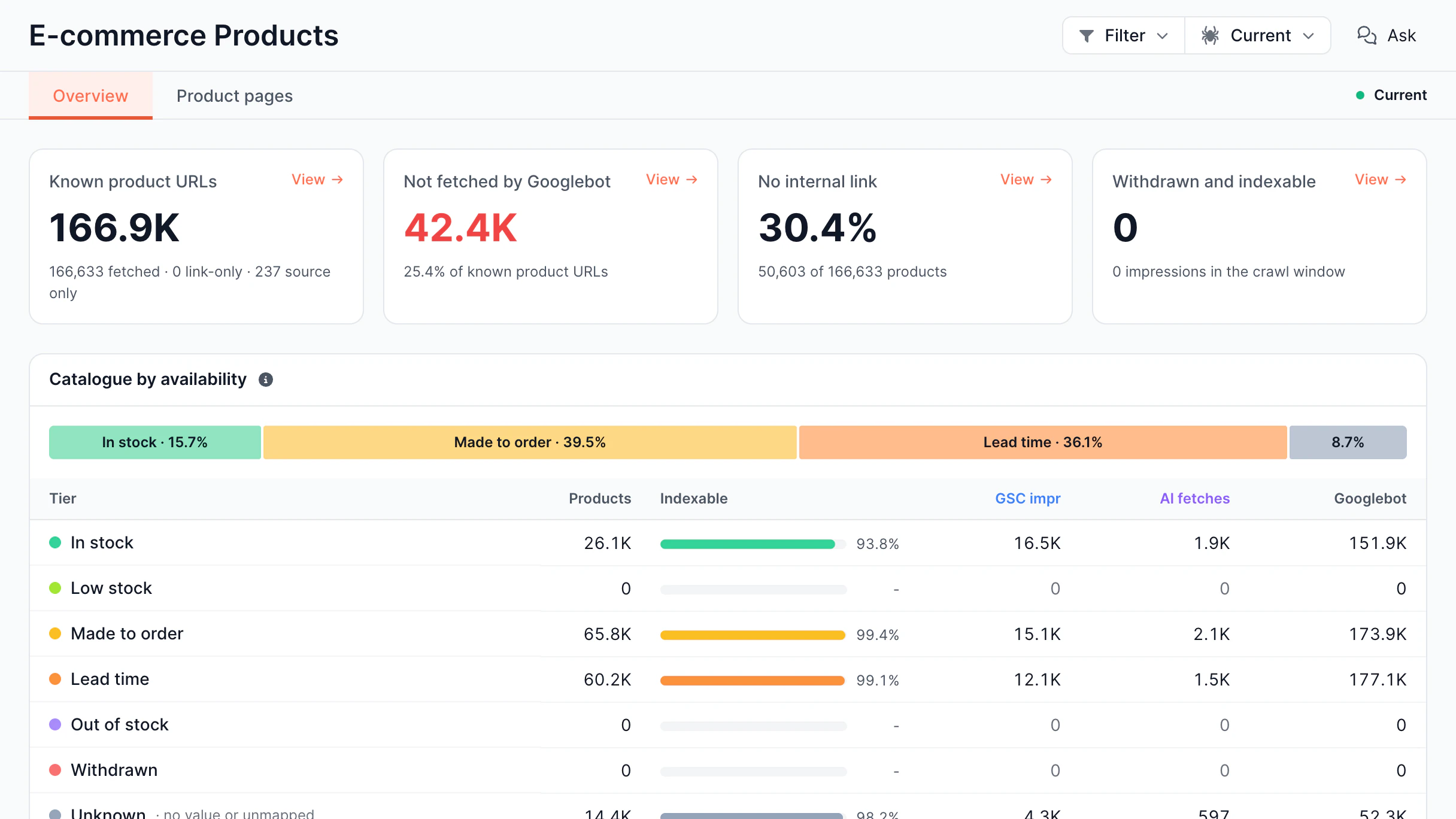
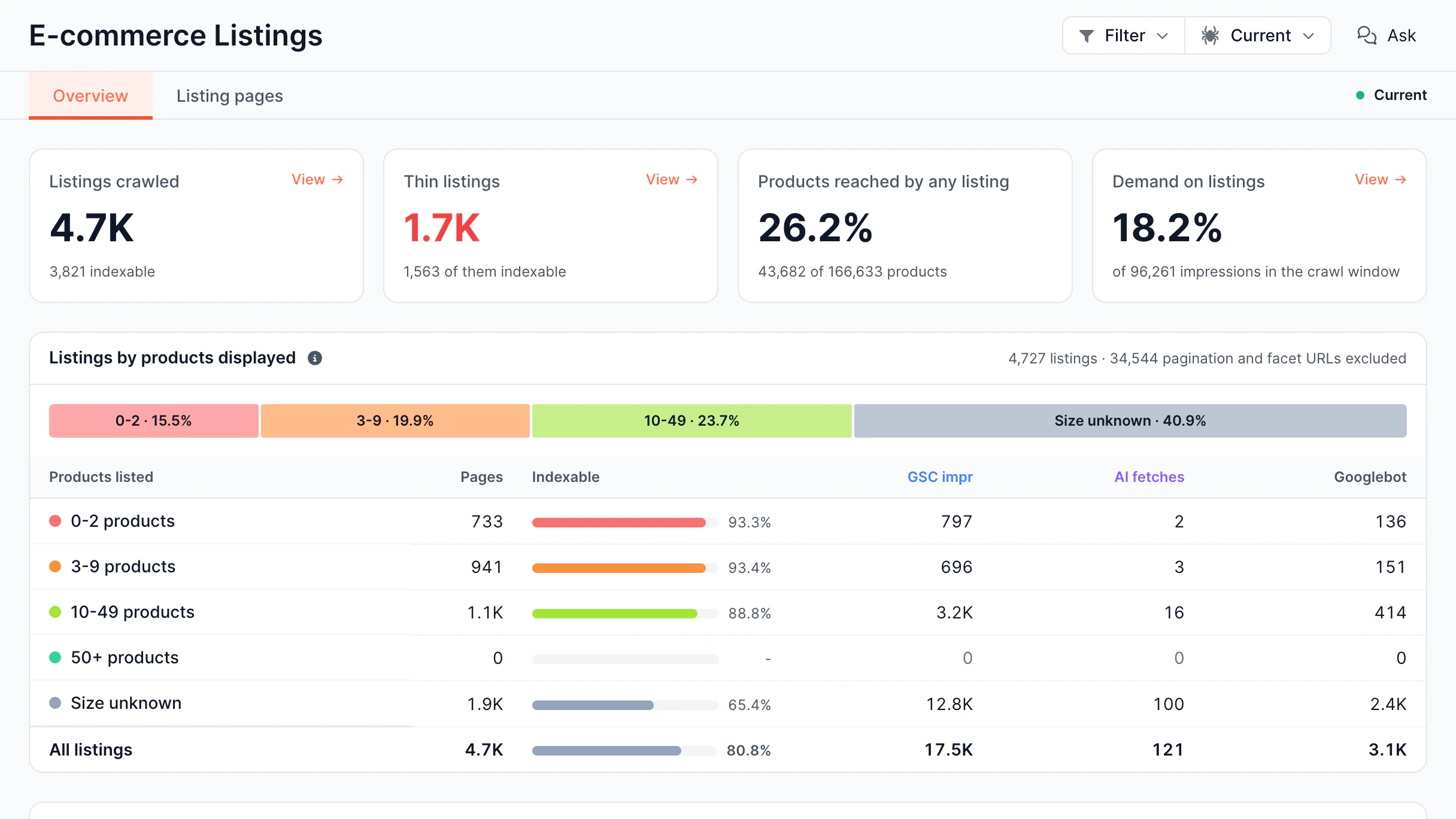
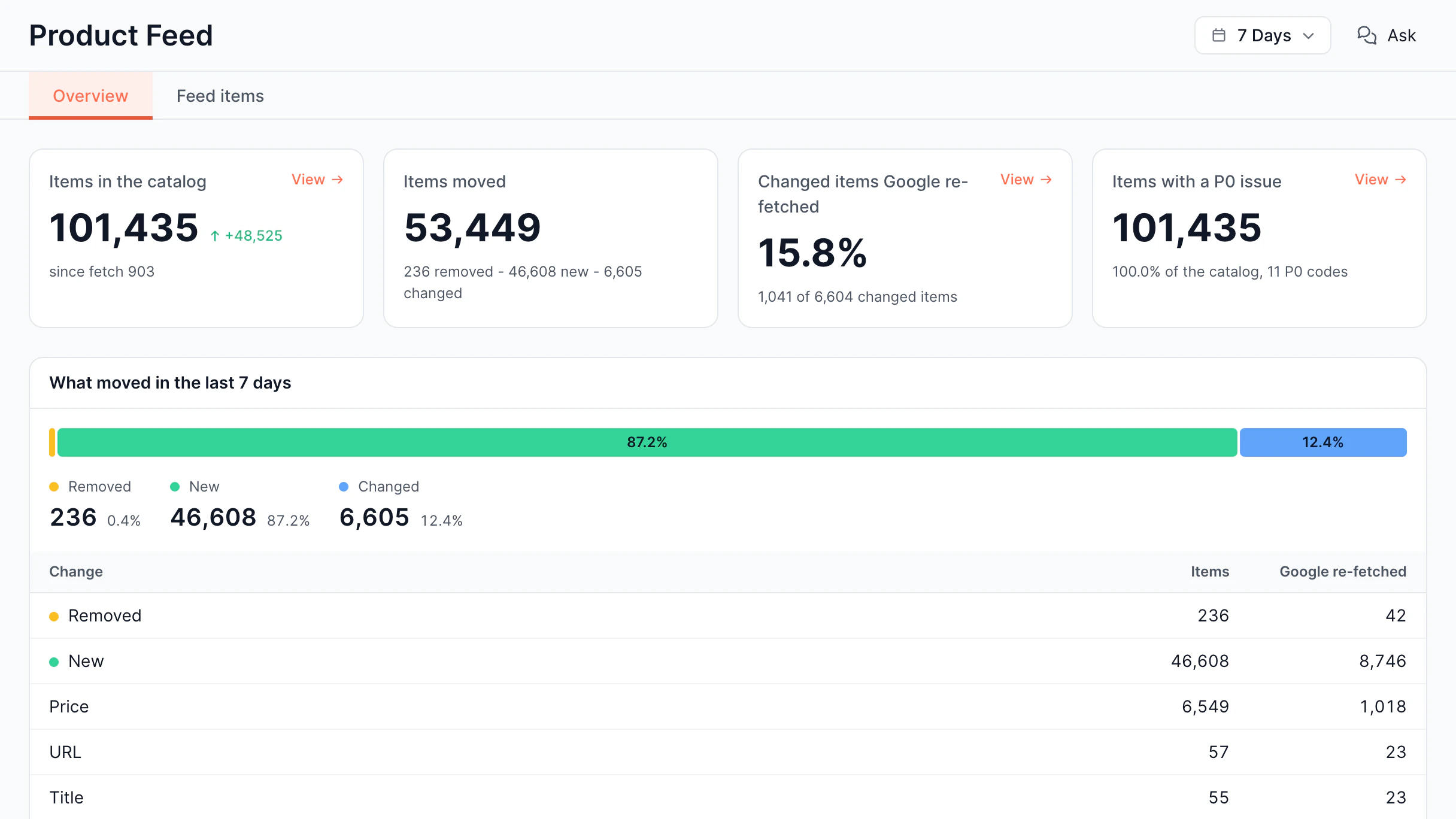
SEO alerts dashboard - real-time ranking and notification tracking

Monitor every critical SEO signal

Monitor every critical SEO signal from a one platform - from technical changes and search performance to AI crawlers and infrastructure events.

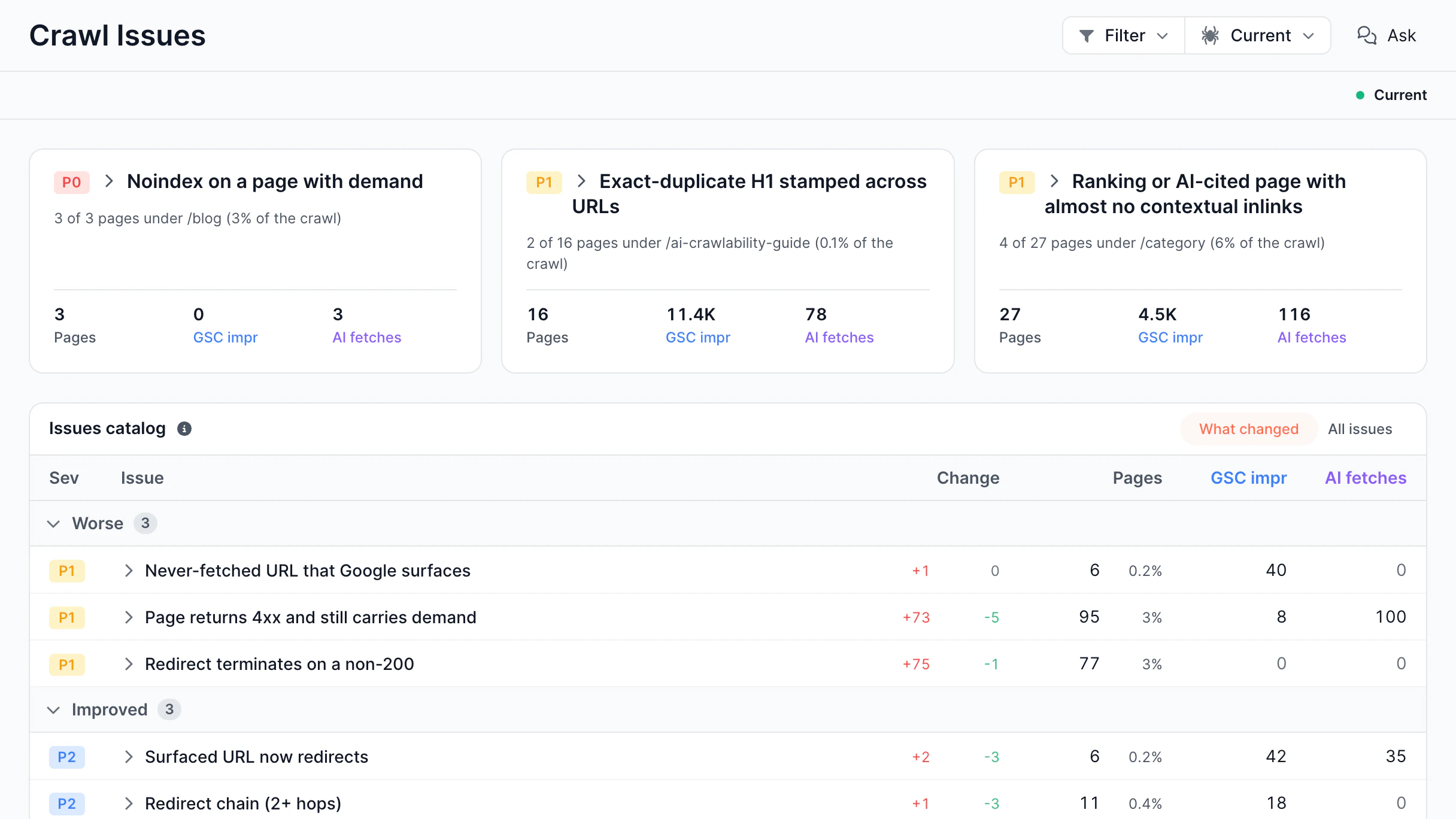
Detect changes to titles, canonicals, robots directives, structured data, redirects, status codes, and noindex tags before they impact search visibility.

Keep track of critical SEO elements
Track titles, canonicals, robots directives, structured data, and redirects.
Spot large-scale changes
Identify unexpected updates across hundreds or thousands of pages.
Find affected URLs instantly
See exactly which pages or segments were impacted.
Identify indexation regressions
Get alerts before accidental noindex or canonical issues affect rankings.

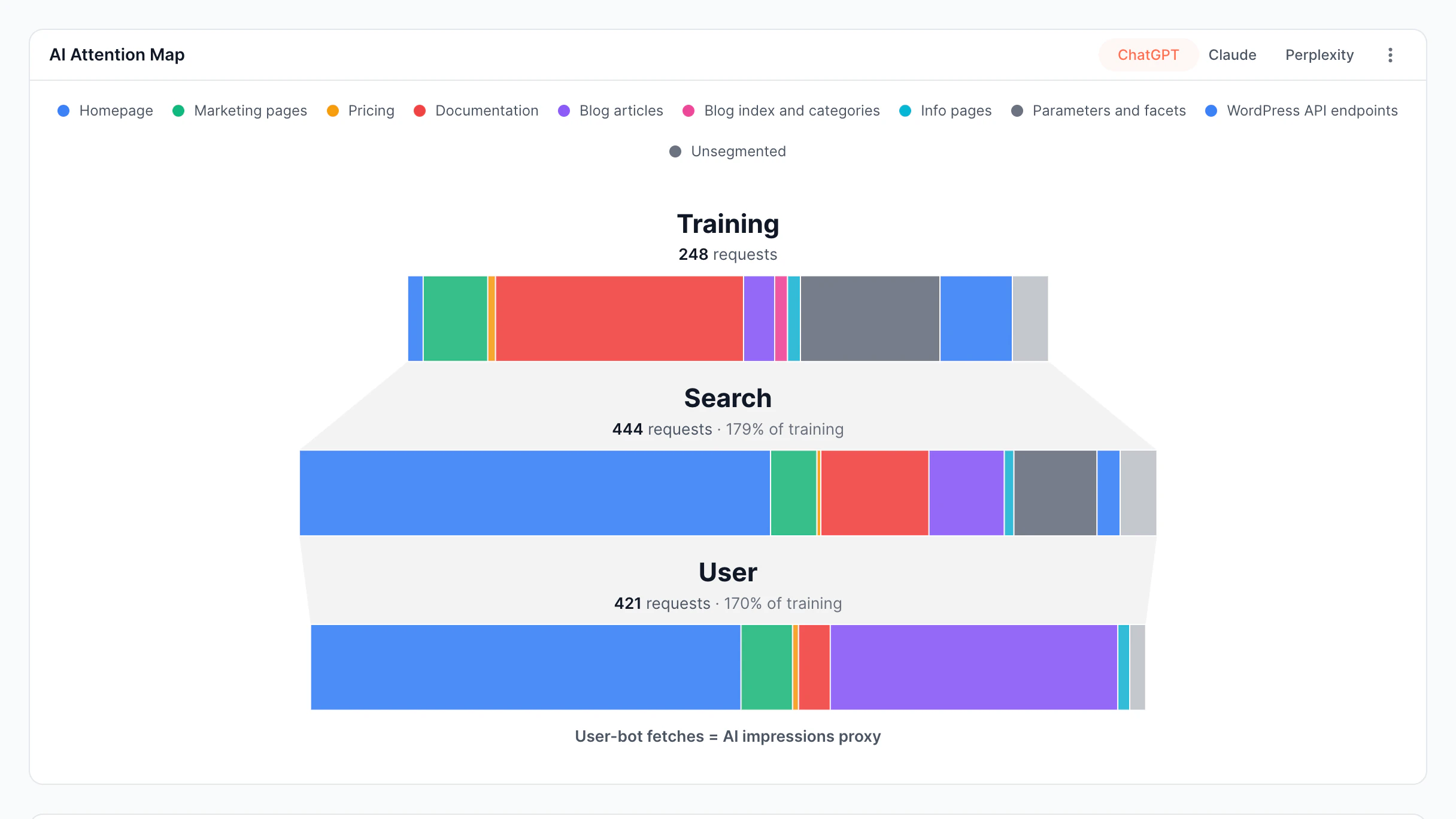
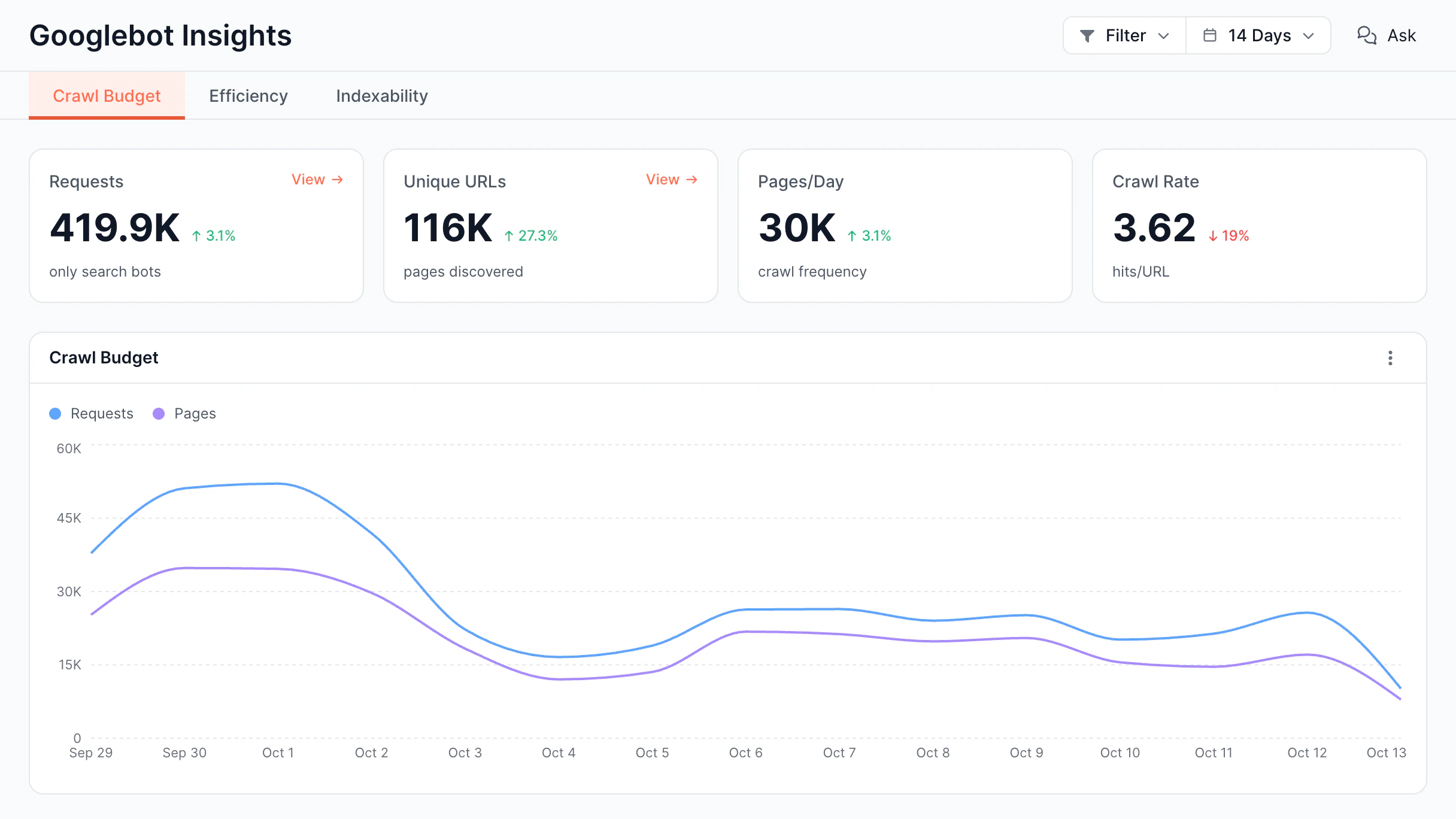
Monitor real Googlebot and AI crawler activity to detect crawl failures, rendering issues, and visibility problems in production.

Track real bot traffic
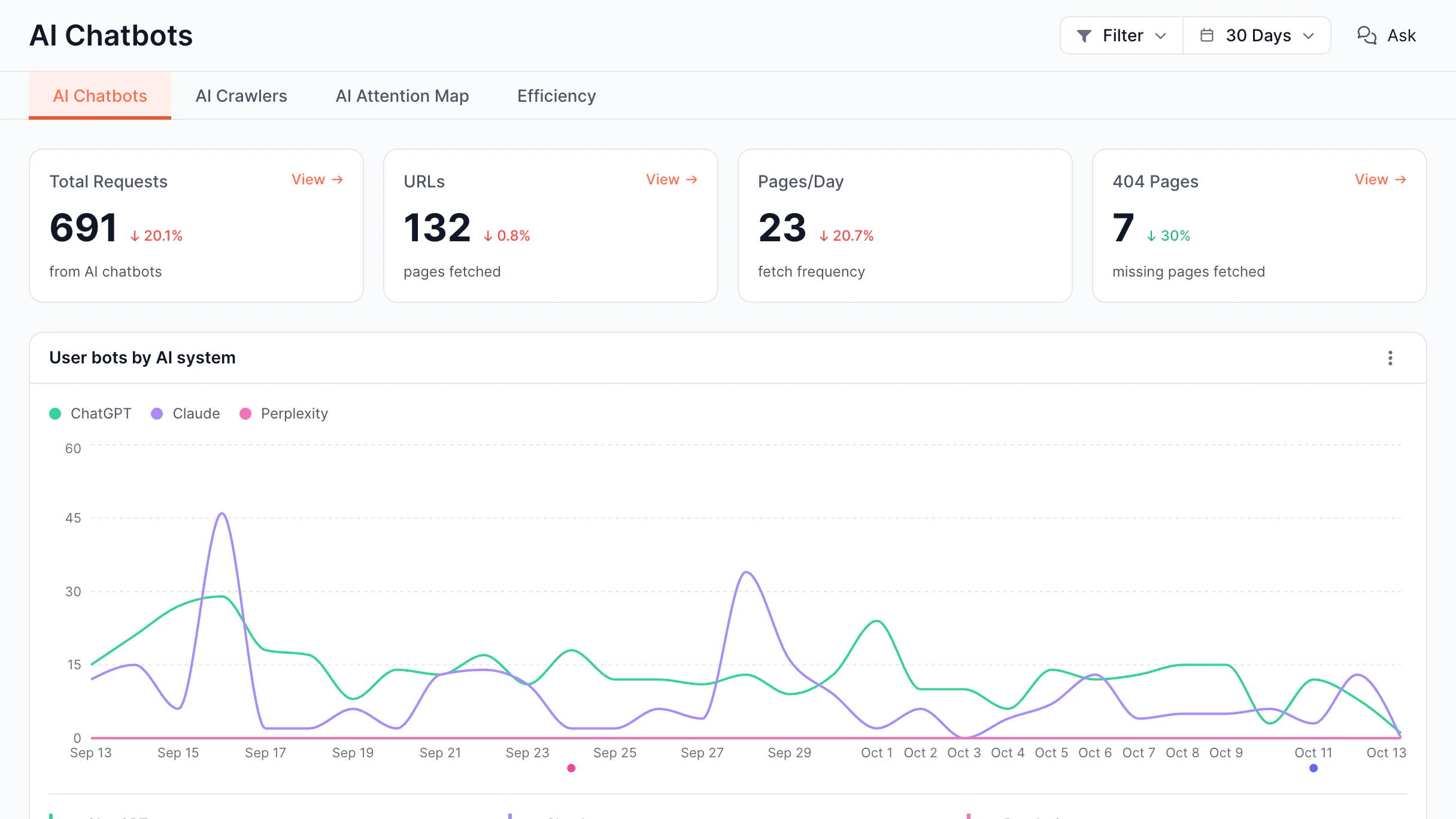
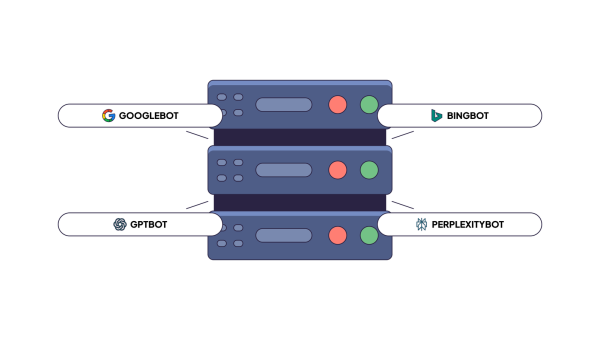
Monitor Googlebot, Bingbot, GPTBot, ClaudeBot, PerplexityBot, and more.
Detect crawl and render failures
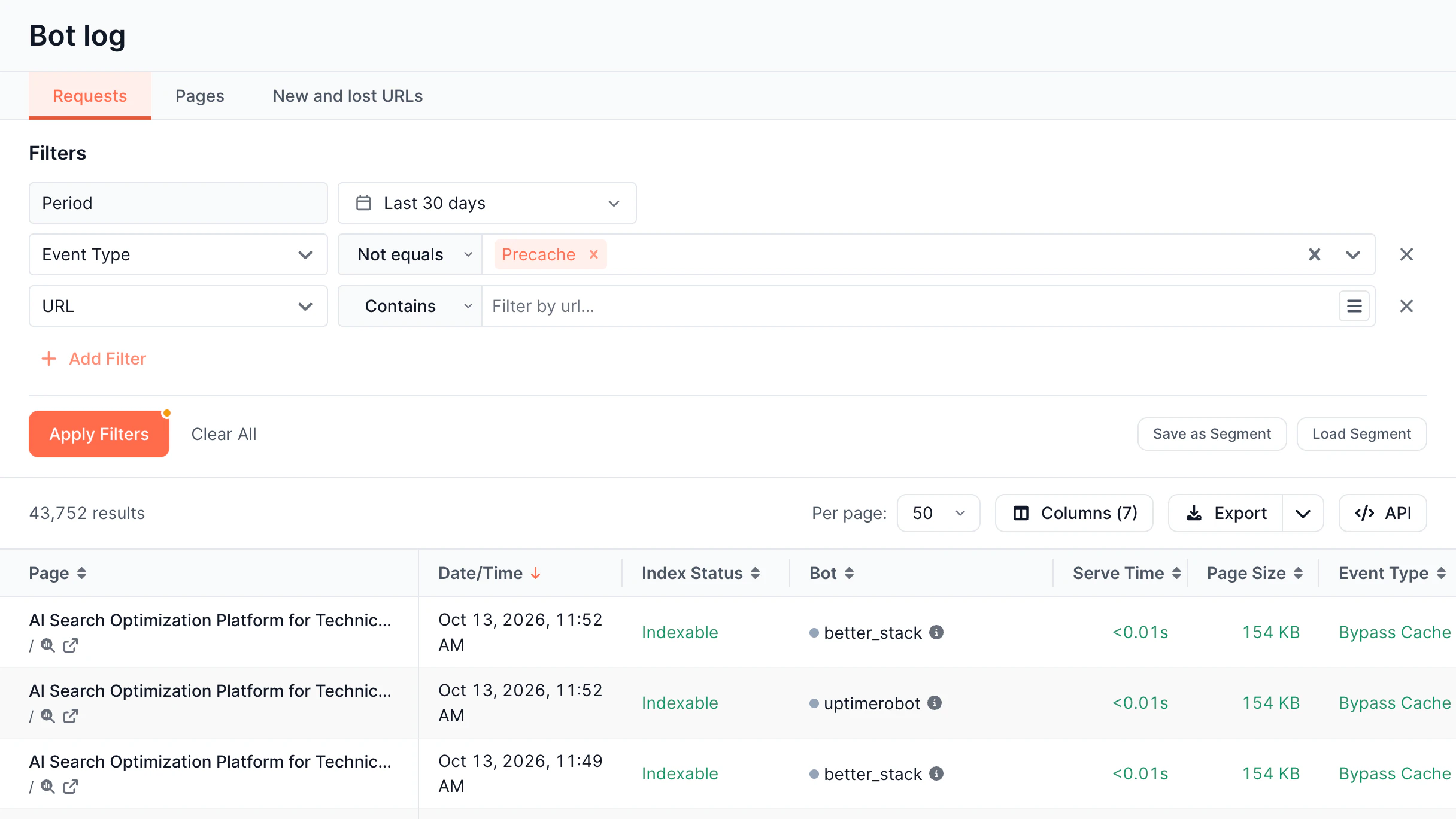
Get notified when bots receive incomplete content or unexpected responses.
Identify bot-specific issues
See which crawler encountered the issue and what it actually received.
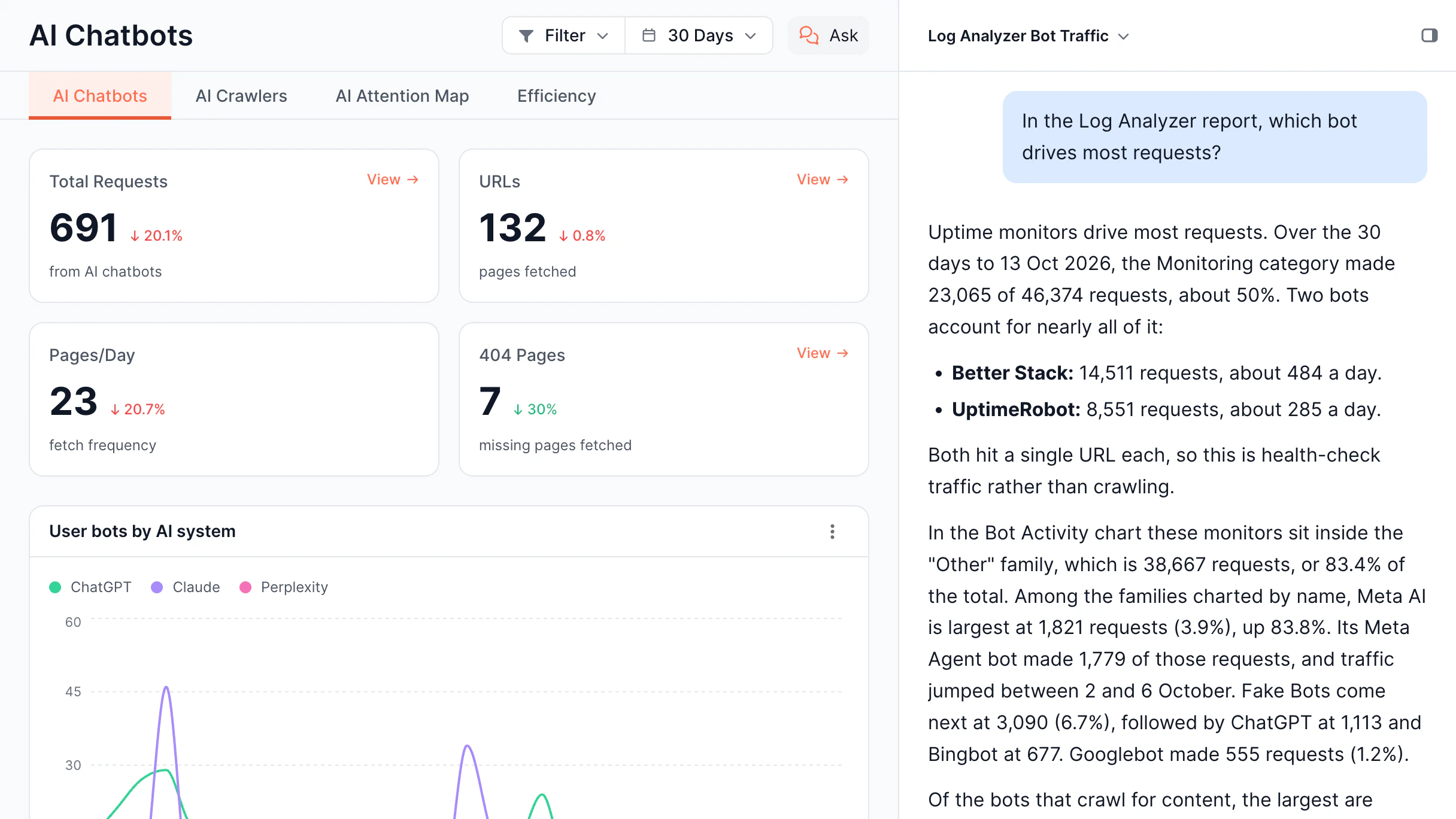
Monitor AI visibility
Detect changes that could reduce visibility in AI search and answer engines.

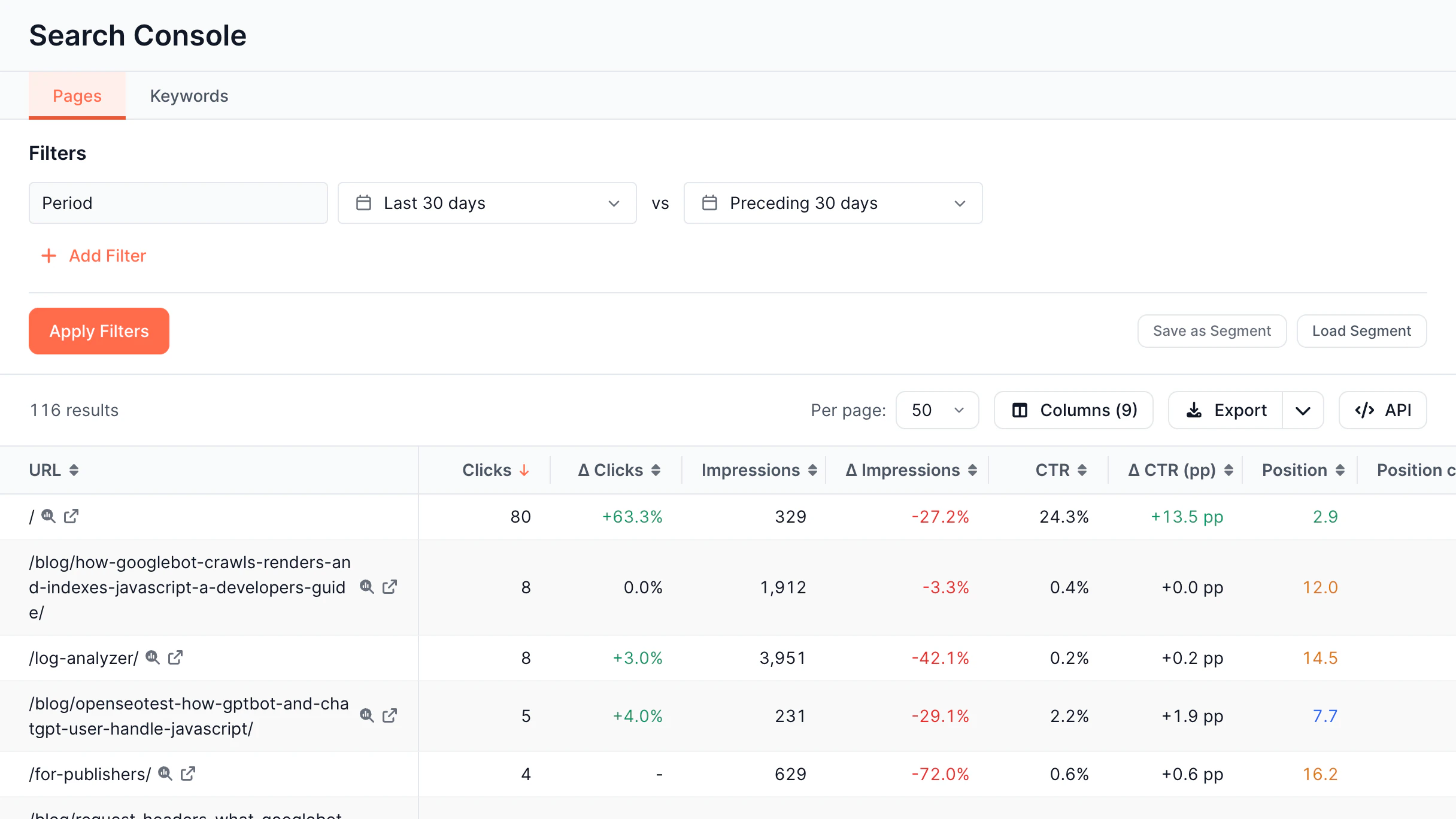
Monitor changes in search performance using Google Search Console data.

Track ranking drops
Receive alerts when important keywords lose positions.
Monitor CTR and impressions
Identify unexpected declines in clicks, CTR, or impressions.
Detect page performance changes
See when high-value pages lose visibility.
Monitor keyword trends
Stay informed about significant query performance changes.

Be informed when important keywords gain or lose visibility.

Track keyword movements
Monitor significant ranking changes.
Watch Top 3 and Top 10 positions
Know when valuable keywords enter or leave critical positions.
Identify ranking volatility
Detect unusual movement across tracked keywords.
Prioritize high-value keywords
Focus alerts on the terms that matter most.

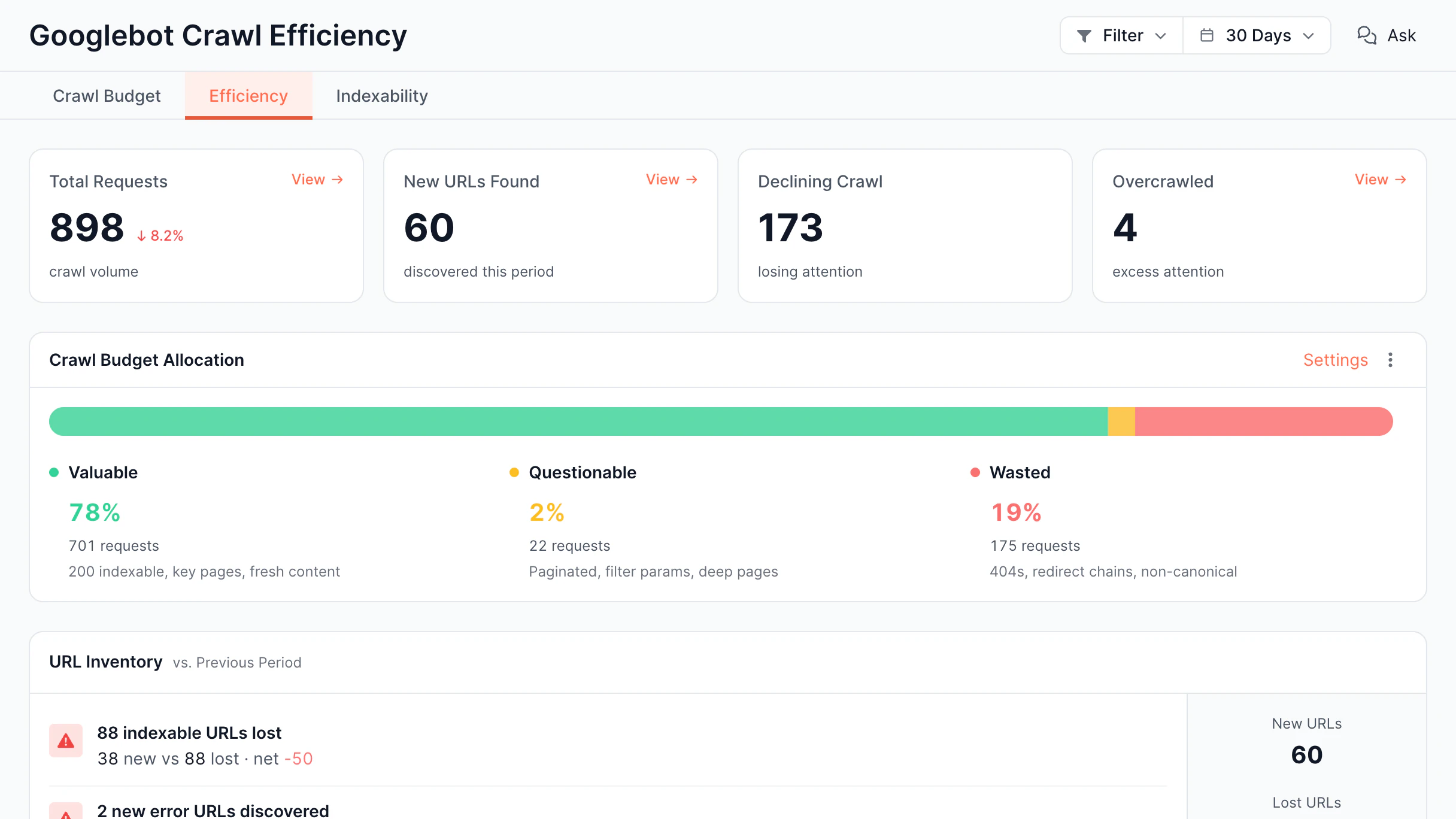
Detect technical infrastructure issues that affect crawling and indexing.

Monitor HTTP errors
Track spikes in 4xx and 5xx responses.
Detect response time anomalies
Receive alerts when performance degrades.
Monitor availability
Identify downtime and origin failures.
Track infrastructure health
Catch issues before they impact search engines or AI crawlers.

Explore other features of our platform

Along with SEO notifications and alerts, EdgeComet offers other valuable features, including rendering performance, log analyzer, edge SEO, and more.

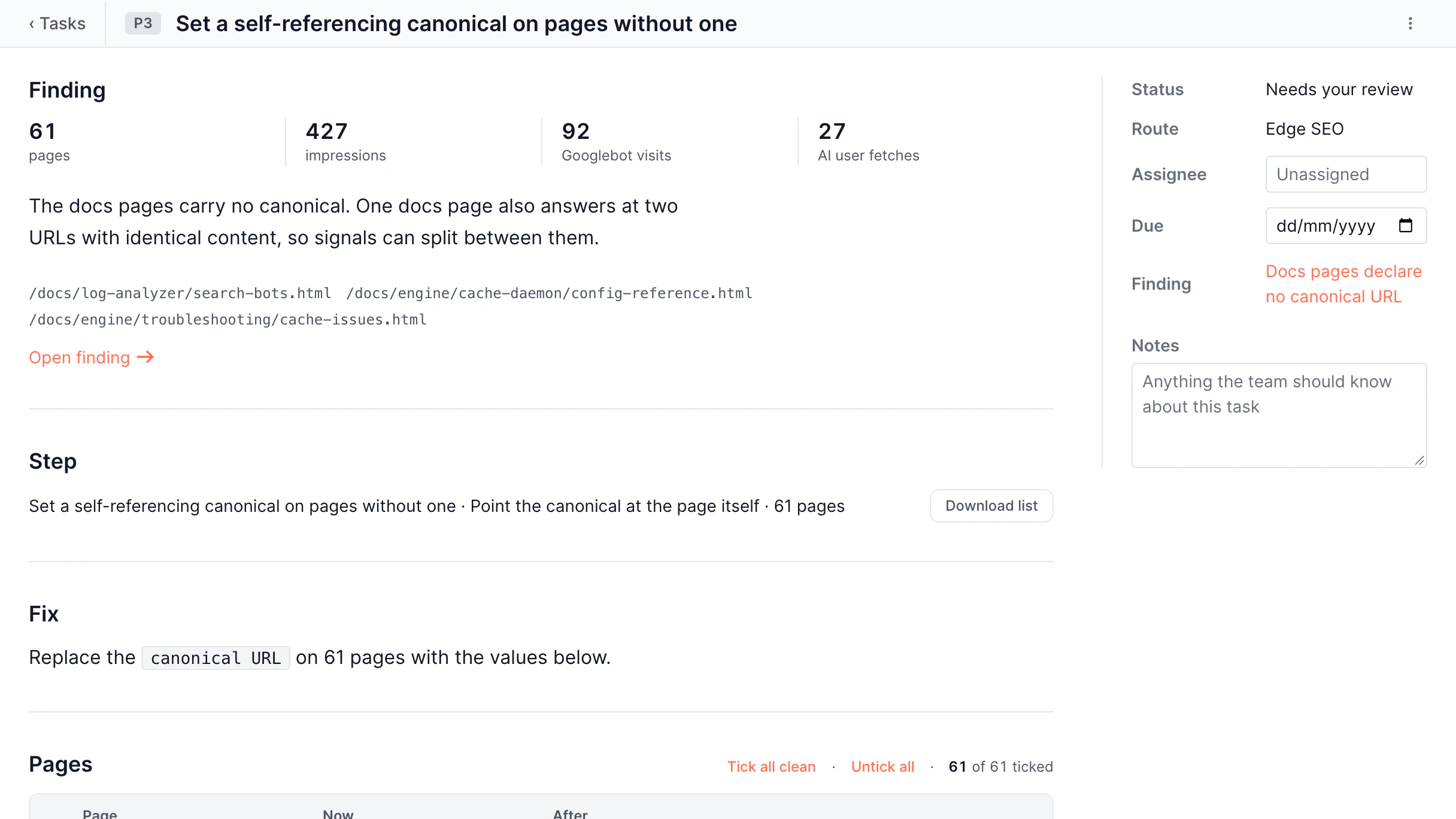
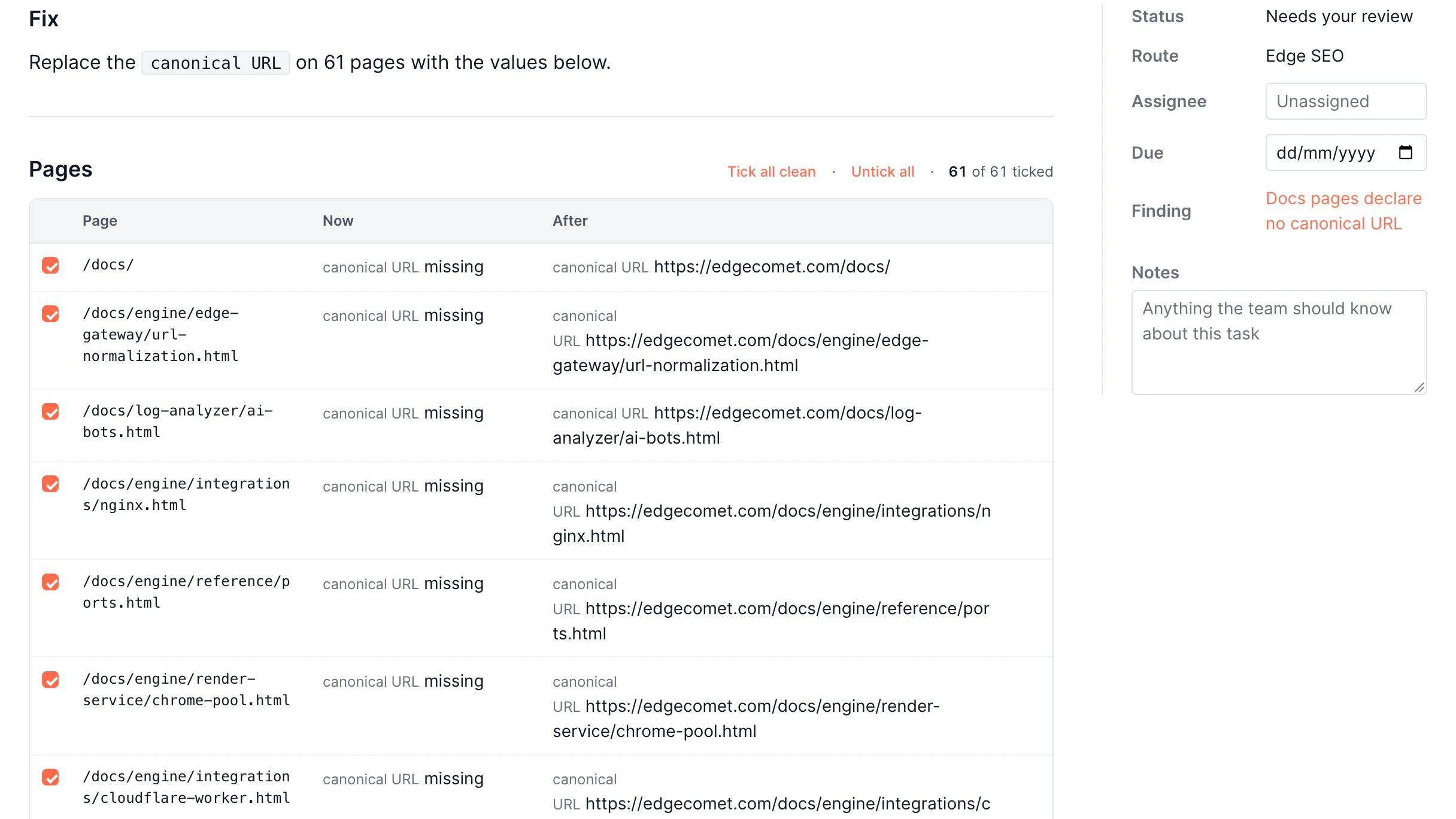
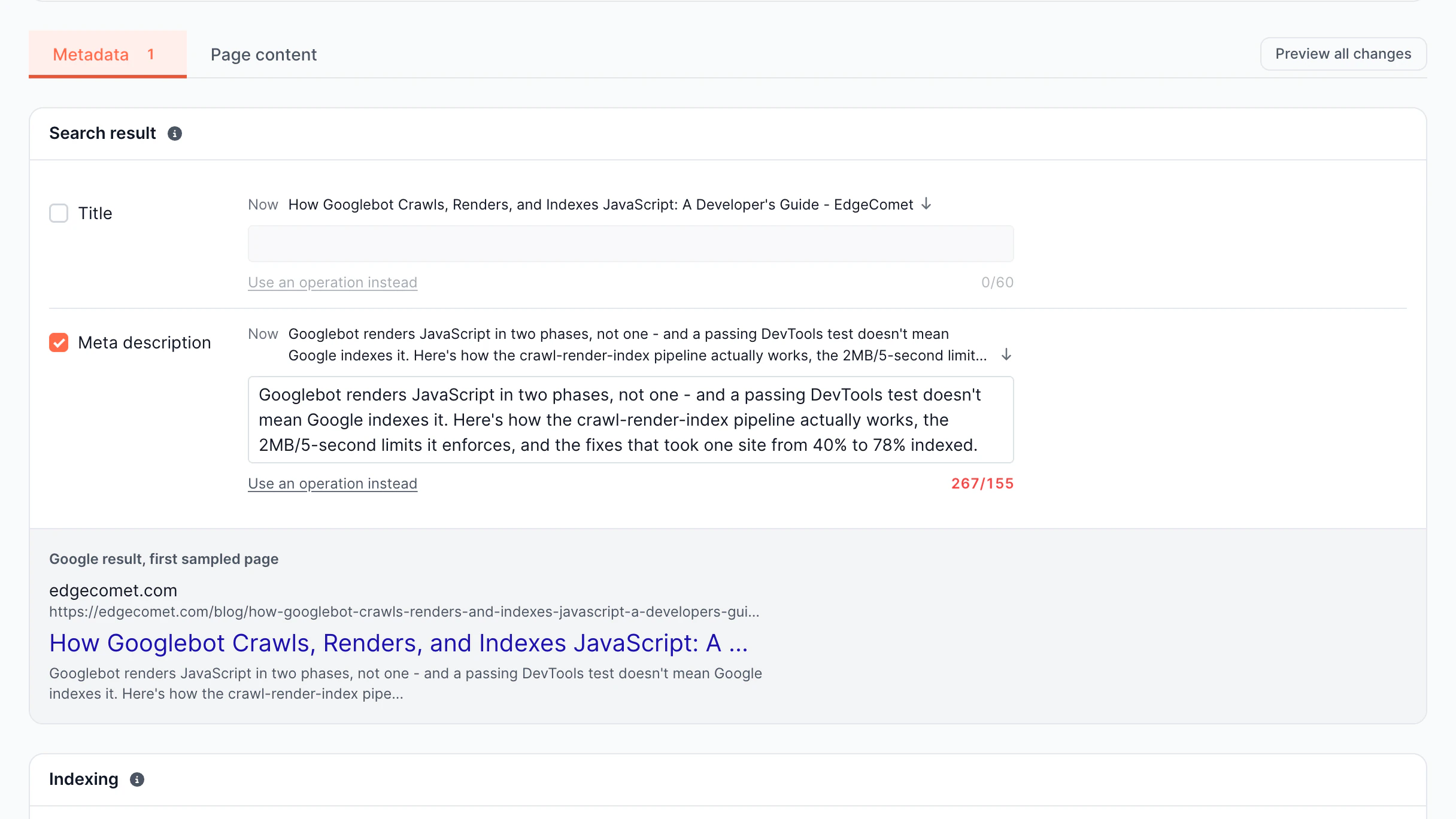
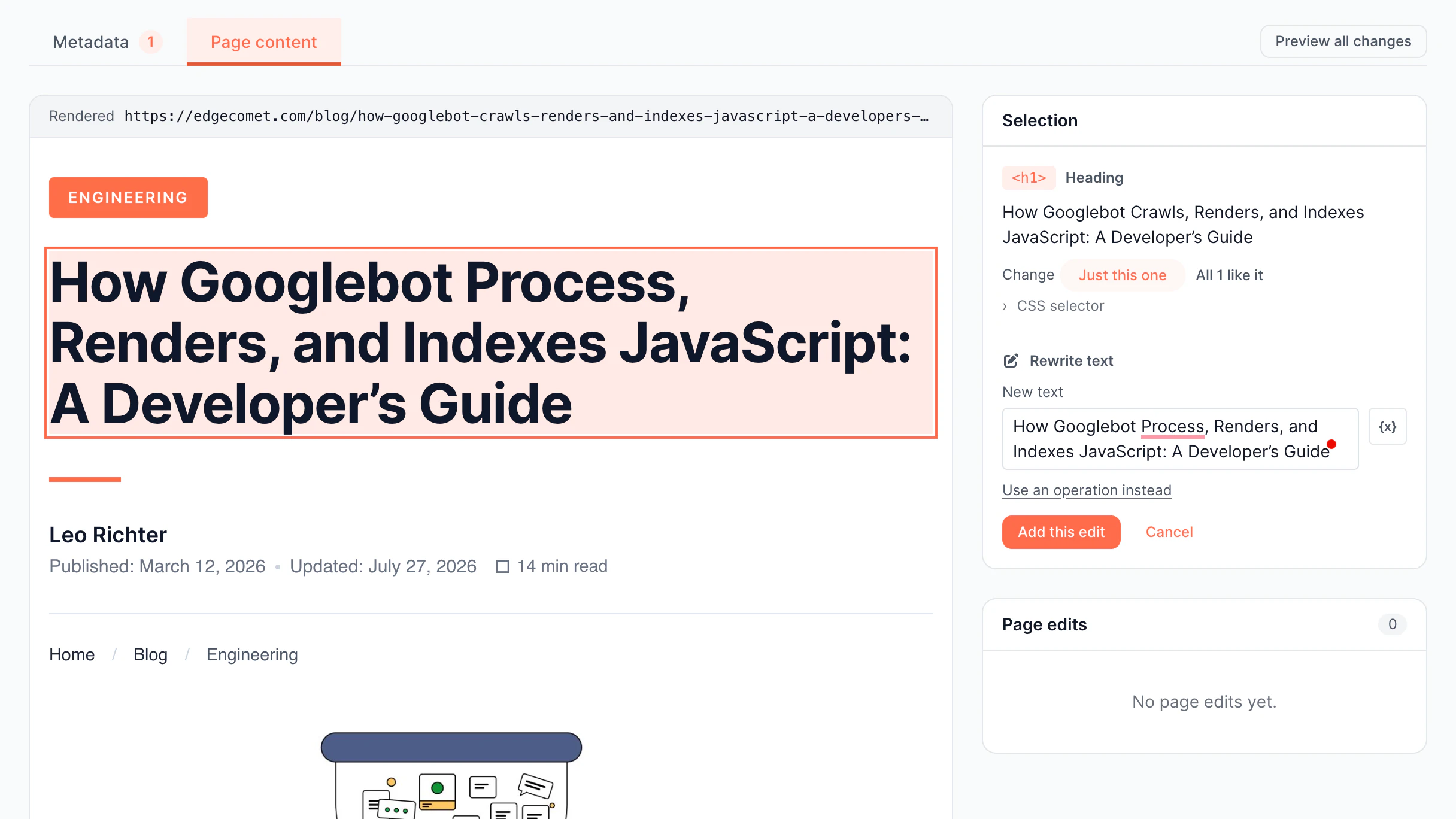
Edge SEO

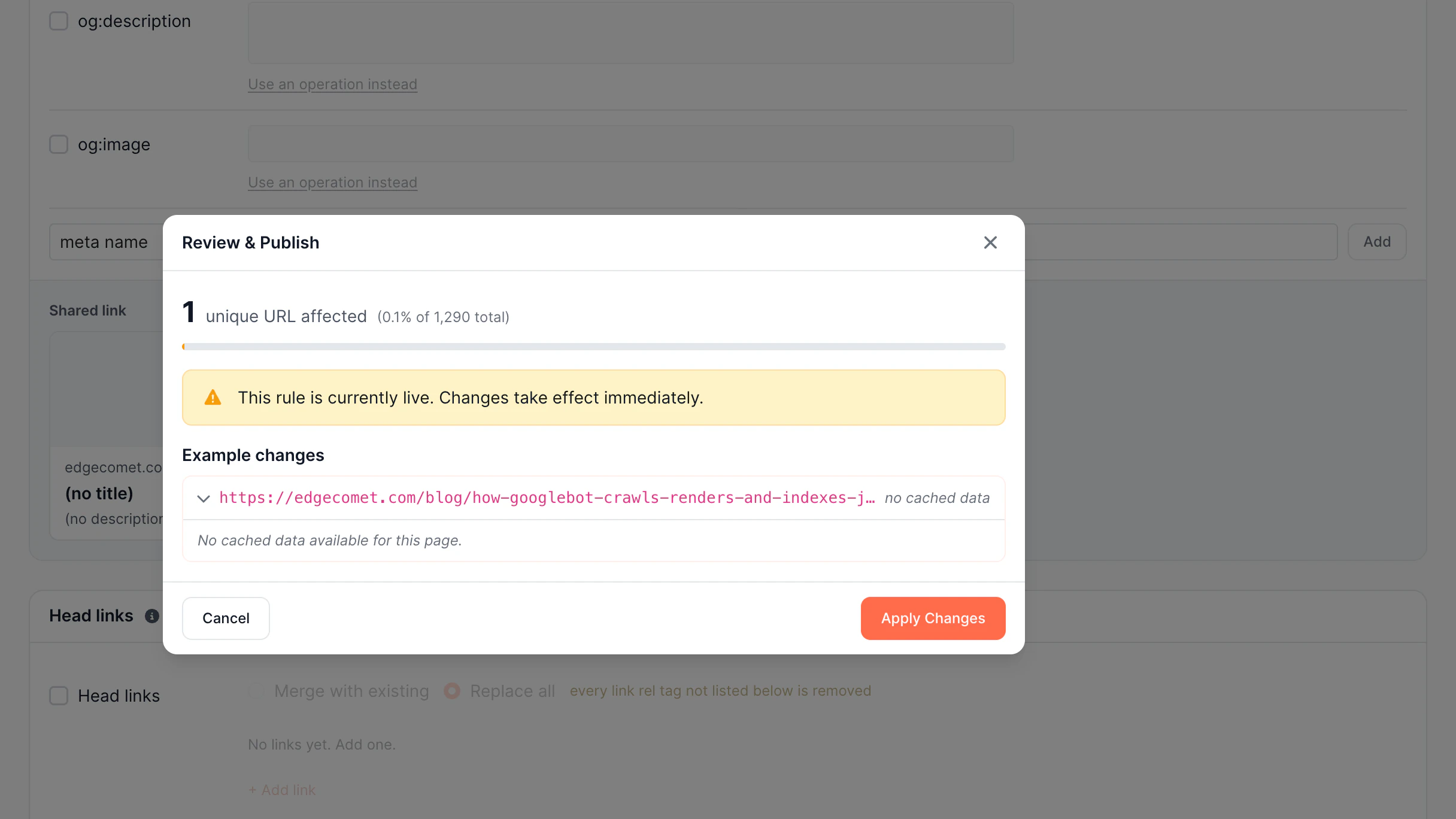
Ship SEO changes faster

None of the minor SEO issues should require developers and a long wait. EdgeComet lets your SEO team make changes instantly.

  • Scale SEO Updates

    Deploy changes across thousands of pages.

  • Protect Search Performance

    Preview changes before search engines see them.

  • Automate With AI

    Generate complex SEO rules in seconds.

  • Deploy With Confidence

    Every change is versioned and reversible

Discover Edge SEO
Edge SEO

Smart Rendering Cache

Serve bots faster with smart caching

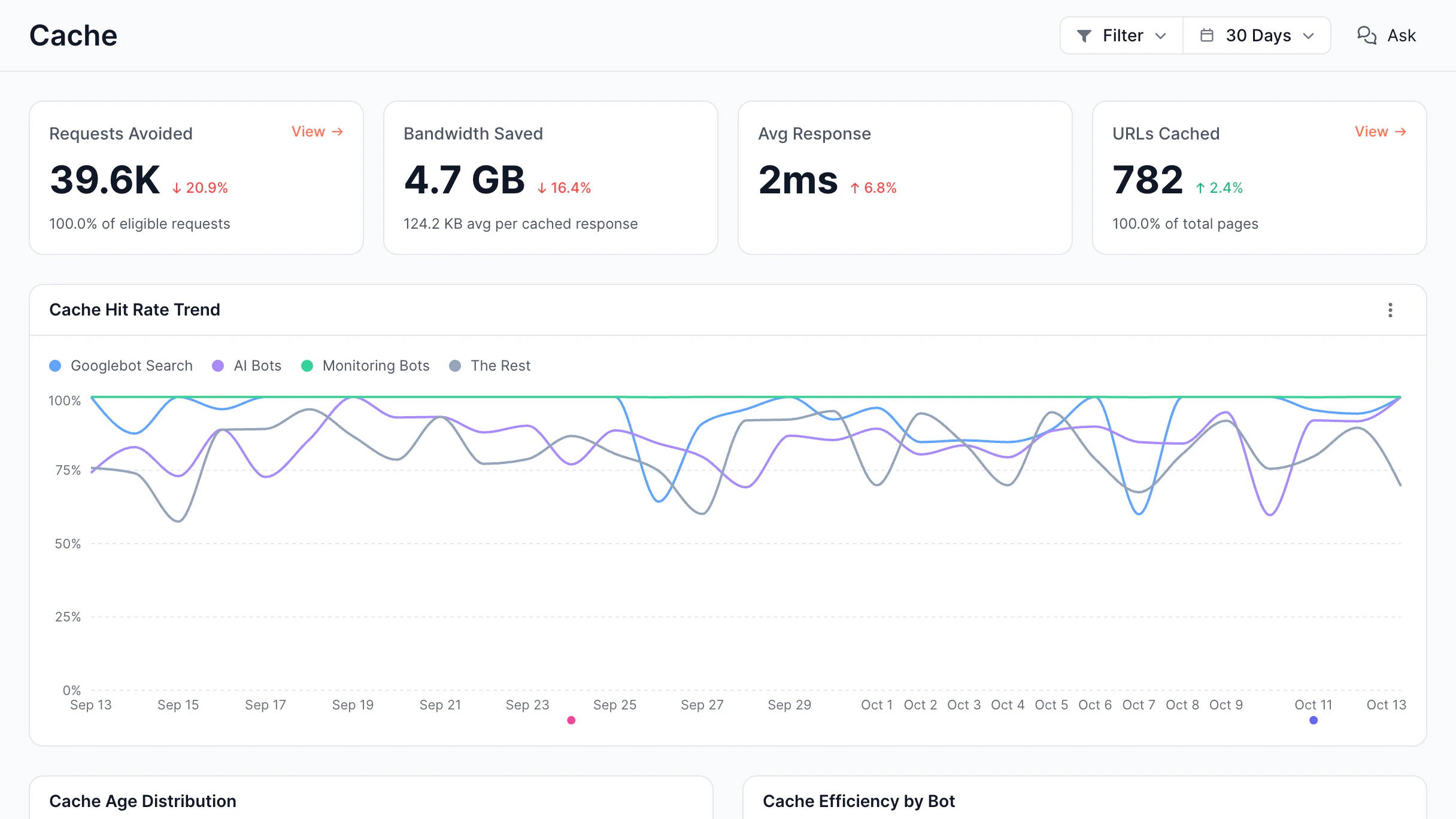
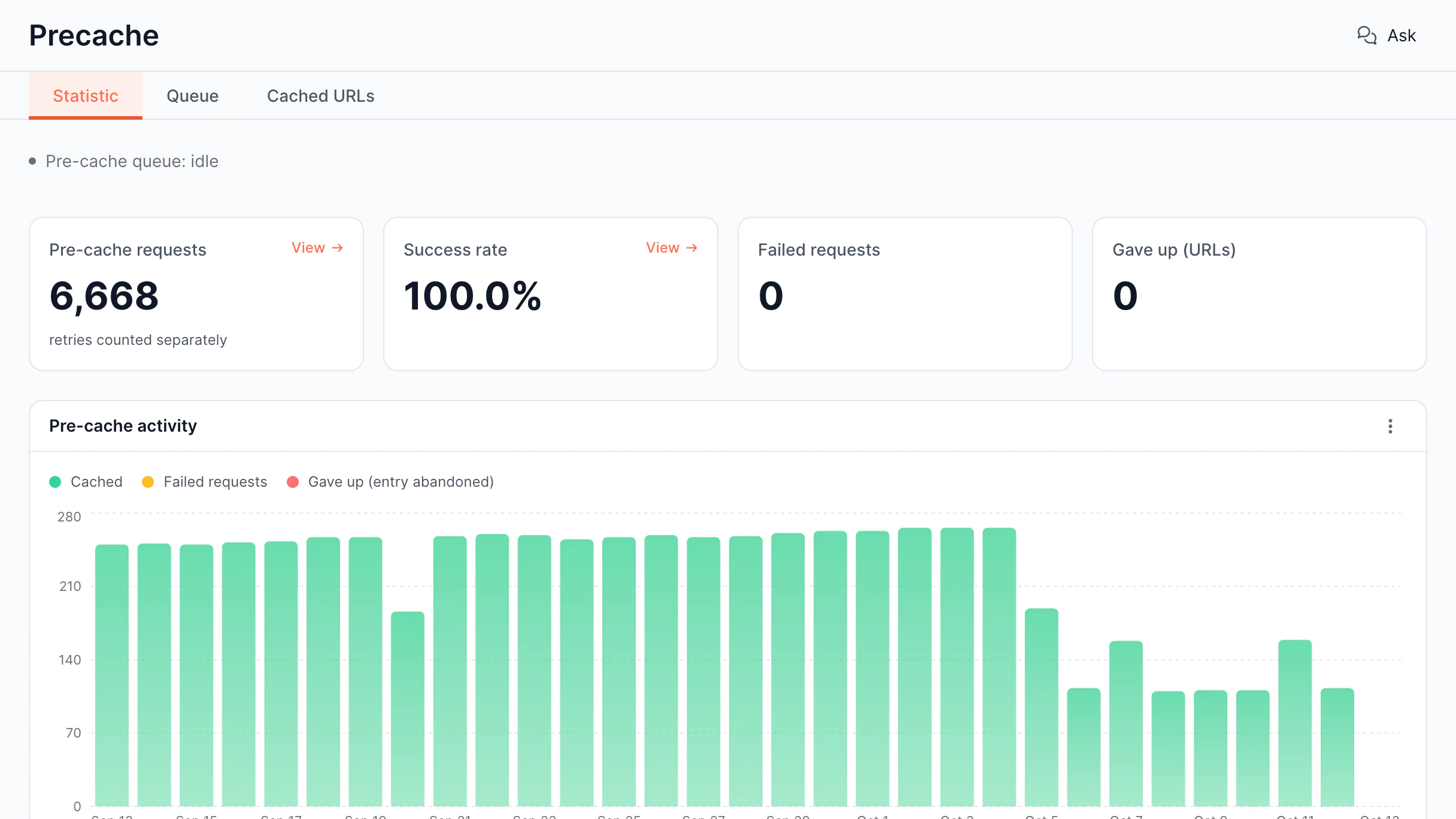
Rendering JavaScript pages on every request is slow and expensive. EdgeComet's caching system ensures bots receive pre-rendered pages instantly.

  • Cache Dashboard

    Manage and monitor cached renders

  • Proactive Caching

    Pre-render critical pages before bots arrive

Discover Smart Cache
Smart Rendering Cache

Rendering Performance & Reliability

Deliver fast, correctly rendered pages

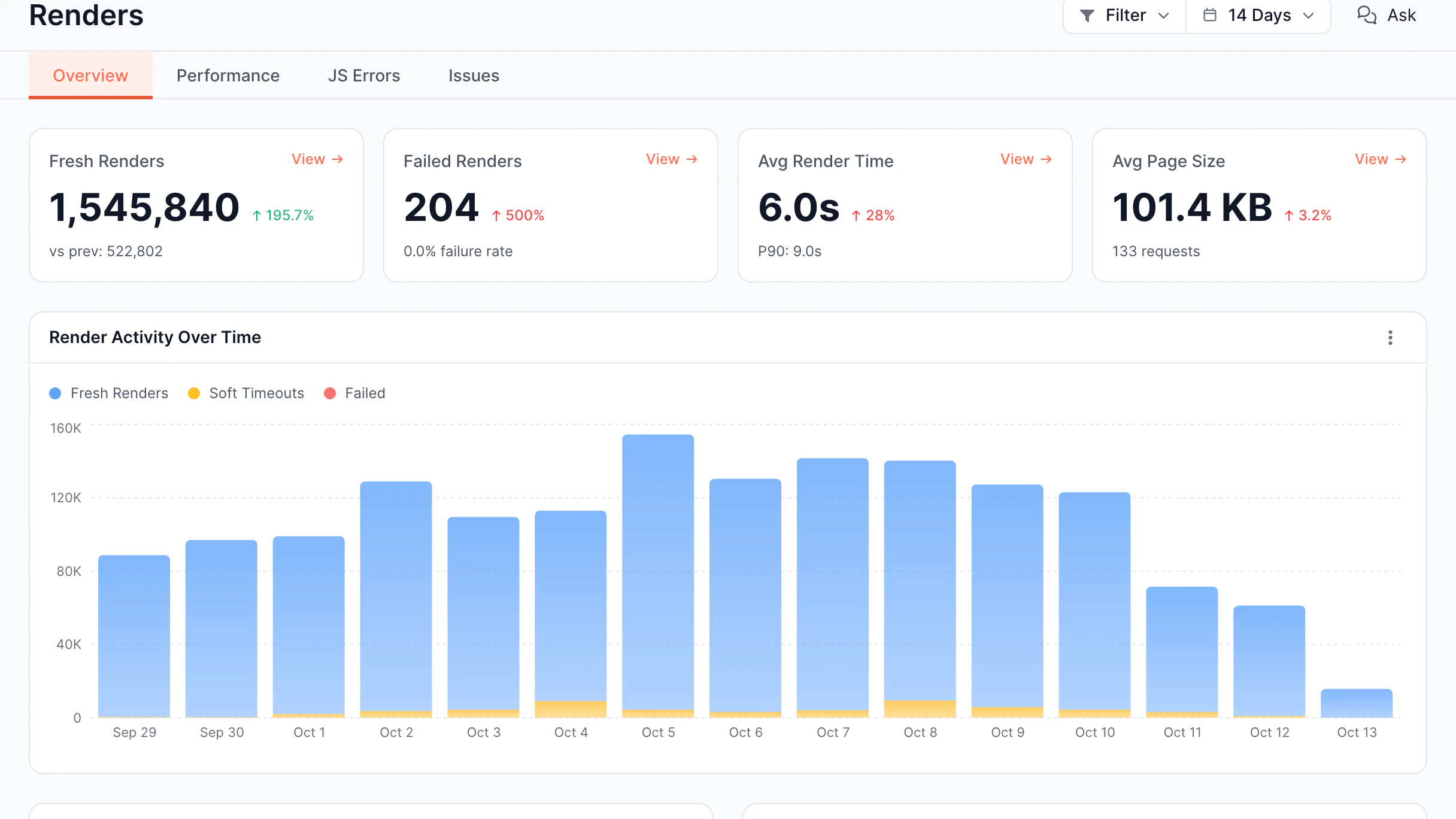
JavaScript rendering failures can silently break SEO and AI visibility. EdgeComet continuously monitors rendering performance.

  • Renders Overview

    Monitor rendering activity and performance

  • JavaScript Errors

    Detect JS errors during bot rendering

  • Performance Dashboard

    Analyze render time and page size

  • Issues Report

    Track ChatGPT, Claude, Perplexity crawlers

Discover Rendering Performance
Rendering Performance & Reliability

Evergreen Crawl

Keep your SEO data always up to date

Traditional crawlers capture your site at one moment. Evergreen Crawl continuously refreshes SEO data whenever real search or AI bots visit your pages, without extra crawls or added server load.

  • Indexation Analysis

    Find pages that may not get indexed

  • Content Analysis

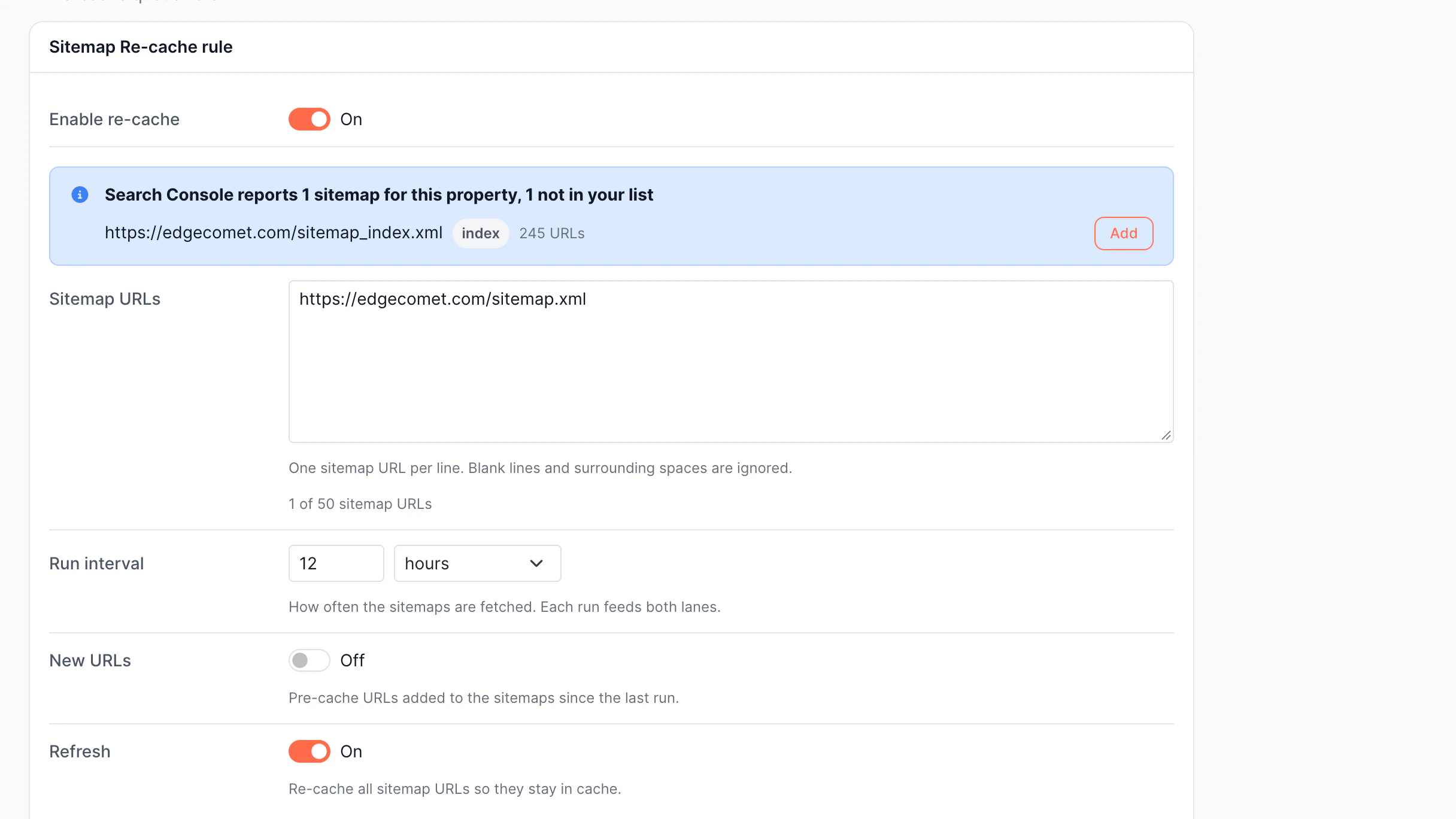
    Spot missing, duplicate, or weak content

  • Structured Data

    Find missing or incorrect schema markup

  • Internal Links

    Detect internal linking and nofollow issues

Discover Evergreen Crawl
Evergreen Crawl

Alerts

Prevent and detect issues in real time

SEO issues happen often. EdgeComet monitors every real bot request and notifies if something seems wrong.

  • Real-Time Alerting

    Alerts are triggered by actual bot traffic

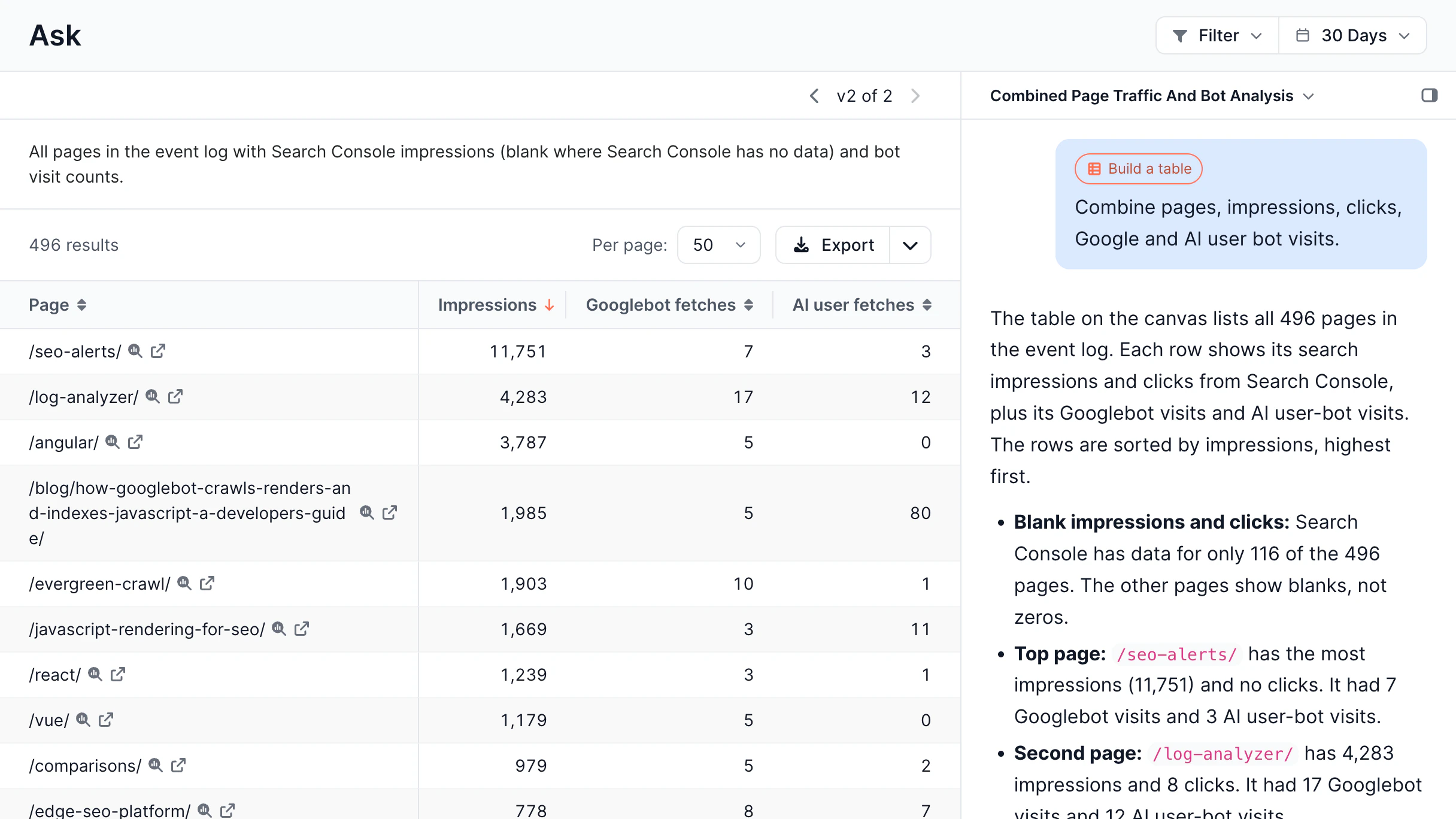
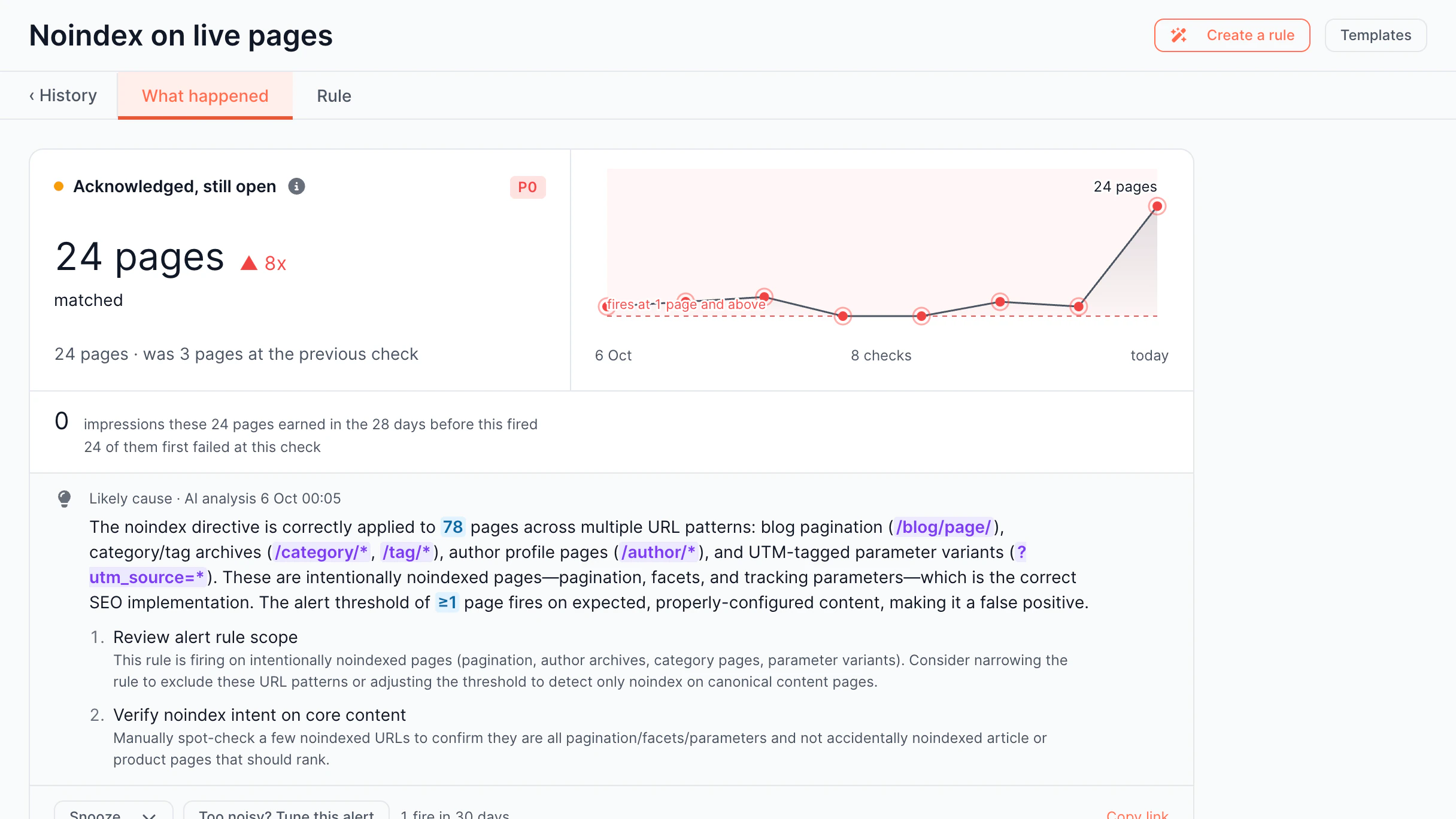
  • AI Root Cause Analysis

    AI explains what happened and why

  • Pre-built Alert Templates

    Ready-to-use alert rules, active in one click

  • Multi-Channel Notifications

    Get alerts where your team actually works

Discover Alerts
Alerts

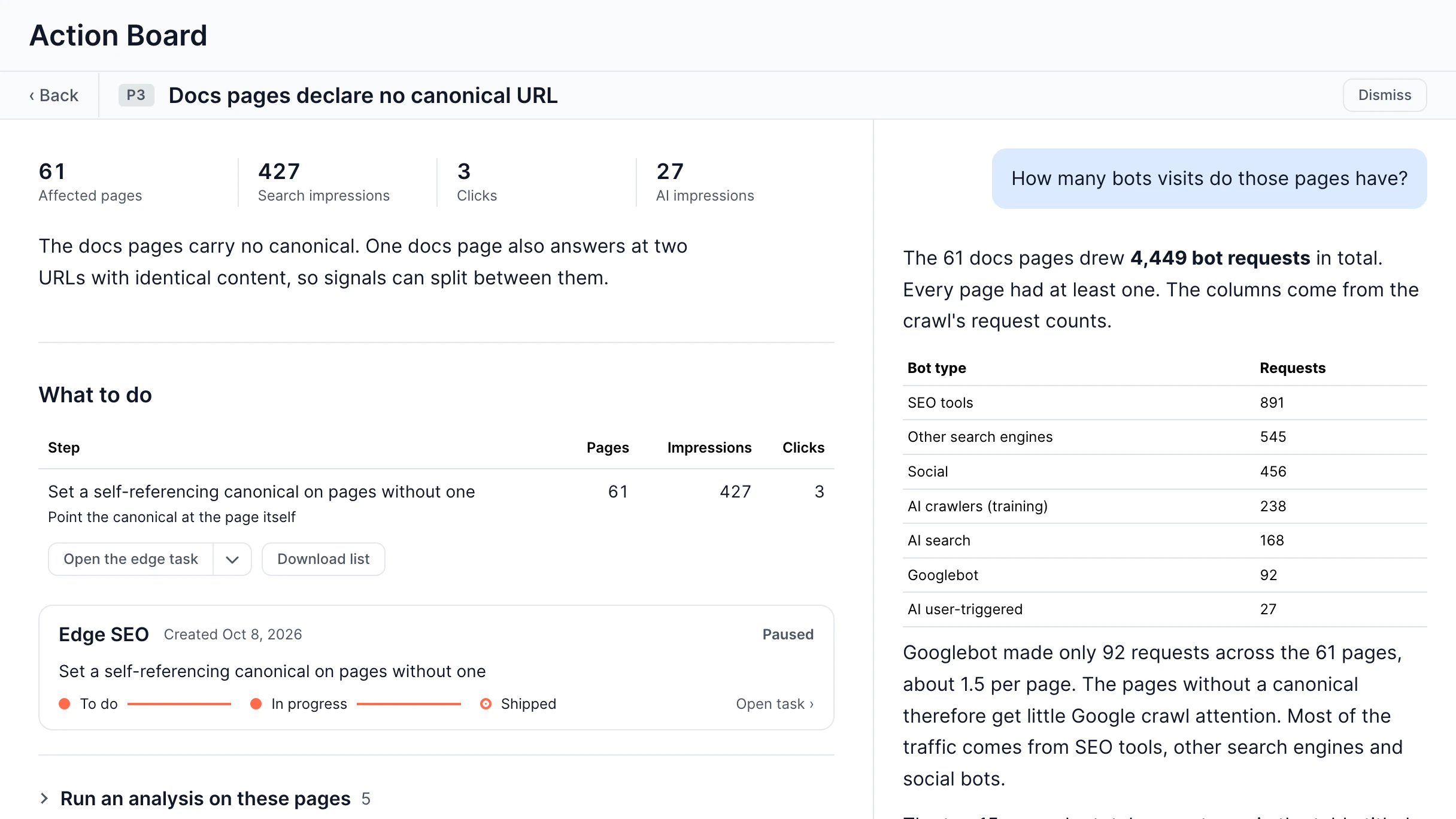
AI-Powered Action Board

SEO data into actions, not just insights

SEO data is only useful if you know what to do with it. EdgeComet's AI watches your website and tells you exactly what to fix and how.

  • Issue Detection

    AI surfaces problems

  • Actionable Recommendation

    Get specific fixes, not vague observations

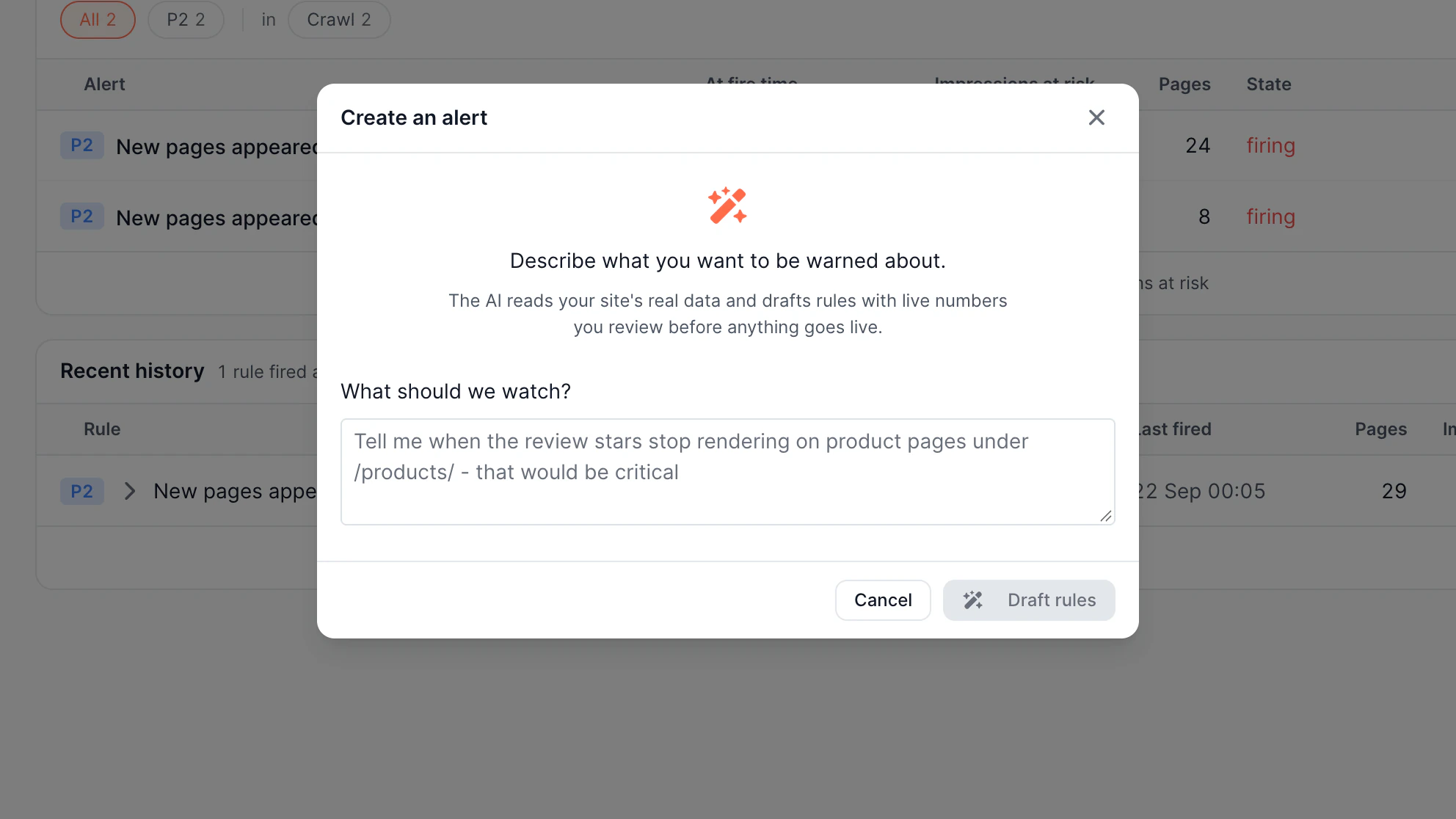
  • Natural Language Rule Creation

    AI builds rules for you

AI-Powered Action Board

Comparison vs competitors vs classic solutions

Check how EdgeComet differs from traditional SEO and analytics solutions – across real bot data, AI visibility, and crawl intelligence. Here's a comparison of SEO alert tools.

EdgeComet Cloud

ContentKing (Conductor)

Google Search Console

How It Works
In-path proxy. It sits in the middle of live traffic to watch real bot requests.
External crawler. It constantly visits your site to take page snapshots.
Google reporting platform. Provides data collected from Google's own indexing and search systems.
Best For
Teams needing real-time production visibility, AI bot monitoring, and fast issue resolution
Teams focused on continuous website quality monitoring and governance
Monitoring Google Search performance, indexing status, and search visibility.
Large Website Scalability
Independent of crawl size; follows real bot traffic volume
Crawl capacity grows with site size
Designed for sites of any size, but reports only what Google has crawled and indexed.
Data Source
Real production traffic from live Googlebot, GPTBot, ClaudeBot, etc.
Simulated behavior from ContentKing's own crawling bot.
Google Search and indexing data collected from Google's own crawlers.
Production Accuracy
Uses exactly what happened in production
Uses simulated crawl results
Shows what Google indexed and detected, but not every live crawl request or response.
Alert Speed
Real-time (5-minute window) from the moment a real bot hits an issue.
Hours-delayed crawl reports.
Delayed reporting. Most reports update several hours to several days later.
Noise & AI Sorting
AI issue prioritization. Automatically ranks issues by business impact to stop alert noise.
Rule-based alerts. Uses manual thresholds with no AI sorting.
No alert prioritization or AI-based issue ranking.
Finding Root Causes
AI root cause analysis. Connects different technical signals to find the exact problem.
No AI root cause tools. You have to investigate manually.
Reports issues but does not identify root causes automatically.
JavaScript / Script Breakages
Tracks broken scripts, CDN outages, or API errors affecting bot renders.
No third-party script monitoring; looks only at basic on-page elements.
Limited. Reports rendering-related indexing issues but doesn't monitor script failures or third-party outages.
AI Bot Alerts
Dedicated categories for AI crawlers like GPTBot, ClaudeBot, and Perplexity.
No AI bot alerting category at all.
No AI crawler monitoring or alerts.
Search Engine Validation
Confirms Googlebot actually experienced the issue
Assumes Googlebot would encounter the same issue
Based on Google's own indexing systems, but does not validate individual crawl events in real time.
Alert Context
Includes rendered page, HTTP response, metadata, structured data, and bot request details
Focuses on detected page changes and SEO issues
Provides indexing status, crawl errors, and page diagnostics with limited technical context.
SEO Alert Templates
25+ pre-built templates for crawling, rendering, AI bots, crawl budget and indexation
Rules focused on traditional technical SEO monitoring
No customizable SEO alert templates.
Custom Alerts
Yes
Yes
No
Rendered Content Validation
Every alert includes rendered HTML and 40+ extracted SEO fields
Detects page changes but doesn't validate what production bots actually received
URL Inspection can show rendered HTML for individual pages only; no continuous validation.
Server Load
Zero extra traffic. It uses the traffic you are already getting.
Additional load. Crawlers run 24/7, constantly hitting your server.
No impact on your server beyond Google's normal crawling.
Fixing the Problem
Fix instantly using Edge SEO right inside the platform without needing developers.
Read-only. You must create tickets and wait for developers to fix it.
Reporting only. No capability to implement SEO fixes.
Pricing
Clear, affordable plans starting from $99/month.
Enterprise pricing
Free.

How It Works
External crawler. It constantly visits your site to take page snapshots.
Best For
Teams focused on continuous website quality monitoring and governance
Large Website Scalability
Crawl capacity grows with site size
Data Source
Simulated behavior from ContentKing's own crawling bot.
Production Accuracy
Uses simulated crawl results
Alert Speed
Hours-delayed crawl reports.
Noise & AI Sorting
Rule-based alerts. Uses manual thresholds with no AI sorting.
Finding Root Causes
No AI root cause tools. You have to investigate manually.
JavaScript / Script Breakages
No third-party script monitoring; looks only at basic on-page elements.
AI Bot Alerts
No AI bot alerting category at all.
Search Engine Validation
Assumes Googlebot would encounter the same issue
Alert Context
Focuses on detected page changes and SEO issues
SEO Alert Templates
Rules focused on traditional technical SEO monitoring
Custom Alerts
Yes
Rendered Content Validation
Detects page changes but doesn't validate what production bots actually received
Server Load
Additional load. Crawlers run 24/7, constantly hitting your server.
Fixing the Problem
Read-only. You must create tickets and wait for developers to fix it.
Pricing
Enterprise pricing
How It Works
Google reporting platform. Provides data collected from Google's own indexing and search systems.
Best For
Monitoring Google Search performance, indexing status, and search visibility.
Large Website Scalability
Designed for sites of any size, but reports only what Google has crawled and indexed.
Data Source
Google Search and indexing data collected from Google's own crawlers.
Production Accuracy
Shows what Google indexed and detected, but not every live crawl request or response.
Alert Speed
Delayed reporting. Most reports update several hours to several days later.
Noise & AI Sorting
No alert prioritization or AI-based issue ranking.
Finding Root Causes
Reports issues but does not identify root causes automatically.
JavaScript / Script Breakages
Limited. Reports rendering-related indexing issues but doesn't monitor script failures or third-party outages.
AI Bot Alerts
No AI crawler monitoring or alerts.
Search Engine Validation
Based on Google's own indexing systems, but does not validate individual crawl events in real time.
Alert Context
Provides indexing status, crawl errors, and page diagnostics with limited technical context.
SEO Alert Templates
No customizable SEO alert templates.
Custom Alerts
No
Rendered Content Validation
URL Inspection can show rendered HTML for individual pages only; no continuous validation.
Server Load
No impact on your server beyond Google's normal crawling.
Fixing the Problem
Reporting only. No capability to implement SEO fixes.
Pricing
Free.
Why teams switch to EdgeComet

EdgeComet identifies issues once they happen. You don't need to wait for a planned crawl to find out that something broke on your site.

Traditional SEO alerts ranking tools use their own bots to find changes.

By the time they find issues, those may have already hurt your rankings. EdgeComet detects issues in real time.

Most monitoring tools show what their own bots see.
They miss real failures that may only appear during Google visits. EdgeComet captures issues as they happen.

Other tools send alerts and leave you to analyze what happened.

You get an alert, but not an explanation of the issues. EdgeComet explains what is wrong and why.

Try EdgeComet free for 14 days

Run EdgeComet on your real traffic with full access to the platform, including rendering, monitoring, and Edge SEO.

No credit card required
Cancel anytime

Benefits of automated SEO monitoring

With EdgeComet, instantly get SEO change alerts and catch critical issues once they occur – from real bot traffic – and fix them before page visibility changes.

Be informed about site changes in real time

EdgeComet is located in the actual request path, so alerts come from what Googlebot, GPTBot, or ClaudeBot got in production.

No synthetic crawlers, no extra crawl load, no delayed reports.

Outcome
Instant alerts on live prod bot traffic

Track AI crawlers as separate signals

Monitor GPTBot, ClaudeBot, PerplexityBot, and other bots independently.

Get custom alerts when new AI crawlers appear or when they receive broken or incomplete content.

Outcome
Granular visibility into AI bot behavior

Stay visible even when your site goes down

You will receive immediate notifications when production issues happen.

EdgeComet Cache makes sure bots keep getting valid content until your site is back up.

Outcome
No lost crawl opportunities during downtime

Fix issues without leaving the platform

When an alert fires, EdgeComet allows your SEO team to correct titles, canonicals, and redirects on your own, without waiting for developers or using a different tool.

Outcome
SEO fixes without developer involvement

How SEO alerts work

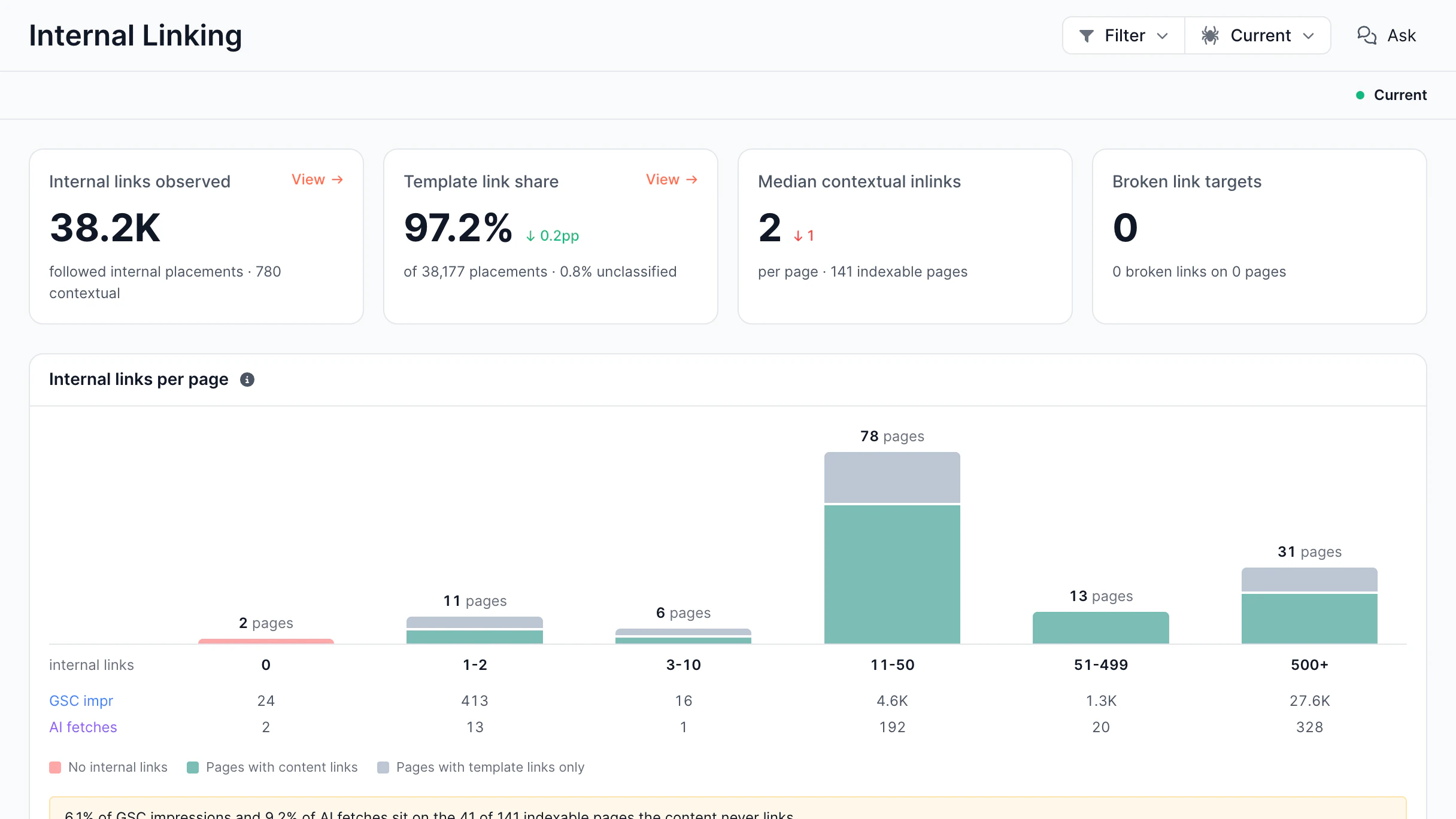
SEO alerts track a site’s performance and technical health, detecting traffic drops, broken pages, and indexing issues. They trigger alerts based on crawl and integration data, so you can react quickly and avoid traffic loss.

Continuous Monitoring

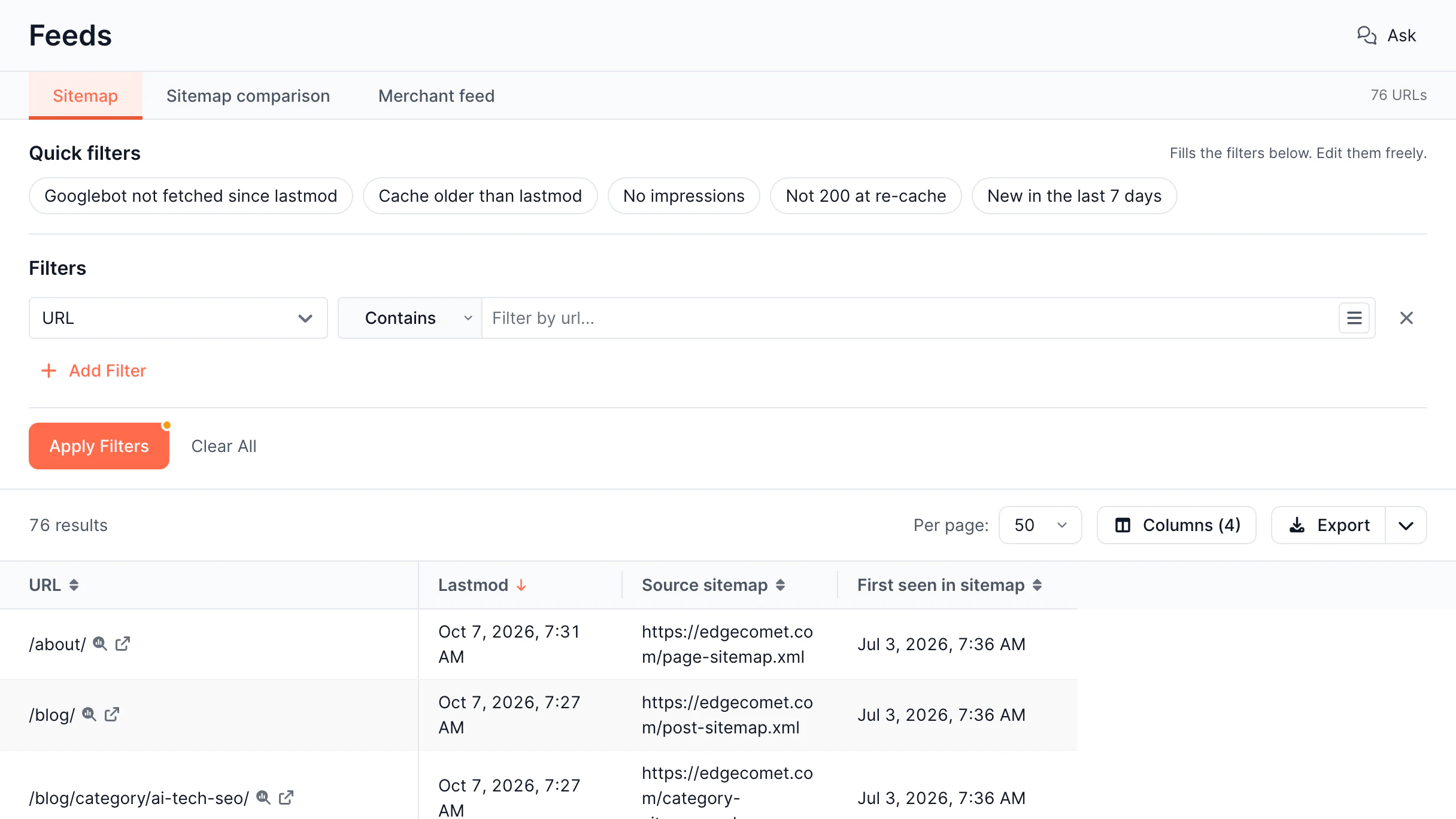
SEO tools keep crawling your website and pull data from Google Search Console via API to monitor rankings, traffic, and any technical issues.

Threshold Detection

You can define the rules on your own, for example, "inform me if traffic falls by more than 15% in a single day."

Triggering Actionable Notifications

Once a problem meets your threshold, the tool sends a notification to your email, Slack, or another channel so you can fix it right away.

Use Cases

SEO alerting from EdgeComet will allow your team to catch critical problems as soon as they appear – from real bot traffic – before content rankings and your revenue are impacted.

E-Commerce

Online stores can lose revenue if product pages are non-indexed or canonical tags break after a deployment. EdgeComet SEO alerts show such changes when Googlebot detects them.

Read more

Classifieds

Large listings frequently publish new pages and delete old ones. SEO alerts notify when crawl errors appear, no-index rules misfire, or AI bots start inspecting the wrong URLs.

Read more

Real Estate

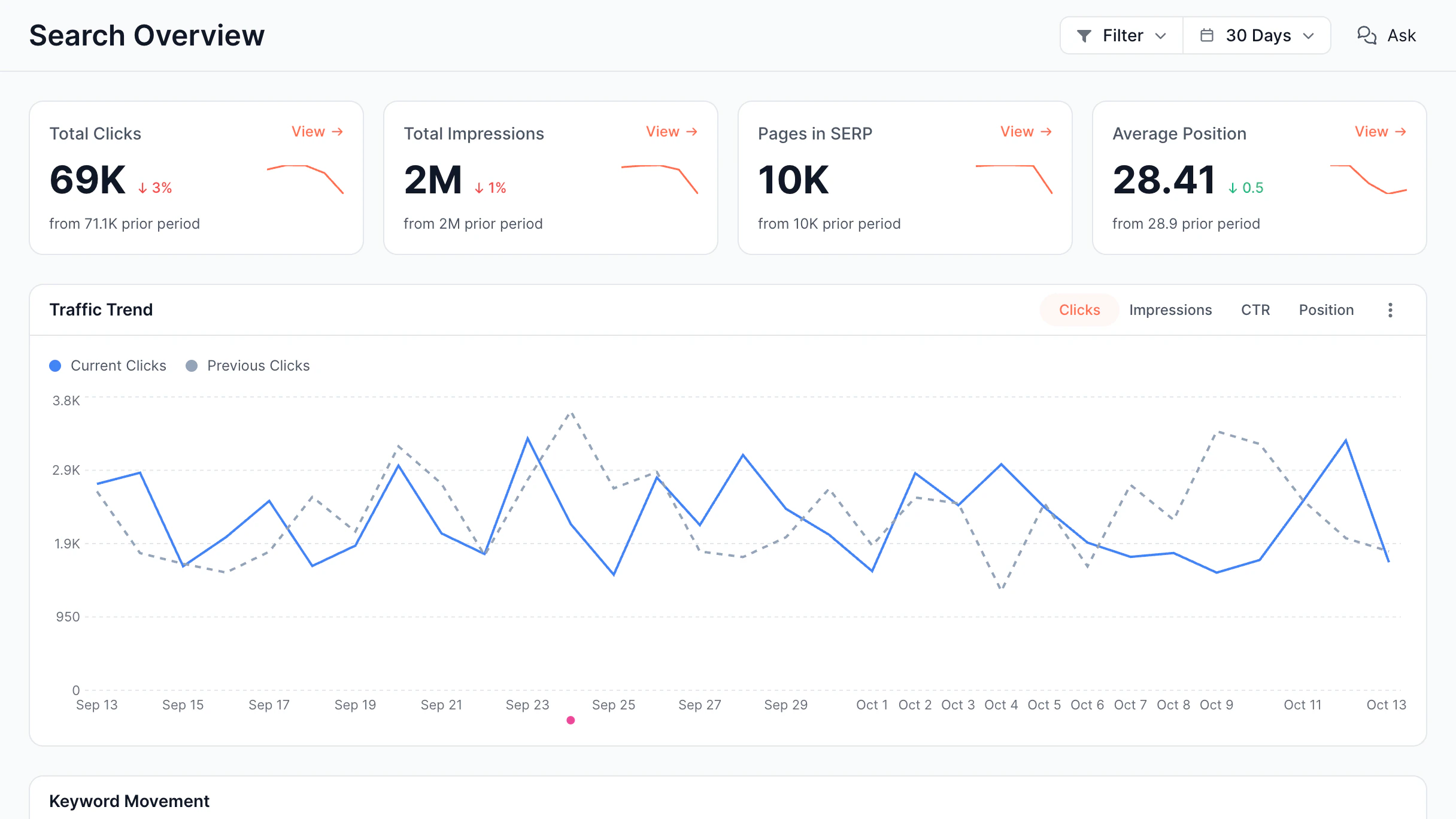
Dynamic real estate sites can fail rendering – SEO alerts capture broken structured data and visibility issues once real bots experience them, not after your content rankings decrease.
Read more

Publishers

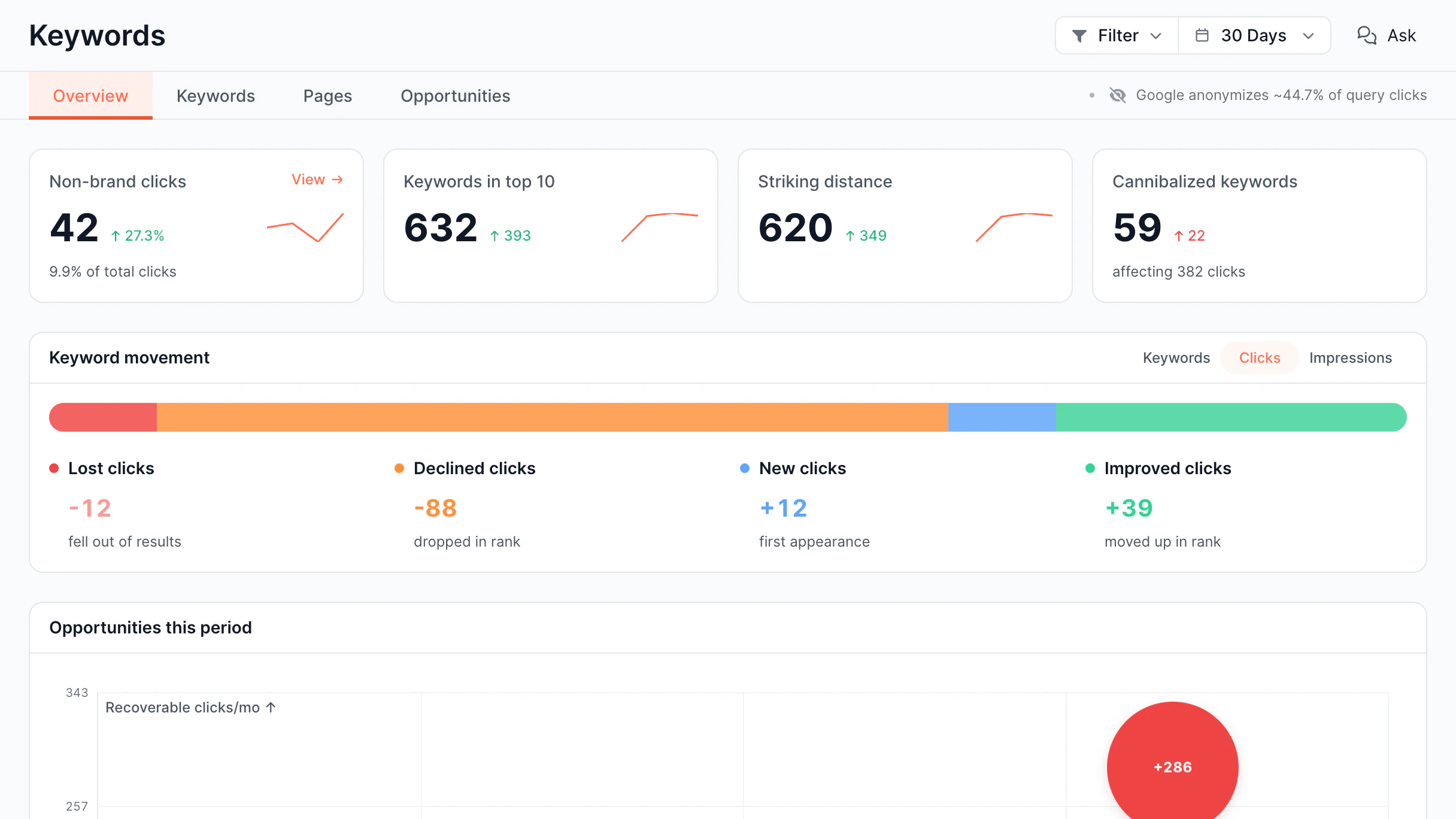
For content publishing sites where every indexing delay may cost traffic, EdgeComet’s SEO alerts show title tag changes, no-index anomalies, and new AI bot activity as they appear.
Read more

Ready to get more from your site?

Improve indexing, visibility, and traffic from day one.

14-days free trial
Ready to get more from your site?

All your questions answered

Ranking alerts in SEO are notifications that you get when bots identify changes that impact how content is indexed and ranked.

EdgeComet monitors crawling budget allocation, response times, HTTP status codes, title tags, canonicals, structured data, indexability status, and AI bot activity.

Alerts appear when a real Googlebot, GPTBot, or ClaudeBot request uncovers an anomaly, for example, pages going noindex, canonicals mismatch, JavaScript rendering failures, or unusual spikes in crawl errors.

EdgeComet identifies problems on the first affected bot request and assesses signals within a 5 minutes – faster than crawl-based solutions that may report hours after the issue appeared.

Yes, you can, EdgeComet offers 25 ready-to-use alerting templates and allows teams to configure thresholds for specific URL patterns, bot types, status codes, and SEO field changes.

By capturing rendering, indexability, and crawl issues when real bots experience them, SEO teams can fix those issues before rankings decrease rather than after traffic already fell.

EdgeComet handles high-volume sites and monitors multiple domains continuously from live bot traffic, with no additional crawl load on your origin servers.

SEO monitoring helps maintain your search performance by identifying issues before they impact rankings, traffic, or indexation. Since search engines and AI crawlers base their decisions on what they see in real-time, tracking actual bot traffic can reveal problems that regular audits often overlook. This allows teams to resolve issues before they impact organic visibility.

EdgeComet functions as an SEO alert tracker for keywords by monitoring ranking changes and notifying your team when important keywords gain or lose visibility. Unlike traditional rank trackers, it also identifies technical issues behind ranking drops, such as noindex changes, canonical regressions, rendering failures, or crawl problems - so you can identify the root cause, not just the symptom.

Latest insights

Stay ahead with expert insights on search visibility, AI optimization, and technical SEO