EdgeComet

SEO log file analyzer
for crawl and bot analysis

Monitor every request that comes from search engines and AI crawlers.

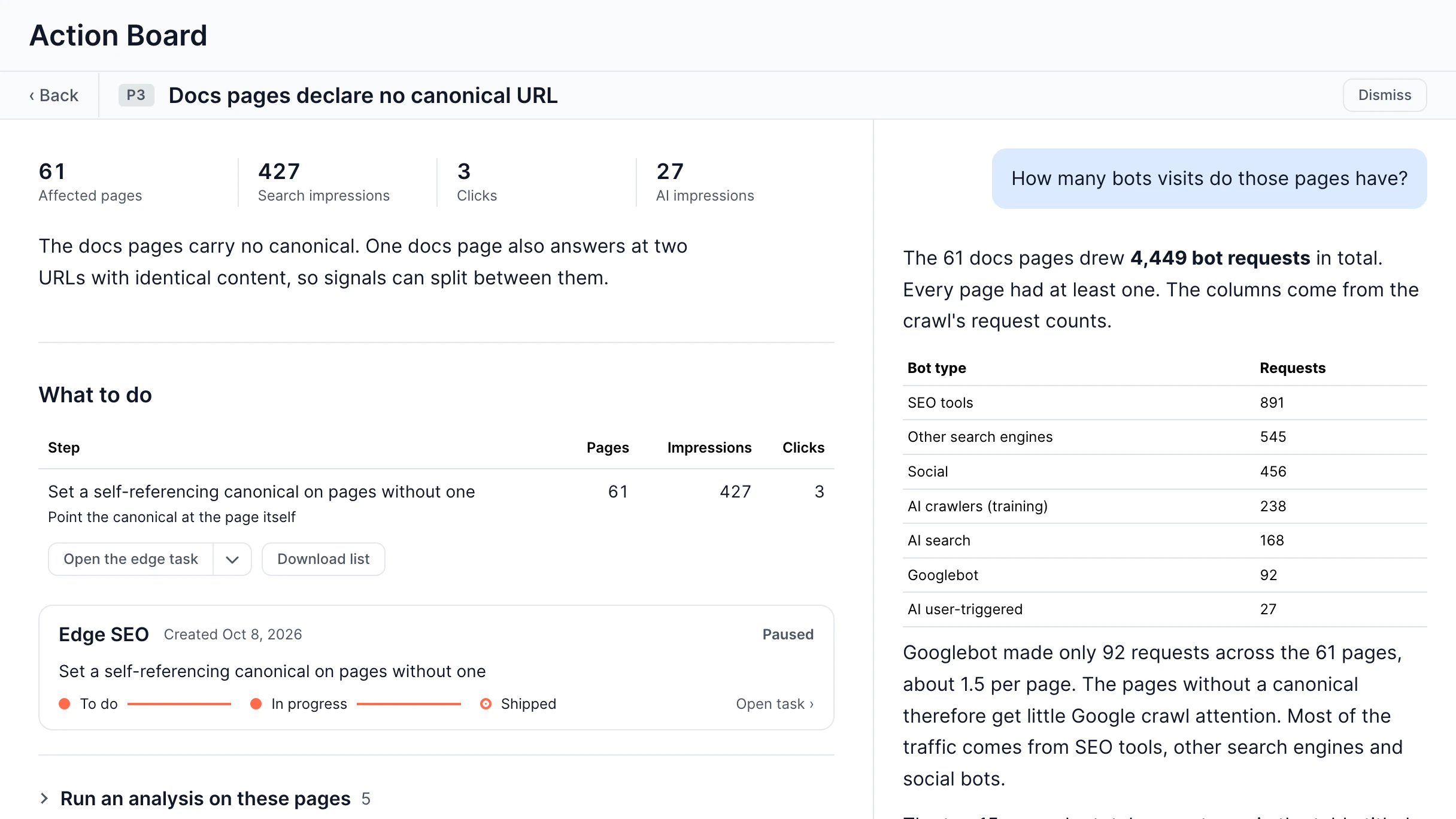
Log Analyzer captures every bot request with the actual rendered page content attached, so you know exactly what bots are indexing.

Get 14-day free trial Contact sales No credit card required ✦ Cancel anytime
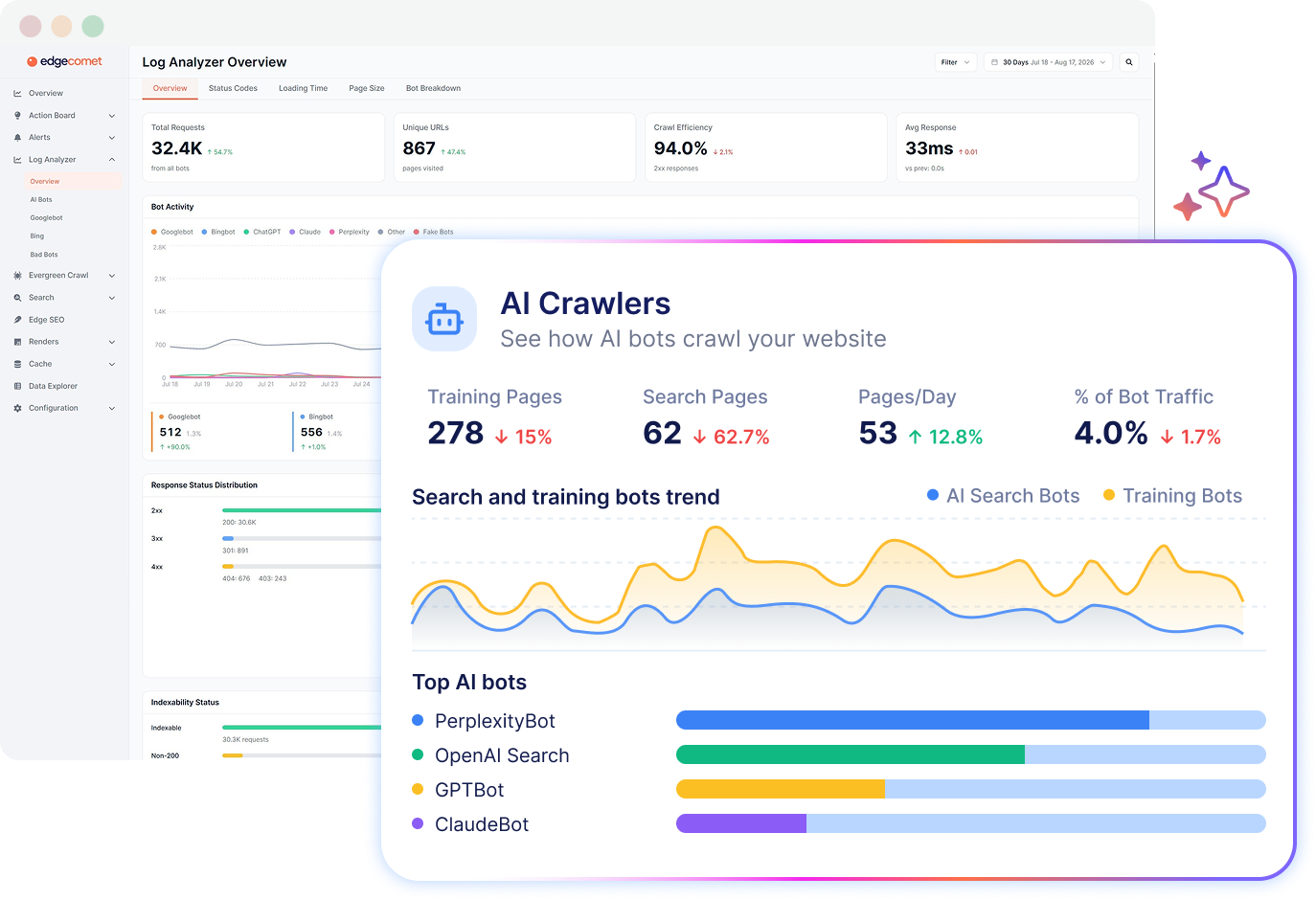
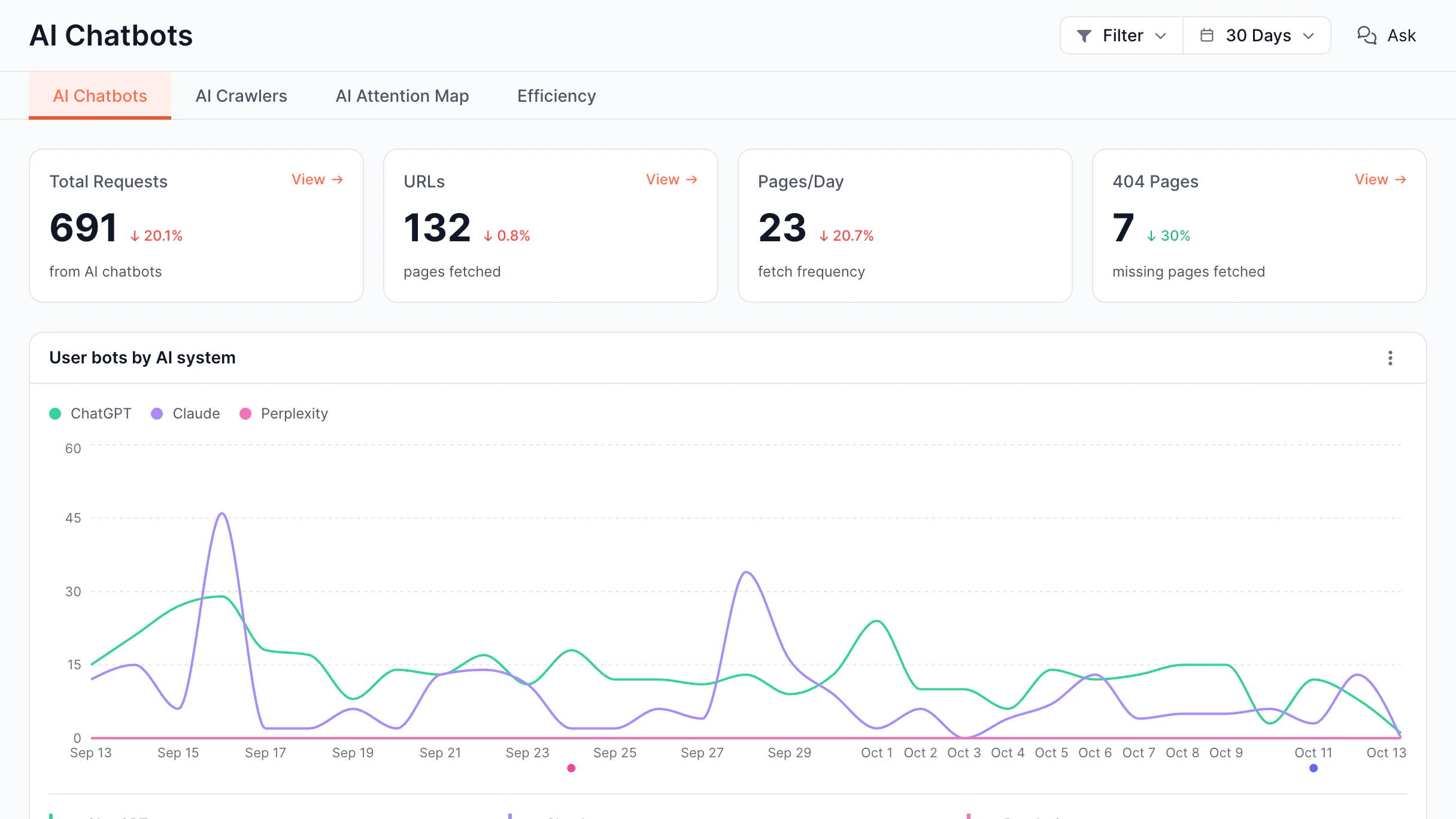
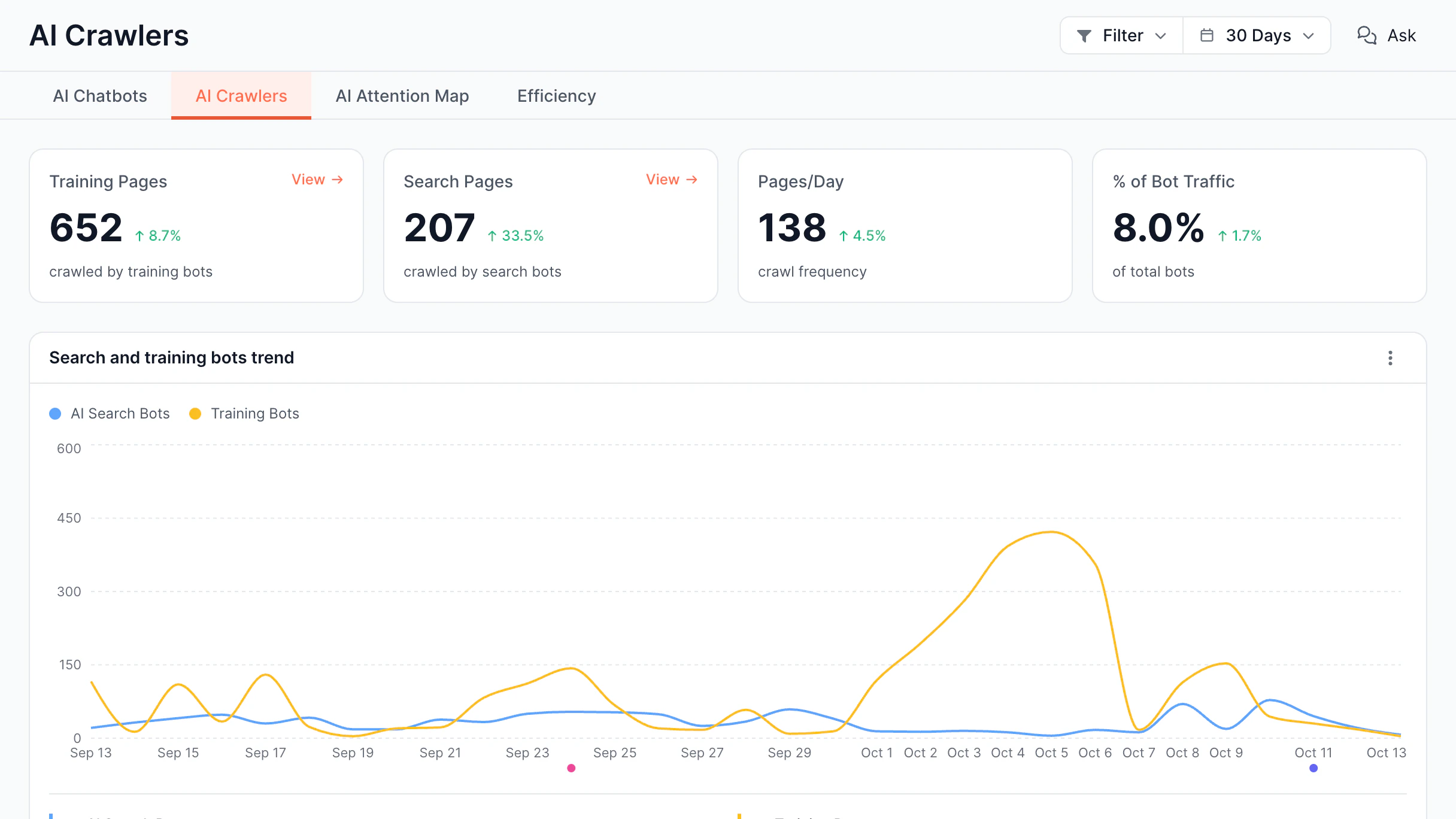
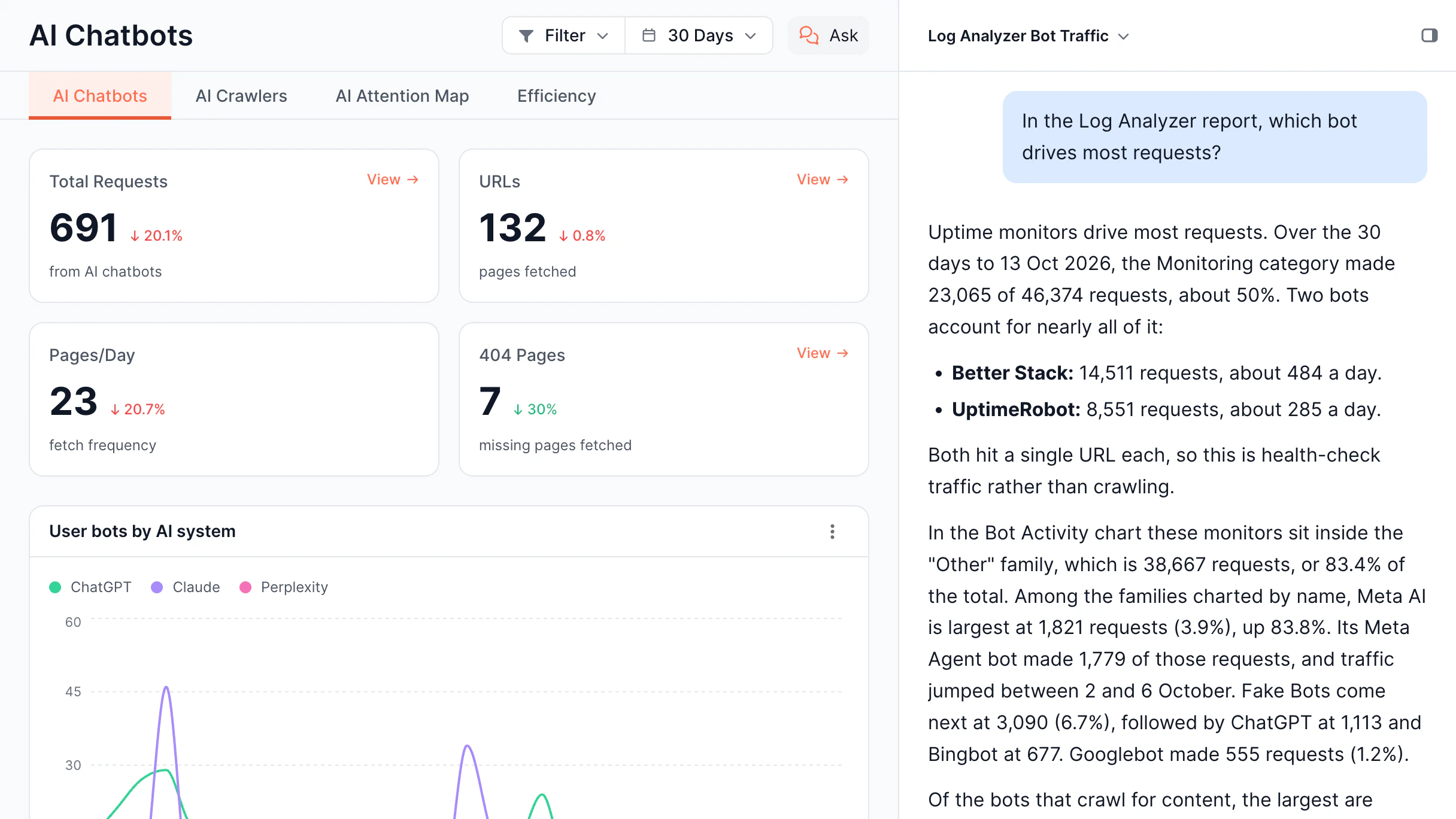
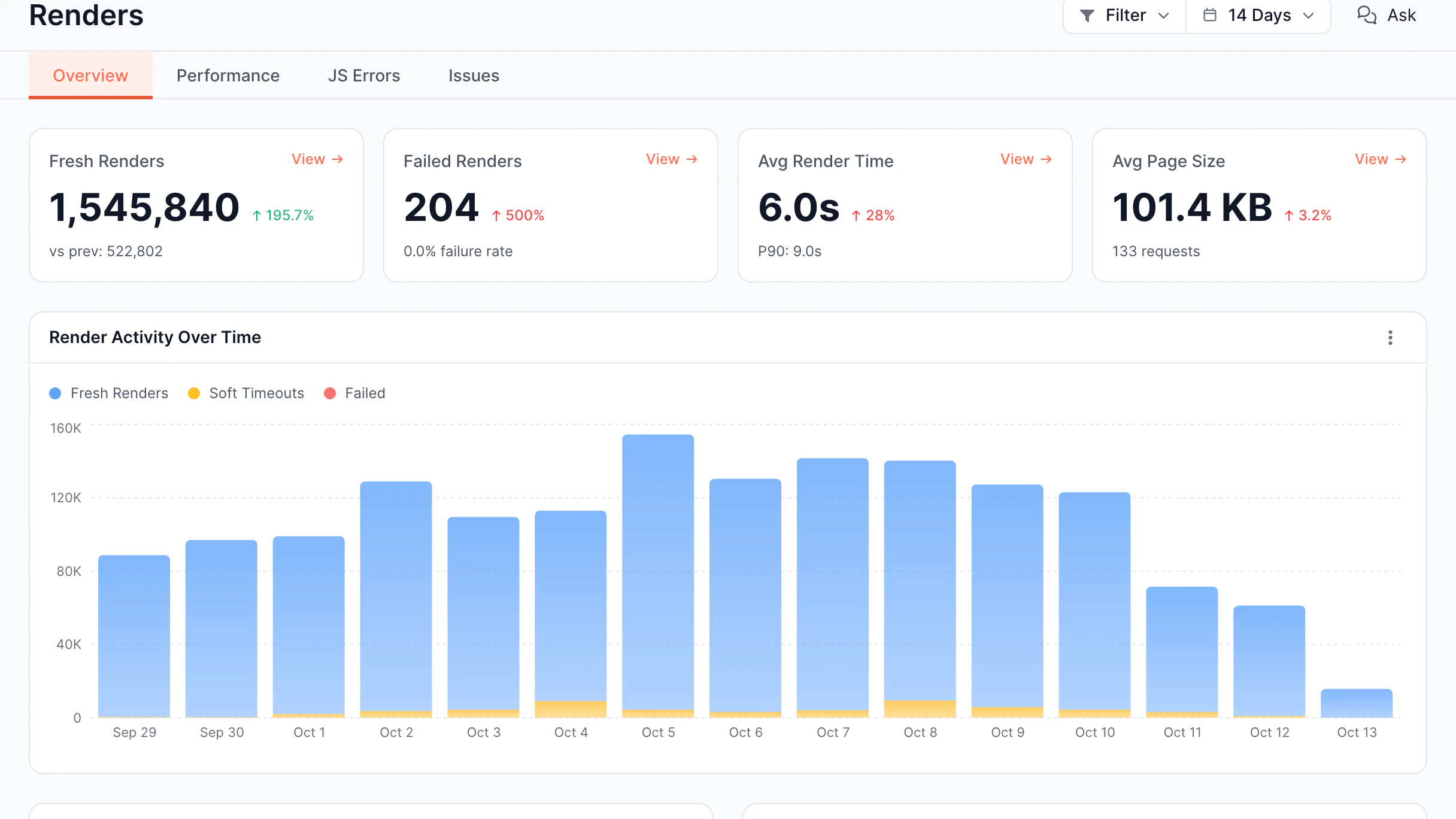
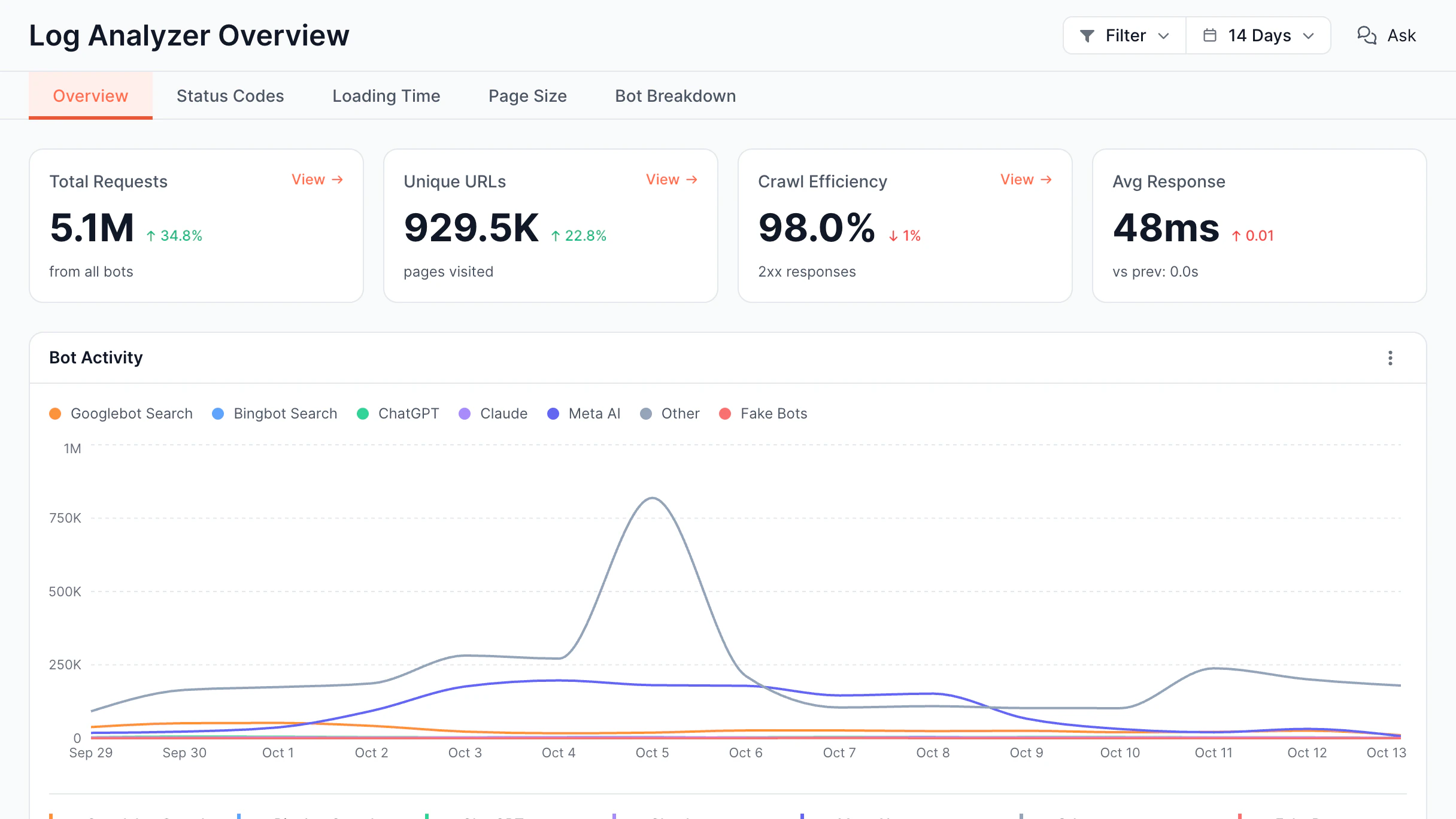
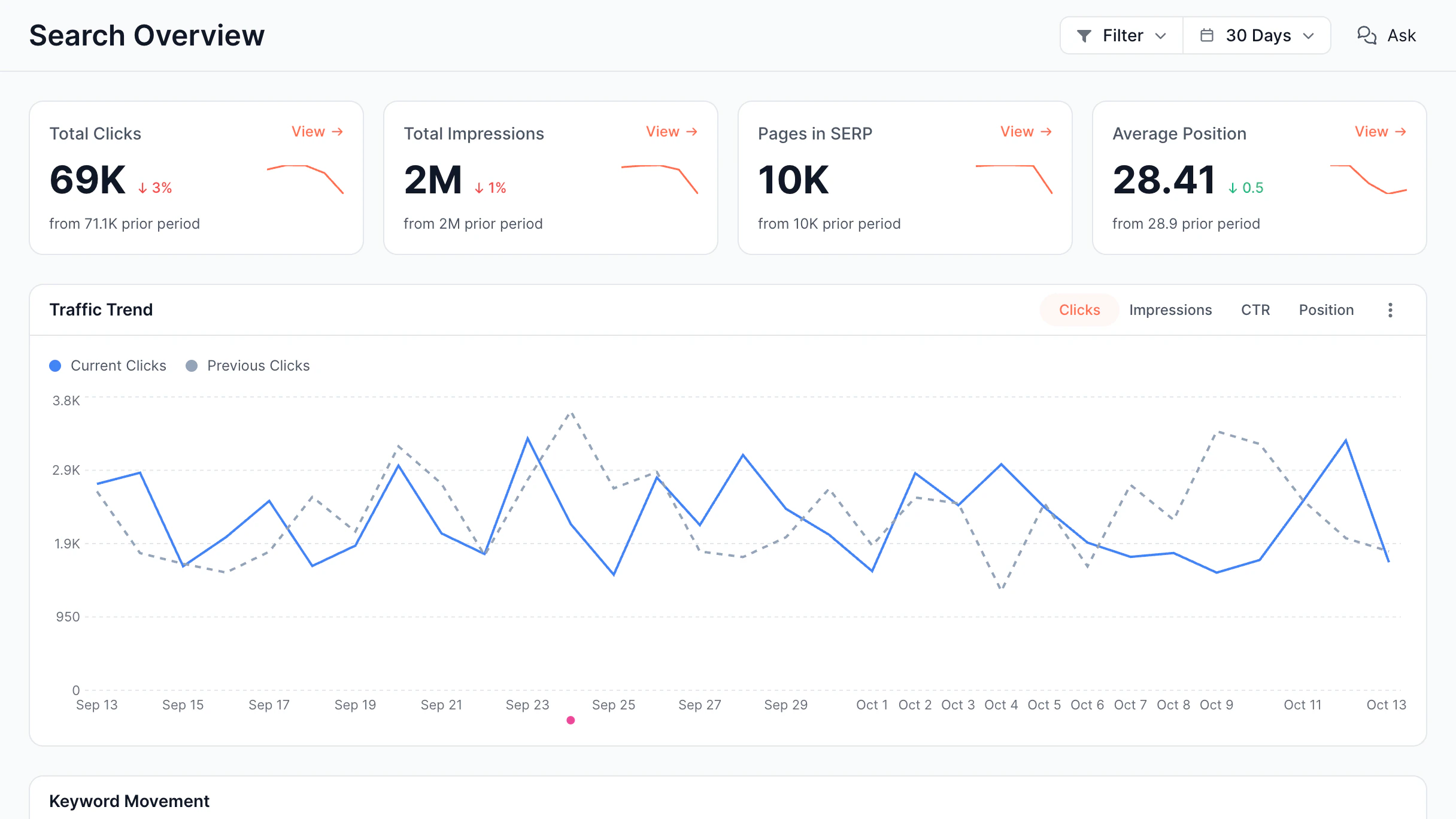
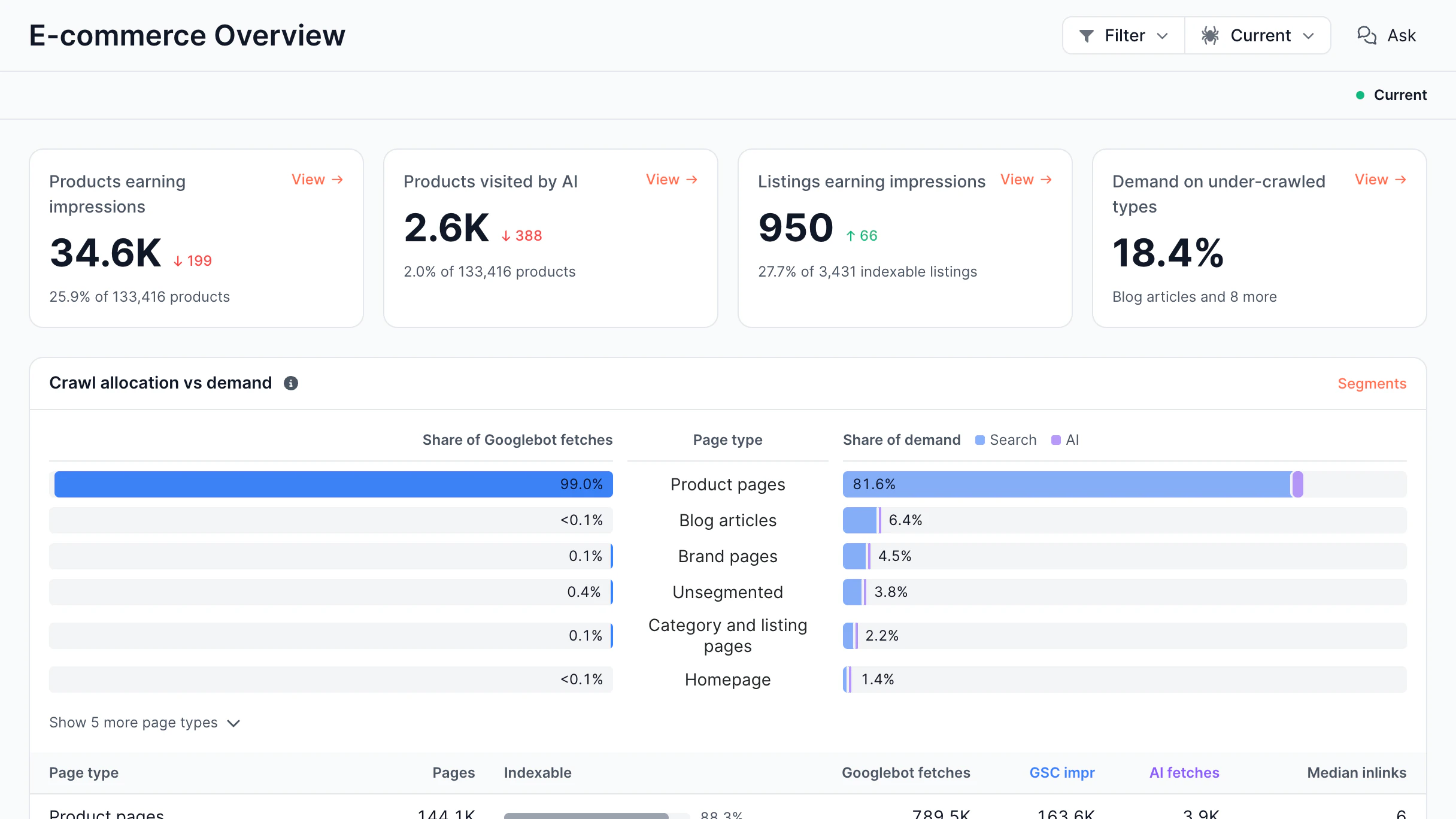
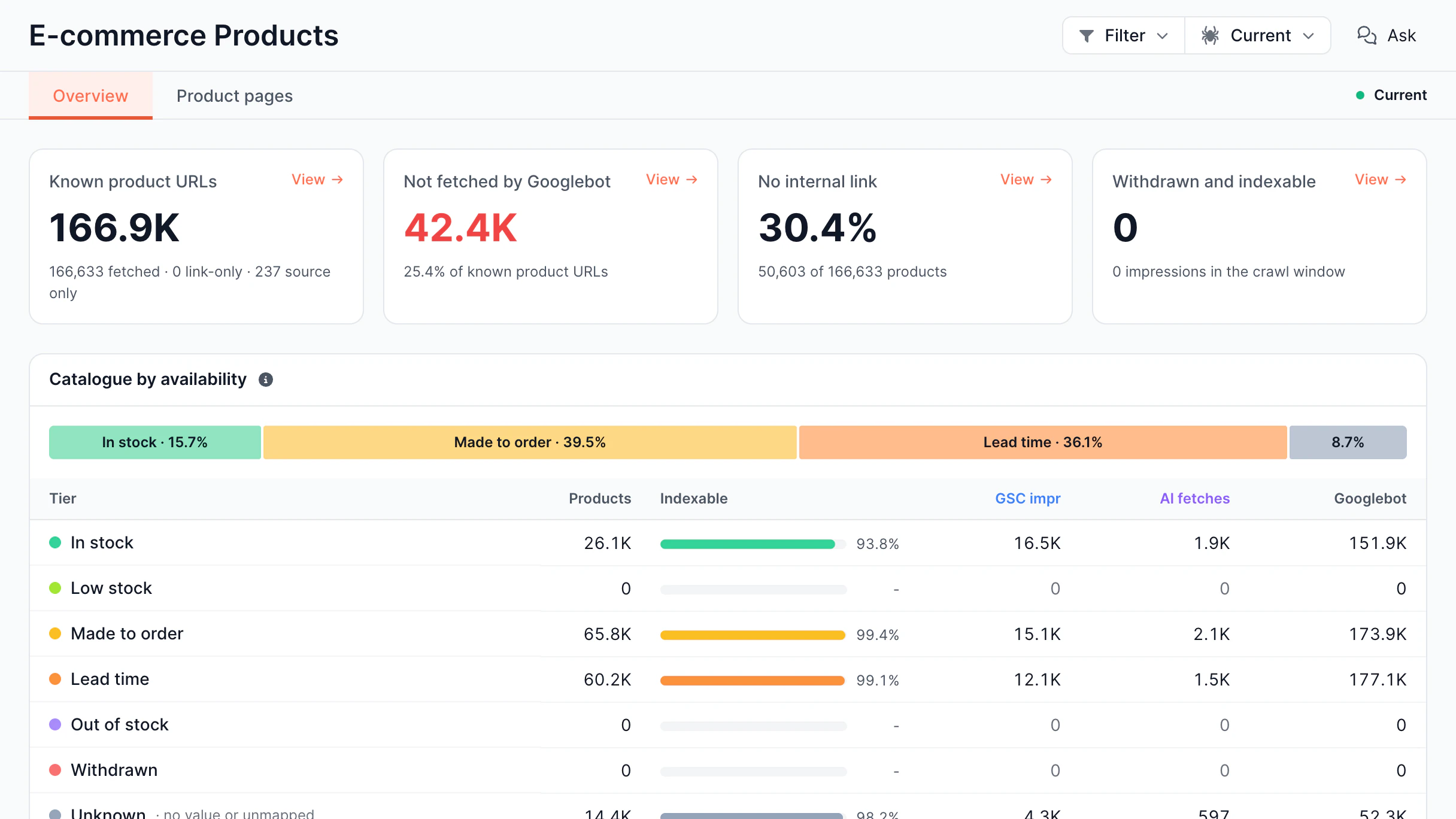
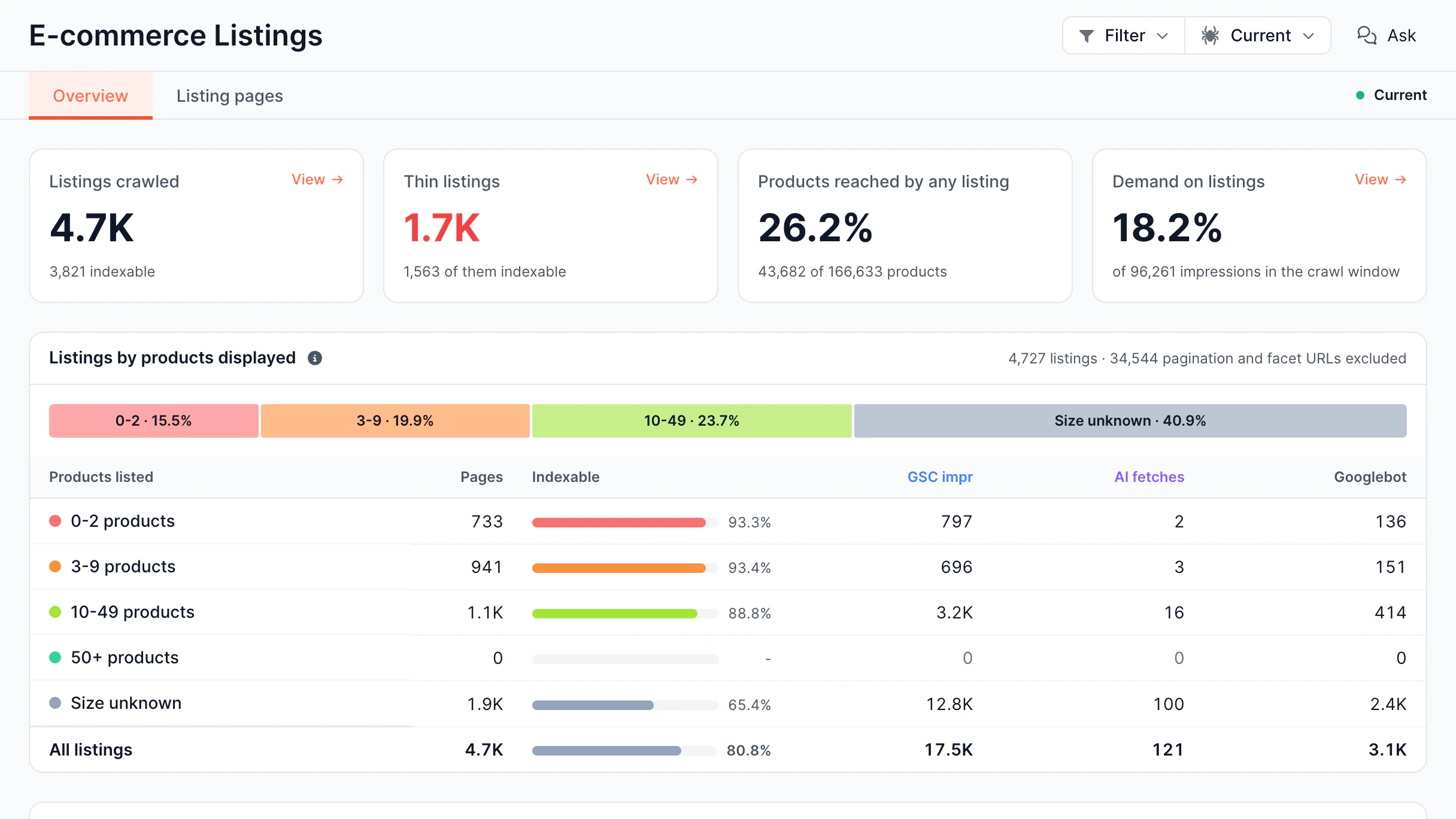
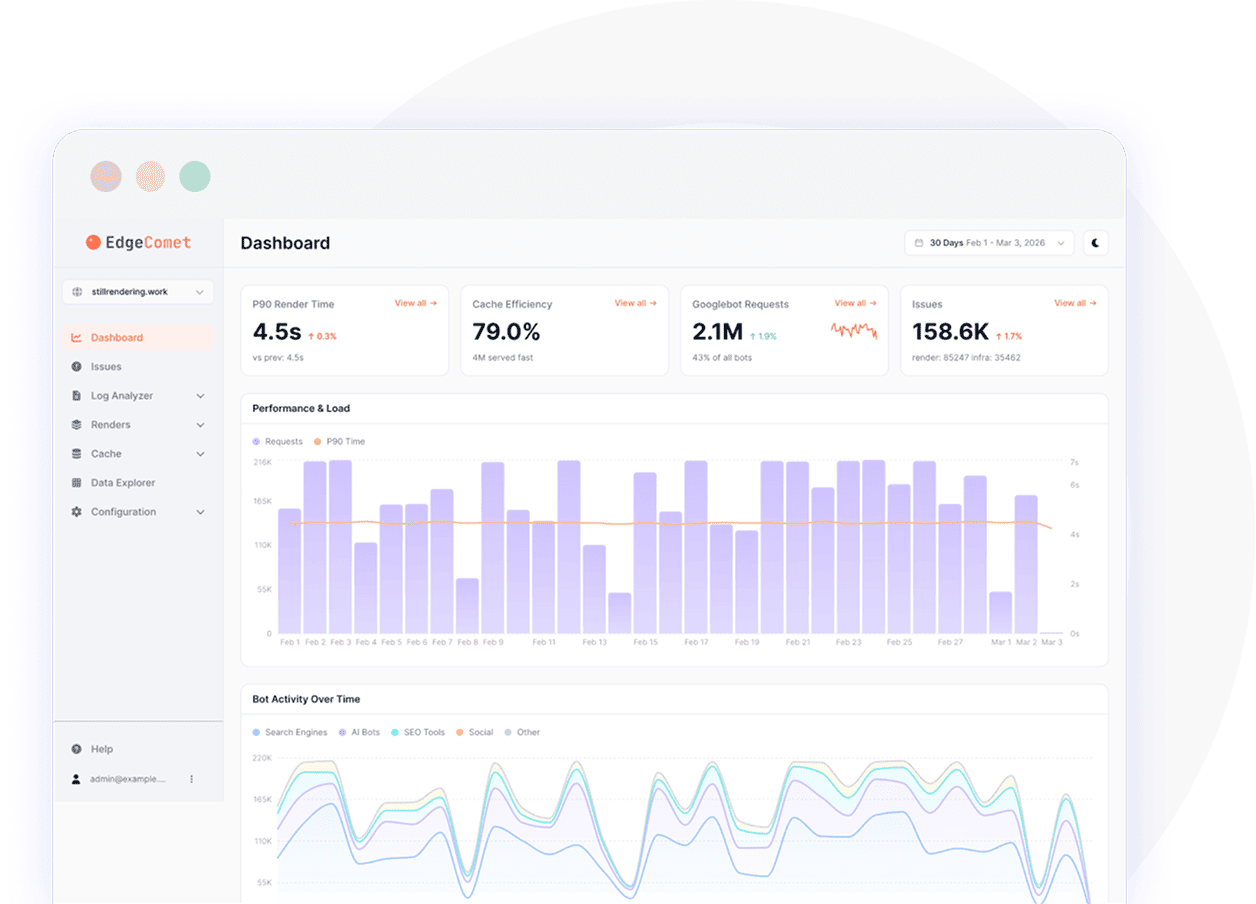
EdgeComet Log Analyzer overview dashboard with AI crawler activity panel

What issues can SEO log file analysis detect?

With EdgeComet’s SEO log analyzer, find the hidden issues of wasted crawl budget, broken rendering,
and inappropriate content indexing.

Budget is wasted on wrong pages

Instead of focusing on your most important content, bots spend time on errors, duplications, and low-value URLs. It slows down discovery and reduces the amount of indexed pages.

AI crawler activity is a mystery

You have no idea who is exploring your website and how frequently. You won’t be able to see how your content is being discovered and surfaced by AI crawlers without a log analyzer.

Rendering issues remain invisible

Bots’ visits can cause pages to fail without appearing in regular monitoring. Even when everything seems good to users, bots can see incomplete or broken content.

Teams rely on assumptions, not data

The majority of tools either display partial data or simulate bots. What was actually provided to crawlers is hidden from view.

SEO log file analysis features

Log Analyzer gives website owners a complete view of how search engines and AI platforms engage
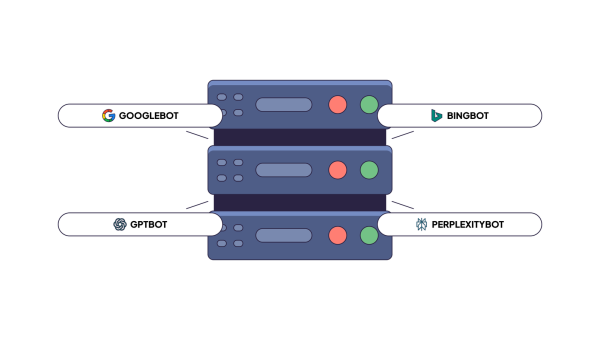
with their content. It tracks every request made by bots from Google, Bing, GPT, Claude, Perplexity,
and others, displaying what they inspect.

Capture

Full page state per request

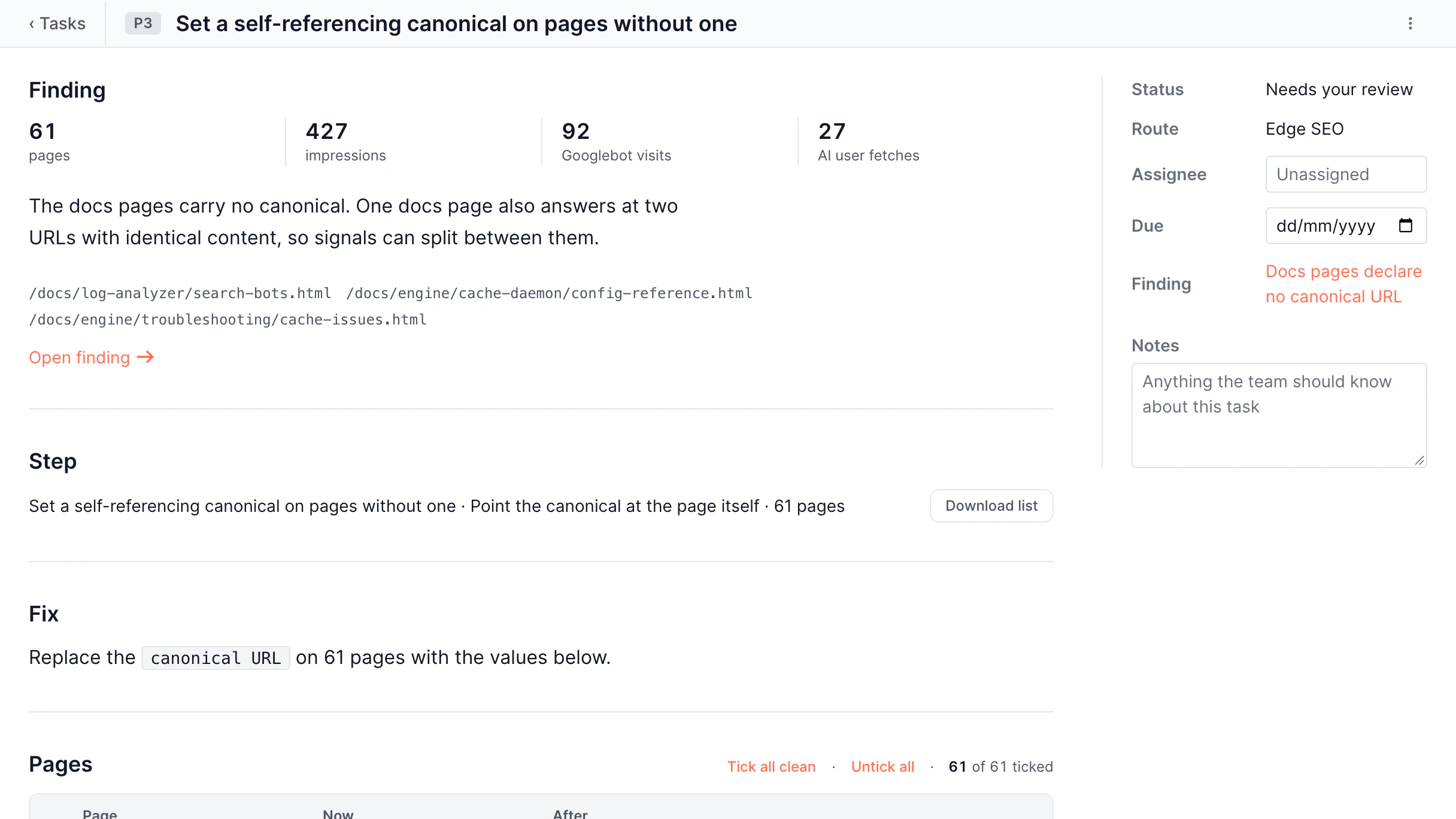
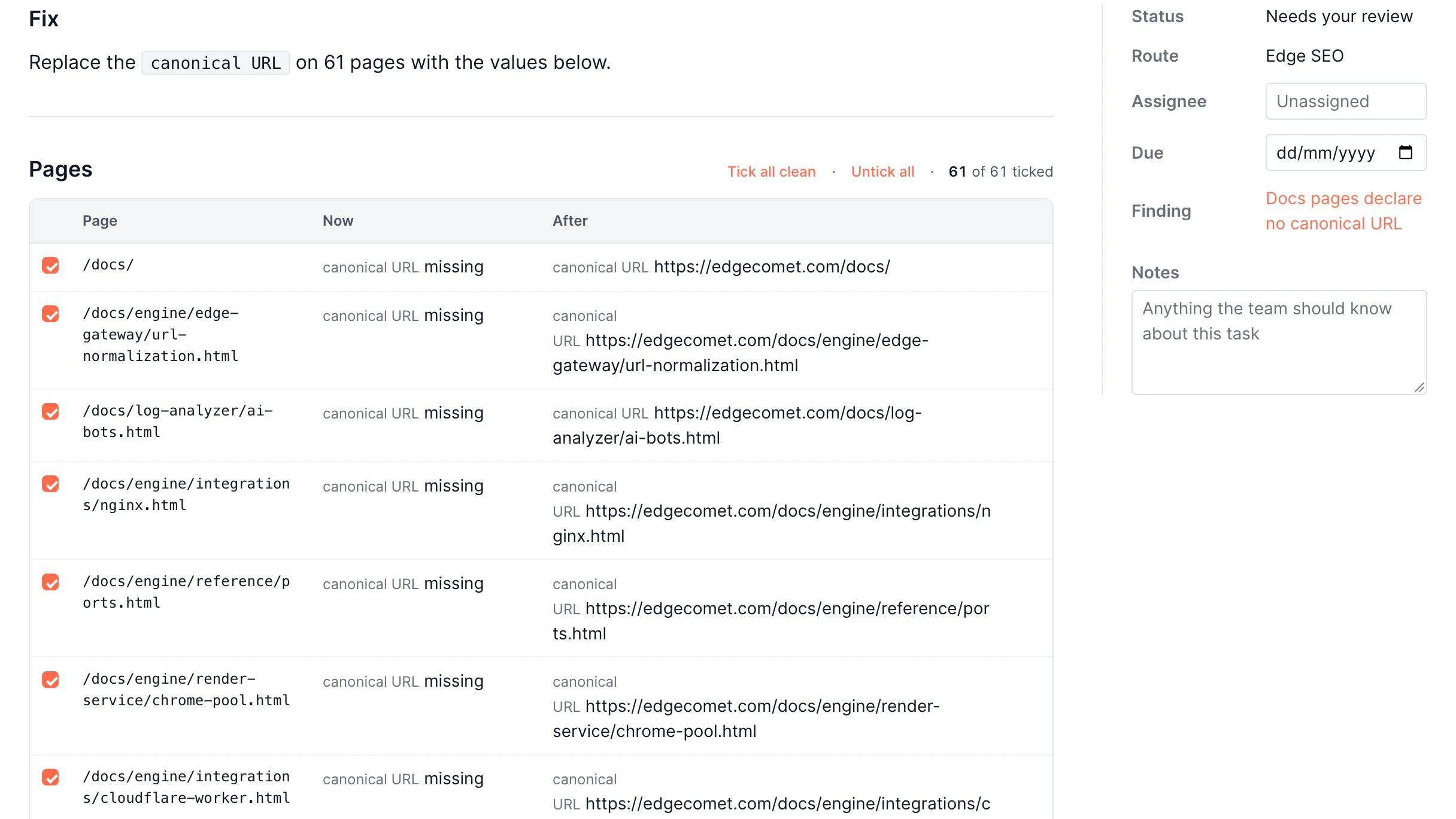
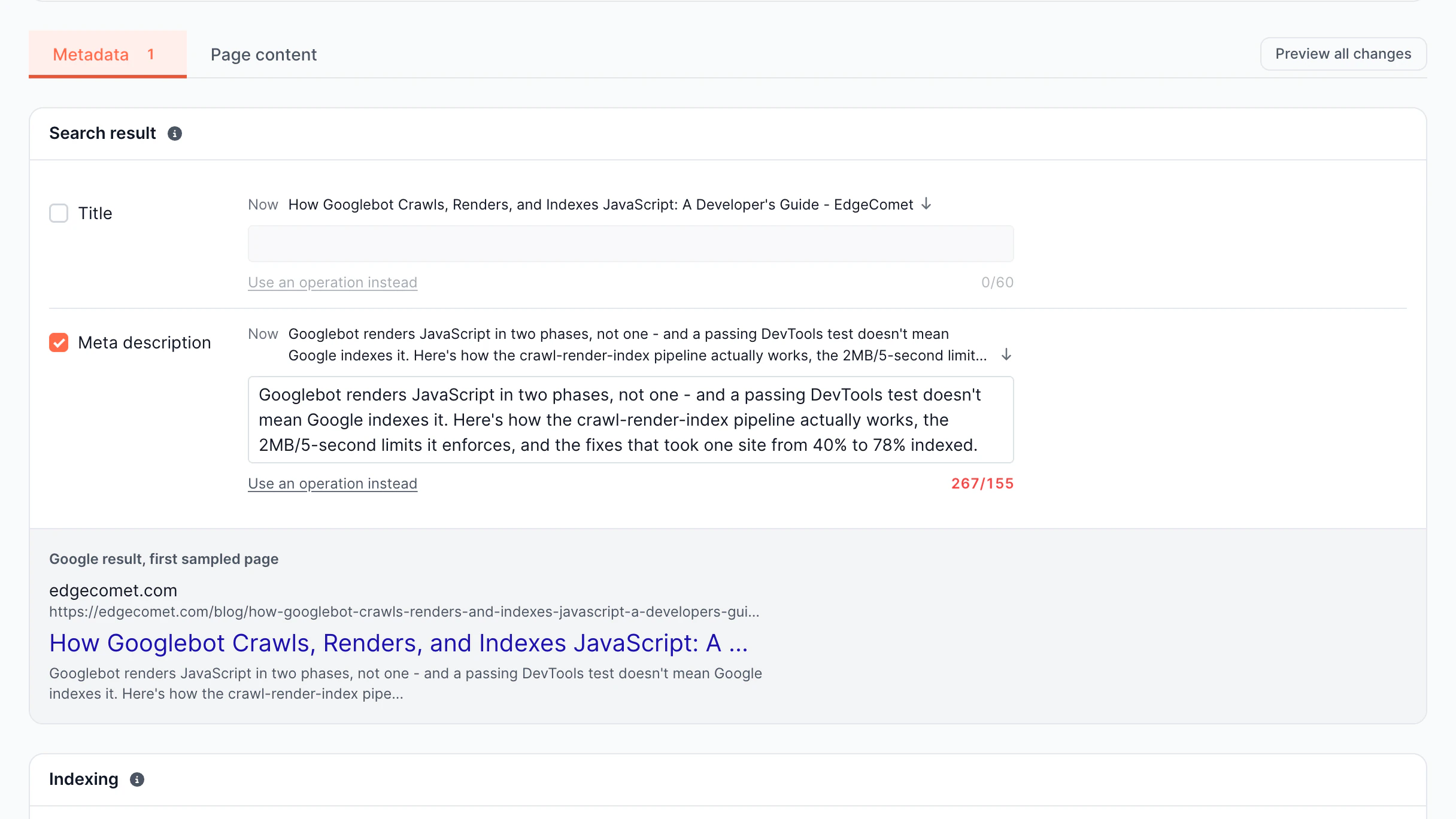
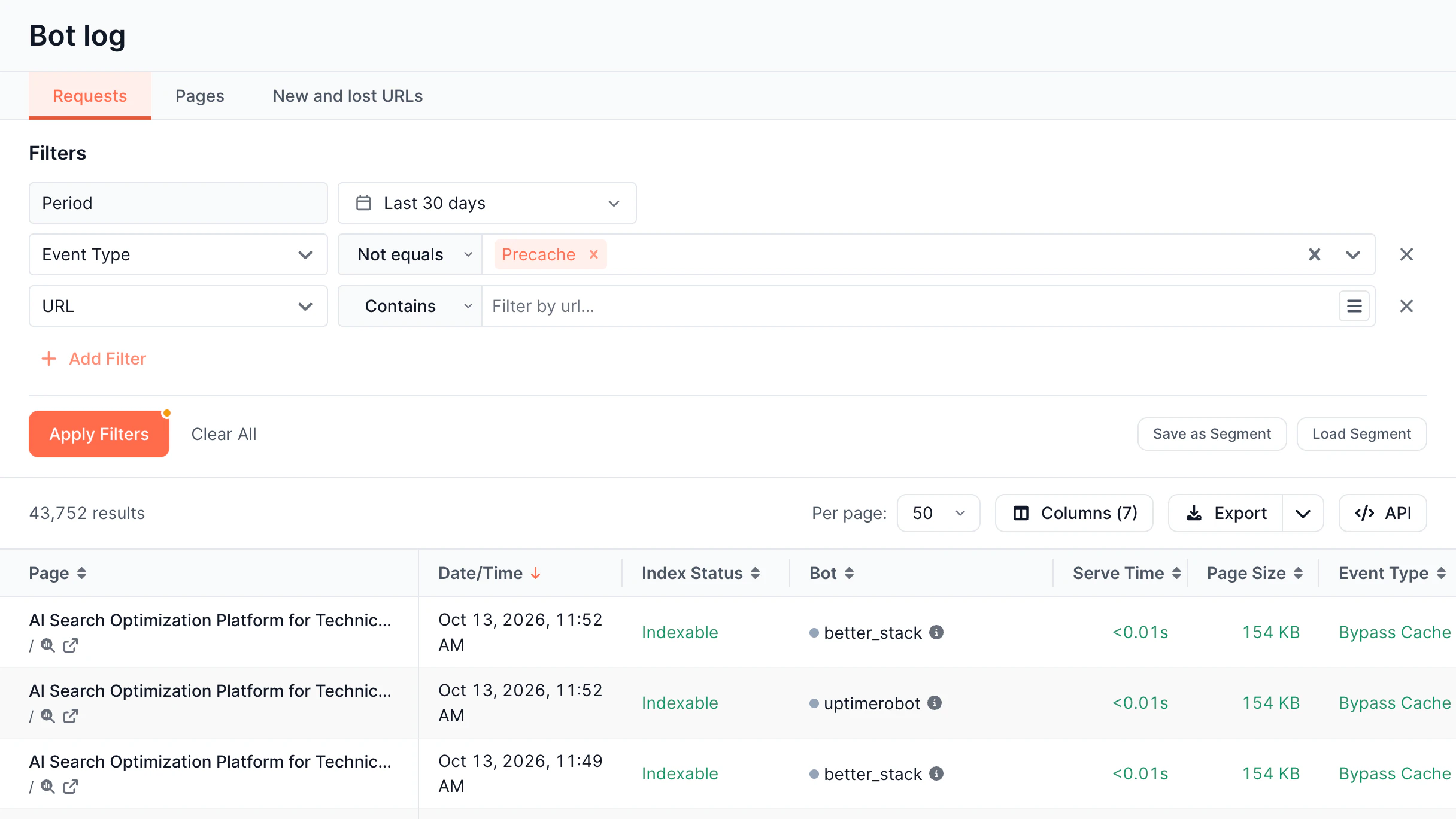
Inspect the full page HTML each bot actually got, not just the URL, status code, and response time it left in the log. No second crawl is needed.

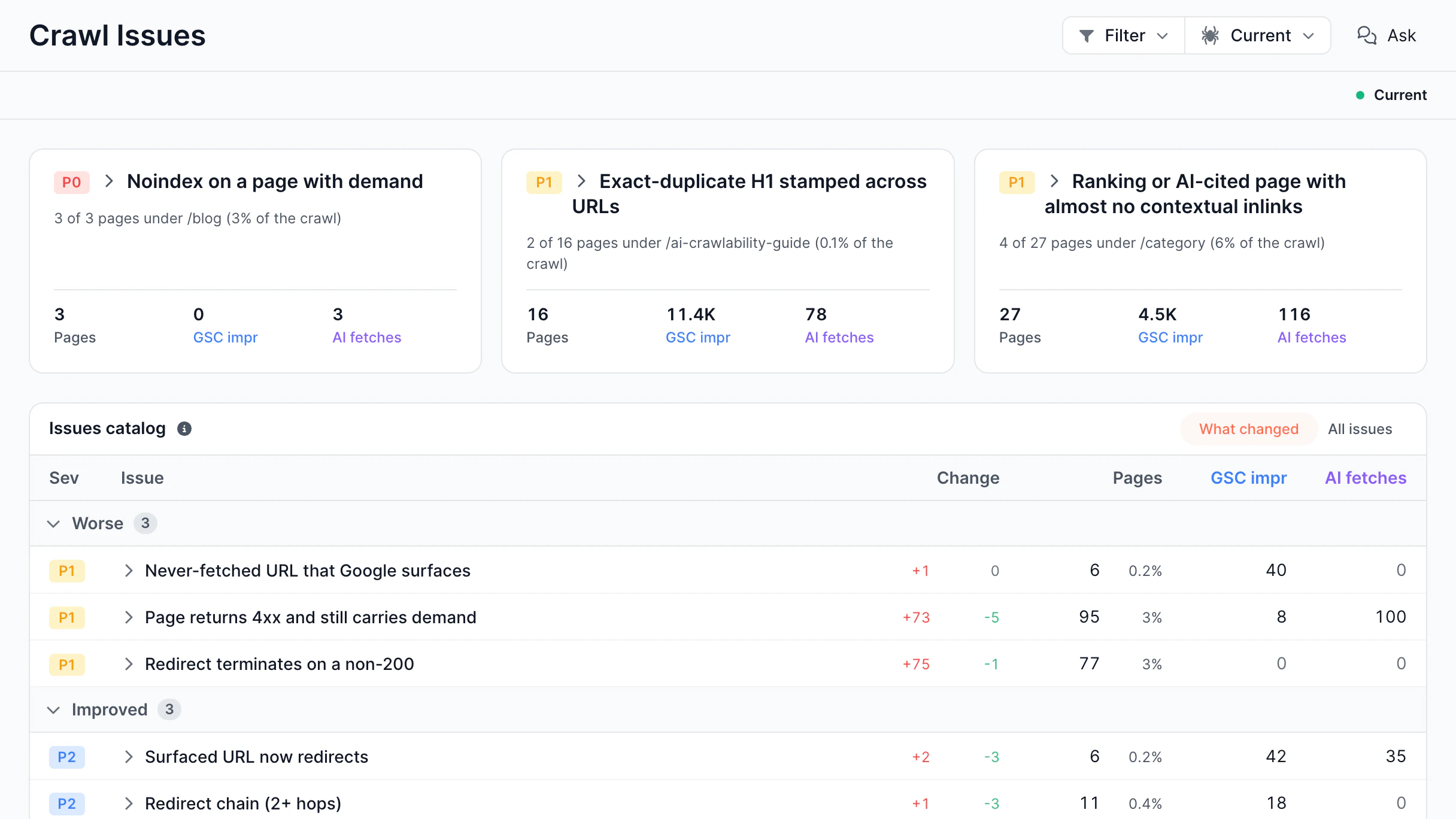
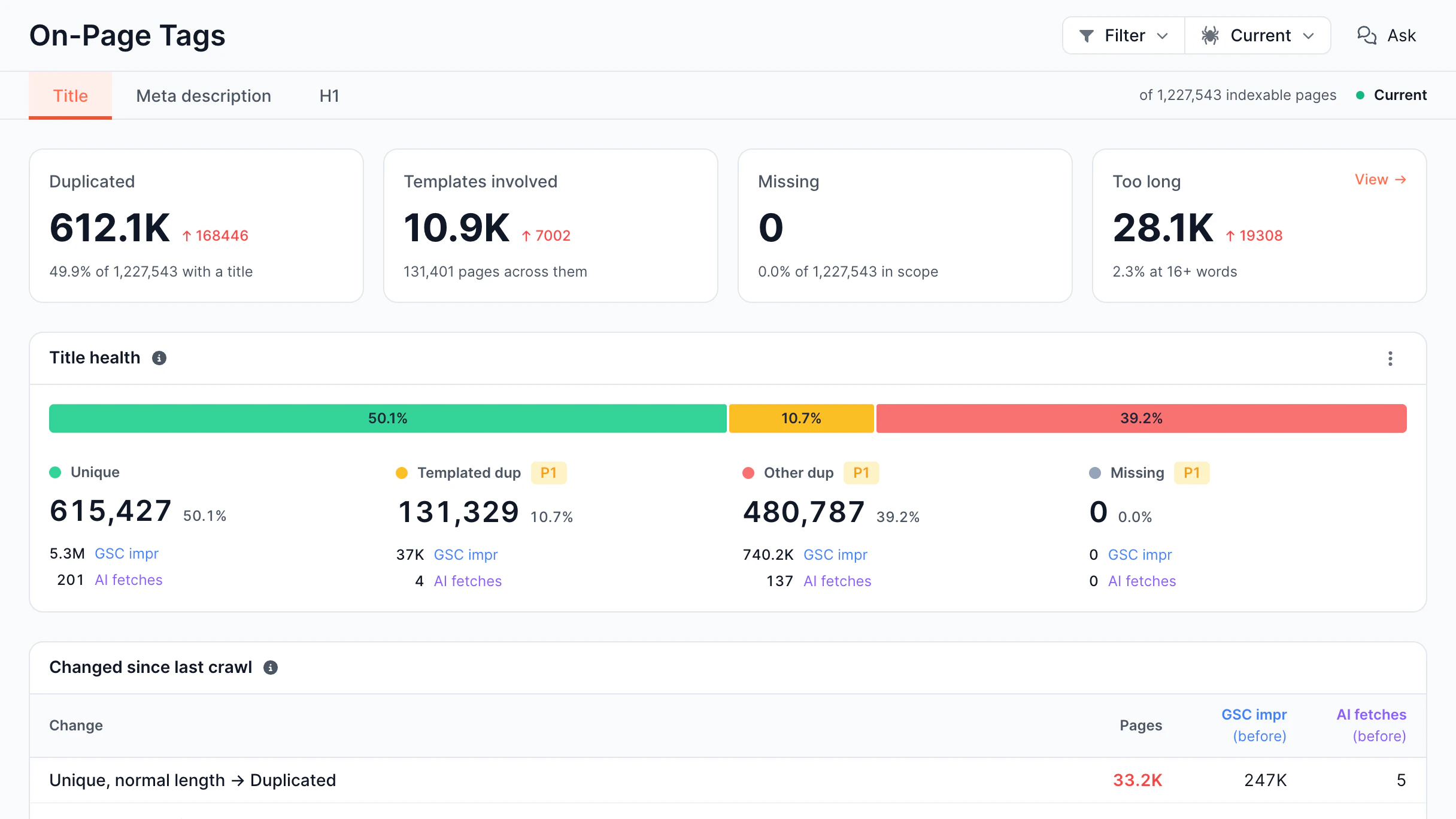
  • See what was on the page bots received Title, meta description, canonical, robots directives, hreflang, and structured data.
  • Group requests by page type, not just URL Categorized content turns thousands of individual hits into patterns you can act on.
  • Catch title, canonical, and indexing changes as they happen Every URL is compared against its own history, field by field.
  • Extract your own fields, not just SEO ones Define custom rules for price, stock, author, or any element on the page.
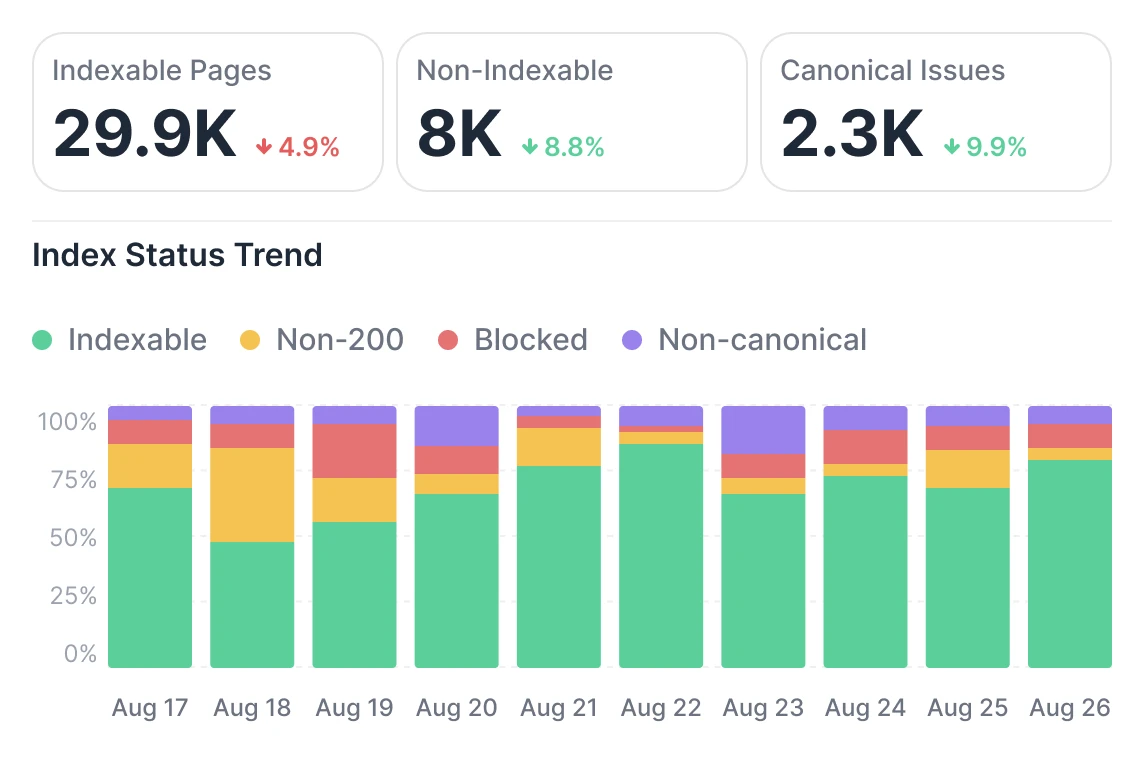
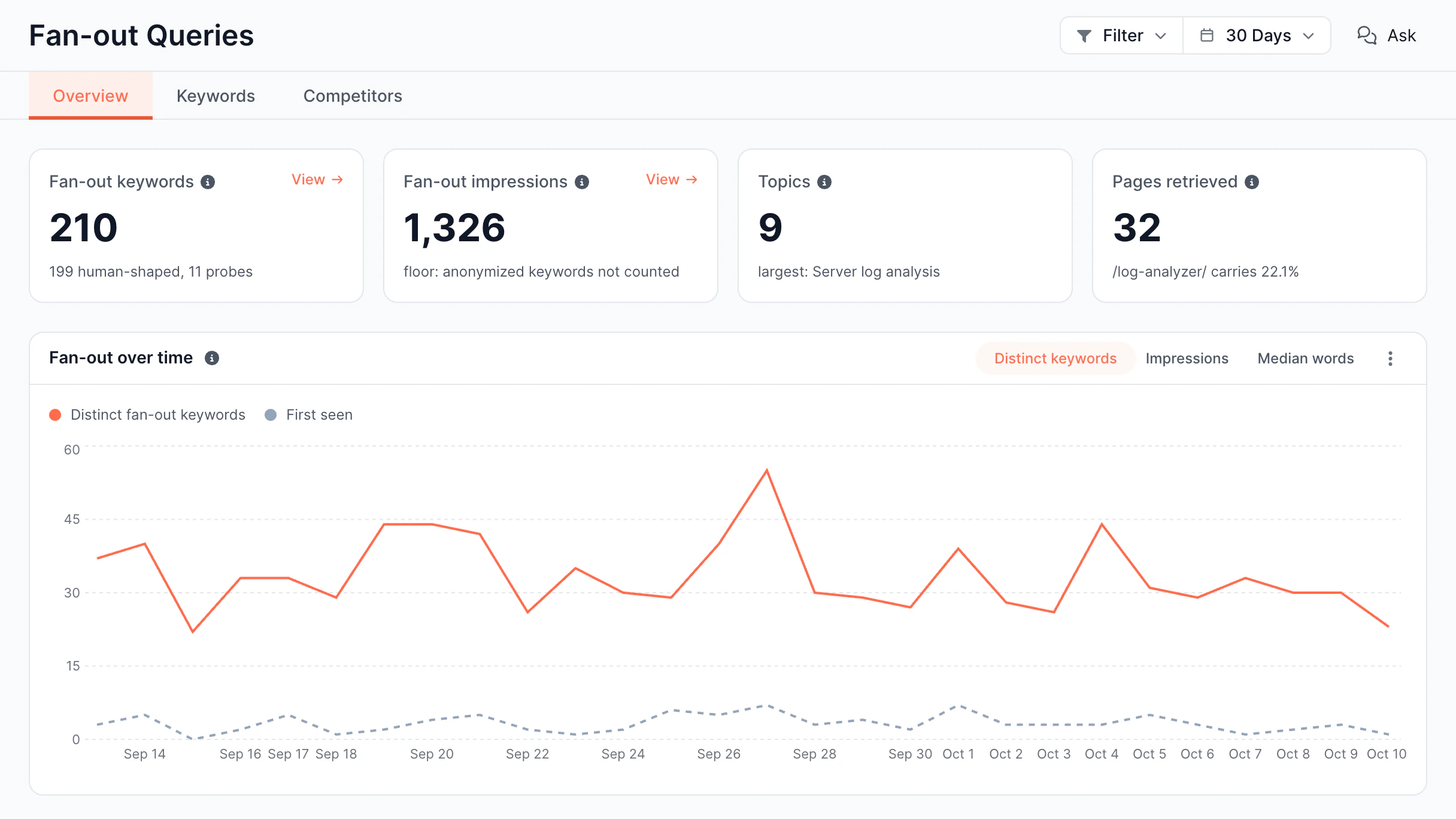
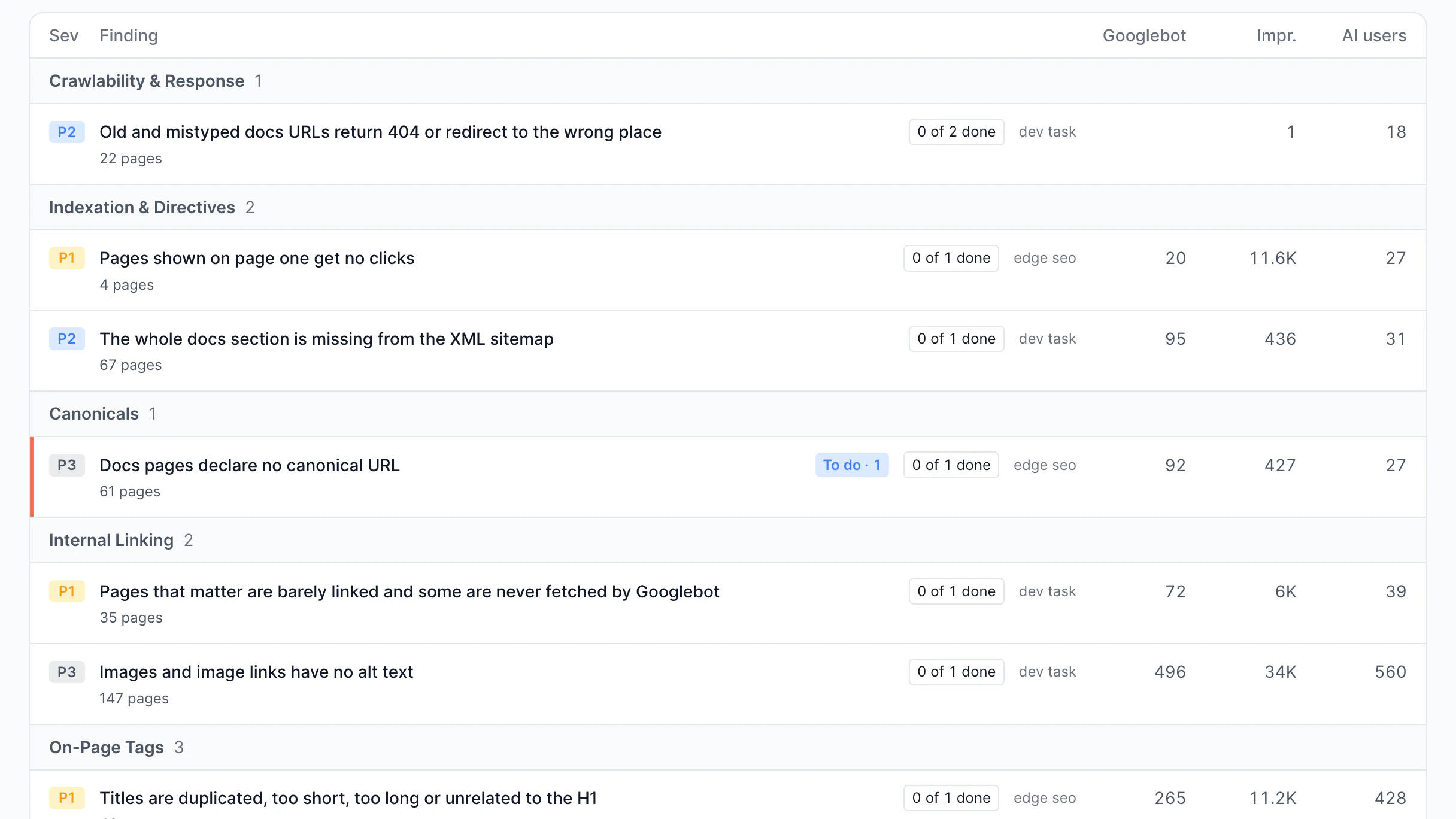
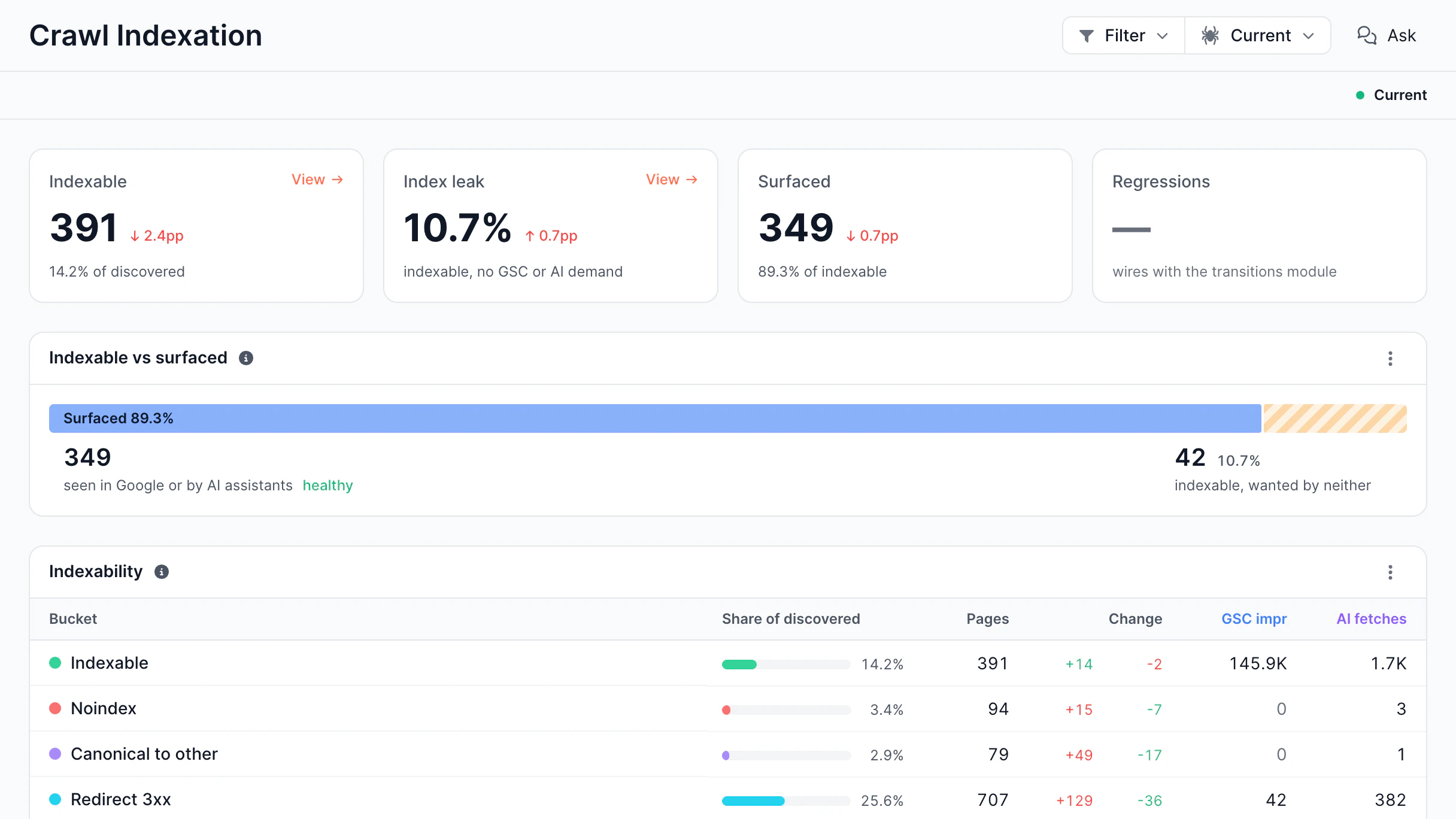
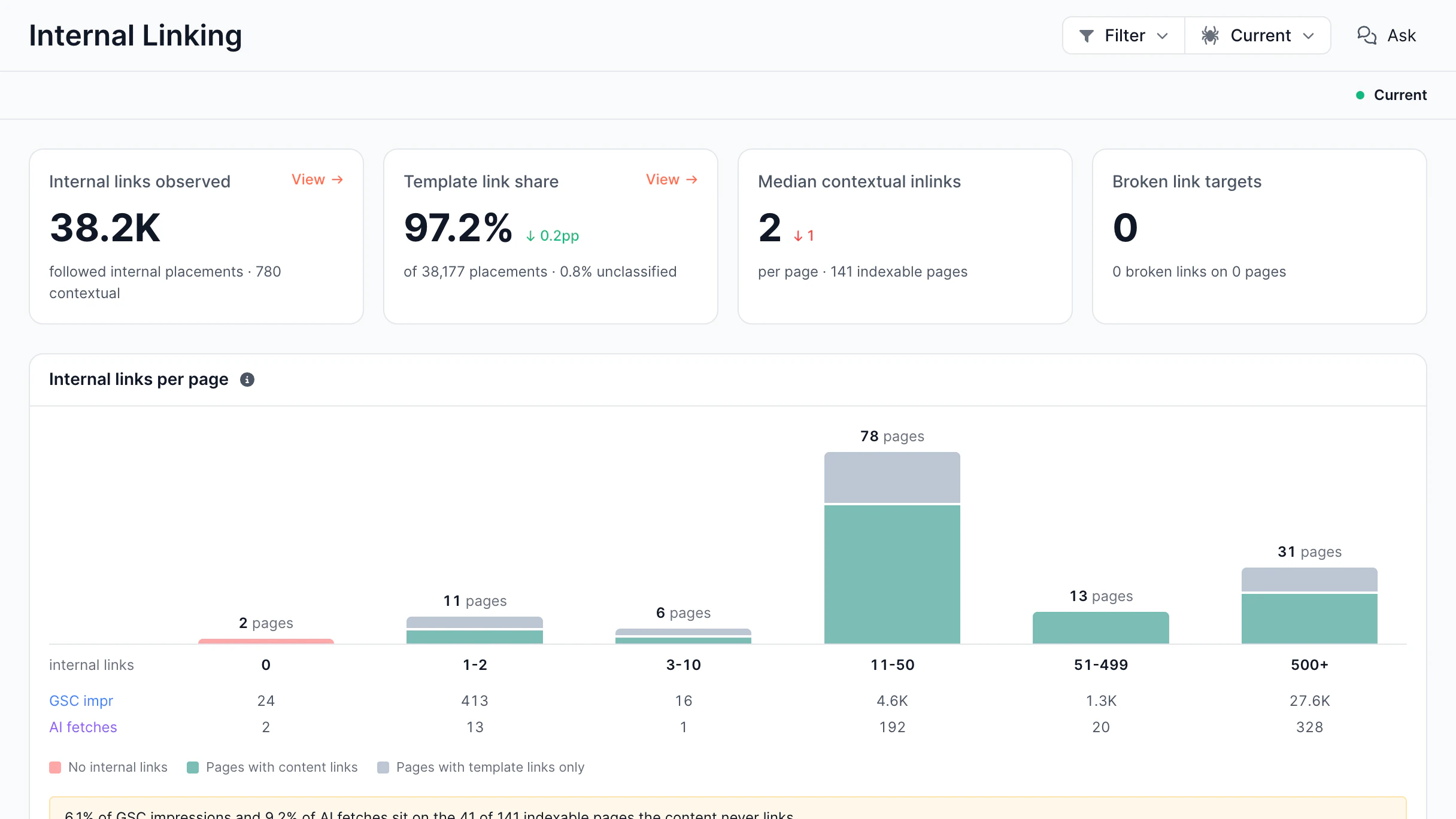
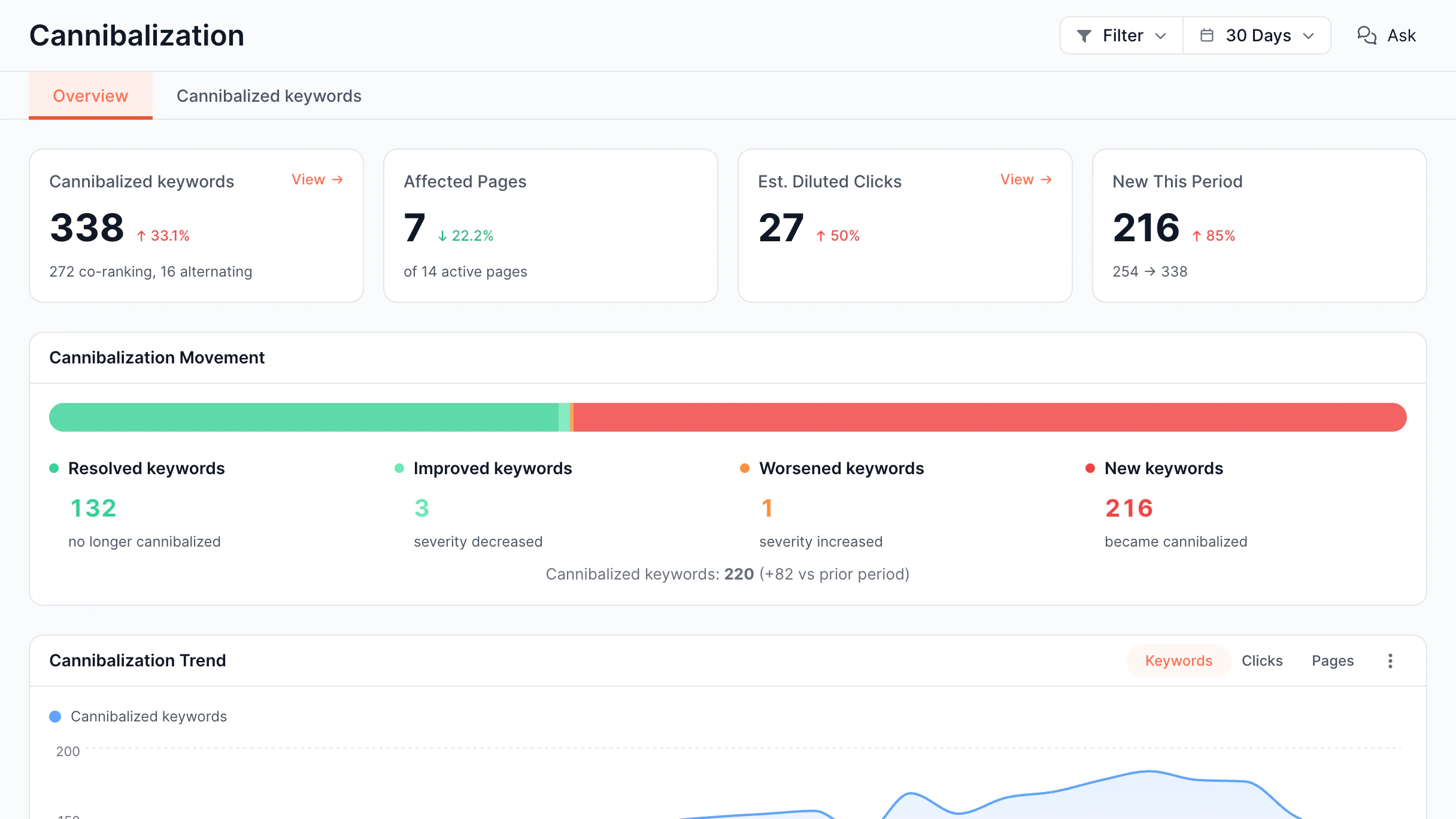
Indexable pages, non-indexable pages and canonical issues with an index status trend charted by day
Classify

AI and search bot intelligence

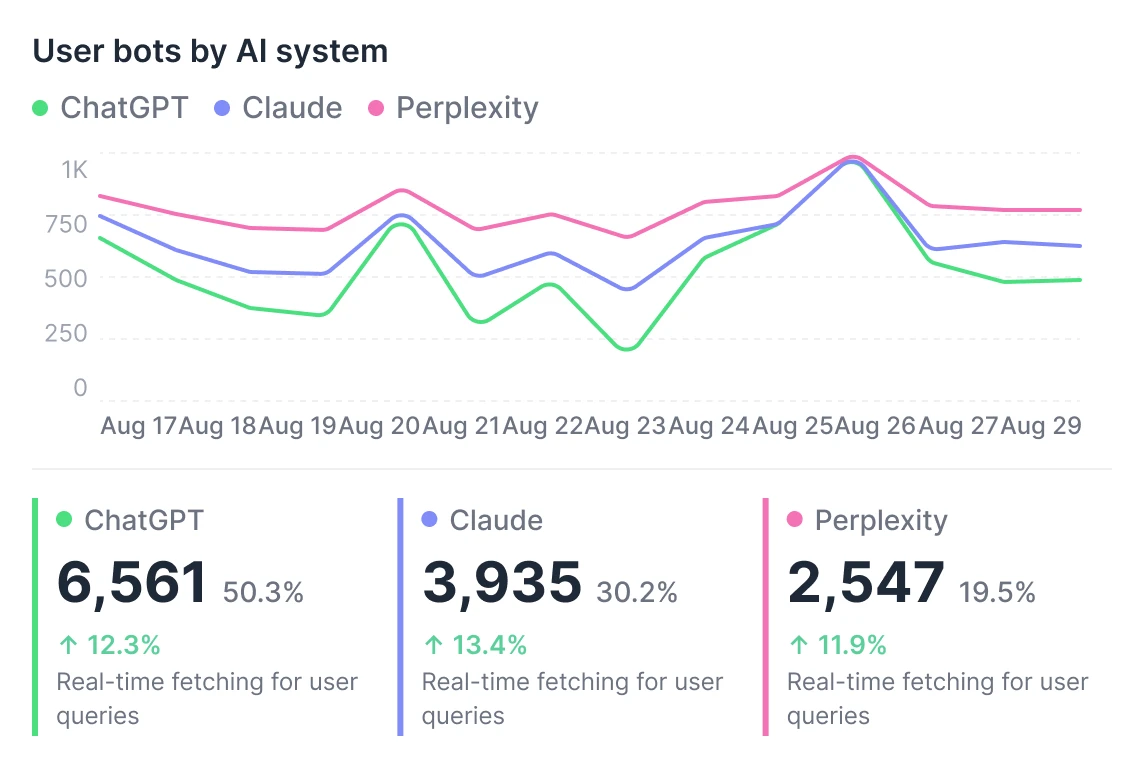
Analyze GPTBot, ClaudeBot, and Perplexity separately from search bots: see what each one requests, how often, and what it skips.

  • Break down traffic by bot type GPTBot, ClaudeBot, Googlebot, and Bing, each in its own view.
  • Compare patterns across bots Explore how different bots inspect and prioritize your site.
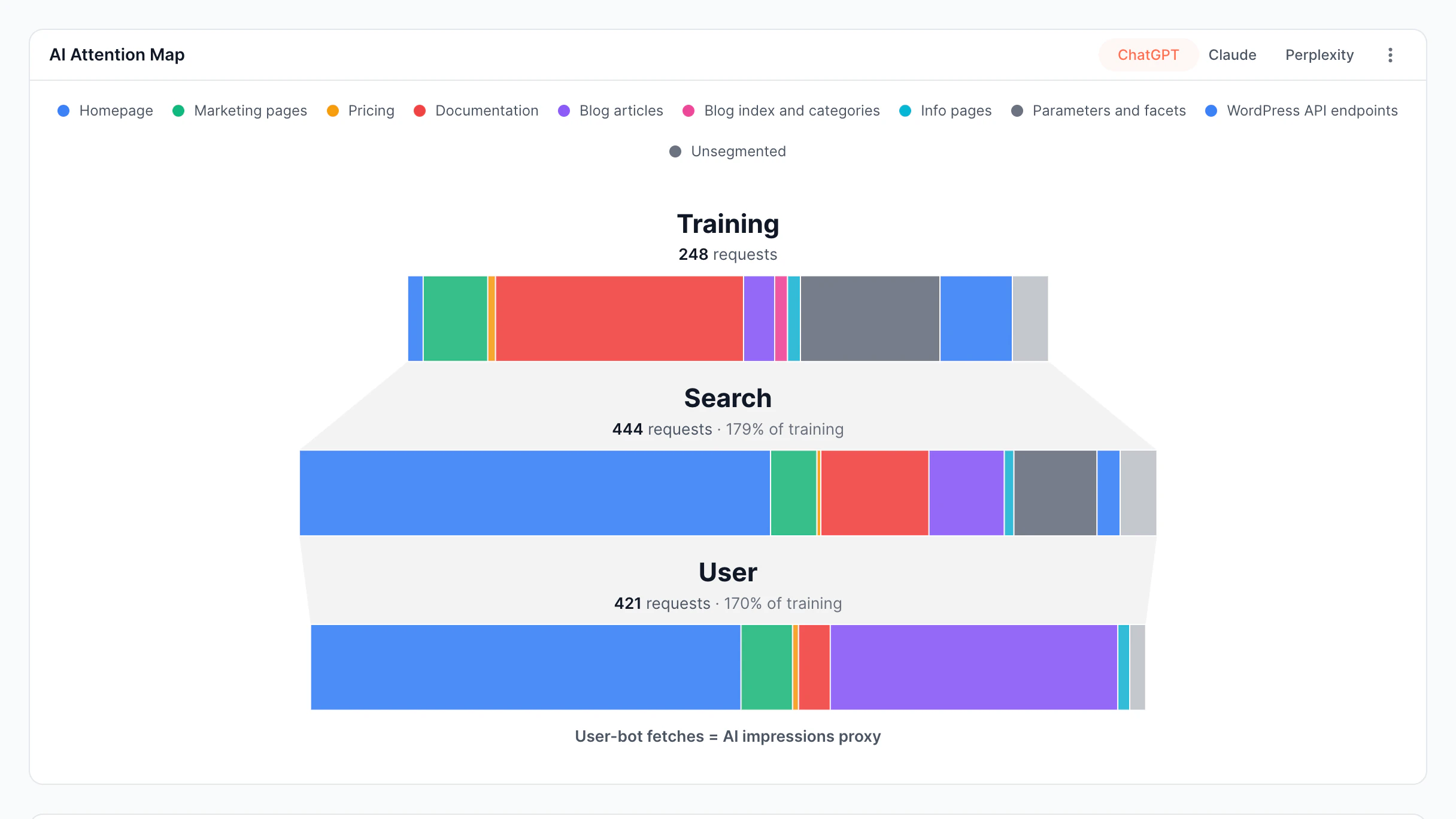
  • See what different bots prioritize Identify which content AI crawlers and search engines focus on most.
  • Track AI crawler adoption trends Monitor growth and changes in AI crawler activity over time.
User bots by AI system trend comparing ChatGPT, Claude, and Perplexity request volume
Optimize

Crawl efficiency analysis

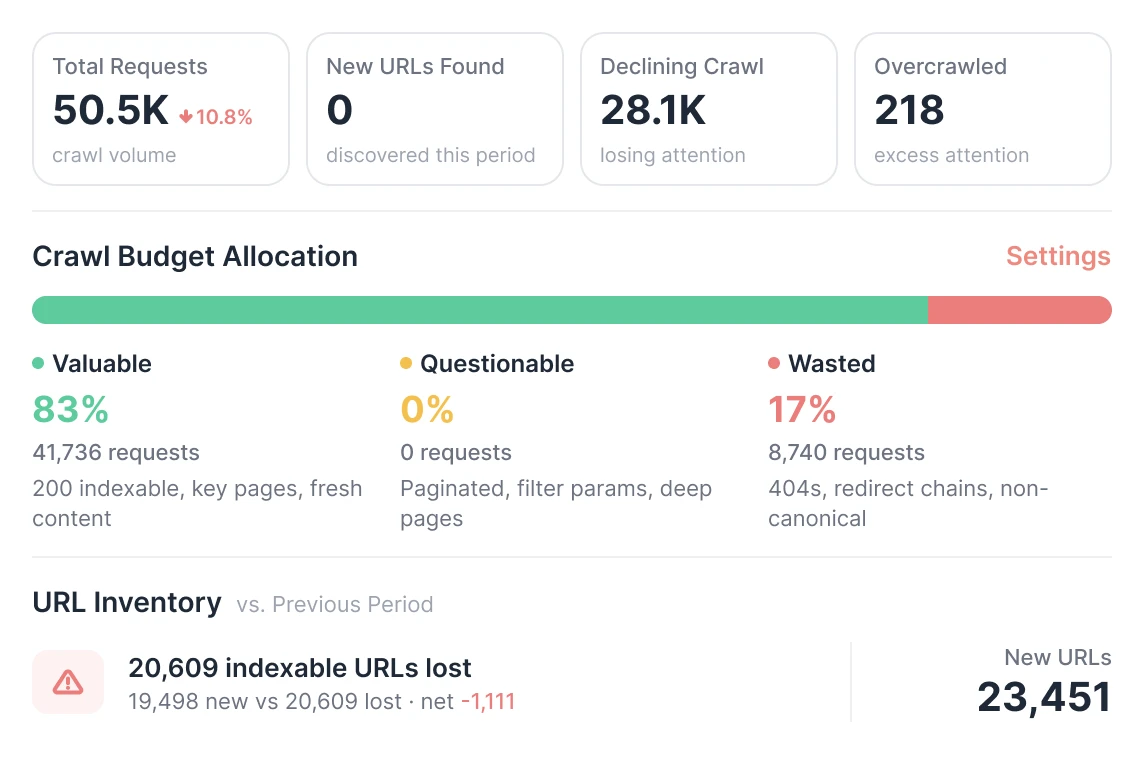
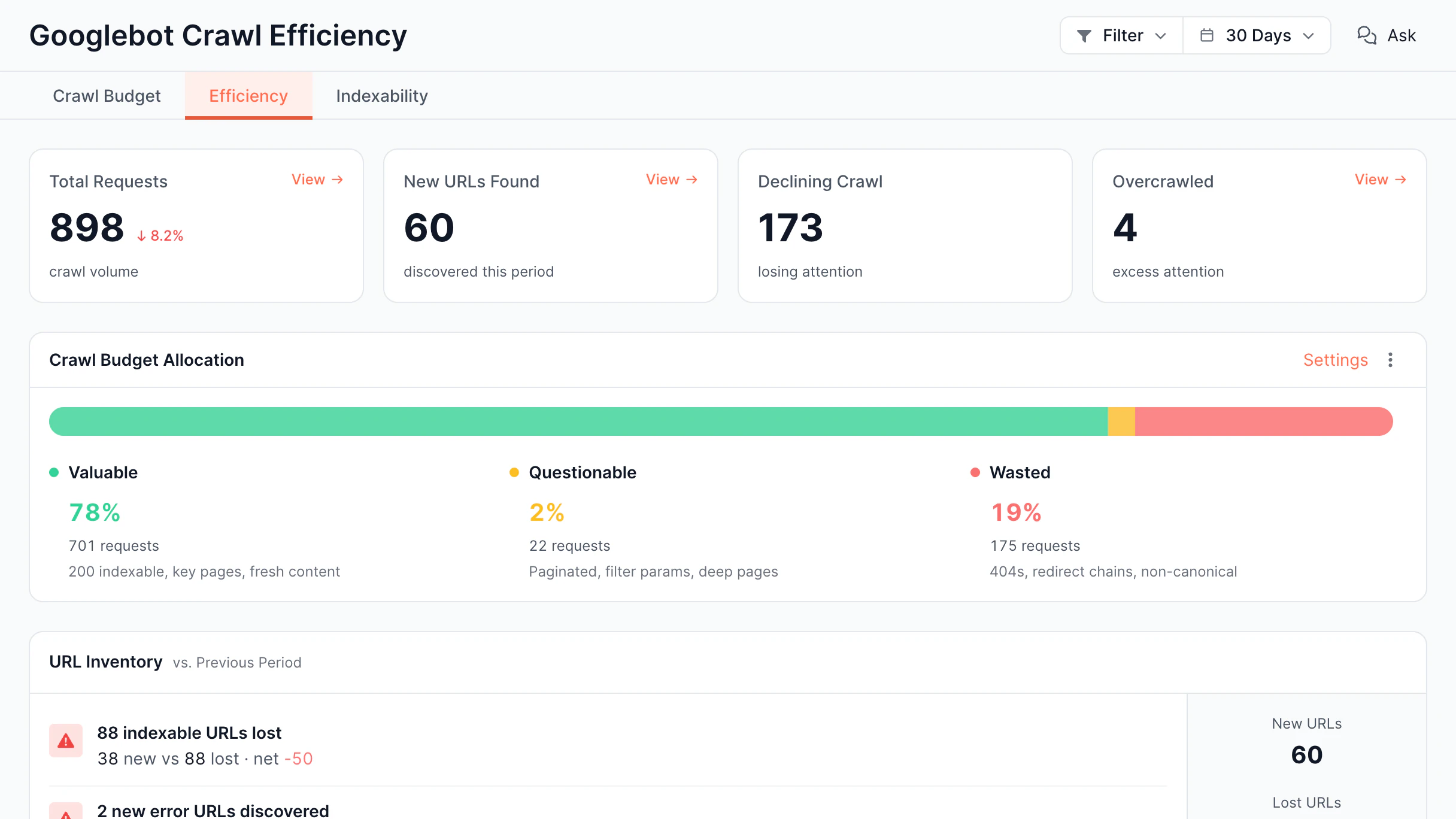
Learn where a crawling budget is wasted and how to fix that. Detect low-value requests and ensure bots focus on the most important pages.

  • Optimize crawling budget Find duplication, low-value URLs and pages.
  • Detect declining and overcrawled pages Identify URLs lacking the bot attention or getting excessive crawl.
  • Prioritize fixes by impact See which issues waste the most resources.
  • Analyze improvements over time Measure how optimization improves crawl efficiency.
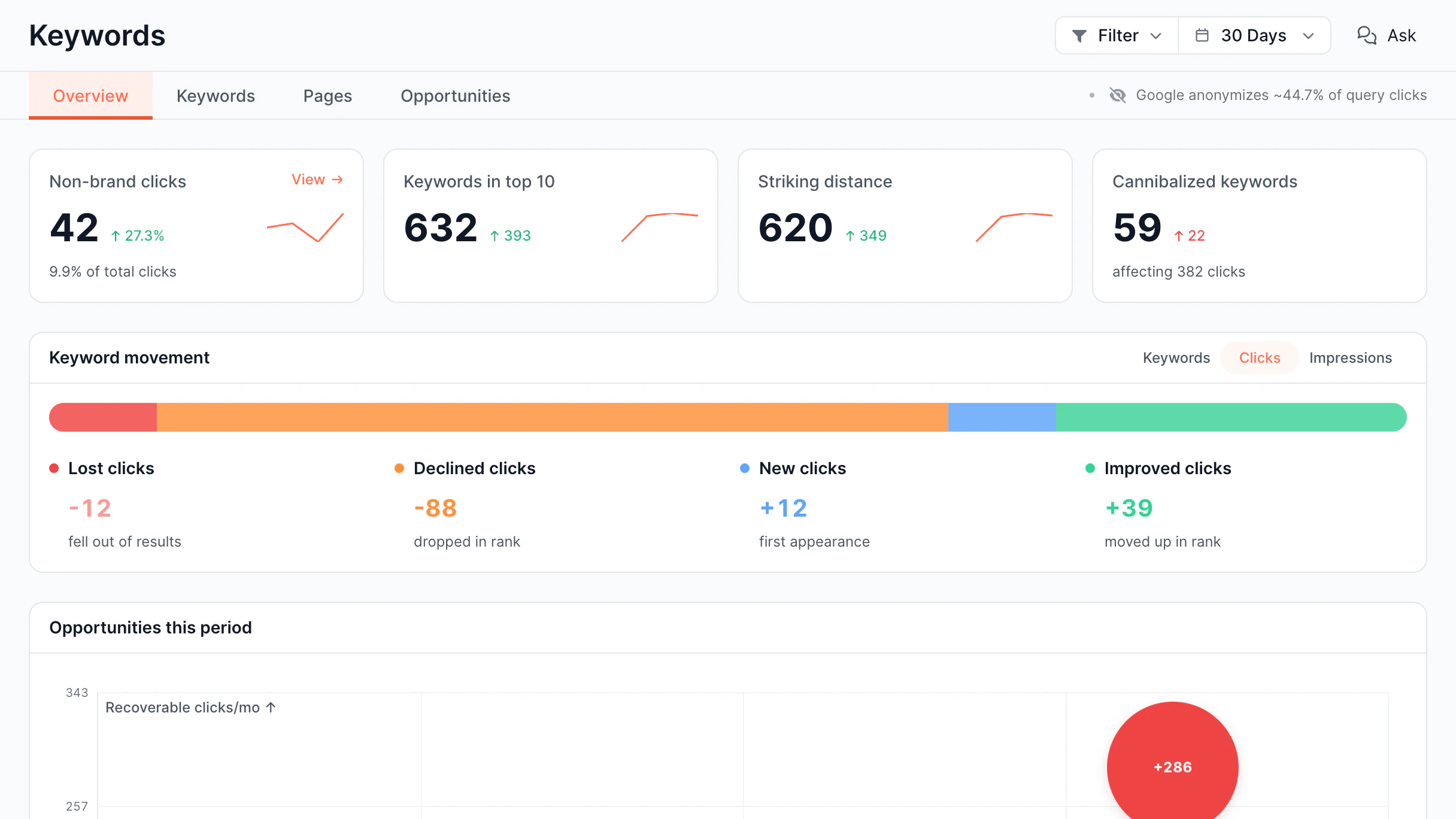
Crawl budget allocation split into valuable, questionable, and wasted requests alongside URL inventory
Unmask

Fake bot detection

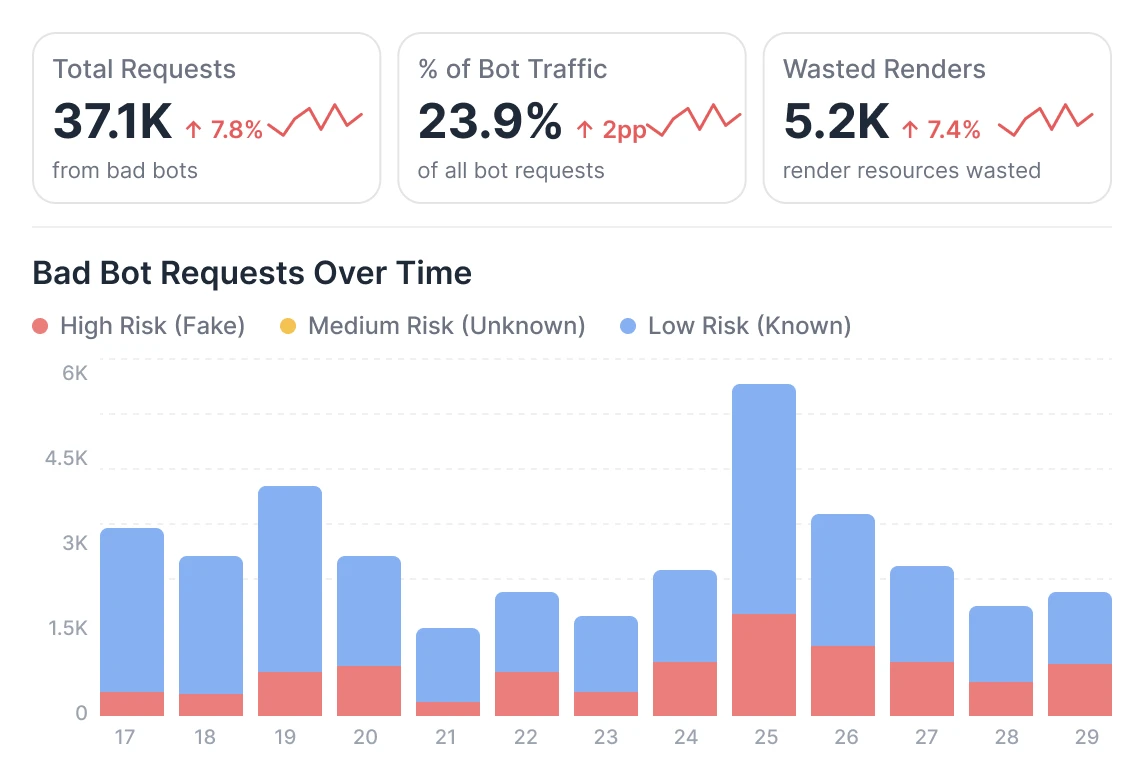
Fake bots can copy a user agent, but not the IP range. EdgeComet verifies every request against published bot IPs, so you see only real bot traffic.

  • See how much of your bot traffic is fake Impostors get their own category, counted and trended like any other bot.
  • Verify by IP, not by user agent A user agent can claim anything. Its IP is matched against 35 real bot identities.
  • See which identities impostors hide behind Rank the most-faked bots, from Googlebot down.
  • Check AI crawlers the same way as search GPTBot, ClaudeBot, and Perplexity are validated like Googlebot and Bing.
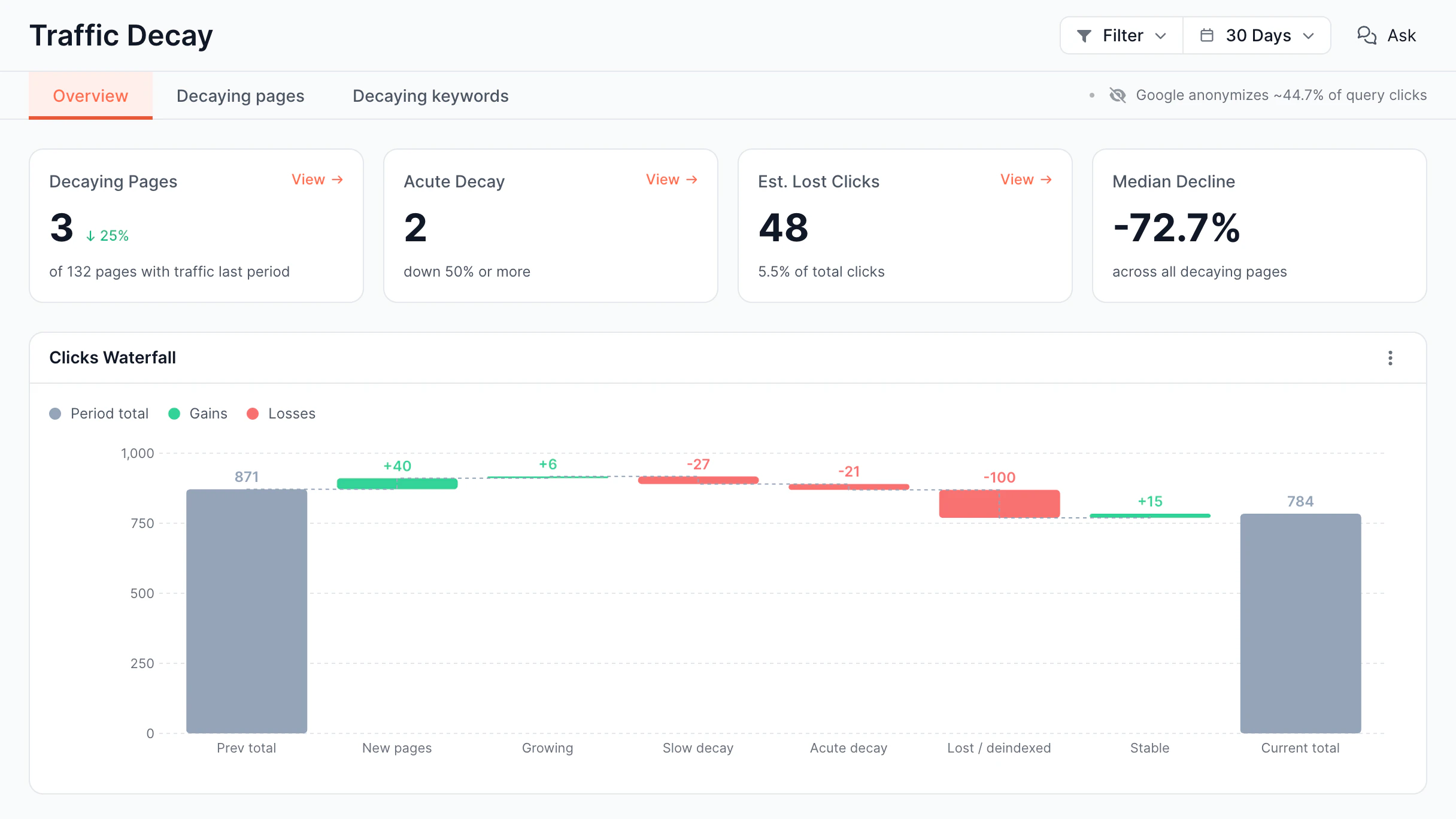
Bad bot request volume, share of all bot traffic and wasted renders, with requests over time split by high, medium and low risk

See log analyzer
in action

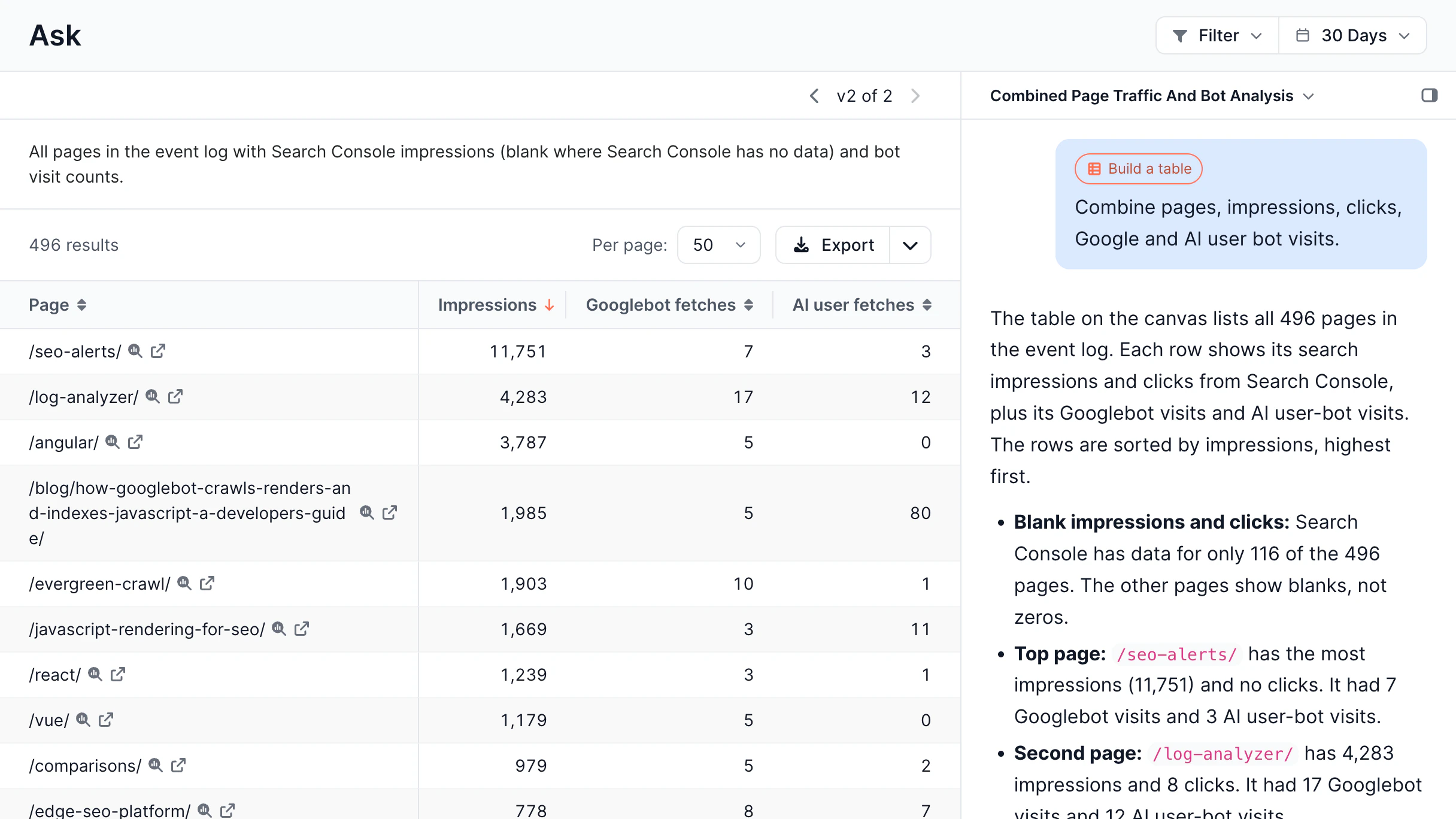
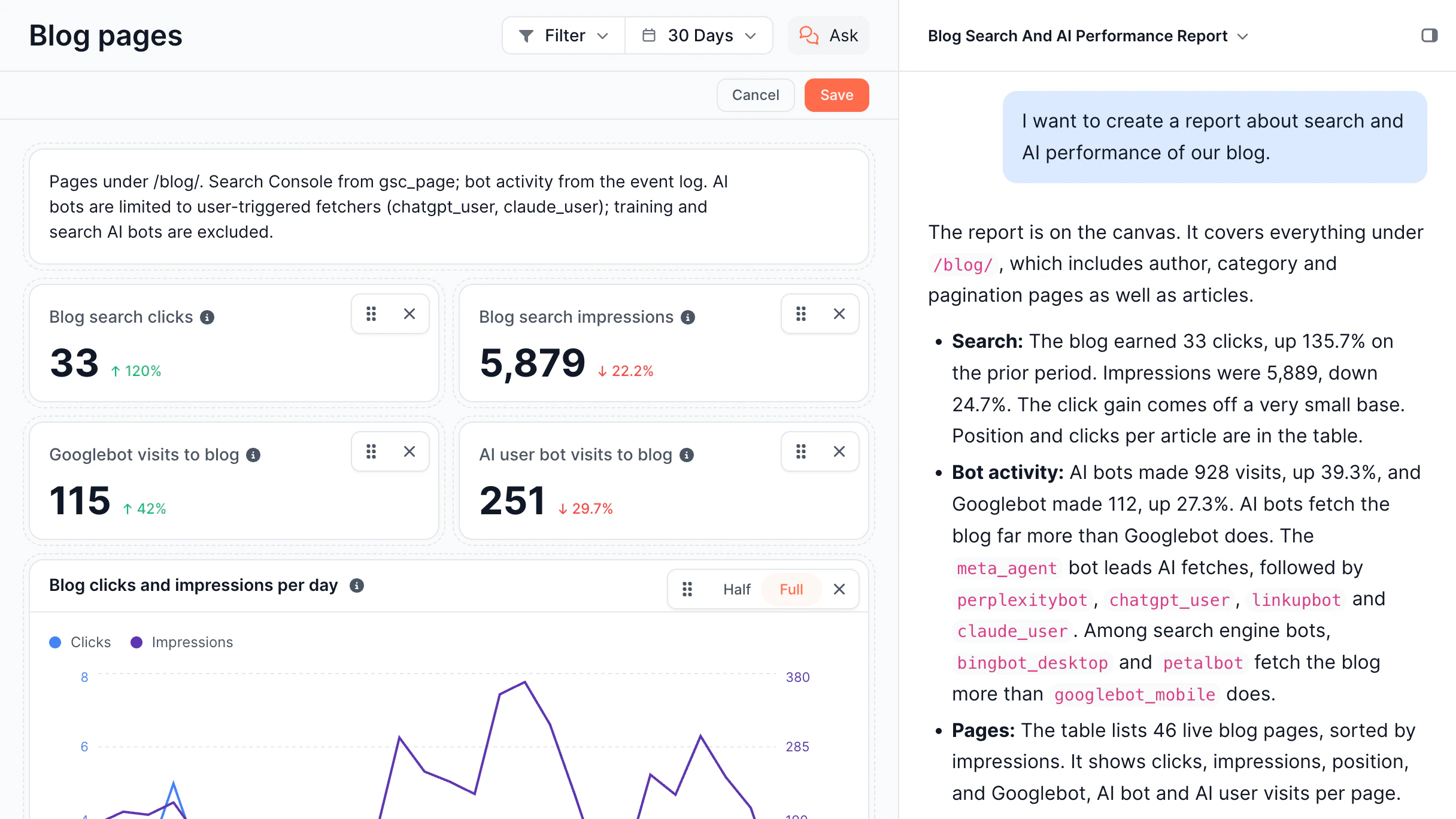
Here's what a real working session with log analyzer looks like - from the raw bot activity right through to clear and useful insights.

14-day free trial

Explore other features of our platform

Website log analyzer is just one layer. EdgeComet helps you control rendering
performance, cache, and indexing in real time. Explore other features.

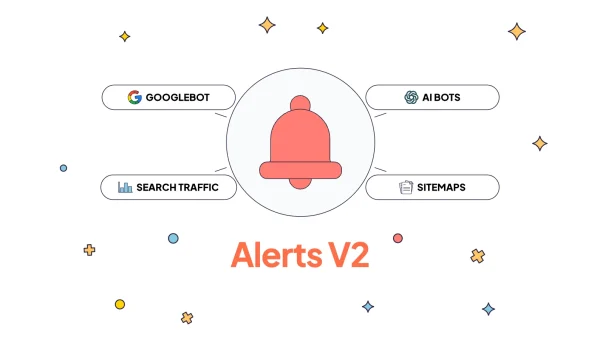
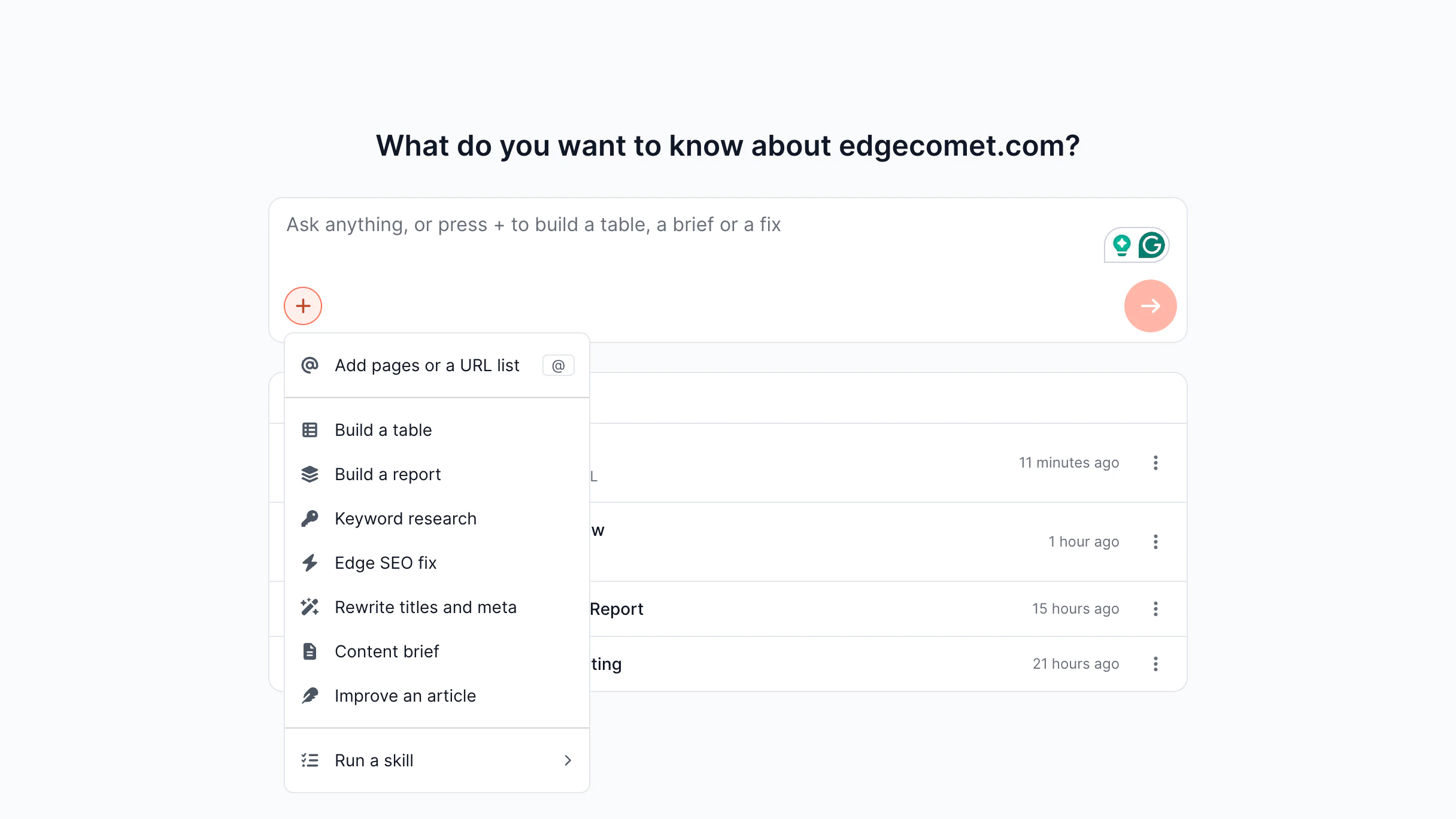
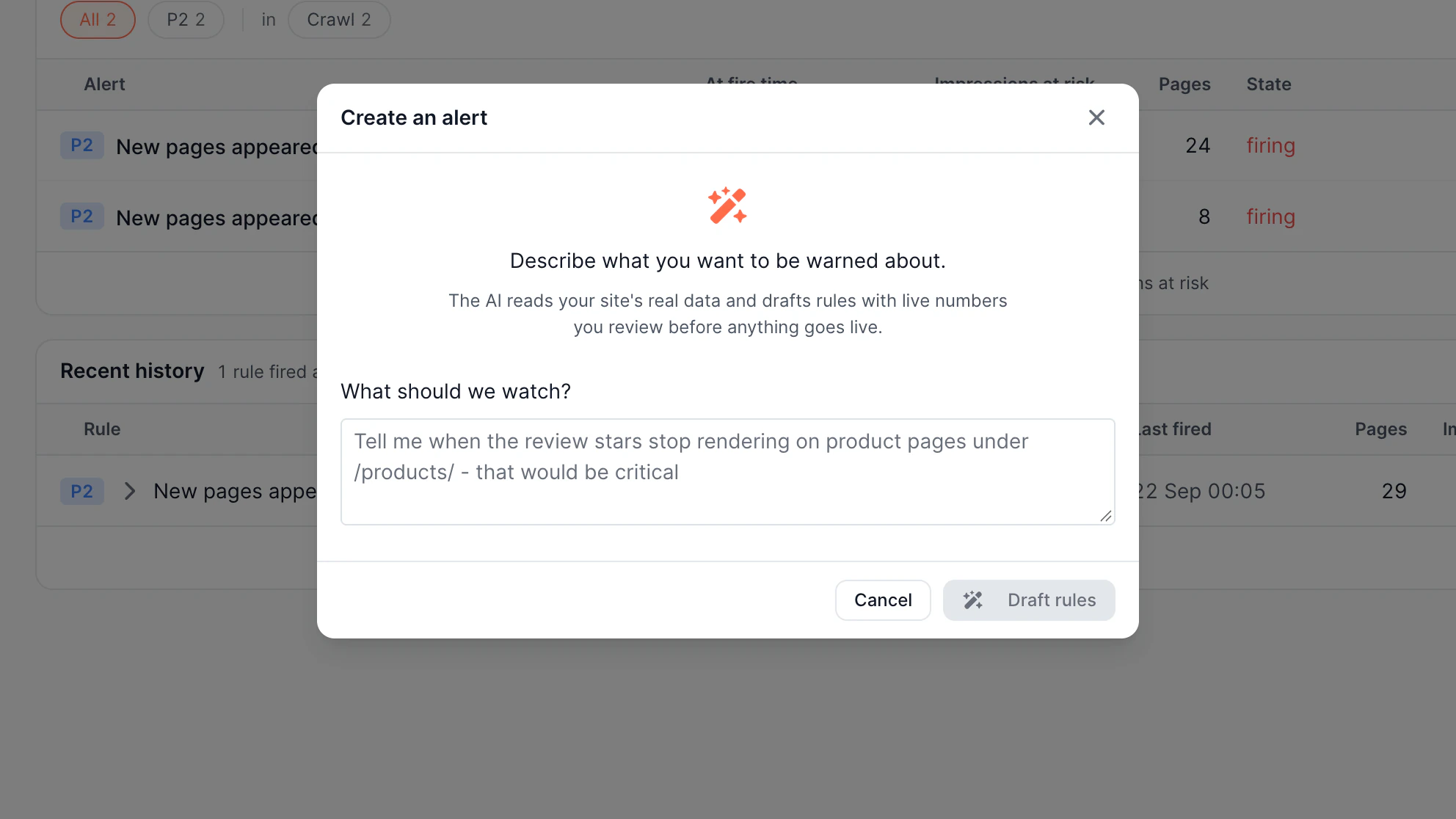
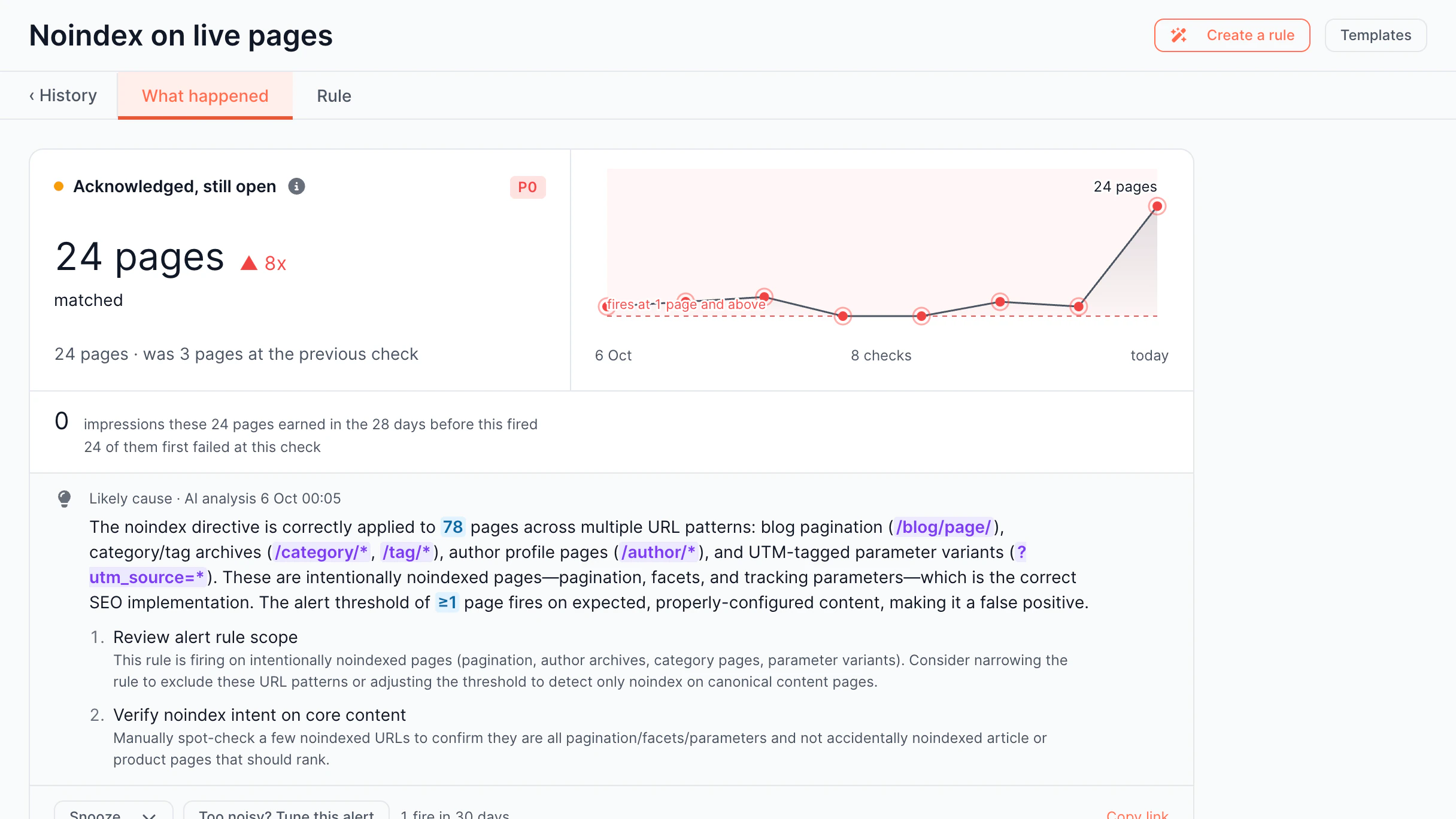
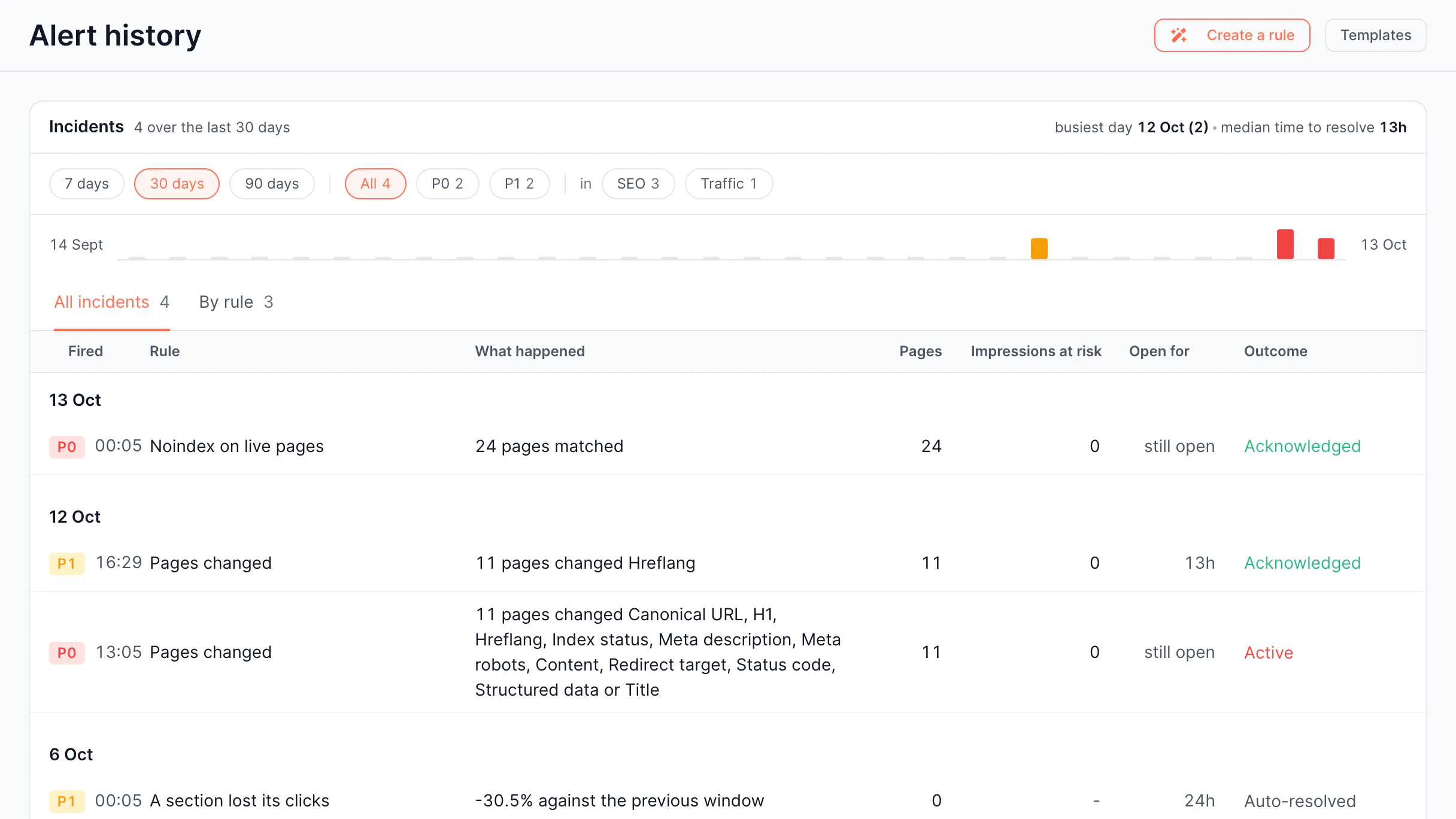
Alerts Describe an alert screen in the EdgeComet dashboard

Create an alert by describing it in plain text.

Comparison vs competitors vs classic solutions

See how EdgeComet differs from traditional log file analyzers and analytics platforms – across raw bot requests, AI crawler reporting, and crawl budget data. Here's an SEO log analyzer comparison.

EdgeComet

Competitors

Google Search Console

Googlebot Crawl Analysis
Real crawl data: frequency, pages, response codes. Granular breakdown by sections and page types
Advanced analysis with crawl maps and segmentation
Basic crawl statistics and indexing reports only
AI Bot Reports
Real-time tracking for GPTBot, Claude, Perplexity and full visibility into content served
Monitors AI bot traffic volume only with no content visibility
No AI bot data
Crawl Budget Management
Analysis of wasted budget and its optimization
Advanced analysis with recommendations
No direct budget visibility
Response Time Monitoring
Per-bot, per-page response tracking. Slow pages identification
Available but requires setup
Aggregated data only, no drill-down
Raw Log Access
Full log access with filters, export, API and MCP
Full log ingestion and analysis
No server log access
Content Verification
Compare what bots receive vs users. Detect rendering issues
Rendered page comparison via crawl
Limited to URL inspection (manual)
Pricing
Priced by Googlebot requests; all other bots free
$30K–$100K+ / year
Free, but limited capabilities
Googlebot Crawl Analysis
Advanced analysis with crawl maps and segmentation
AI Bot Reports
Monitors AI bot traffic volume only with no content visibility
Crawl Budget Management
Advanced analysis with recommendations
Response Time Monitoring
Available but requires setup
Raw Log Access
Full log ingestion and analysis
Content Verification
Rendered page comparison via crawl
Pricing
$30K–$100K+ / year
Googlebot Crawl Analysis
Basic crawl statistics and indexing reports only
AI Bot Reports
No AI bot data
Crawl Budget Management
No direct budget visibility
Response Time Monitoring
Aggregated data only, no drill-down
Raw Log Access
No server log access
Content Verification
Limited to URL inspection (manual)
Pricing
Free, but limited capabilities

Why teams switch to EdgeComet

EdgeComet combines real bot traffic, rendering data, and SEO log analysis in one system.
It shows how crawlers act on your website, so you can quickly fix indexation issues.

Traditional log analysis tools display raw data without context.

You see which pages are crawled, but not whether they are worth crawling.

EdgeComet shows you what bots crawl and helps you fix it.

SEO crawlers simulate bots instead of tracking real ones.

They show you what a Googlebot can do on your site, but not what it actually did.

EdgeComet tracks real Googlebot sessions, so you get actual data.

Most platforms ignore AI crawlers completely.

They don’t know what bots visited their site and how frequently.

EdgeComet monitors each crawler along with Googlebot.

Try EdgeComet free for 14 days

Run EdgeComet on your real traffic with full access to the platform, including rendering, monitoring, and Edge SEO.

No credit card required
Cancel anytime

Benefits of SEO log file analysis

With EdgeComet’s web log analyzer, understand how bots engage with your site,
where crawl budget is spent, and what affects visibility and indexing.

Check where your budget goes

Learn which pages bots prioritize, ignore, or waste time on. Redirect crawl attention to the most important pages.

Outcome
Analyze and prioritize crawl budget across your site

Analyze AI traffic by bot

Monitor traffic from GPT, Claude, and other AI platforms separately. Check how AI platforms access your content and how their behavior evolves.

Outcome
See whether bots are indexing your key pages

Track what actually matters to crawlers

See response times, error rates, and cache performance the way bots see. Pinpoint the slowdowns that hurt crawl frequency and indexing.

Outcome
Stop wasting server resources on irrelevant content

Analyze data from metrics to causes

Shift from any data to the exact requests, URLs, and issues behind it. See just the real story behind every number.

Outcome
Reveal hidden errors and indexing bottlenecks

How SEO log file analyzer works

SEO log file analyzer processes raw server logs from bot visits, recording URLs, status codes,
response time, and timestamps. It turns this data into clear dashboards showing which pages
are accessed, how often, and where issues occur.

Log Data Gathering

When Googlebot, GPTBot, or ClaudeBot visits your site, your server creates a log entry. EdgeComet gets these requests in real time and attaches the complete rendered page information.

Crawl Pattern Analysis

The analyzer groups log entries by bot type, URL, status code, and response time, uncovering which pages get attention, which are ignored, and where budget is being wasted on errors or duplicates.

Rendering Verification

Unlike traditional solutions that only confirm a bot visited a URL, EdgeComet checks what it received: title tags, canonicals, or structured data, showing invisible issues that standard bots miss.

Use Cases

Website log analysis will help your business optimize budget and improve website and AI traffic performance.

Publishers

For content-related businesses where every minute of indexing delay results in lost traffic, Log Analyzer shows exactly which issues are slowing Google's discovery of new content.

Read more

Classifieds

Websites with short-lived listings can waste budgets on expired ads and filters instead of active inventory – Log Analyzer shows where budget goes and how to use it effectively.

Read more

Real Estate

Dynamic listings struggle with Googlebot crawling filters instead of property pages – Log Analyzer identifies the crawl patterns that drain budget away from indexable listings.

Read more

E-Commerce

Online stores may lose revenue if product pages fail to render for Googlebot – Log Analyzer reveals which pages bots can't reach and why.

Read more

Ready to get more from your site?

Improve indexing, visibility, and traffic from day one.

14-day free trial
Ready to get more from your site?

All your questions answered

SEO log file analyzers process raw server logs to show how search engines and AI bots crawl a website: which URLs they request, how pages respond, and where errors occur. EdgeComet's Log Analyzer takes this further, pairing every crawler request with the actual rendered page it got.

It identifies where crawl budget is wasted on errors, duplication, and low-value pages, so you can redirect attention to content that actually gets indexed.

Website log file analyzer uses raw server data – every bot request with its URL, timestamp, status code, response time, and bot type.

You should connect your server logs to EdgeComet server log analyzer and monitor crawl patterns, response efficiency, and indexability across all crawlers in one dashboard.

Search Console gives aggregated, Google-only data – SEO log file analyzer gives full request-level detail across every bot, including AI crawlers, with no gaps.

Any large or complex website, where crawl inefficiency affects indexing, needs SEO log file analysis tools. These websites include e-commerce and enterprise platforms, JavaScript-heavy applications, and SEO agencies.

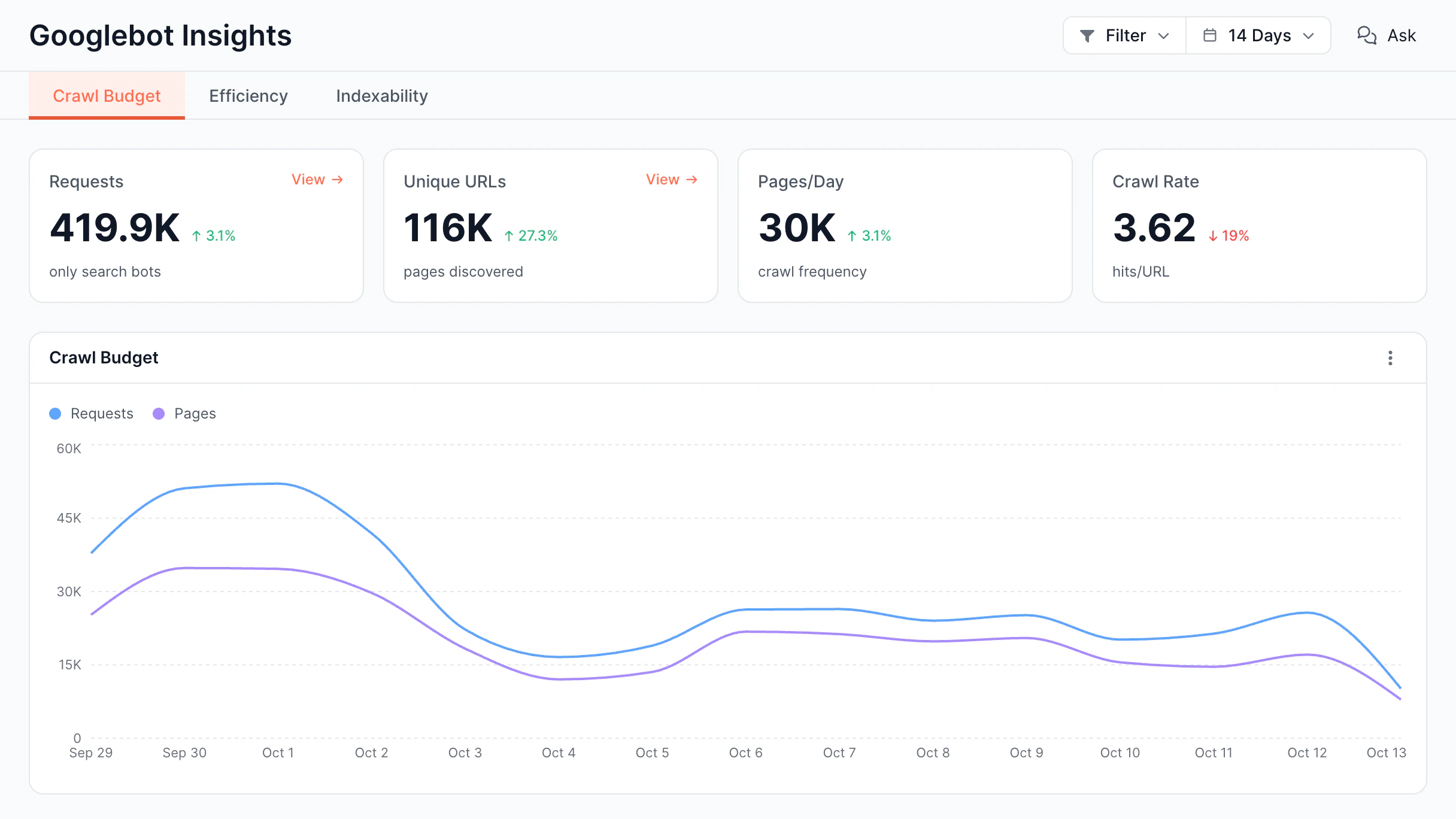
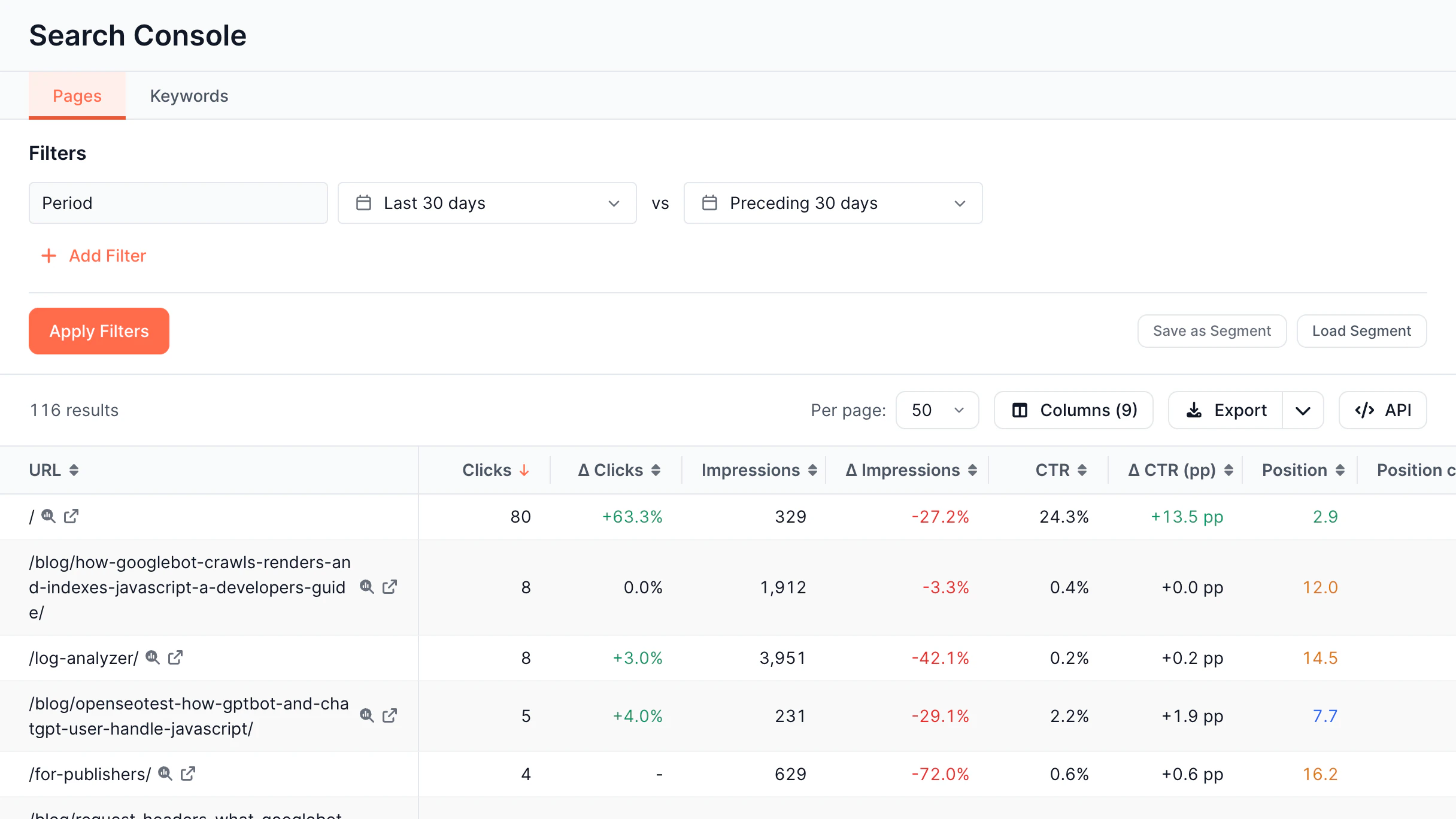
Log Analyzer shows exactly how Googlebot inspects your site: daily crawl rate, crawl budget allocation across valuable, questionable, and wasted pages, desktop vs. mobile breakdown, and response quality. You can also monitor new URL discovery, URL loss, overcrawled pages, and declining crawl interest.

Log Analyzer breaks every Googlebot request into three buckets: valuable, questionable, and wasted crawl budget – based on the actual page it got. It flags overcrawled pages, declining crawl interest, and non-indexable URLs using requests, so you see where exactly Googlebot's attention is focused.

Latest insights

Stay ahead with expert insights on search visibility, AI optimization, and technical SEO