Can Google Analytics detect bot traffic? A short answer is – partially. GA detects well-known bots, but doesn’t show exactly which one came and what it received. Server logs give a full picture. In this article, we’ll figure out why this happens and how to see what analytics hides.
Table of contents:
- Can Google Analytics Detect Bot Traffic?
- Does Google Analytics Filter Out Bot Traffic?
- How to Identify Bot Traffic in Google Analytics
- Why Googlebot and AI Crawlers May Not Appear in Google Analytics
- Google Analytics vs Server Logs for Bot Traffic Detection
- What Server Logs Reveal That GA4 Cannot
- How to Analyze Bot Traffic Using Server Logs
- GA4 or Server Logs: Which Should You Use?
Imagine you open Google Analytics and see an ideal picture. Your traffic is stable, and sessions grow. It seems you know everything about your website. However, there’s one thing. While you are looking at dashboards, hundreds of visitors come to your site, but it seems they don’t exist. Googlebot checks your site. AI bots like ClaudeBot or GPTBot gather text to train models. ChatGPT-User shows your article because someone asked a related question in the chat. All these activities happen daily, but your reports have no sign of that. The question is: can Google Analytics detect bot traffic? A short answer is – partially. GA detects well-known bots, but doesn’t show exactly which one came and what it received. Server logs give a full picture. In this article, we’ll figure out why this happens and how to see what analytics hides.
Can Google Analytics Detect Bot Traffic?
Google Analytics doesn’t have a separate report on bots. It has no screen that lists bots and no filter you can configure. GA gathers data with a JavaScript tag that runs in a browser, sends an event, and helps build a session from it. That works well for people, but poorly for bots, because most of them never run the tag.
However, some bots can run JavaScript. These visits appear in reports and look like common sessions. That is where Google Analytics bot traffic detection problems come from. They distort metrics, and it’s hard to notice. GA shows only spikes in sessions, zero engagement time, and weird browser versions. That’s why Analytics helps you suspect the bot, but not confirm it. To learn who visited your site, you need data from the server layer.
Does Google Analytics Filter Out Bot Traffic?
Google Analytics does indeed clean reports by removing bot traffic. It handles this automatically, no configuration required from you. But this is where things get interesting.
What exactly does GA classify as a bot? Only entities already included in specific lists. Google relies on its own internal research as well as the international spiders and bots list. Anything not found on these lists is treated by Analytics as a regular visitor. You cannot disable this filter, nor can you see how many visits it has removed.
Essentially, you are in a position where you must trust the tool without any way to verify its actions. And that is not the only issue:
- Only known bots are filtered out. New scrapers, spoofed Googlebots, or custom scripts pass through undetected.
- There is no reporting. Since you don’t know exactly what was removed, you can’t assess whether the filter is performing effectively.
- Being “filtered out” doesn’t mean the bot wasn’t there. The bot still visited your website and loaded your server, but it simply didn’t appear in your GA.
In essence, Google Analytics gives cleaner data about human users, but it doesn’t provide a full picture of bot activity.
How to Identify Bot Traffic in Google Analytics 4
To detect suspicious sessions in GA4, check the following signals we gathered in the table below.
| Signal in GA | What it may indicate | Why it isn’t proof |
|---|---|---|
| Sudden traffic spikes on one page | Scraper or automated script hitting the URL | Campaigns, press mentions, and viral posts may cause spikes as well |
| Engagement time near 0 seconds | Script that loads the page and leaves | Real users also leave fast, especially on mobile |
| Traffic from one city or data center region | Bot running on a cloud server | Corporate VPNs and offices look the same |
| Odd screen sizes or very old browser versions | Headless browser or outdated scripts | Some real users have old devices |
| Many sessions with no clicks or scrolls | Automated visit | Some pages need no interaction |
| Strange referral sources | Referral spam | A new partner site can look odd at first |
To analyze these signals, compare them in an Exploration report by segmenting by country, city, browser, and landing page. If multiple signals point to the same group of sessions, the case gets stronger. Still, GA4 tells only what the browser reports. It can’t verify the IP address or the user agent against official sources.
Why Googlebot and AI Crawlers May Not Appear in Google Analytics
The reason Googlebot and AI bots don’t appear in GA is simple – a server request and an analytics event are two different things. At the moment crawlers ask for a page, they send HTTP requests to your origin. The latter responds with content and status codes. This exchange happens before any analytics tag loads. If the crawler stops there, analytics never sees it.
- Googlebot can render JavaScript, so it could run the GA tag. In practice, GA4 filters known Google bots, so Googlebot doesn’t appear as typical sessions. You can’t use GA to see how frequently Googlebot visits or which exact pages it skips.
- AI crawlers retrieve raw HTML and don’t run JS. They never trigger the GA4 tag. This is the answer to “why doesn’t Google Analytics show AI bot traffic?” The visit happens at the server level, and GA4 works at the browser level.
If your question is “Which AI crawlers visit my website and what are they doing?” learn the following three groups of bots:
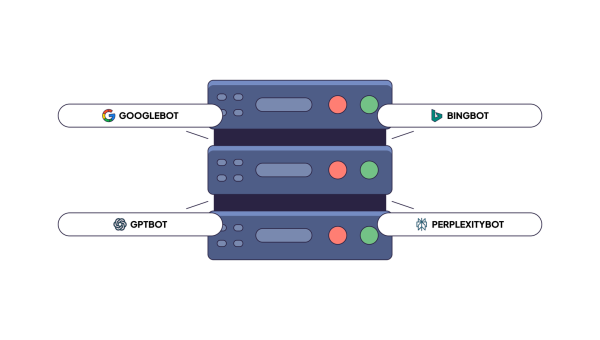
- Search bots (e.g., Claude-SearchBot, PerplexityBot) create the index for AI search
- Training bots (e.g., GPTBot, ClaudeBot) gather content to train LLMs
- User fetchers (e.g., ChatGPT-User, Claude-User, Perplexity-User) load a page in real time when you ask a question
Visits from humans who click a link inside ChatGPT are human visits. GA4 can record those as referral traffic. That is a different thing from a bot finding your page.
Google Analytics vs Server Logs for Bot Traffic Detection
| Data / Capability | Google Analytics (GA4) | Server Logs |
|---|---|---|
| How data is gathered | JavaScript tag in the browser | Every request to the server |
| Bot coverage | Known bots filtered out, others mixed with users | All bots that send a request |
| Googlebot activity | Not visible | Visible: URLs, frequency, status codes |
| AI crawler activity | Usually not visible | Visible by user agent and IP |
| Bot identity check | None | IP check against official vendor ranges |
| HTTP status codes (404, 301, 5xx) | Not available | Available for every request |
| Crawl frequency per URL | Not available | Available |
| Main purpose | Human behavior and conversions | Crawler behavior and server health |
GA4 answers questions about people, whereas server logs answer questions about machines.
What Server Logs Reveal That GA4 Cannot
A server log is a registry of every request your website gets. To analyze bots, check the following things in the log:
- Crawler identity shows the user agent and the IP address. You can check whether “Googlebot” is real or a fake.
- Requested URLs tell which pages bots read and which they ignore.
- Bot frequency shows how often a bot comes back to the page. Important pages that get one visit a month are easy to discover.
- HTTP status codes. You see 200, 404, 429, and 5xx responses for each request.
- Redirects and errors. You see redirect chains and error loops that waste crawl capacity.
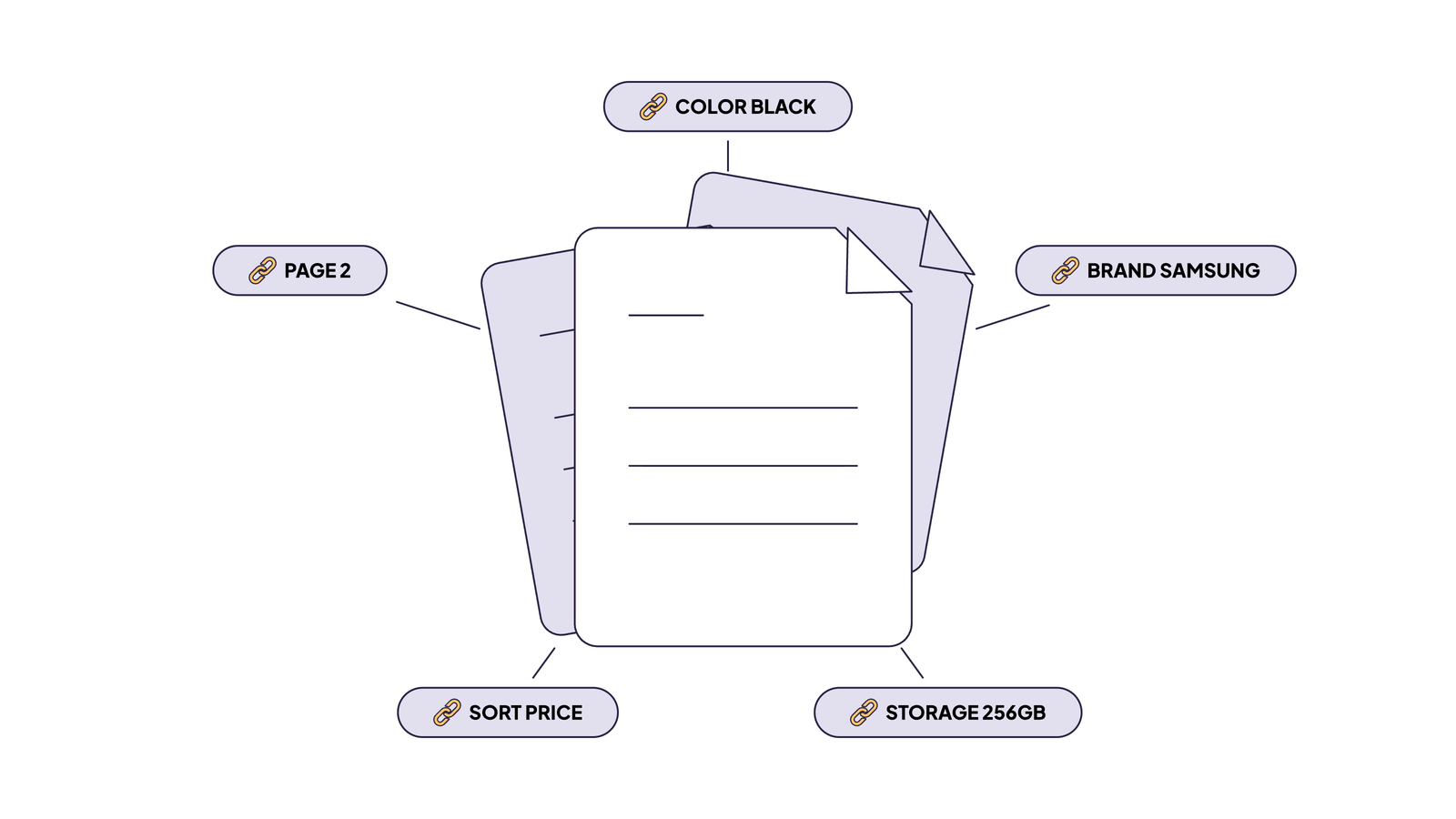
- Activity by site section shows how bot attention splits between products, blog, and filter pages.
- Googlebot vs AI crawlers – who visits more, and which pages each one prefers.
It’s difficult to work with raw logs, though. They are messy and hard to read. A tool for website log analysis solves this problem. So, if your need sounds like “a tool that analyses server logs to show which AI crawlers visited my site,” EdgeComet is a perfect fit. It tells you which AI bots came to your site by catching requests at the CDN edge. You don’t need to upload files manually. Each bot request is stored with a 90-field SEO snapshot generated from the rendered page, including title, canonical, and meta robots directive. Standard logs don’t contain those.
How this helps you in practice:
- Verifying bots. Check each request against 12 official vendor IP feeds. A fake Googlebot gets flagged as high risk.
- 19 AI crawlers in three groups. Training, search, and user fetch are displayed separately.
- Viewing crawl budget. Check how the crawling budget is shared across website sections.
- Segmenting. Group pages by template (products, categories, and blog).
- Exporting. Export up to 1,000,000 log rows to CSV, or send them to the AI Action Board.
One limit to keep in mind. A bot request shows that a crawler fetched your page. It does not mean an AI assistant will cite you in answers.
How to Analyze Bot Traffic Using Server Logs
Here is a practical and short workflow to analyze bot traffic using server logs:
- Gather logs. Use raw access logs or an edge-based tool. You need at least 30 days of data.
- Verify the bots. Compare IP addresses with official ranges. Separate real crawlers from fakes.
- Group by crawler type. Split search engines, AI training bots, AI search bots, and user fetchers.
- Group by site section. Learn where bots spend their time.
- Check status codes. Look for 404s, long redirect chains, and 5xx errors.
- Fix and recheck. Change the problem, wait a week, and compare the numbers.
Which tools can distinguish GPTBot, OAI-SearchBot, and ChatGPT-User in server logs? You need a tool that reads the user agent and verifies the IP. Manual methods work on small sites. A log analyzer that groups crawlers by purpose does it faster and with fewer mistakes. EdgeComet does this by default.
GA4 or Server Logs: Which Should You Use?
To appropriately choose the right solution, select the source that answers your question.
| If you need to… | Use |
|---|---|
| Measure conversions and user journeys | GA4 |
| Check which channels bring human visitors | GA4 |
| Identify suspicious sessions in user reports | GA4 |
| See whether Googlebot visits your key pages | Server logs |
| Learn which AI crawlers visit your site | Server logs |
| Confirm that a bot is real or fake | Server logs |
| Find crawl waste, 404s and redirect chains | Server logs |
| Prove that an AI bot fetched a page, even if it is never cited in answers | Server logs |
What tools can show that an AI bot crawled a page even when the page is never cited in answers? Only tools that read server-level data. Analytics won’t do that.
The main point to consider: GA4 and server logs are not competing – they just answer different questions. GA4 tells you what people do while server logs tell you what bots do.
FAQ
Does GA4 automatically filter bot traffic?
Yes, for known bots. GA4 excludes traffic from bots and spiders on the IAB list and from Google’s own research. You cannot turn this off, and you cannot see what was removed. Unknown bots can still appear in your reports.
Can Google Analytics track Googlebot?
Googlebot is on the list of known bots, so GA4 filters it out of normal reports. Even if it did run the GA4 tag, you wouldn’t get what you need: how often it visits, which URLs it requests, and which status codes it gets back. That data only exists in your server logs, where every Googlebot request is recorded and can be checked against Google’s official IP ranges.
Why don’t AI crawlers appear in Google Analytics?
Most AI crawlers just request raw HTML and can’t execute JavaScript. An inactive GA4 tag prevents event transmission. The information about the visit is kept only on your server.
Are server logs better than Google Analytics for detecting crawler traffic?
Yes. Server logs record every request, including those from bots. They show the user agent, the IP, the URL, and the status code. GA4 is better for human behavior. For crawler traffic, logs are the right source.