

Weekly search and AI performance email
The EdgeComet weekly performance email is a scorecard of each site's week in search and AI: Google clicks and impressions, AI answer fetches and Googlebot crawl, each against the week before. Also called the weekly digest. It is separate from alerts.
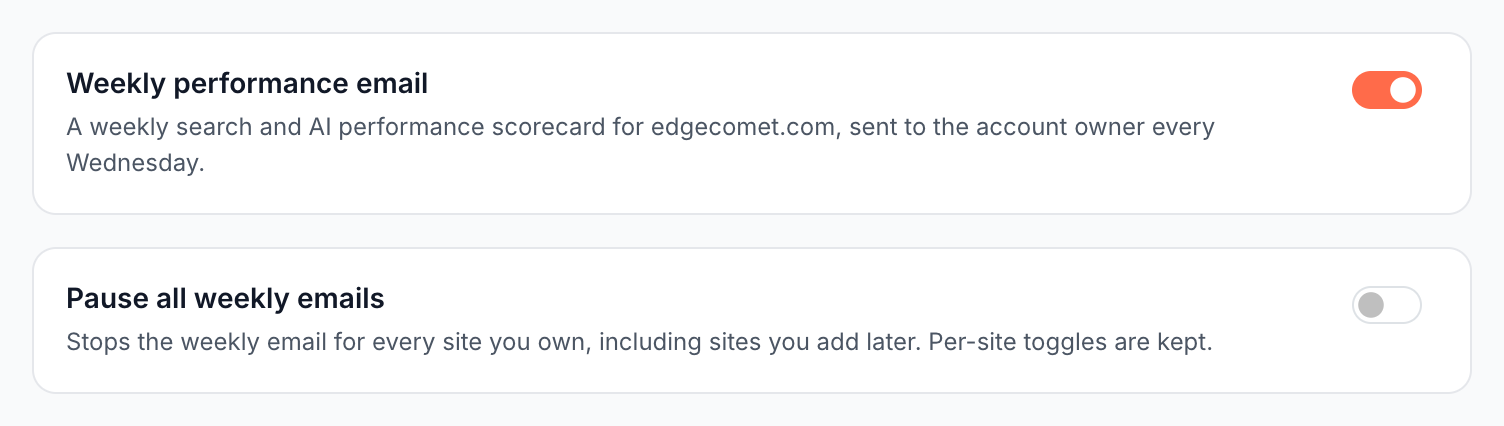
It goes to the account owner every Wednesday, covering the previous Monday to Sunday. You turn it on or off for each site under Alerts > Weekly Digest.
When it is sent and to whom
The email goes out on Wednesdays at 13:00 UTC to the account owner's address. It does not go to the alert destinations on the Notifications page, and the alert master switch does not stop it.
An owner with six or more sites that qualify that week gets one combined email for them instead, with up to 12 site blocks: "Showing the first 12 of N sites. Open the dashboard for the other N." A site in its first week still gets its own email.
What the email contains
The subject leads with the site and its biggest move of the week, such as example.com - Clicks up 12% this week · {dates}, or example.com - Weekly report · week of {dates} in a steady week.
Each site's report shows:
- Search impressions, Clicks with non-brand clicks, AI answer fetches (pages pulled into assistant answers) and Googlebot crawl, each with the change against last week and against the 4-week average.
- Top pages by impressions, the Biggest movers among pages and queries, and the Top non-brand keywords.
- Brand vs non-brand clicks.
- AI visibility by assistant and Crawl by crawler.
- The share of bot fetches served successfully. When Origin stopped answering, Pages started answering 4xx or Renders are failing has an open incident, the line names it with View alert.
View full dashboard opens the site in EdgeComet.
Why a site gets no weekly email
The email is built from Search Console data, and EdgeComet never sends one full of zeros because data is missing. A site is left out of the week until:
- Search Console is connected, and imported through the Sunday the email reports on.
- A full previous week exists to compare with.
A site's first complete week gets a shorter email: "Your first full week of data - week-over-week baselines start next Wednesday." See Connect Google Search Console.
Turn it off
You stop the weekly email in two ways:
- One site: switch off Weekly performance email under Alerts > Weekly Digest, or use Unsubscribe this site in the email's footer.
- Every site you own: switch on Pause all weekly emails, or use Pause all weekly emails in the email's footer. It also covers sites you add later, and each site's own switch is kept for when you resume.
The footer links open a confirmation page, Stop weekly emails?, and mail clients that support one-click unsubscribe can stop it from the inbox.
Where to find it
In the dashboard: Alerts > Weekly Digest.